
Bitwarden Authenticator App Review: Standalone Codes or Vault TOTP?
Published October 13, 2026
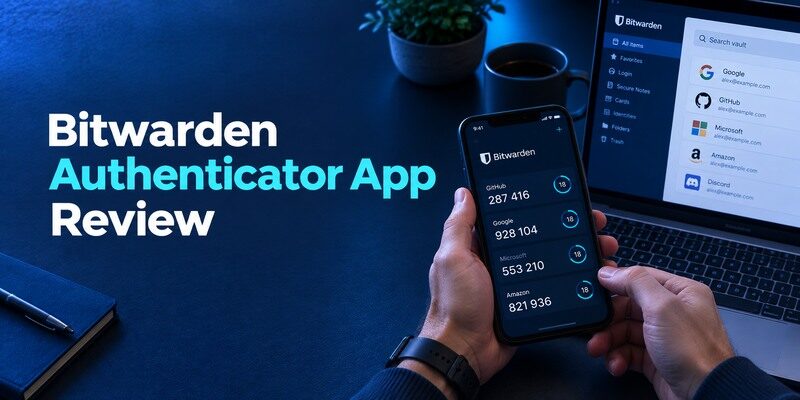
Bitwarden Authenticator is a standalone app for standard verification codes, separate from storing TOTP fields inside the Bitwarden password manager. That distinction is the first decision in this Bitwarden Authenticator App review: which product will hold your second-factor secrets, and how will each recover? Bitwarden’s official documentation describes the standalone app and its evolving sync and backup functions. Check current release details before moving a large vault, because older reviews may describe a different feature set.
Identify Which Bitwarden Product You Mean
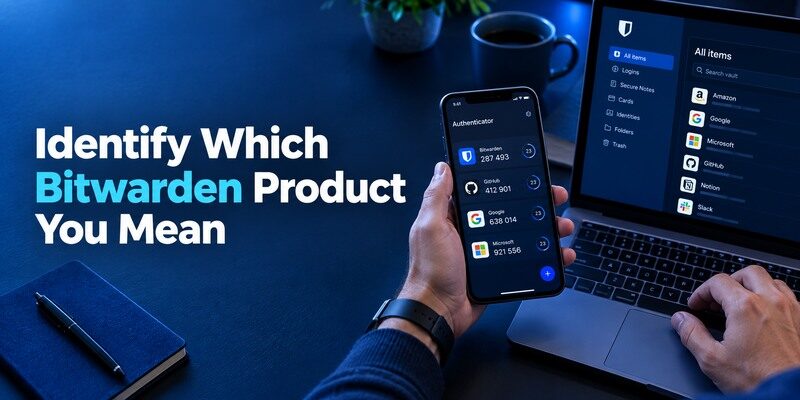
The standalone Bitwarden Authenticator app can hold time-based codes on a phone. Bitwarden’s password manager can also store a TOTP secret with a login item under supported features and plans. These approaches can look similar at sign-in while having different backup, access and subscription implications. The app name alone does not tell you whether your codes are inside the password vault or separate from it.
Setting up Bitwarden Authenticator follows the standard TOTP enrollment process for compatible websites. Open the service’s security settings, scan its QR code or enter the setup key manually, and verify a fresh code before completing registration. Our complete authenticator app guide explains QR code enrollment, manual setup, and the recovery precautions to take before relying on an authenticator for important accounts.
| Question | Standalone Authenticator | Password-vault TOTP |
| Where are codes accessed? | Separate code app | Login item in the vault |
| Can an unlocked password vault yield both? | Depends on how you separate storage | Potentially yes for stored items |
| How do you recover? | Current authenticator backup/sync route | Vault account recovery and access |
| How do you protect Bitwarden itself? | Independent factor recommended | Avoid vault-only circular dependence |
Separation as a practical choice
Keeping the standalone app apart from passwords can prevent one unlocked vault from immediately disclosing both values for a website. It also creates another application and recovery route you must maintain. A combined password-plus-code workflow can be convenient for lower-risk accounts when vault controls are strong. Decide based on the consequence of compromise and the likelihood you can recover, rather than assuming one layout is always right.
Watch product updates
Bitwarden’s documentation and release material describe changes in authenticator synchronization. A 2024 screenshot of local-only behavior may no longer reflect the installed version. Confirm the current sync state, import/export options, platform support and any account requirement directly before choosing a recovery plan. If you prefer local custody, inspect whether the current settings allow it and what an export contains.
Advantages
A standalone code app offers a separate workflow from storing site passwords in a Bitwarden vault, and the company documents newer optional TOTP sync between its products. It fits users already familiar with Bitwarden’s terminology.
Drawbacks
The standalone app and vault-integrated TOTP are different configurations. Turning on synchronization can change separation assumptions; backup and platform support must be checked in the current app.
Who should use it
A Bitwarden user who wants to decide explicitly whether codes should remain separate from the password vault.
Add a Code to the Standalone App
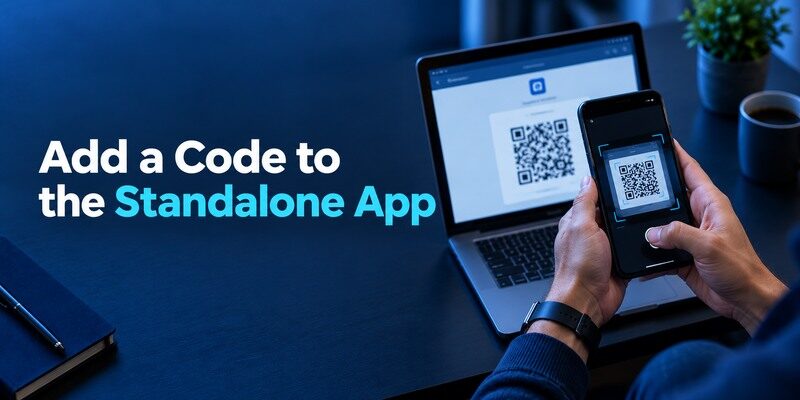
Open the website’s own security page and choose a standard authenticator option. Scan its QR into Bitwarden Authenticator or enter the setup key, then submit a fresh displayed code at the website to complete enrollment. Store the issuer’s backup codes somewhere independent. This is a two-sided setup: the app must save the secret and the website must confirm it. Only a real sign-in from a new session proves the pair works.
A duplicate entry can fool you
After a re-enrollment, two entries for one service may display different codes. The new one might be the only valid secret at the issuer. Label entries by account identifier and test before deleting a duplicate. If a code fails, automatic phone time and enough seconds on the countdown are good first checks. Avoid changing the factor repeatedly until you know which entry was accepted in the last successful login.
QR images are reusable credentials
The enrollment QR is not a disposable one-time code. Anyone with a copy of its underlying secret can generate future codes until the site rotates that factor. Do not attach the QR to a help request or leave it in a shared photo stream. If exposed, reset the factor through the website, enroll a new secret and review sessions. Deleting an app entry alone cannot revoke an attacker’s copy.
How to set it up safely
Install the standalone Bitwarden Authenticator, scan a website’s TOTP enrollment QR and confirm a real code there. Decide whether to connect it to Bitwarden Password Manager only after reading the current sync setting and checking who can access both password and code; keep the issuer’s recovery codes separately.
Understand Backup and Sync Before You Need Them
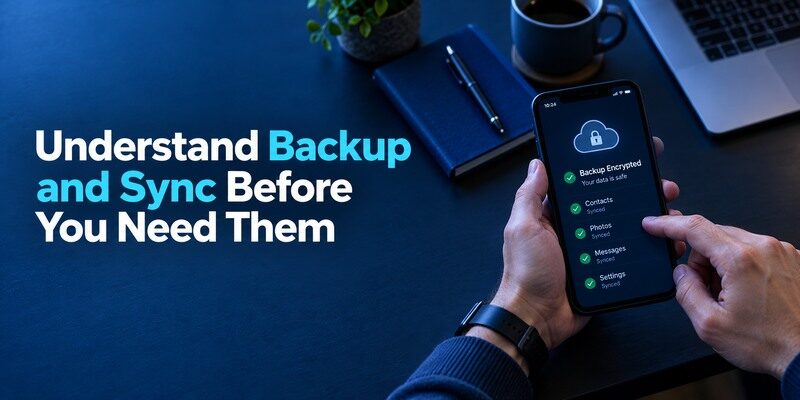
Find the current Bitwarden Authenticator instructions for moving or syncing entries, then verify the status on your own device. If account-based sync is enabled, protecting that account becomes part of the authenticator’s security model. If you maintain local exports, protect the file and test an authorized import. A displayed account list on the new phone is not enough; pass an issuer challenge for a priority website.
| Failure point | Real consequence | Advance check |
| No current backup | Lost phone may mean missing seeds | Create a documented restore route |
| Wrong Bitwarden account | Codes may not appear | Confirm account identity before trade-in |
| Export password lost | Protected file unusable | Keep independent recovery details |
| Old device compromised | Copied secrets may remain valid | Rotate affected issuer factors |
Backup and recovery are not synonyms
A backup copies data; recovery proves you can access it under stress. Test the exact sign-in needed on a replacement phone, especially if the Bitwarden account itself uses a code stored in the app. Maintain an alternate factor or recovery material for that account. Avoid creating a loop in which you need the missing code collection to log in to the service holding its backup.
A backup file is only one part of a reliable authenticator recovery plan. You also need access to the credentials required to restore it, independent recovery methods for your Bitwarden account, and website-issued backup codes. Our guide to the best account security practices explains how to protect critical accounts without depending on a single device or authentication method.
Migration from the vault is deliberate
If you previously stored OTP secrets beside passwords in the Bitwarden vault, moving them to a separate app changes access boundaries. Determine whether the current app can import in a supported format or whether each website needs re-enrollment. The latter creates fresh secrets and can be preferable if the vault was exposed. During a planned move, keep the original method working until every priority issuer accepts the replacement.
Check whether a Bitwarden login unlocks the code collection
On the standalone app, inspect the current account and sync settings. If codes are associated with a Bitwarden account, decide how you would log in to that account after losing the code-bearing phone. A security key, another enrolled factor or official recovery material can prevent a loop. Then sign in on an authorized second device and test one low-risk website code. If you use a local-only mode, create and protect an export instead. The right procedure is determined by the app version and your settings, not by the brand of password manager installed on the same handset.
Separate two migration projects
Moving website passwords from the Bitwarden vault is different from moving TOTP seeds into or out of the standalone authenticator. The first involves vault access, item data and perhaps passkeys; the second involves code secret formats or issuer re-enrollment. Plan them separately, preserve the source app and verify each target website. An import label can be present even when a particular issuer has since rotated its factor. For a high-value account, consider fresh enrollment rather than copying a secret whose previous custody is uncertain.
Write down the recovery chain without recording secrets
Keep a short list of the Bitwarden account’s independent sign-in method, the protected email’s issuer backup route, and the storage location of an encrypted authenticator export. Do not put raw TOTP setup keys or backup codes in a plain spreadsheet. Rehearse the sequence from a replacement phone: reach email, unlock account, restore one token, then pass a real issuer challenge. A chain with four manageable steps is better than a dashboard that looks synchronized but cannot be unlocked when needed.
Treat an old code copy as a security decision
If a lost phone may have been unlocked, a newly restored TOTP entry can coexist with the exposed old secret. Use the website’s security settings to rotate the factor, and review its active sessions. Logging out of Bitwarden on one device does not necessarily invalidate a third-party website’s TOTP seed. Account control is distributed: Bitwarden controls its account, the authenticator manages local secrets, and each issuer decides which factor is valid.
Review Security Beyond Code Storage
Bitwarden is known for open-source security tooling, but the safe outcome depends on the exact app version, device and account controls. Lock the phone, review connected devices and protect the account used for sync. NIST treats manual TOTP entry as different from phishing-resistant authentication. A fake site can ask for a current code regardless of whether its secret lives in a standalone app or a vault. Confirm the domain and consider passkeys/security keys on sensitive sites.
An unlocked phone is an immediate risk
A thief with access to an unlocked code app may use existing passwords obtained elsewhere. Device locks, auto-lock intervals and app protection are worth checking in the current build. Do not display sensitive codes on a shared device. A screenshot of a six-digit code expires quickly, but an enrollment QR or exported collection does not. Incident response should focus on what was exposed, not only what appeared on the screen.
The issuer owns revocation
If a token seed could have leaked through an export, shared vault or compromised phone, go to each website and disable/re-enable the factor. Review signed-in sessions and recovery contacts. Clearing the Bitwarden app list does not instruct those websites to reject the old seed. An app-level account logout and an issuer-level reset solve different problems.
Choose the separation you can maintain
Using Bitwarden Password Manager for passwords and its standalone authenticator for OTPs creates two application boundaries, but they may still be reachable from one unlocked phone. Check the phone’s screen lock, the app’s current protection options and how sessions survive a reboot. If both products sync under the same account, investigate whether your expected separation holds for recovery and access. A security architecture should be described by actual credentials and devices, not merely by the count of icons on a home screen.
Using separate apps for passwords and verification codes can reduce the consequences of a compromised password vault, but the benefit depends on how both apps are protected and synchronized. Our guide on is it safe to store passwords in one app explores the security tradeoffs of consolidating credentials and the controls needed to protect a password manager.
Map what happens if the Bitwarden account is blocked
Suppose the new phone asks for your Bitwarden account password and an additional factor, while the old phone with that factor is missing. An independent security key, printed recovery material or another approved method can break the loop, depending on the account’s current options. Test a new-device sign-in while you still have the original handset. If a synced standalone code collection is the only way to obtain the account’s code, rearrange the factors before relying on sync to rescue the collection.
Watch the difference between local export and live sync
An exported file preserves the entries present at the moment it was created. A synchronized collection is intended to update through an account-backed service. Confirm the actual mode in your installed Bitwarden Authenticator and run a test on a second authorized device. If you use exports, update them after adding important sites and protect the decryption material separately. If you use sync, review which devices have access. Neither mechanism replaces a website’s own backup codes or the ability to reset a stolen TOTP seed.
Audit imported items one issuer at a time
Imported labels and icons can make a migration appear complete while an account’s secret was rotated at its website months ago. Start with a low-risk issuer and enter a fresh code from the standalone app. Then move email, password-manager and financial accounts in an order that preserves recovery. Keep source access during testing. When a secret is suspected compromised, re-enroll at the issuer rather than copying it. Document completion without recording QR images or raw token keys.
Understand the phishing limit of TOTP
A dedicated standalone app may protect seeds from a password-vault incident, yet a fake website can still capture a current code if the user types it there. Navigate directly to the intended service and examine the domain. For sites with passkeys or hardware security keys, compare those methods where phishing resistance matters. The distinction is especially useful for the Bitwarden account itself, since protecting the root vault with an independent, robust factor avoids multiple downstream recovery problems.
Where It Sits Among Alternatives

provides optional account sync and QR transfer; Aegis offers an encrypted Android export; 2FAS documents OS-specific backups; 1Password keeps codes within a password vault. Bitwarden’s standalone app is relevant to someone who wants a distinct code tool while perhaps already using Bitwarden passwords. Evaluate backup and usability with an actual second-device trial. A comparable dedicated iPhone option is the , whose current restore features should be checked separately.
Bitwarden Authenticator is worth comparing with other applications based on how they store and recover TOTP secrets. Our Google Authenticator review covers optional Google Account sync and QR-based transfer. The Aegis Authenticator review explains Android encrypted vaults and manual exports, while the 2FAS Authenticator review examines mobile backups and browser-assisted sign-in. If you prefer keeping codes inside a password manager, our 1Password Authenticator review explores the convenience and security tradeoffs of vault-integrated TOTP.
Do not choose by an old comparison chart
Products add and retire sync, import and desktop features. Check the official release and support page nearest the date you will migrate, especially for Bitwarden’s evolving standalone authenticator. Avoid treating an app store description as proof a specific backup setting is enabled in your account. When in doubt, enroll one test site, simulate a device replacement and inspect what is actually restored.
A fallback for ordinary QR sites
If you prefer a separate code app and Bitwarden’s current flow does not fit, can be evaluated with a standard QR/manual site. Verify its current backup and purchase terms from the installed version. Keep the issuer recovery code and do not move the Bitwarden account’s only factor until you have an independent way to recover it.
Judge the independent app on a replacement phone
Try the standalone Bitwarden authenticator with a disposable site and a second authorized device. Observe which credentials are required to restore the collection and whether the issuer accepts a fresh code afterwards. Then compare that outcome with keeping the same site’s code in the password vault. The better fit depends on your device lock, account recovery and willingness to maintain separate tools. A side-by-side setup on one phone is not enough to reveal what happens when that phone is gone.
Keep the vault’s recovery route separate
If the Bitwarden account that holds passwords becomes inaccessible, its support and recovery rules govern that vault. An OTP on a phone may help only if it is the enrolled factor and the phone is available. Keep independent approved access and identify the primary email’s recovery method. A password manager is a central dependency for many sites; accidentally locking its own second factor inside an inaccessible workflow can multiply the effect of a small device failure.
Which alternative is better for your needs?
| App | Choose it when | Trade-off |
| Bitwarden Authenticator App | A Bitwarden user who wants to decide explicitly whether codes should remain separate from the password vault. | The standalone app and vault-integrated TOTP are different configurations. |
| Aegis | You need a local Android-only encrypted vault and export | You take on manual backups |
| 2FAS Auth | You want a separate mobile code app with OS backup and browser pairing | Same-OS backup differs from a cross-platform move |
Frequently Asked Questions
Is Bitwarden Authenticator separate from Bitwarden Password Manager?
Yes. Bitwarden describes a standalone authenticator app as well as TOTP capability associated with its password vault. Their storage and recovery paths should be evaluated separately.
Does the standalone app automatically sync?
Features have evolved. Check Bitwarden’s current documentation and the actual sync state on your installed version; test a replacement-device restore before relying on it.
Should I keep my Bitwarden login code in Bitwarden?
Maintain an independent factor and recovery path for the account that opens your vault. Avoid depending solely on secrets available only after that same vault is unlocked.
Can the app make a code without internet?
Locally stored TOTP secrets can generate time-based codes offline. Enrolling, syncing and website verification have separate network needs.
Does moving an entry revoke the original seed?
No. A copied secret may work in both places. Reset the authenticator at the issuing website if the old copy may be exposed.
Final Thoughts
This Bitwarden Authenticator App review favors people who first decide whether they want standalone code custody or combined vault convenience. Confirm current backup features, give the Bitwarden account its own independent recovery route, and test a real issuer login after any move. The brand label matters less than knowing exactly which product holds a secret and how you regain it if a phone disappears.
The standalone authenticator is most useful when its access boundary and backup are understood independently of the password vault. Run a new-device restore with one low-risk website, then protect the Bitwarden account with a factor you can reach without the old phone. If you later combine or separate passwords and codes, verify each issuer login again. That test turns a product distinction into a recovery plan.
