
Stratum Authenticator App Review: Android Backup Without Built-In Cloud Sync
Published October 23, 2026
Stratum is a free, open-source Android authenticator for people who want encrypted backups and direct control over their codes. The official project says it offers categories, import/export and a Wear OS companion; its FAQ says it does not provide built-in cloud sync. This Stratum Authenticator App review treats that as a deliberate workflow choice with real maintenance costs. It also explains the Authenticator Pro name connection so someone migrating an older backup can verify the legitimate project.
The Verdict: Control Comes with a Backup Chore
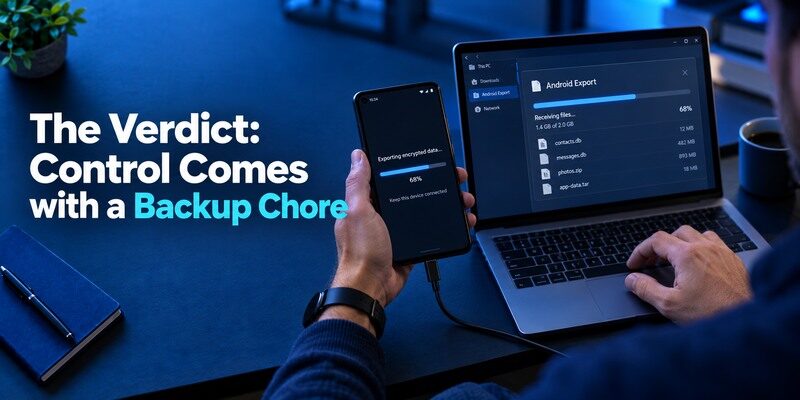
Stratum suits an Android user who prefers local code custody, wants organization features and will create and test encrypted backups. Its project FAQ explains that Authenticator Pro backups can be restored in Stratum. The official site and repository, rather than similarly named listings, should be used to confirm current distribution and publisher. Do not expect codes to automatically appear on a new phone through Google Drive just because your Android device backs up some other apps.
| What matters | Stratum approach | Your task |
| Code storage | Android authenticator | Secure and update device |
| Backup | Encrypted export | Store password and file separately |
| Built-in cloud sync | Project FAQ says no | Move backup deliberately |
| Wear OS | Companion documented | Verify current watch compatibility |
Why the no-sync decision matters
Some people prefer not to depend on an online account for token restoration. Stratum’s project FAQ explicitly rejects built-in cloud sync and discusses alternatives such as a user-controlled backup path. The privacy and custody benefit is meaningful only if a copy survives phone loss. An export stored exclusively in the phone’s Downloads folder disappears with the handset. Decide where a protected file lives before adding your primary email account.
Who should choose another model
If you switch between iOS and Android, want identical codes on several device types, or never remember to update a backup, a different app may be easier. A watch companion is not a full recovery plan for a destroyed phone. An organization requiring proprietary push approval will not accept a generic Stratum TOTP code unless its administrator explicitly enables a standard method. Select the app for the actual login and recovery job.
Advantages
Stratum is an open-source Android app with encrypted backup, categories and documented import routes. It gives an owner explicit control over a copy of the tokens.
Drawbacks
No built-in cloud sync means the file must leave the phone through a protected route; losing its password blocks restore. Android focus is a poor fit for a household mixing iPhones and desktop systems.
Who should use it
An Android user who wants a maintained manual-backup routine and values a customizable local vault.
Verify the Project’s Name and Distribution
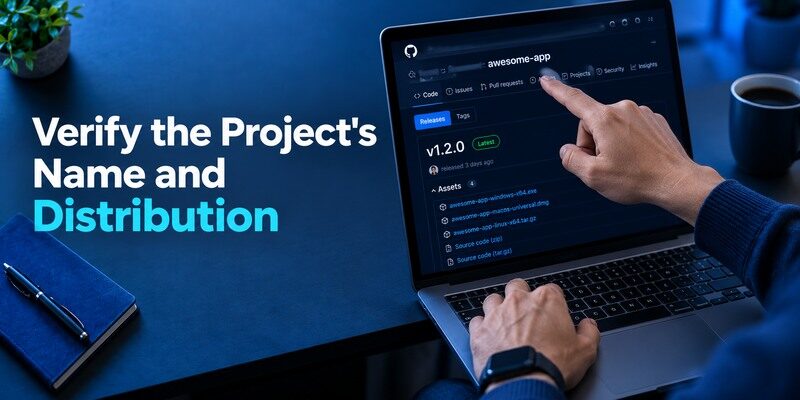
The Stratum project connects its history to Authenticator Pro; its FAQ addresses restoring Authenticator Pro backups. A name change can create confusion when old guides, file labels and store searches disagree. Use the official project site and linked repository to identify the current release and distribution route. Check the developer and permissions before installation. Avoid a download page promising “unlimited cloud restore” when the project’s own FAQ says built-in cloud sync is absent.
An older backup can have value
If you previously used Authenticator Pro, do not discard its encrypted file merely because the app name changed. Stratum’s FAQ says the backup format can be restored through its restore action. Test on a spare authorized Android device, confirm account count and use a fresh code at a low-risk issuer. Keep the original app and file until priority logins work. The backup password remains essential when the export is encrypted.
Watch compatibility is device-specific
The official project mentions a Wear OS companion. Confirm supported watch software, phone connection and the current app version before relying on it. A code on the wrist can be convenient when the phone is in a bag, but it may create another surface that displays sensitive values. Keep the watch locked as appropriate and remember that a lost watch does not automatically invalidate the TOTP seed at the issuer.
Confirm the release source
Because an older name and a newer project can coexist in search results, follow the official Stratum site to its current repository or distribution page. Compare the publisher and app identity rather than selecting the first icon named “authenticator.” Avoid old third-party APK mirrors that might modify a security app. Once installed, note the version used for an export and keep the official update route. A backup plan that depends on an abandoned binary is weaker than one tested against the maintained project.
Understand the Authenticator Pro backup link
The project’s FAQ says older Authenticator Pro backups use a compatible format. That is useful for an Android user who retained an encrypted file, but the password and file integrity remain necessary. Try the import on an authorized device and verify an issuer code. Do not assume the old app’s entries are still valid if individual websites were re-enrolled after the file was created. A restoration test is both a format check and a check of your current account inventory.
Choose a file location deliberately
Stratum does not provide automatic built-in cloud sync according to its FAQ. You can put an encrypted export on your own protected drive or other storage, but you must update and retrieve it. Record a date and entry count without writing any secret. Keep the decryption password separately accessible. A copy on the same phone is useful against accidental app deletion yet not against phone loss; a second protected copy has a different purpose.
Plan around Wear OS limitations
The companion can display supported codes, but a watch is not necessarily a complete standalone vault or an issuer recovery route. Check current pairing requirements and screen-lock behavior. When replacing the watch, remove its access under the project’s instructions and test the phone app independently. A user’s first priority after losing both devices is the encrypted export and website backup codes, not buying another watch and hoping the secrets reappear.
Enroll a Standard Website Code

From the actual website’s security settings, select its authenticator-code option, scan the enrollment QR into Stratum or enter the manual key, and return a current code to confirm. Save the site’s recovery codes independently. Test a new login before disabling the previous factor. A visible rotating code alone does not establish that the website recorded the secret; closing a setup window too early can leave the factor incomplete.
Labels and categories reduce wrong-code errors
Use descriptive but non-secret names for work and personal logins at the same provider. Categories can shorten a long list, especially when you need a code under time pressure. If a website rejects the value, check the correct entry, automatic time and countdown before recreating the factor. An old entry left after re-enrollment can still look active despite no longer matching the server.
Be careful with custom code types
The Stratum repository lists support for TOTP, HOTP and additional formats. The issuer’s instructions determine what to enter; do not switch algorithms or counters to troubleshoot a standard QR at random. A counter-based HOTP code may change on use rather than on a timer, so copying from the wrong entry is particularly confusing. Verify a new type with a noncritical account first. If a service has its own proprietary approval, these format options do not override policy.
How to set it up safely
Get the app from the official Stratum distribution, scan a website’s standard TOTP QR, enter a fresh code on that website and store the issuer recovery code. Create an encrypted export, keep the password apart from the file, then rehearse importing the file on an authorized device.
Make and Test an Encrypted Export
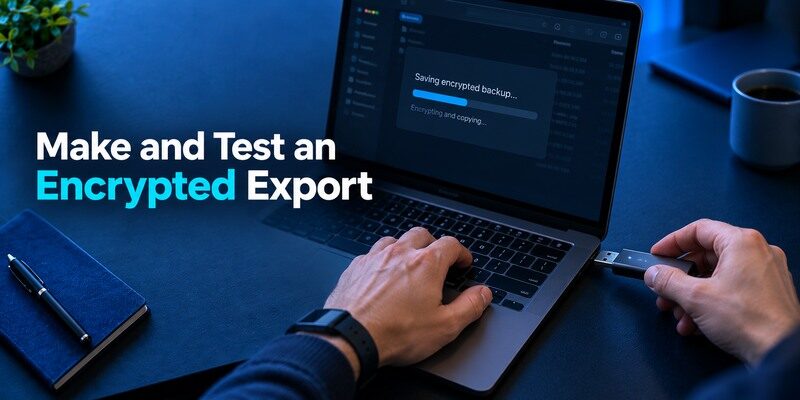
Use Stratum’s current backup function to create an encrypted file and store it in a secure location separate from the phone. Preserve the decryption password in an independent, protected place. Check the file date after important additions and trial an import on an authorized device. Do not leave an unprotected export in email or shared cloud storage. It may contain secrets for many unrelated websites, not merely labels or expired codes.
| Backup mistake | What fails later | Better practice |
| Only file remains on phone | Lost phone loses backup too | Separate protected copy |
| Password only in Stratum | Import cannot decrypt | Independent password record |
| File predates new accounts | Recent codes missing | Update after enrollment changes |
| Restore never tested | False confidence | Test a real issuer login |
A user’s cloud copy is not built-in sync
You may choose to store an encrypted backup with a cloud provider or a self-hosted system, but that is a file-management strategy, not automatic Stratum synchronization. New accounts will not appear on another phone until a current backup is transferred and restored. Keep the distinction clear in your instructions to a family member or colleague. If you use a WebDAV-style workaround described by the project’s wiki, verify every component and protect credentials independently.
Plaintext export deserves exceptional caution
Some migration formats may omit encryption to maximize compatibility. Treat the result as a collection of live secrets. Prefer an encrypted route, and if plaintext is unavoidable, move it only between devices you control and remove temporary copies once verified. Even deletion from an ordinary filesystem may not erase all historical backups. For a suspected leak, rotate factors at the original websites rather than relying on file cleanup.
Set a backup cadence around enrollment changes
Create a fresh protected export after adding or rotating a critical account, and verify its date and entry count. A backup made before the most recent bank enrollment can restore a plausible-looking list while omitting that bank. Keep the decryption password independently accessible after phone loss. If you retain old files for rollback, understand that a factor re-enrolled at its issuer can make those files obsolete for that service. Delete older copies according to your storage policy rather than collecting forgotten secret archives.
Try the Authenticator Pro continuity path
For a user arriving from Authenticator Pro, take one encrypted backup through Stratum’s documented restore action on an authorized Android device. Verify a low-risk code with the original website before importing every secret or wiping the previous phone. If a format or password is rejected, troubleshoot the source file and app version with the project’s official wiki. Do not upload a vault to a third-party conversion site. The project FAQ’s compatibility statement is valuable, but an actual issuer sign-in proves your particular backup works.
Treat the watch as an access endpoint
The Wear OS companion can reduce phone handling, but it is another screen capable of revealing a live value. Check its lock behavior, paired-device state and what happens after the watch is lost or sold. Review the current project’s instructions for clearing data. If a token seed could have been exposed, rotate it at the issuer; removing a watch companion alone may not invalidate the website’s copy. Keep the encrypted file and issuer recovery codes separate from both everyday devices.
Phone Loss and Factor Rotation
On a replacement Android phone, install from the project’s legitimate source, import the tested encrypted backup and verify codes on actual websites. If no usable file survives, each issuer’s backup codes, alternate factors or identity-check recovery are your route back. Stratum cannot reset a bank account by itself. If the old handset may have been unlocked when stolen, review sessions and rotate sensitive TOTP secrets at the issuer.
A copied secret still works elsewhere
Restoring from a backup copies the same secret that was present before. That is fine for a safe device replacement, but insufficient when someone else may possess a copy. Disable and re-enroll the factor at each affected service to invalidate the old seed. Rename or delete the Stratum entry only after a new site login passes. A watch showing the old code may also need its state reviewed.
Recover in dependency order
Start with the email or account needed to access other recovery processes, then password storage and valuable services. Keep the backup decryption password and issuer recovery codes outside the lost phone. Do not enter them into a website claiming to be an “Authenticator Pro restore portal.” The legitimate backup is imported in your authorized app; each website handles its own account recovery.
Decide whether restored secrets are safe to keep
A replacement Android device importing a Stratum export will normally reproduce the same TOTP seeds. If the original phone failed while locked and was securely disposed of, that continuity may be the intended result. If the phone was stolen unlocked, assume higher exposure and use each valuable issuer’s security page to issue a new secret. Remove old sessions and review recovery contacts. An encrypted backup protects the stored file, but cannot retroactively revoke a seed copied from an unlocked device.
Restore priority accounts before convenience apps
Recover email and password storage first if they are needed to reach other issuers. Use official backup codes or alternate factors for those accounts when Stratum’s file is unavailable. A watch companion may display a code temporarily, but it does not solve a missing export on a new handset. Make a fresh encrypted backup after the rebuild and test that the newly issued factors are included. This gives the next device-change plan an accurate starting point.
Compare Stratum with Aegis and Sync Apps
Aegis is another Android-focused open-source option with an encrypted vault and exports. and Ente Auth have account-based synchronization models; 2FAS documents platform cloud backup. Stratum stands out for its organization tools, Authenticator Pro continuity and no built-in cloud sync. Pick the one whose backup you will actually maintain. A phone-only iOS user should instead compare supported iPhone apps, including the .
User control is not always easier
An encrypted file gives you portability under your own custody; it also means you track version, password and location. If those responsibilities feel realistic, Stratum is coherent. If they do not, assess an app with a documented sync route and protect the sync account. This Stratum Authenticator App review avoids treating local or cloud as automatically secure in every household. Recovery must be demonstrated, not inferred from philosophy.
A simple mobile fallback
For a standard QR/manual website on a supported Apple phone, is another code app to evaluate. Inspect its current backup and platform terms, enroll a low-risk account and perform a restore rehearsal before moving high-value sites. It cannot substitute for Stratum’s Android-specific watch workflow or an issuer’s proprietary push registration by name alone.
Which alternative is better for your needs?
| App | Choose it when | Trade-off |
| Stratum Authenticator App | An Android user who wants a maintained manual-backup routine and values a customizable local vault. | No built-in cloud sync means the file must leave the phone through a protected route; losing its password blocks restore. |
| Aegis | You prefer another established Android encrypted vault and export workflow | It still requires disciplined off-device backups |
| Ente Auth | You need sync on iPhone and desktop as well | Account and device protection become more important |
Frequently Asked Questions
Is Stratum the same project as Authenticator Pro?
The project’s FAQ documents importing Authenticator Pro backup files into Stratum. Use its official site and repository for current identity and download links.
Does Stratum sync to Google Drive automatically?
No built-in cloud sync is offered according to the project’s FAQ. You can separately manage protected backup files and restore them deliberately.
Is there an iPhone version?
The official project describes an Android authenticator with a Wear OS companion. Confirm current platform support before planning a phone switch.
Can it display a code on my watch?
The project describes Wear OS support. Check compatibility with your watch and phone, and do not use watch visibility as a substitute for backup.
What if I forget the backup password?
An encrypted backup may be unusable. Use any still-working authorized device, then the protected websites’ issuer recovery methods.
Final Thoughts
Stratum offers a clear proposition: Android code custody, organization and an encrypted export that you manage. Its explicit lack of built-in cloud sync is neither a hidden feature nor a free recovery mechanism. Make the backup, store its password independently and test one restore. That practice is what turns Stratum’s flexibility into dependable access after a device change.
An offline encrypted file is powerful only while its owner remembers where it is and what opens it.
