
Begamob Authenticator App Review: Test the Code and the Recovery
Published October 13, 2026
Begamob Authenticator App is worth trying if you want a dedicated mobile app for QR or manual-key verification codes, but the right test is a successful website login followed by a workable phone-change plan. Apple’s current listing identifies BEGAMOB GLOBAL LIMITED as the developer and offers the app with in-app purchases. This Begamob Authenticator App review separates those verifiable facts from features that may vary by version or purchase tier. It treats the product as a standard-code candidate, not as a replacement for every provider’s proprietary approval app.
The Short Verdict and Who It Fits
Choose Begamob when you want to try a focused code app on a supported Apple device and are willing to check its current backup and subscription terms before moving important accounts. It can be relevant for websites that display a standard authenticator QR or manual key. If a workplace insists on , Okta Verify or Duo Push, follow that issuer’s supported registration. Similar branding does not turn one app into another provider’s trusted push device.
| Check | What is verifiable | Decision for you |
| Developer | Apple’s listing names BEGAMOB GLOBAL LIMITED | Confirm this on your regional store |
| Distribution | App Store listing with in-app purchases | Review current paywall and terms |
| Standard codes | QR/manual setup is the intended use | Verify an issuer accepts a fresh code |
| Backup | Version and feature terms can change | Inspect and test present restore options |
A useful first project
Pick a low-risk account whose security settings offer authenticator codes. Scan its QR, complete issuer confirmation and sign in through a fresh session. This checks the app’s core job with minimal exposure. Next inspect how you could regain that entry on a new phone. If the answer is unclear, keep the issuer’s recovery code and avoid transferring the primary email account yet.
Where the limits begin
A code app cannot reset a bank, employer or social account by itself. It holds a token secret only after that issuer permits enrollment. Any advertised sync, export or watch behavior should be checked in the installed version and official listing because interface and purchase requirements can change. Do not buy a plan solely because an article describes a setting you cannot see. Use the product’s current terms and a recoverability test.
Advantages
The iOS app offers a dedicated place to try standard authenticator QR or manual-key setup, which may appeal to users who want codes separate from a password manager. The official App Store listing gives a publisher and current purchase terms to inspect.
Drawbacks
We cannot responsibly promise restore, pricing, offline behavior or feature parity across versions without testing the installed build. A generic code app cannot accept provider-specific Microsoft, Duo or Okta device approvals by simply scanning another QR.
Who should use it
An iPhone user who wants to trial a simple TOTP app and is willing to verify recovery and payment terms before moving critical logins.
Secure your accounts with fast, reliable two-factor authentication. Download now and protect your login in seconds.Download Authenticator App
Confirm the Official App Before Installing
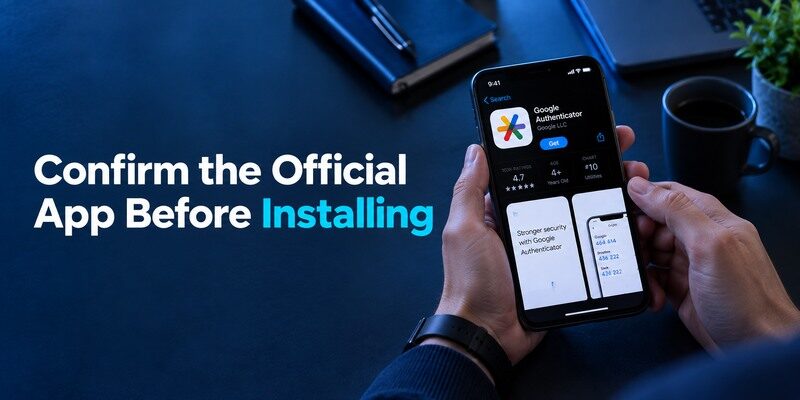
Use the and check the developer identity, supported devices, recent description and in-app purchase information in your region. Authenticator is a crowded category with similar names and icons. The brand name in a search result is not enough to establish the publisher. Avoid a download reached through an unsolicited security alert that asks for immediate payment or a code.
The store label is not a security audit
An official listing verifies distribution and stated developer, not every individual feature claim. User ratings and displayed prices can change by country and date. Read the current privacy and subscription disclosures directly. If the app offers a trial, find the renewal terms in the platform purchase sheet. A subscription decision should be based on features you actually need, especially recovery and device support.
Protect account setup from lookalikes
Only scan a setup QR shown inside the real website’s security settings after you have signed in yourself. A random QR in email or chat may point to a malicious destination or an account you don’t control. The app should not need a stranger’s live six-digit code to “activate” a website factor. If a caller asks to see the setup screen, stop and return to the issuer’s official site.
Fake security alerts, impersonated support messages, and unfamiliar QR codes can expose users to phishing attempts. Always begin authenticator enrollment from the real website’s security settings rather than a link received unexpectedly. Our guide on how to spot suspicious login activity explains warning signs that may indicate an attacker is trying to gain access to an account.
Add One Account by QR or Manual Key
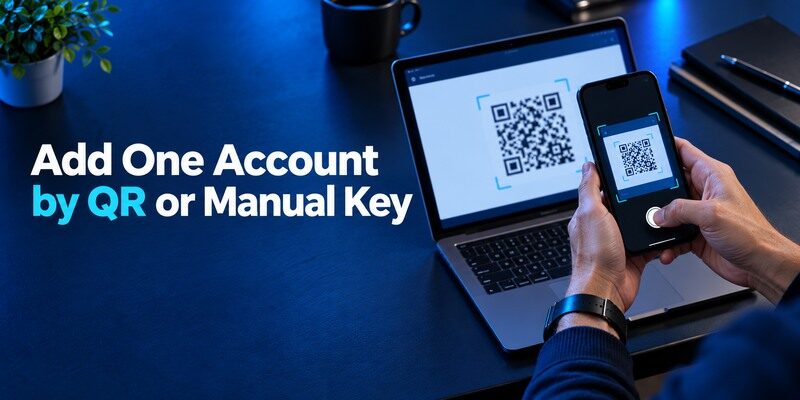
On the protected website, navigate to its two-step verification options and select an authenticator app. Open Begamob, choose the current add-account route, scan the QR or type the manual key, and return a fresh displayed code to the website’s confirmation form. Save the backup codes supplied by that website. A code appearing in Begamob before confirmation does not prove the website has enabled MFA; finish the issuer step and sign in again.
QR scanning is a convenience, not an entitlement
Some websites show a QR only once. Do not leave its image in a photo library so you can scan it later; the QR holds the long-lived secret used to produce future codes. Enroll on a device you control while the website tab remains open. If camera permissions are denied, use the issuer’s manual-key alternative if offered. The manual key is equally sensitive and should not be pasted into a shared document.
An authenticator enrollment QR code typically contains the shared secret used to generate future time-based verification codes. Anyone who obtains that secret may be able to reproduce valid codes, so avoid storing setup QR screenshots in an unprotected location. Our guide to a TOTP authenticator app explains how shared secrets, rotating codes, and account verification work.
The first real-login check
Sign out, open a private browser session on your own device and submit a newly rotating code. If it fails, check the account label, automatic phone time and the countdown. A code with seconds remaining may expire before submission. Avoid rapidly regenerating enrollment QRs: the website may replace its saved secret while the app still has an older entry. Keep a known working factor until you can pass this test.
How to set it up safely
Use the official Begamob App Store listing supplied with this article, select a low-risk site’s authenticator QR or manual key, add it in the app, and confirm the fresh code at the issuer. Inspect the app’s current backup and purchase screens, then test a replacement-device path before committing high-value accounts.
What to Look for in Daily Use
A practical authenticator helps you recognize the correct account and copy a fresh code without exposing unrelated entries. Check whether the phone’s lock and any app-level protection fit how you carry the device. If the interface shows many similarly named accounts, rename them with non-secret context. Confirm whether access to the code screen requires device unlock in the version you use. A clean screenshot is less important than reliably choosing the right entry.
Offline code generation
Standard time-based codes are calculated from a locally held secret and clock, so they can generally be shown without a live network after enrollment. The destination website still needs a connection to check the code. Backup, initial app setup and account synchronization can have different connectivity needs. Test the app in airplane mode with a low-risk enrolled entry if offline access is important to your travel routine.
Multiple entries and search
When you have personal and work logins for the same website, search or grouping can prevent a wrong-code mistake. Do not assume an entry copied during a phone move is current. A website that re-enrolls TOTP may leave an old app label behind, producing plausible but rejected codes. Verify an active account through the issuer before deleting duplicates. The issuer knows which secret is registered; the display name in the app does not.
Check a busy account list
After a trial site works, imagine the app holding two personal email addresses and a work account at the same provider. Can you tell which entry belongs to which identity without opening a secret? Give entries clear non-sensitive names and verify a code from each issuer before moving on. A search feature or group is helpful only when it returns the correct account under login pressure. An old entry can continue showing six digits even after the server replaces its seed, so remove duplicates only after a genuine website test.
Read the clock, not a copied screenshot
A time-based code is valid for a short interval. Copy it when you are ready to submit it, wait for a new one if the timer is nearly empty, and keep automatic device time enabled. If two apps show different codes for what you believe is the same site, check whether they scanned the same QR or one was enrolled later. The website’s active factor determines which secret is valid. Screenshots of codes are poor troubleshooting evidence; they expire and may expose account context.
Recovery Is the Feature to Verify Yourself
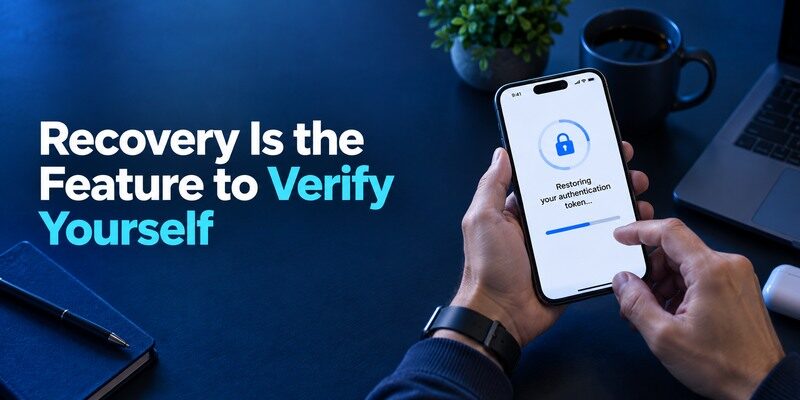
Before adding critical accounts, inspect Begamob’s currently offered backup, sync, export or device-transfer controls and note any purchase requirement shown in the actual app. Do not infer that data is backed up merely because the device itself uses iCloud. Test the documented route on an authorized spare or replacement device with one low-risk account. Keep the issuer’s recovery codes separately regardless of what the app offers.
| Scenario | What to test | Fallback |
| Planned phone upgrade | Transfer/restore a trial entry | Old phone stays active |
| Device lost | Whether saved backup is reachable | Issuer backup code or recovery |
| Subscription change | Continued access to critical codes | Verify terms before changing plan |
| Compromised setup QR | New factor at the issuer | Revoke old secret server-side |
A restore icon is not proof of access
After a transfer, open the protected service through a fresh session and enter a code from the new phone. A visible account name can be stale or incomplete. Keep the old phone until priority logins pass. If the restore route is unavailable, the website’s backup codes and formal identity-check process are the legitimate alternatives. An authenticator developer cannot bypass another company’s security checks for you.
Separate migration from revocation
Moving the same secret to a new app may leave the old phone generating valid codes. If a device was merely replaced safely, temporary overlap helps. If the old device or QR was exposed, rotate the authenticator factor in each affected website and review its active sessions. Deleting the entry on one handset cannot revoke a copied secret elsewhere. This distinction matters more than an appealing “transfer complete” screen.
Transferring an authenticator entry copies its underlying secret in many migration workflows, so a previously exposed copy may remain usable even after the original app is deleted. If a phone or enrollment QR code was compromised, re-enroll the factor at the protected website and review active sessions. Our guide on what is account takeover explains how stolen credentials and verification secrets can lead to unauthorized access.
Create a small acceptance test
Enroll a disposable website that offers standard TOTP, verify the code on the current iPhone, and find the exact settings for moving or recovering that account. Write down whether the route requires an account, passcode, export or paid feature in the current version. Try the supported process on an authorized replacement device, then test a newly generated code at the original website. If the restore path cannot be tested, keep that account low-stakes and rely on its issuer backup code. This is a fairer product review than claiming an unverified feature exists.
Distinguish phone backup from app backup
An iPhone’s general backup indicator does not prove a specific authenticator’s TOTP seeds will be restored. Apps may use device-only storage, protected cloud storage or their own transfer steps. Consult the live publisher instructions and observe what actually appears after restore. If an app reopens with an empty list, do not erase the original handset. Use its working codes to re-enroll websites one by one. A backed-up screenshot of an enrollment QR is not an acceptable substitute because it can expose the permanent seed.
A general phone backup does not guarantee that an authenticator’s enrollment secrets can be restored. Keep website-issued recovery codes separately, check the app’s supported backup options, and test the restore process before replacing your primary phone. Our guide to the best account security practices explains how to protect important accounts without depending on a single device or recovery method.
Check cost at the point of recovery
The App Store lists in-app purchases, but regional pricing and what features require them can change. Inspect the current purchase sheet before moving your primary email and financial accounts. Do not infer that a feature remains available after a trial ends or that a paid tier is required for basic code display; verify both in the installed version and terms. Make a decision with those facts and a low-risk test. The product’s appeal should survive a phone-change rehearsal as well as a normal login.
Compare Begamob with Established Alternatives
offers a documented Google Account sync path; 2FAS documents OS-specific cloud backup; Aegis emphasizes encrypted local Android exports; Microsoft Authenticator handles Microsoft-specific approvals in addition to codes. Begamob should be evaluated on its currently visible iOS features, usability and restore route. This is an editorial comparison, so verify any feature that affects money or recovery using the active listing rather than assuming parity with a competitor.
For personal QR-code sites
Any correctly enrolled standard TOTP app may supply the expected code. Try Begamob on a low-risk account and compare how quickly you find the entry, how the countdown appears and what happens during a replacement-device rehearsal. Keep issuer recovery codes. If the experience suits you, add accounts gradually. An incremental move limits the damage of discovering an import limitation on the last day with your old phone.
For proprietary work approval
Ask the organization’s administrator which methods are accepted. Begamob can be an option only where the issuer supports an ordinary authenticator code. It cannot assume a Microsoft, Duo or Okta registered-device identity merely because it displays six digits. Keep the mandated app installed until IT approves a replacement method. Mixing up a push request with a TOTP challenge is a common cause of failed sign-ins.
Which alternative is better for your needs?
| App | Choose it when | Trade-off |
| Begamob Authenticator App | An iPhone user who wants to trial a simple TOTP app and is willing to verify recovery and payment terms before moving critical logins. | We cannot responsibly promise restore, pricing, offline behavior or feature parity across versions without testing the installed build. |
| Google Authenticator | You want Google’s documented sync and transfer paths | You must choose and secure the sync mode |
| Ente Auth | You need documented desktop clients and encrypted cross-device sync | Its account and device access need a recovery plan |
Security Beyond the App Screen
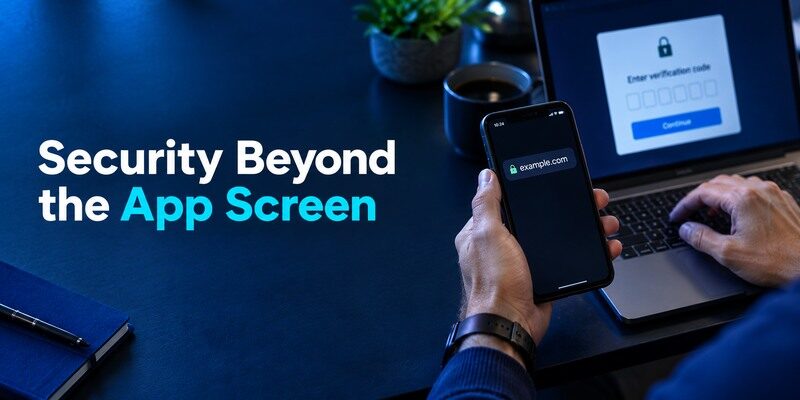
TOTP helps protect against a stolen password, yet a current code can be relayed by a phishing site. NIST distinguishes manually entered OTP from phishing-resistant authentication. Navigate directly to the protected website and never read a live code to a caller. If the service supports passkeys or security keys, consider them for accounts whose compromise would be especially costly. Keep the phone updated and screen-locked.
Review the account, then the app
If a surprise login alert arrives, inspect the issuer’s security page for sessions and recent activity. The app generating a code does not know whether somebody has the password. If a setup secret may have leaked, reset the website’s factor. If the phone was lost, use platform device controls and the issuer’s recovery channels. Different incidents require different responses; reinstalling the app alone does not solve them.
Be precise about privacy claims
Read the current App Store privacy label and the developer’s published policy for data-handling statements. Labels are developer-declared and can change; avoid assuming all authenticators use an identical cloud model. Do not paste sensitive QR secrets into a review, bug report or customer-support chat. Provide non-secret details, such as app version, phone OS and the screen where an error occurs.
Review the publisher and app version when troubleshooting
If a QR fails to scan or a code is rejected, record the version, iOS release and the issuer’s non-secret error wording. Confirm the publisher using the official App Store listing before following any support link. Do not send the QR image, manual seed or a live code with a bug report. These details help distinguish camera permission, time drift and an issuer-side factor reset without exposing a credential.
Frequently Asked Questions
Is Begamob Authenticator App free?
Apple’s listing says the app is free to download with in-app purchases. Check the current purchase screen and regional terms for any feature or renewal cost.
Is it the official Google or Microsoft app?
No. The listing names BEGAMOB GLOBAL LIMITED as developer. It may work with websites that accept standard TOTP but cannot replace every proprietary approval method.
Will codes return after I reinstall it?
Only if a supported backup or restore route was set up and remains accessible. Verify the current app’s feature and keep each website’s independent recovery codes.
Can I scan a QR from a computer screen?
Yes, when the genuine website shows an authenticator enrollment QR and the app’s camera permission is available. Confirm the generated code at the website before leaving setup.
Is a six-digit code enough against phishing?
No. A fraudulent page can relay a live code. Check the domain and use a phishing-resistant method where the website supports one.
Final Thoughts
This Begamob Authenticator App review recommends a measured trial: confirm the and , enroll one ordinary QR-code account, pass a real login and rehearse recovery. If its current features meet your needs, expand gradually. A reliable code on today’s phone is only half the job; the other half is retaining lawful access after tomorrow’s phone change.
