
Best Account Security Practices: What to Do First and Why
Published October 9, 2026
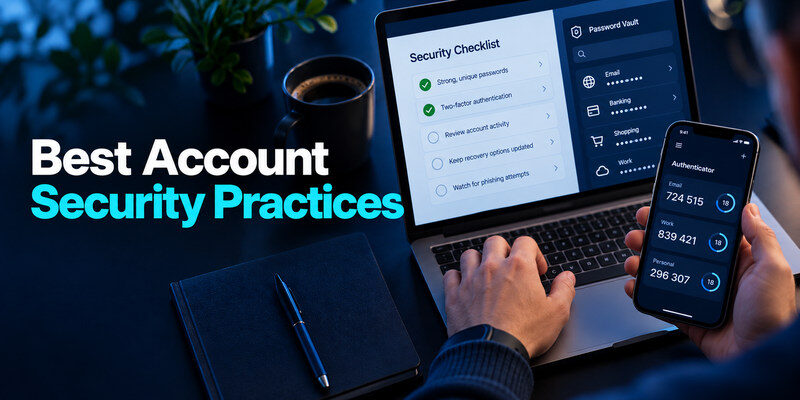
The best account security practices are unique passwords or passkeys, strong multifactor authentication, protected recovery channels, updated devices, and prompt review of unfamiliar activity. Do them first on the accounts that can reset or pay through the rest: primary email, password vault, device platform, finance, and work administration. A long list of tips is less useful than a sequence you can actually finish. This guide ranks the controls by the problem they solve and shows where a more advanced method is worth the effort.
First rank accounts by blast radius
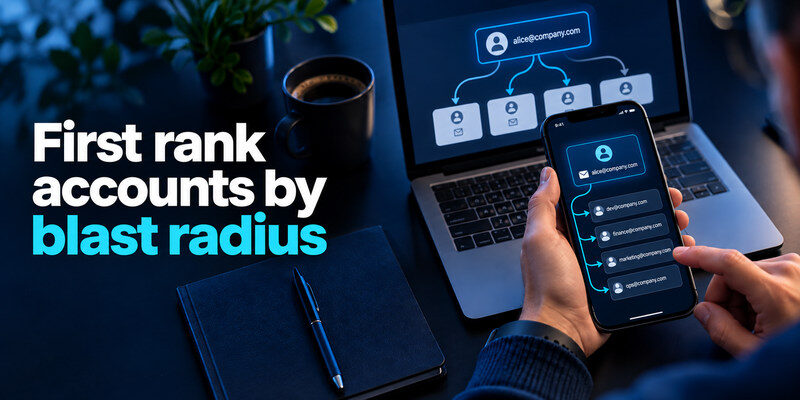
Not every account deserves identical effort. A forum login can reveal a nickname; a primary mailbox can reset your bank, social profiles, and password manager. Write down the root accounts and their recovery dependencies without copying secrets into the list. Start where compromise would cascade. CISA and the FTC both recommend MFA for sensitive accounts, and the FTC names email and financial services as early priorities.
| Priority | Account type | First action |
| Critical | Primary email, manager, platform, admin | Unique credential, strongest MFA, recovery test |
| High | Finance, social with ad access | Unique credential, MFA, session review |
| Moderate | Shopping, subscriptions | Remove reuse and old payment data |
| Low | Dormant and disposable | Close or secure after high-impact work |
Draw the reset chain
If your manager sends recovery mail to an old address, that old address is critical too. If your bank uses a phone number you no longer control, correct it before focusing on a low-value app. A small dependency map reveals circular arrangements: the code for your vault is inside the vault, or the email used to reset the vault has no independent recovery. Break those loops before a device loss tests them for you.
Resist the easiest-first trap
It feels productive to change ten simple shopping passwords while leaving a reused primary email password untouched. Fix the email first. Then choose one account from each priority tier. This order is not a judgment about how often you use a site; it reflects the account’s ability to unlock other systems or move money.
Secure your accounts with fast, reliable two-factor authentication. Download now and protect your login in seconds.Download Authenticator App
Give every password a unique job
Use a password manager or trusted built-in tool to generate a distinct credential for each service. Reusing the same phrase with a changed suffix creates a recognizable pattern. NIST’s current digital identity guidance emphasizes length and screening out common or compromised passwords over arbitrary symbol rules. If a service supports passkeys, evaluate whether they simplify sign-in while preserving a recoverable backup.
Using a different password for every service limits the damage caused by a single website breach. Our guide on how to generate a strong password explains how to create long, unpredictable credentials, avoid reusable patterns, and choose passwords that are appropriate for different account types.
Choose passphrases where you must remember
A manager’s master password and some device unlock secrets need to be entered by you. Use a long, unique, non-obvious passphrase chosen independently, not a quotation or personal facts. Random generated strings fit website passwords you never type. The goal is to prevent one website breach from opening another account, not to win a meter’s “complexity” score.
Check for exposed and reused credentials
Use the manager’s password-health features or a reputable breach-checking service. Have I Been Pwned distinguishes a known email breach listing from whether a particular password appears in its separate Pwned Passwords service. A known exposure should trigger a change on the affected service and anywhere the password was reused. A negative result is not proof that no private incident occurred.
A breach notification is one warning sign, but account compromise can also appear through unfamiliar sessions, changed recovery details, or activity you did not authorize. Our guide on how to check if your account has been hacked explains how to evaluate these signals and verify suspicious activity using official account security tools.
Match MFA to the account’s importance
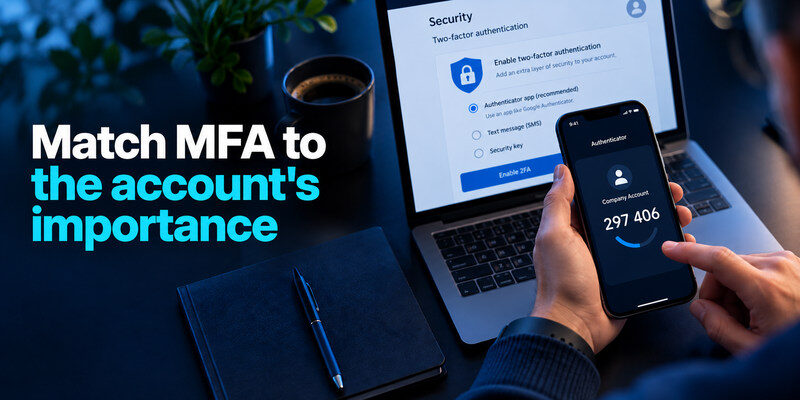
For the highest-impact accounts, use a phishing-resistant passkey or security key when the service supports it and you can maintain a backup. A TOTP authenticator is a strong improvement over password-only sign-in, though a fake website can relay the code in real time. SMS can be a fallback where stronger methods are unavailable. CISA recommends phishing-resistant MFA for important access; the best practical method is the strongest one you can use and recover.
Protect the manager itself independently
The password manager’s own sign-in factor should not live only inside its locked vault. Keep an authenticator or key outside and protect recovery codes separately. Codes for routine websites can live in a manager for convenience if you understand the concentration risk, but primary email and financial services may merit separation. Test the new-device path before you retire an old phone.
Make TOTP setup complete
When a service offers standard authenticator codes, can be the separate code generator. Scan the service’s QR code, enter a current code to confirm enrollment, and save its backup codes away from the phone. If a code is about to expire, wait for the next one. A setup screen left unconfirmed may mean MFA was never enabled despite a new entry in the app. Scanning a QR code is not always the final step in enabling two-factor authentication. Many services require you to enter a generated code to confirm enrollment, then save recovery information separately. Our authenticator app setup and recovery guide walks through enrollment, code verification, backup options, and common problems when moving to a new device.
Make recovery a first-class control
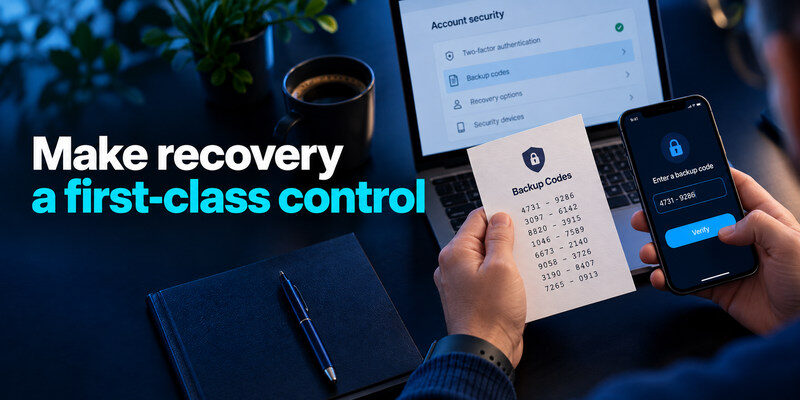
Verify recovery email, phone, backup codes, and trusted devices. Remove addresses you no longer own. Keep an independent backup for root accounts so a lost phone does not strand both the password and the second factor. Avoid placing the only recovery code for a vault inside that same vault. A paper record in a protected location may be appropriate for a few critical codes.
Rehearse one safe recovery scenario
Imagine the phone is lost and the laptop still works. Can you sign in, register a new factor, and invalidate the old one? Then imagine both devices are gone. You do not need to consume single-use codes merely to test the path, but confirm the code set is current and the provider’s official entry point is known. A label saying “backup” is not enough if the file cannot be opened.
Watch recovery changes as suspicious activity
An attacker may change the recovery email or add a passkey to retain access. Review those settings after an unknown sign-in. Correcting the password alone may not close the return route. Google’s account guidance recommends checking security activity and recovery information; Microsoft describes security-information changes in Recent activity. Use the provider’s compromised-account process if a method was altered without you.
Unexpected changes to recovery settings can be just as concerning as an unfamiliar login. Our guide on how to spot suspicious login activity explains how to recognize unknown devices, unusual sign-in notifications, and account changes that may indicate unauthorized access.
Keep the endpoint worthy of the account
Update operating systems, browsers, and security software; use a strong device lock and full-disk encryption where supported. Remove browser extensions and apps you no longer trust. A locked vault protects data differently from an already unlocked session on a compromised laptop. The FTC includes software updates among its basic steps to protect personal information. Avoid logging into root accounts from an untrusted public computer.
A stolen device plan
Use the platform’s official lost-device controls from another trusted device. Revoke active sessions and review root account credentials if exposure is plausible. Contact the carrier if the phone number may be taken over. Do not wipe the only device containing recovery information before confirming an independent route. Device security and account recovery have to be planned together.
Shared devices and profiles
Create separate operating-system and browser profiles for different people. Autofill in a shared profile can expose accounts without any online breach. Sign out before handing over a device, remove saved sessions when selling it, and review trusted devices afterward. A security key on your desk does little if the account remains open on a communal tablet.
Treat alerts as evidence, not commands
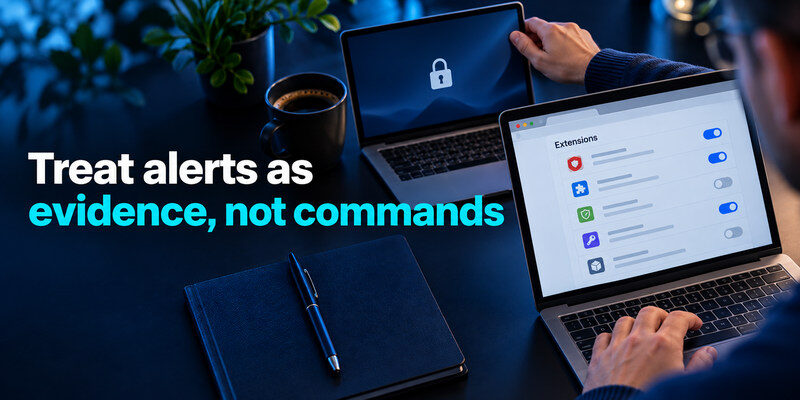
Open the provider directly to inspect an unfamiliar sign-in. Do not click a surprise email’s “verify now” button merely because it looks official. Compare success status, device, time, and changes; location alone can be distorted by a VPN or carrier. Deny unsolicited MFA pushes and report repeated requests. If the event succeeded and you cannot explain it, secure the recovery channel, change the password, and revoke sessions from a trusted device.
Review connected apps as well as sessions
Third-party apps and API tokens may retain access after a password change. Inspect their permissions and owners. Revoke unknown ones, then reauthorize legitimate integrations through official flows. For a work account, coordinate with the administrator so evidence and business operations are handled together. A “sign out all devices” button may not cover every connected service.
Respond in impact order
Secure primary email, manager, and financial accounts before low-value services. If money moved, contact the bank’s fraud channel immediately. If messages went to contacts, warn them through another trusted channel. Keep a short timeline of unknown sessions and changes, without recording live secrets. This turns an alarming alert into a focused response.
Compare habits by effort and payoff
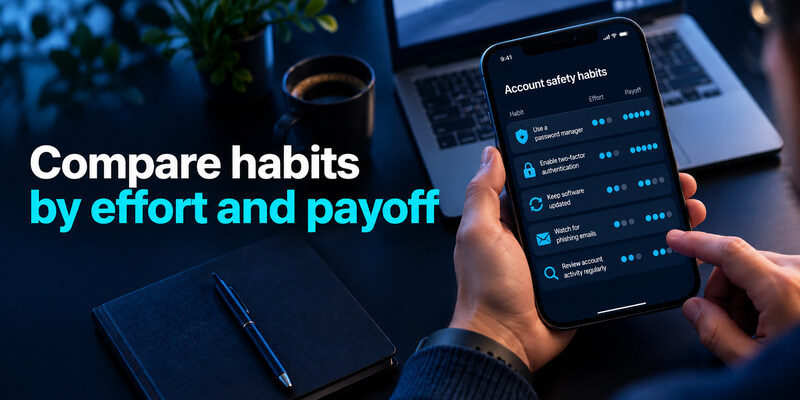
| Habit | Effort | Main payoff | Common mistake |
| Unique passwords | Moderate setup | Limits breach reuse | Reusing a base phrase |
| Strong MFA | Small per account | Blocks password-only access | No backup factor |
| Recovery audit | Occasional | Prevents lockout and hijack | Old email remains |
| Device updates | Routine | Reduces known vulnerabilities | Ignoring old tablet |
| Activity review | Triggered by alerts | Finds unauthorized access | Trusting alert link |
The table is an order of work, not a numerical risk guarantee. If you have only fifteen minutes, secure the primary email and manager. If you have an hour, add finance and account recovery. The point of a ranked list is to help someone begin, not to suggest the later items can be ignored indefinitely.
Spend more where shared access grows
A solo user can maintain a small set of free account controls. A team needs named roles, approval for high-risk changes, and an offboarding owner. Compare the cost of a managed tool against the damage from a former member retaining access. Choose controls that can be audited without asking everyone to share passwords.
Free controls go a long way
Many providers supply MFA, recent activity, device review, and backup codes without a separate subscription. A password manager may have a free tier, and built-in device security tools are worth enabling. Paid features can help a team manage access, but they cannot substitute for a unique root password and an independent factor. Choose tools by the behavior you need, not the number of advertised features.
Turn the practices into a maintainable routine
A security checklist succeeds when it survives a new phone, busy week, and forgotten account. Put automatic updates and password generation into everyday defaults. Reserve manual reviews for meaningful events: a security alert, a new device, a team member leaving, or an unfamiliar transaction. That schedule is easier to sustain than a monthly ritual of changing every strong password.
Put one owner on each critical task
In a household, decide who manages the router and where its admin credential is stored. In a small team, assign responsibility for offboarding, backup tests, and shared account ownership. A task without an owner tends to be skipped. Do not put live passwords in a spreadsheet to make the assignment visible; document who is responsible and use approved access tools for the secrets themselves.
Test one failure at a time
Simulate a lost phone while the original device is still available: locate a backup code, check that recovery email works, and verify a second sign-in method. Separately, restore one harmless file from a backup. The goal is not to perform a dramatic disaster exercise; it is to find circular dependencies before an emergency. If a code is stored inside the vault it unlocks, move a protected copy outside that vault. If a backup requires an email address you no longer control, update it now.
| Trigger | Small review to do |
| New phone | Transfer factors, verify codes, retire old sessions |
| Breach alert | Replace affected reused secrets and inspect activity |
| New teammate | Define roles and recovery owner before granting access |
| Lost device | Revoke session, secure accounts, use tested backup path |
Frequently Asked Questions
Which practice matters most?
For many people, securing the primary email with a unique password and strong MFA has the largest downstream benefit because it receives reset links. Then protect the password manager and financial accounts. Your exact priority changes with your work and recovery dependencies.
Is an authenticator app enough by itself?
No. It adds a second step where a service supports it, but it does not make a reused password safe or clean a compromised device. Pair it with unique credentials, recovery codes, and attention to phishing.
Should I change all passwords every month?
Current NIST guidance discourages routine forced changes without evidence of compromise. Change reused or exposed secrets and use unique credentials going forward. A scheduled review of recovery methods and sessions is often more useful.
Do I need paid security software for these practices?
Not necessarily. Many essential controls are built into account providers and devices. Evaluate paid tools when they solve a real gap, such as business sharing or centralized management, rather than assuming price alone determines protection.
What changes if an account is shared with family?
Prefer separate profiles or delegated access. When sharing cannot be avoided, keep the credential in a controlled vault and agree who manages MFA and recovery. A code stored only on one person’s phone can block everyone after that phone is lost. Review access when family circumstances change, and separate personal email from household subscriptions whenever possible.
Final Thoughts
The best account security practices are the ones applied to the right accounts in the right order: unique credentials, strong independent MFA, working recovery, trusted devices, and evidence-based response. Start with primary email and other root accounts, test a new-device sign-in, and continue outward. A short maintained system protects more than an ambitious checklist left unfinished.
