Aegis Authenticator Review: Is It Safe and Worth Using?
Published October 13, 2026 · Updated October 21, 2026
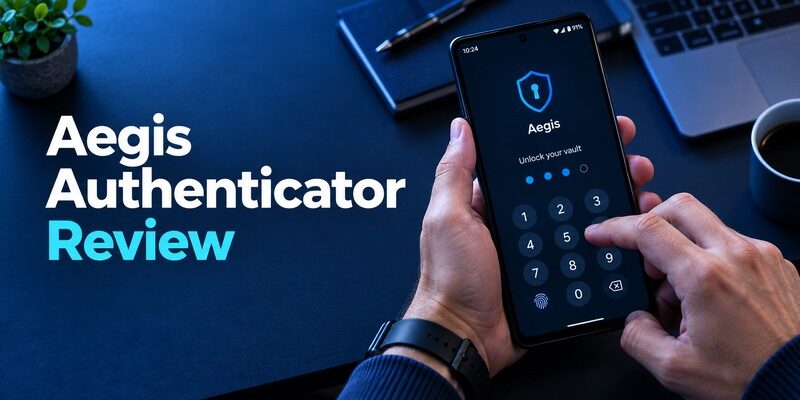
Is Aegis Authenticator a secure and reliable choice for protecting your online accounts? In this Aegis Authenticator review, we explore its security, key features, ease of use, and backup options.
This free, open-source 2FA app for Android offers encrypted storage, biometric unlocking, and flexible backup controls, making it an appealing choice for privacy-conscious users. However, its Android-only availability and manual backup management may not suit everyone. Discover its advantages, limitations, and alternatives to decide whether Aegis Authenticator is right for you.
Start with the Platform and Recovery Verdict
If your devices are Android and you want a clearly documented, user-managed vault, Aegis deserves a shortlist place. If you need the same first-party app on iPhone, choose a cross-platform candidate. Aegis is an open-source project, but source availability alone does not prevent phone theft, a forgotten vault password or a lost-only backup. Think of it as a well-equipped key cabinet whose spare key and duplicate are your responsibility.
| Requirement | Aegis fit | Decision to make |
| Android code collection | Strong | Does your service accept TOTP? |
| Encrypted offline backup | Documented | Where is the export stored and tested? |
| Native iOS use | No general iOS app | Choose a different cross-platform path |
| Corporate push approval | Not a replacement | Follow employer enrollment rules |
Who benefits from local custody
An Android user who does not want to depend on an automatic account sync can keep codes in a locked vault and move them using a controlled export. Grouping and labeling entries helps when several accounts share a provider name. Aegis documents several import paths, but formats differ, so a promise that every competitor export imports perfectly would be unwise. Test a small set before retiring the source app.
Aegis and Google Authenticator take different approaches to managing verification codes. Aegis emphasizes a locally controlled encrypted vault and user-managed exports, while Google Authenticator offers optional synchronization through a Google Account. Our Google Authenticator review explores its setup experience, synchronization features, security limitations, and recovery tradeoffs so you can compare both approaches.
Who faces needless complexity
Someone who rarely checks backups and regularly changes phone platforms may prefer a service with a different recovery model. A family member who cannot retrieve the export password during an emergency may be effectively locked out of codes even if the file survives. That is not a reason to avoid encryption; it is a reason to design accessible, secure recovery before protecting an account that matters.
Advantages
The encrypted Android vault and export controls make token custody understandable. Organization and unlock choices are useful once you have more than a handful of codes.
Drawbacks
There is no native iPhone route for this Android app, and local control shifts backup and password maintenance onto you. A lost vault password or stale off-device file can cause lockout.
Who should use it
An Android user willing to keep and periodically restore an encrypted export.
💡 Discover Helpful Guides: Begamob Authenticator vs Aegis: Mobile Fit and Backup Control
What an Encrypted Vault Protects
The Aegis project’s README describes an encrypted vault that can be unlocked with the configured mechanism. The vault holds TOTP secrets rather than merely the six digits currently displayed. A person with a usable copy of those secrets could generate future codes. Strong device unlock, careful export handling and a separate issuer recovery route work together; no single control replaces the others.
Aegis protects the secrets used to generate time-based verification codes, not just the six-digit numbers currently visible on the screen. Understanding this distinction is important because anyone who obtains a usable TOTP secret may be able to generate future codes. Our guide to a TOTP authenticator app explains how shared secrets, rotating codes, and account enrollment work.
Unlock is a convenience and a boundary
Biometric or device-based unlock can make daily use faster, but think through what happens after a device reset, biometric change or backup import. Remember the underlying password used for encrypted recovery where required. If you set a password you cannot reproduce, a perfectly intact encrypted backup may be unusable. Put recovery material somewhere independent of the phone holding the vault, with access limited to the people who should legitimately recover it.
Codes remain susceptible to phishing
Aegis can keep a local vault private while the user still types a current code into a fake login page. NIST describes manually entered one-time passwords as distinct from phishing-resistant methods. Open valuable accounts from a trusted bookmark and check the domain. Where an issuer supports passkeys or security keys, consider them for especially sensitive sign-ins. The vault’s encryption protects secrets at rest; it does not inspect the website receiving a code.
Encrypting authenticator secrets helps protect them at rest, but it does not prevent a user from entering a valid code on a fraudulent website. Attackers may combine stolen passwords and intercepted TOTP codes to gain unauthorized access. Our guide on what is account takeover explains how these attacks work and why phishing-resistant authentication methods provide additional protection.
Enroll an Account Without Losing the Original Factor

At the issuer’s security page, select its standard authenticator-code option and scan the enrollment QR with Aegis. Give the entry a label that distinguishes the account, then return a fresh code to the issuer to finish setup. Keep the existing login method active until you have tested the new one. Save issuer backup codes outside the Aegis vault. These codes are an issuer escape hatch, whereas an Aegis export is a copy of the code secrets.
Setting up Aegis follows the standard TOTP enrollment process for compatible websites: open the account’s security settings, scan its QR code, and confirm a fresh verification code before completing registration. Our complete authenticator app guide explains QR code enrollment, manual setup keys, verification steps, and the recovery precautions to take before replacing an existing authenticator.
A misleading success screen
Seeing a six-digit code in Aegis does not prove the server accepted the setup. Some sites require a confirmation code before committing the factor. Finish that step and try a new browser session. If it fails, examine the account label and countdown before scanning again; repeated QR generation can rotate the issuer’s secret and leave older entries stale. Remove a stale entry only when a real login succeeds through the replacement.
Multiple accounts at one provider
Give work, personal and shared-service entries distinguishing labels. Otherwise you may copy a valid code from the wrong secret and misdiagnose it as a clock problem. Folders or groups can help organize a long list, but they do not change issuer ownership. Where a QR contains a vague account name, add context yourself before forgetting which email address was enrolled. Avoid placing an actual password in the label.
How to set it up safely
Set a strong vault lock, add a site’s QR from its security settings, confirm a live code and save the issuer’s recovery codes. Export an encrypted backup to a separate location and rehearse import on an authorized spare before deleting anything.
📘 Find the Right Guide: Aegis Authenticator Review: An Android Vault You Control
Make an Export You Can Really Restore
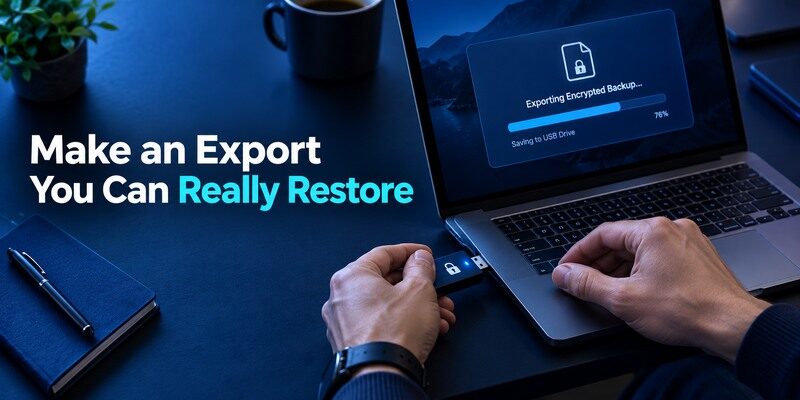
Aegis’s project FAQ says encrypted exports use the configured vault password during import. Export to a location you control, verify the file’s existence and test import using a spare authorized Android device or a carefully controlled rehearsal. Do not leave an unencrypted export in shared downloads. Record the date and repeat after adding important accounts: an old backup may restore only part of a growing collection.
| Backup failure | Why it matters | Prevention |
| Only copy on the phone | Phone loss removes both vault and backup | Store another protected copy |
| Password forgotten | Encrypted file cannot be used | Keep a secure independent record |
| Export never tested | Format or file may be wrong | Perform an import rehearsal |
| Backup months old | New accounts are missing | Update after meaningful additions |
Decide between portability and exposure
An encrypted Aegis export can be moved under your control. A plaintext export may ease a specific migration but exposes every included token secret to whoever obtains the file. Use a plaintext route only when absolutely necessary, keep it away from sync folders and shared devices, and delete temporary copies securely according to the operating system’s limits. When possible, enroll fresh secrets at each issuer instead of circulating old ones across apps.
An encrypted authenticator backup is only useful when you can locate the file and recover the password required to open it. Store recovery material separately from the phone, restrict access to backup files, and periodically test restoration. Our guide to the best account security practices explains how to protect important accounts without creating a single point of failure.
Verify what the export contains
An export can be technically readable but omit an account added after it was created. Compare entry count and a few labels in an authorized restore test, then complete a real sign-in. Do not rely solely on a file extension or modified date. If a service uses a proprietary push factor, an Aegis TOTP export cannot capture its trusted-device registration. List those exceptions in your phone replacement plan.
Define an update rhythm for the backup
An encrypted export made six months ago can be intact and still miss the three accounts added yesterday. Pick a trigger you can remember: after enrolling a high-value account, after rotating a factor or before retiring a phone. Record a non-secret date and entry count for the latest backup. Keep older copies only as long as they serve a clear rollback purpose, since every file containing old seeds is another object to protect. Some sites rotate a secret during re-enrollment, so an old file may restore a code that no longer matches the server.
Rehearse without exposing the production vault
Choose a low-risk test account and an authorized spare Android device. Import the encrypted file, use the vault password and verify a current code on the test issuer. Then lock the spare, remove its data according to your plan and confirm the backup remains in its secure location. If a full production export on a secondary phone would create too much exposure, practice with a small separate vault or a controlled migration period. The goal is to prove that you understand file, password and app version, not to spread secrets without limits.
Distinguish an encrypted export from a phone backup
The Android operating system may report that a phone is backed up even when a particular authenticator vault is excluded or its secrets are protected separately. Trust the Aegis project’s documented export and import, not a generic device-backup banner. Check where the file went and whether its encryption is enabled. If it sits in a cloud drive, secure that account independently and still keep the decryption password accessible after phone loss. A vault that is encrypted well but backed up nowhere is secure and unrecoverable at the same time.
Importing from Another Authenticator
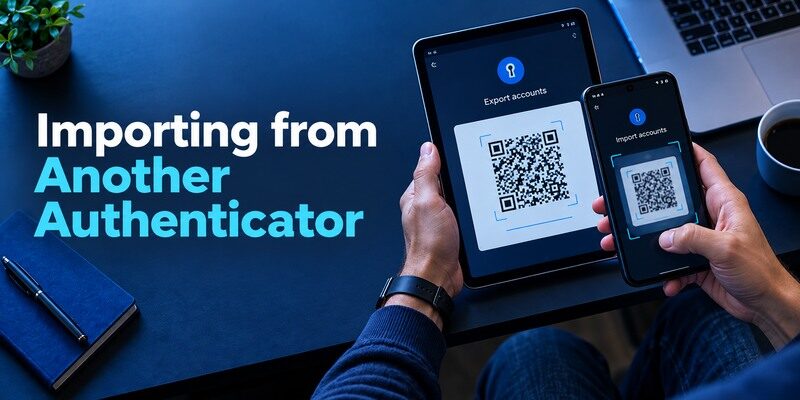
Aegis lists importers for a range of formats, but exporting from the other app and transferring the data safely remain separate jobs. Google’s transfer QR, for example, may need every QR in a multi-part batch. An issuer may forbid or replace a factor during enrollment, so verify each account after import. The imported entry name is an inventory clue; a successful issuer challenge is the proof of a working secret.
Migrate in priority order
Move low-risk accounts first, then the email and password-manager accounts needed to recover everything else. Keep both apps and the old phone available while testing. For each important site, sign in from a trusted fresh session, confirm the current Aegis code, and note the issuer recovery code. Wiping the source device after the import screen but before the real-login test can turn a small migration bug into an account lockout.
Rotation is different from import
Importing the same TOTP secret into Aegis and another app gives both apps valid codes; it does not invalidate the old copy. If the old device was stolen or the export leaked, disable and re-enroll the factor at each issuer to rotate the secret. Clean up saved session devices and change passwords as appropriate to the incident. A file transfer is for continuity; an issuer-side reset is for revocation.
Audit the first and last entry in a multi-QR export
Some source apps split a large transfer into several QR codes. Count the source entries and confirm that the imported Aegis list contains the expected first, middle and last accounts. If the import stops partway, don’t erase the source app. Re-scan the missing parts using the project’s current supported procedure or re-enroll the affected websites individually. A transfer banner can report completion for the QR it just read while other export pages remain. A measured sample helps reveal that gap before the old handset is gone.
Make labels a security control
An unhelpful label such as “Microsoft” can represent a personal account, a work account or a third-party site. Before migrating, record the precise account identifier in each app where it is safe to do so. Do not include passwords or recovery codes in the label. During testing, choose the site first and then the matching entry, rather than picking a familiar-looking six-digit value. This reduces failed attempts that can trigger issuer lockouts and makes an encrypted backup more usable for the owner who restores it later.
💡 Discover Helpful Guides: Aegis Authenticator App: Complete Guide to Setup, Backup, Security, and Use
Aegis Against Easier Sync Options
may offer Google Account sync; 2FAS documents platform-specific cloud backup; Ente Auth emphasizes encrypted sync; Aegis emphasizes the Android user’s control over the vault and export. These are different answers to the same loss-of-phone question. Neither cloud nor local is automatically safer for every household: account security, backup storage, password strength and test frequency decide the outcome.
When to prefer convenience
If you need a working iPhone as well as Android, or you cannot maintain backup files, consider a current cross-platform app and inspect its recovery requirements. Avoid a “cross-platform” claim based solely on a web page that displays codes; verify supported clients and how secrets move. The is a mobile alternative to examine for ordinary QR/manual enrollment, but confirm its current backup details before relying on it.
When to keep Aegis
If an encrypted local export fits how you protect other sensitive files, Aegis offers a coherent model. Keep the app updated from a verified source, maintain at least one tested backup and preserve issuer recovery codes. A security-focused choice is only secure in practice when you can perform its routine maintenance. This Aegis Authenticator review favors users who will actually do that work over those attracted solely by a label such as “open source.”
Which alternative is better for your needs?
| App | Choose it when | Trade-off |
| Aegis Authenticator | An Android user willing to keep and periodically restore an encrypted export. | There is no native iPhone route for this Android app, and local control shifts backup and password maintenance onto you. |
| Ente Auth | You need iPhone or desktop alongside Android | Sync-account recovery becomes part of the plan |
| Google Authenticator | You want easier Google Account sync | You accept dependence on that account and its settings |
What to Do After a Lost Android Phone
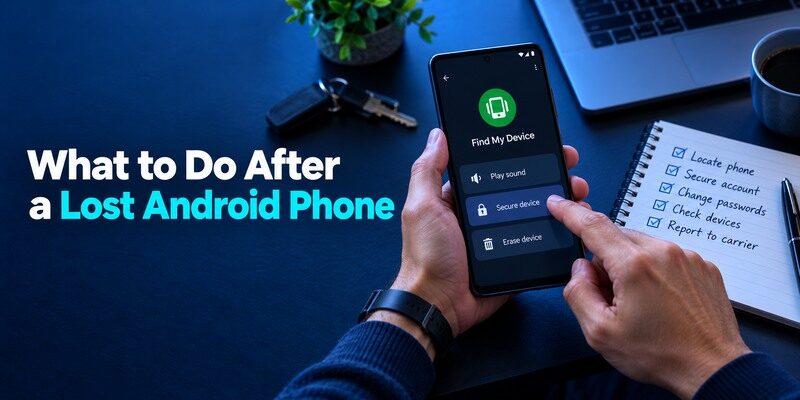
Start with the encrypted export if you have one and the password to open it. On a replacement Android device, install Aegis from its legitimate distribution source, import the file and test a real account. If no usable export survives, use each issuer’s backup codes or account-recovery process. Aegis cannot reset the secret held by a bank or workplace. Secure the lost device through its platform controls and review active sessions on valuable accounts.
Prioritize recovery dependencies
Recover the primary email and password manager first if they are needed to access other services, provided you have independent proof for them. Do not enter an issuer recovery code into an unknown “Aegis restore” website. Each code belongs to the service that issued it. If workplace accounts use push registration instead of TOTP, coordinate with IT separately. Note which factors you must re-enroll so an old export does not silently revive a compromised secret.
Build the next spare before you need it
Once restored, create a fresh encrypted backup and test it. Review where the old file was stored and who might access it. If the old phone was simply broken, the copied secrets may still be safe; if it was stolen unlocked, rotate sensitive issuer factors. A personal incident log with service names and recovery status helps prevent missing an account, but it should never include live secrets or backup codes in plain text.
Frequently Asked Questions
Is Aegis Authenticator available for iPhone?
No general iOS app is offered by the Aegis project. It is an Android-focused authenticator, so cross-platform households should plan another solution.
Is Aegis free and open source?
Yes, according to its project’s README. That transparency is useful, but backups and device security still require user action.
Can I recover an Aegis backup without its password?
Do not assume so. The project’s FAQ explains that an encrypted export uses the vault password for import. Preserve it separately.
Will importing Aegis codes disable the old app?
No. A copied TOTP secret may work in both places. To revoke an old or exposed secret, reset the factor at the protected service.
Can Aegis approve a company’s push notification?
An ordinary Aegis TOTP entry cannot substitute for a proprietary, registered push approval unless the organization also offers a standard code method.
Final Thoughts
The strongest argument for Aegis is a transparent Android vault with recoverable, encrypted exports that you control. The strongest reason to choose something else is that you cannot or do not want to maintain that export, particularly across phone platforms. If a different mobile code app fits your devices, explore for QR/manual TOTP and verify its current restore path. Whichever one you use, confirm a genuine issuer login and keep an independent recovery method.
A local export earns its place only after an import test proves that the file, password and website factor still work together on a replacement Android device.
For an Android-only household, keep the export current after every important enrollment and rehearse an import before replacing the device. That small maintenance task is the practical price of direct vault control.