
How to Protect Yourself From Smishing: A Phone-First Safety Routine
Published October 28, 2026
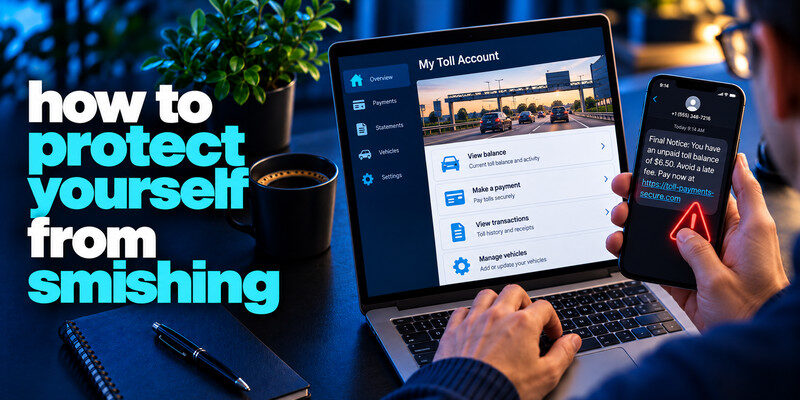
How to protect yourself from smishing? To protect yourself from smishing, treat an unexpected text link or request for a code as unverified and check the claim in the real app or website. Use your phone’s spam reporting and blocking tools, keep its software current, and secure important accounts with unique credentials and strong MFA. Smishing is phishing by text; a short delivery or toll message can move you to a fake form before you notice the domain.
Do this now
- Leave the SMS link unopened.
- Verify the claim in the official app.
- If you shared a code or card, secure the account or call the issuer immediately.
Protection from smishing starts in the real app, not in the reply box of an unexpected text.
How to protect yourself from smishing? Set a rule for text links
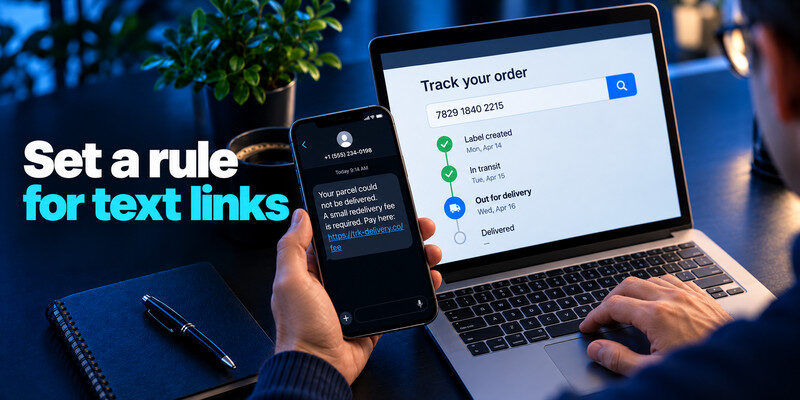
Do not pay, sign in, or install an app from an unexpected SMS link. A real delivery or bank issue can be checked by opening the app you already installed or typing the known site. The FTC recommends avoiding links in unsolicited texts seeking personal or financial information.
A delivery example
A text says a parcel needs a small redelivery fee. Open your order history and the courier’s official tracking page. A low fee can be bait to collect a full card number and address. Smishing attacks often imitate delivery companies, banks, and account security teams to make a fraudulent text appear urgent. Our guide on how to identify a scam text message explains how to recognize suspicious links, unexpected payment requests, sender impersonation, and attempts to collect verification codes.
A banking example
A message says an account has been frozen and gives a phone number. Call the number on your card instead. Never tell an inbound caller a six-digit sign-in code or approve an unrequested push.
| Text pattern | Safer action |
| Payment link for a parcel | Check the order and courier app |
| Unpaid toll notice | Use official toll account |
| Bank “fraud desk” call-back | Dial card-back number |
| Account recovery code request | Open account security independently |
Secure your accounts with fast, reliable two-factor authentication. Download now and protect your login in seconds.Download Authenticator App
Make the phone less permissive
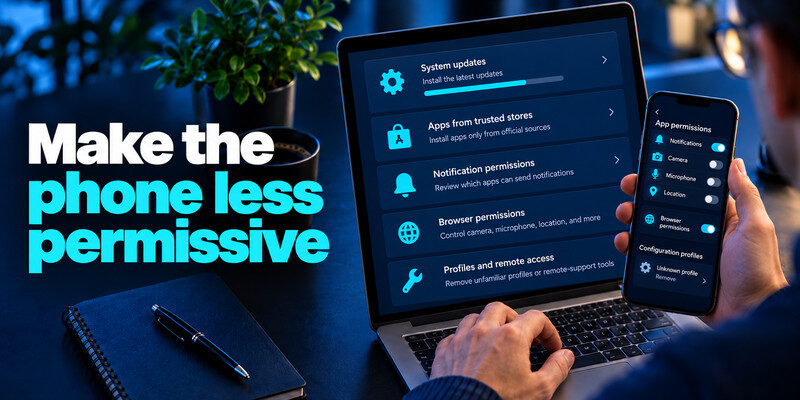
Install system updates and apps from trusted stores, review notification and browser permissions, and remove unfamiliar configuration profiles or remote-support tools. These steps cannot make every link safe, but they reduce unnecessary exposure if a page tries to install something.
Preview with caution
Do not assume a link preview shows the final destination. Short URLs and redirects can hide it. It is safer to navigate independently than to investigate through the scammer’s link to know how to protect yourself from smishing.
Scammers may combine a fraudulent text with a follow-up phone call, pretending to be a bank employee or security specialist. Learn how to recognize social engineering attacks so you can identify impersonation, manufactured urgency, and requests to bypass normal security procedures.
Read more: How to Report a Phishing Email and Preserve Useful Evidence
Keep passwords out of notes and messages
A password manager can generate unique credentials and autofill on recognized domains. Its domain matching can help reveal a fake sign-in page, though you should still check the address. Never paste a recovery code into a chat.
| Step | Action | Why it matters |
| Receive a suspicious SMS | Do not tap or reply | Avoids engagement and tracking |
| Verify an account alert | Open the app or known URL | Removes the text link from the process |
| If credentials were entered | Change them and revoke sessions | Limits immediate account access |
Secure accounts before a scam lands
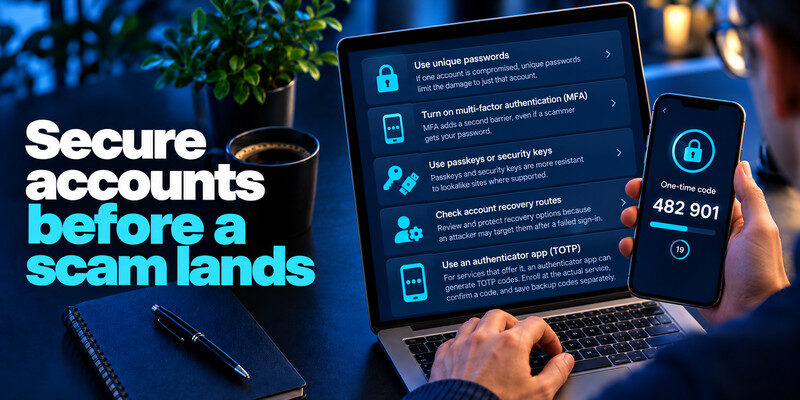
Unique passwords limit damage if one fake form captures a secret. MFA adds a second barrier, while passkeys and security keys are more resistant to lookalike sites where supported. Check account recovery routes because an attacker may target them after a failed sign-in. Using a trusted password manager app can help you create unique credentials and avoid storing passwords in text messages or unsecured notes. Domain-aware autofill may also help reveal suspicious login pages, although you should still verify the website address independently.
TOTP and its limit
For services that offer it, can generate TOTP codes. Enroll at the actual service, confirm a code, and save backup codes separately. A scam page can relay a live code, so never type one into a page opened from an unsolicited text.
Unexpected push requests
Decline an approval you did not initiate. Check the actual account’s sign-in activity and change a reused or compromised password. Repeated prompts warrant a report to the provider or workplace IT.
Read more: Best Free Password Manager: What You Get Without Paying
Use reporting tools to know how to protect yourself from smishing
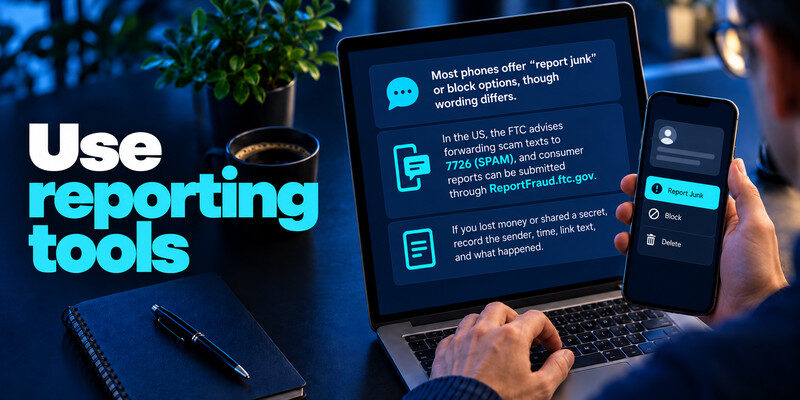
Most phones offer “report junk” or block options, though wording differs. In the US, the FTC advises forwarding scam texts to 7726 (SPAM), and consumer reports can be submitted through ReportFraud.ftc.gov. Your carrier or local authority may have a different route elsewhere.
Preserve useful details
If you lost money or shared a secret, record the sender, time, link text, amount, and action taken. Do not include the actual password or code in a public report. A screenshot is useful context but may not show the final URL to know how to protect yourself from smishing.
Warn others without forwarding the live link
Tell family or colleagues the scam’s claim and the safe verification channel. Forwarding the active SMS can cause someone else to tap it. Work users should follow the organization’s incident route.
Preventing account takeover requires more than identifying suspicious text messages. Our guide to best account security practices covers unique passwords, account recovery protection, MFA, and regular reviews of sign-in activity to reduce the impact of stolen credentials.
Read more: Cloud Password Manager vs Local Password Manager: Choose a Storage Model
If you clicked, separate the outcomes

Opening a page is different from entering a password, submitting a card, approving MFA, or installing an app. Close the page and inspect downloads and permissions. If you submitted a secret, act promptly on that specific account.
Password or code submitted
Use a trusted device to change the password at the real service, revoke unknown sessions, review recovery methods, and replace reused copies. If you gave a live code, an attacker may have signed in already; check successful activity.
Card or identity details submitted
Call the card issuer through a known number and follow its advice. For government identifiers, use official identity-theft resources. An account password reset does not stop a card transaction by itself. For services that support standard time-based verification codes, a TOTP authenticator app can generate temporary codes after enrollment. Set it up through the genuine service’s security settings and store backup codes separately. Remember that attackers can still capture live TOTP codes through fake login pages, so never enter one on a website reached through an unsolicited text message.
Configure the phone for a less risky default
Keep the operating system and messaging app updated. Use available spam filtering and report-junk controls, and disable automatic joining of suspicious links or installing unknown apps. Review which apps have SMS, notification, or accessibility permissions. These settings do not classify every message, but they reduce unnecessary exposure.
Keep the browser current
Security updates matter if a malicious page tries to exploit the device. Use official app stores and the phone maker’s update route. Do not accept a “required update” from a toll or delivery text.
Protect notification privacy
Consider whether lock-screen previews expose one-time codes to someone holding your phone. This is separate from smishing itself, but it affects the damage an attacker with physical access could cause.
Text messages are useful for notifications but poor places to make high-risk decisions. Do not use an embedded link to pay a supposed toll, unlock a bank account, or submit identity data. Open the organization’s app or type a known address. Keep your phone’s operating system and messaging app updated, and enable spam filtering where available, while accepting that filters miss new campaigns.
Verify a text from a known thread: Some services send from short codes or shared numbers, and attackers may exploit familiar-looking sender names. A message appearing in an existing conversation is not conclusive proof. Check whether the requested action is present inside your account. If the service says it never requests codes by text, follow that policy regardless of the apparent sender.
If you tapped but submitted nothing: Close the page, inspect whether a file or profile was downloaded, and update the browser if needed. A tap alone does not prove account compromise. Avoid entering details to “finish” a process just because a page loaded. If you installed an app or granted permissions, remove or review it through your device settings and follow platform guidance.
If you sent money or a code: Contact the issuer or payment service immediately for a transfer or card charge. If you shared a sign-in code, open the real account, change credentials where relevant, revoke sessions, and review recovery settings. Report the text using your phone’s reporting feature and to the impersonated organization through its real channel.
Read more: Password Manager With Built In 2FA Support: Convenience, Risks, and the Right Setup
A four-branch response after tapping
First ask whether the page merely loaded, whether a secret was submitted, whether software was installed, or whether money moved. A single text can trigger more than one branch. Write the sequence down and address each exposure.
Page only
Close it and inspect downloads, profiles, and browser permissions. Keep the device updated. An account is not automatically compromised by a tap, but a suspicious provider sign-in alert still warrants checking.
Secret or approval
Open the genuine provider on a trusted device, change a submitted password, revoke sessions, inspect recovery, and replace reused copies. A code or push approval may have created an active session immediately.
Payment or identity data
Contact the institution through a known number. Follow card-replacement or identity-theft guidance relevant to the submitted field. Do not pay a second “recovery” fee to the same contact.
Make family reporting frictionless
Scam texts often reach older relatives and teenagers with different pretexts. Agree that anyone can show a suspicious message without embarrassment. The helper should open the official app independently, not tap the message to “check it.”
Warn with words, not the live link
Describe the claim and the safe route. Forwarding the active text as an example may invite an accidental tap.
Update recovery numbers carefully
If you change a phone number after harassment, update legitimate account recovery settings in a controlled order. A number change does not undo passwords, card data, or identity fields already submitted.
Frequently Asked Questions
Is smishing only SMS?
The term usually refers to phishing by text, including similar mobile messaging. The safe verification habit applies to chat apps too.
Does blocking the number solve it?
It can stop one sender, but scammers change numbers and labels. Reporting and independent verification remain important.
Should I reply “STOP”?
Use that for legitimate marketing subscriptions. With an obvious unknown scam, report and block rather than engaging.
Can a VPN prevent smishing?
No. A VPN does not authenticate a text sender or make a fraudulent form trustworthy.
Final Thoughts
Smishing prevention starts before the tap: open the genuine service yourself, refuse requests for live codes, and know what to do if you already shared information.
Next step
For accounts that still rely on TOTP, can hold the codes. Set it up from each real account’s security settings, keep recovery codes safe, and never type a live code into a page reached through a suspicious message.
