
What Is a Hardware Wallet? A Complete Guide to Offline Crypto Security
Published November 5, 2026
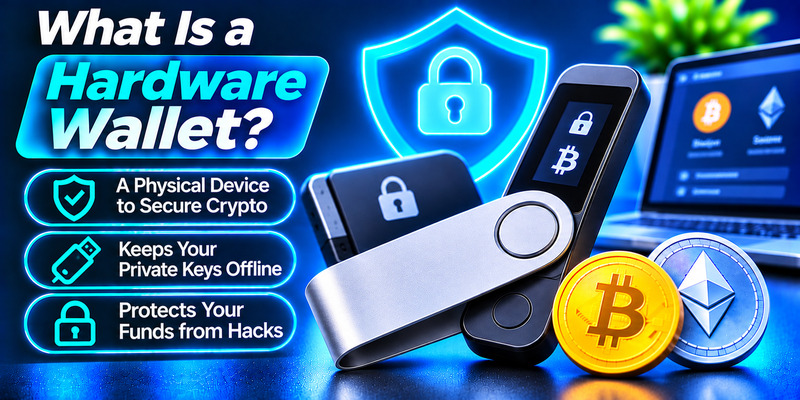
Short answer: What is a hardware wallet? A hardware wallet is a small physical device that creates and stores your cryptocurrency private keys offline and signs transactions inside the device itself, so those keys never touch the internet. It does not hold your coins (they stay on the blockchain). It protects the keys that prove you own them, which makes it one of the most secure ways to self-custody crypto.
If you own more than a small amount of crypto, you will eventually ask where to keep it safely. Exchanges are convenient but make you trust a third party, while apps on your phone or laptop are exposed to malware and phishing. That is why so many people search for what is a hardware wallet and whether they actually need one. This guide explains the definition, how the device works, how it differs from a software wallet, its real risks, and how to choose and use one safely.
What Is a Hardware Wallet?
So, what is a hardware wallet in plain language? Think of it as a tiny, purpose-built computer, often shaped like a USB stick or a small gadget with a screen and buttons, whose only job is to guard your private keys. A private key is a long string of characters that works like the master password to a blockchain address: whoever holds it can move the funds. Every wallet also has a matching public key and address that you can share freely so other people can send you crypto, much like a bank account number.
Because a hardware wallet keeps the private key on the device, away from your computer or phone, it is a form of cold storage. It also supports self-custody, meaning you control your keys instead of trusting an exchange to do it. This is the idea behind the well-known saying “not your keys, not your coins.” The collapses of platforms such as Mt. Gox, QuadrigaCX and FTX showed what can happen when customers leave their keys with a company.
You may also see some manufacturers, Ledger among them, call these devices “signers.” The reasoning is simple: the device does not store value, it signs transactions and proves your intent. It is the same product category.
Read more: How to Secure a Crypto Wallet: 10 Steps to Keep Your Crypto Safe
Secure your accounts with fast, reliable two-factor authentication. Download now and protect your login in seconds.Download Authenticator App
How Does a Hardware Wallet Work?
To see what is a hardware wallet in practice, look at the parts that work together to keep your keys isolated.
- A secure chip. The chip stores your private keys and the device firmware. Many models use a secure element, the same family of tamper-resistant chip found in bank cards and passports, often certified to standards such as EAL5+ or EAL6+.
- Firmware or an operating system built for keys. Ordinary chips are not designed to hold private keys, so the device runs software that keeps each app isolated and sensitive data encrypted.
- A companion app. The interface runs on an internet-connected phone or computer. It builds your transaction and later broadcasts it, but it never sees your private key.
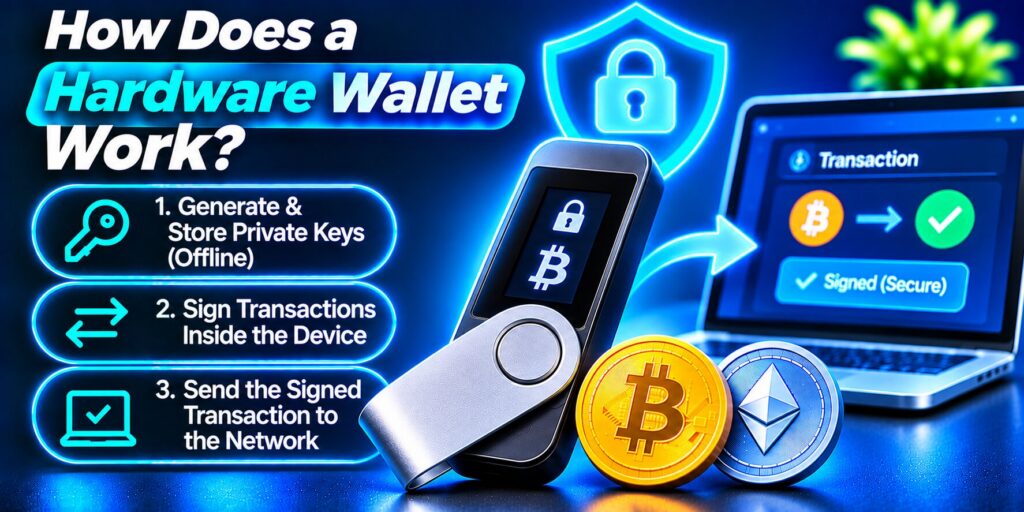
How a hardware wallet signs a transaction
- You connect the device by USB, Bluetooth or, on air-gapped models, QR codes, and open the companion app.
- You create a transaction by entering the recipient address and amount.
- The app sends the unsigned transaction to the device.
- The device shows the destination and amount on its own screen so you can verify them.
- You approve it by pressing a button or tapping the screen.
- The device signs the transaction internally with the private key.
- The signed transaction goes back to the app, which broadcasts it to the network.
At no point does the key leave the device. Even if your computer is infected with malware, the attacker only ever sees an already-signed transaction, and nothing can be approved without your physical confirmation. If you use two-factor authentication on your accounts, the idea will feel familiar: a hardware wallet adds a second factor you hold in your hand.
A recovery phrase is different from the PIN used to unlock a hardware wallet. If you are unfamiliar with recovery words, read our guide on what is a seed phrase to understand how wallet recovery works, how private keys are derived, and why these words must remain confidential.
Built-in protection: PIN and recovery phrase
Two safeguards matter most. The first is a PIN that you choose during setup; most devices lock or wipe themselves after several wrong guesses, which protects you if the device is lost or stolen. The second is the recovery phrase (also called a seed phrase), a list of 12 or 24 words generated during setup. It can restore all of your accounts on a new device, so it must be written down and kept offline.
What Is a Hardware Wallet Used For?
Knowing what is a hardware wallet used for helps you decide whether it fits your situation. The main use cases are:
- Long-term storage. Holdings you do not plan to trade or move often are best kept in cold storage, and a hardware wallet makes that practical for non-technical users.
- Offline transaction signing. Signing happens inside the device, which removes the most common route hackers use: stealing keys from an online computer.
- Managing many accounts and chains. One device can generate keys for many blockchains and accounts, all backed up by a single recovery phrase. Most popular models support Bitcoin, Ethereum, stablecoins and thousands of other assets, though support varies by brand, so check the supported-coin list before you buy.
- Safer use of Web3 apps. You can keep savings in one account and use a separate account for apps, swaps or staking, so one bad signature does not expose everything.
Because recovery information may provide access to a wallet without the original device, protecting it is essential. Follow our guide on how to protect your seed phrase to learn about offline storage, durable backups, recovery verification, and precautions against theft or accidental disclosure.
Read more: How to Back Up a Crypto Wallet: Complete Step-by-Step Guide
Hardware Wallet vs Software Wallet: What Is the Difference?
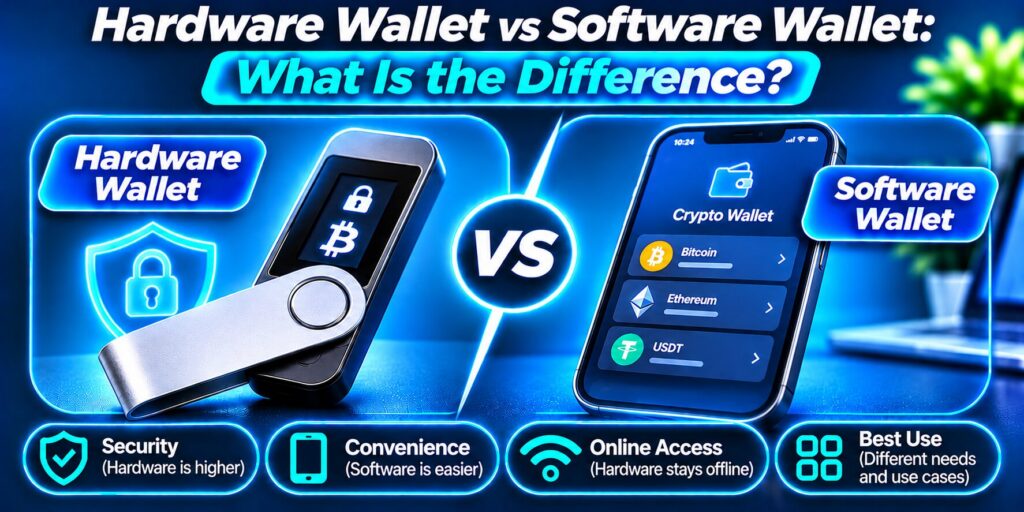
If you are comparing what is a hardware wallet against the alternative, start with the basics: a software wallet (also called a hot wallet) is an app, browser extension or desktop program that keeps keys on a device connected to the internet. A hardware wallet keeps them on a dedicated offline device. Both can be self-custodial, and many people use both.
| Feature | Hardware wallet | Software wallet |
|---|---|---|
| Key storage | Offline, inside a dedicated device | On a phone, browser or computer that is online |
| Security | Very high; keys isolated from malware | Good with careful habits, but more exposed |
| Convenience | Lower; needs the device for each transaction | High; instant access |
| Cost | One-time purchase | Usually free |
| Best for | Long-term or larger holdings | Daily use and small amounts |
A related term causes confusion. A cold wallet is any setup where keys stay offline and are never used with apps or smart contracts; paper and metal backups can be cold wallets too. A hardware wallet can act as a cold wallet, but it can also be used with apps, so the two terms are not identical.
What Are the Benefits of a Hardware Wallet?
Here is why many people who learn what is a hardware wallet decide to buy one:
- Keys stay offline. They are never exposed to malware, keyloggers or remote attacks.
- Full ownership. No exchange can freeze, lose or lend out your funds.
- Physical approval. Every transaction must be confirmed on the device.
- Easy recovery. One recovery phrase restores everything on a new device.
- One-time cost. Most brands charge no subscription fee.
If you are comparing different offline storage methods, explore our guide to the best cold wallet for crypto. It covers hardware devices, air-gapped signing options, recovery approaches, and the trade-offs between security and everyday convenience.
Read more: What Is a Passkey? The Passwordless Credential Explained
What Are the Risks and Limitations?
A complete answer to what is a hardware wallet must also cover its limits, because a hardware wallet reduces risk but does not remove it.
- Lost recovery phrase. If the device and the phrase are both gone, so are your funds. If someone else finds the phrase, they can take everything, even without the device.
- Supply-chain tampering. Devices bought second-hand or from unofficial sellers may have been altered before reaching you. Buy only from the manufacturer or an authorized reseller, and never use a pre-initialized device.
- Signing bad transactions. The device cannot stop you from approving a malicious smart contract. Read what is on the screen, and use separate accounts for risky apps.
- Cost and convenience. You pay for the device, and sending funds takes a few extra steps.
- Physical coercion and advanced attacks. Someone with physical access to you and the device could pressure you to unlock it. Researchers have shown theoretical attacks on some models, though real-world theft by extracting keys from a device has not been widely reported.
How Do You Choose a Hardware Wallet?
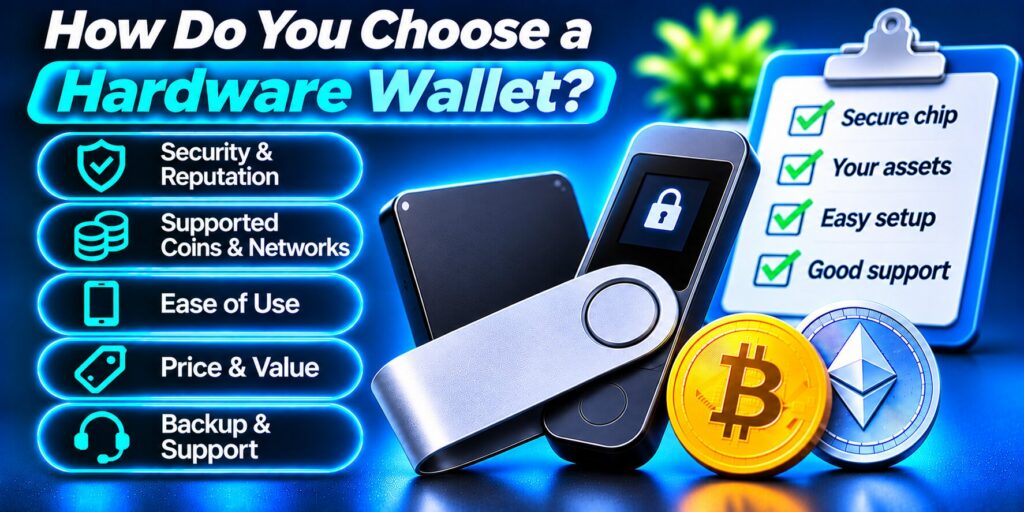
Once you understand what is a hardware wallet, compare devices on these points:
- Security design. Look for a certified secure element or a transparent, well-reviewed design, plus a PIN and a screen that shows full transaction details.
- Supported coins. Confirm your assets are supported. Some models focus on Bitcoin only; others cover thousands of tokens.
- Connectivity. USB suits desktop use, Bluetooth suits mobile, and QR-based air-gapped models avoid direct cable or wireless connections.
- Open-source firmware. Some users prefer code that anyone can inspect.
- Usability. Touchscreens and clear setup guides help beginners.
- Backup options. Check whether the brand offers metal backup plates for your recovery phrase.
- Price and reputation. Well-known models typically cost from roughly €70 to €170. Choose an established brand with a track record and good support, and buy from official sources only.
How Do You Set Up and Use a Hardware Wallet?
Now that you know what is a hardware wallet, here is how to set one up safely:
- Buy from an official source and check that the packaging and seals are intact.
- Initialize the device yourself. Set a PIN and let the device generate a new recovery phrase.
- Write the phrase down on paper or, better, metal. Never photograph it, type it into a website or store it in cloud notes.
- Install the official companion app and verify the firmware.
- Create an account for each asset or network you plan to hold.
- Send a small test transfer first, then move the rest. If you are migrating from a software wallet, send funds to new addresses. Do not import the old wallet’s phrase, because those keys may already have been exposed online.
- Store the device and the phrase separately, in safe places away from fire and water.
If your hardware wallet is lost, damaged, or inaccessible, the available recovery options depend on which credentials and backups you still have. Our guide on how to recover a lost crypto wallet explains how to restore access using compatible devices, valid recovery information, or other supported recovery methods.
Hardware Wallet Best Practices
Whatever your answer to what is a hardware wallet, safe habits matter more than the brand:
- Check the receiving address on the device screen, not only on your computer.
- Never share your recovery phrase with anyone, including “support” staff, who will never need it.
- Keep firmware up to date through official channels.
- Protect your exchange and email accounts with an authenticator app or security key, since a hardware wallet does not protect accounts that live elsewhere.
- Split holdings across accounts, and keep only spending money in a hot wallet.
Read more: What Is Vishing? Recognize Voice Phishing Calls
FAQ About Hardware Wallets
These are the questions people ask most often after learning what is a hardware wallet.
Do you really need a hardware wallet?
It depends on how much you hold and for how long. If you keep only a small amount for occasional trading, a reputable software wallet with strong habits may be enough. If you hold a meaningful sum, plan to keep it for years, or simply do not want to rely on an exchange, a hardware wallet is well worth its one-time price. A common approach is a hardware wallet for savings and a software wallet for everyday spending.
Which crypto hardware wallet is best?
There is no single best device; the right one depends on your priorities. Bitcoin-only holders often look at open-source models such as Blockstream Jade. Beginners often choose touchscreen devices such as the Trezor Safe 5. Ledger’s Nano X suits mobile users who want Bluetooth and broad coin support, while the Nano S Plus is a budget pick. BitBox02 appeals to privacy-minded users, and Keystone 3 Pro is a popular air-gapped, QR-based option. Whatever you choose, buy from the manufacturer or an authorized reseller.
What’s the difference between a hardware wallet and a software wallet?
A hardware wallet stores your private keys offline on a dedicated device and signs transactions inside it. A software wallet is an app on an internet-connected phone or computer, so its keys are more exposed to malware and phishing. Software wallets are free and convenient; hardware wallets cost money but are safer for larger, long-term holdings.
What does a hardware wallet do?
A hardware wallet generates and stores your private keys offline, signs transactions internally after you confirm them on the device, and lets you recover your accounts with a recovery phrase if the device is lost. It keeps your keys away from online threats, but you remain responsible for protecting the phrase.
Final Thoughts
So, what is a hardware wallet? It is a dedicated offline device that guards your private keys, signs transactions in isolation, and puts you fully in control of your crypto. It will not stop every mistake, and it asks for some discipline, mainly around your recovery phrase and where you buy the device. But for anyone serious about self-custody, understanding what is a hardware wallet and using one correctly is one of the most effective security upgrades available.
