
Recover Instagram No Phone: How to Get Your Account Back
Published November 9, 2026
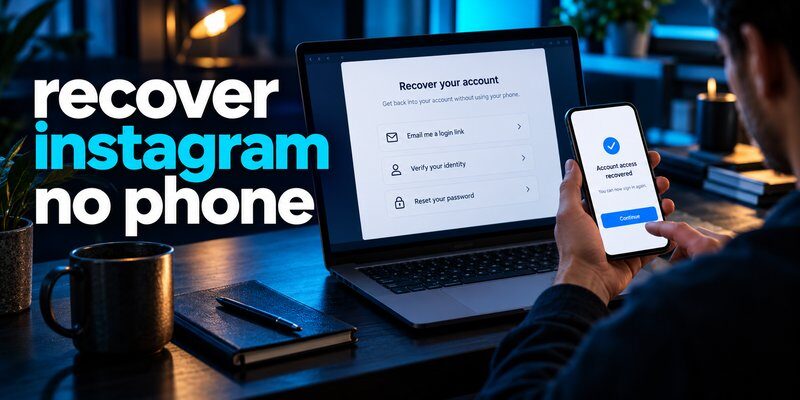
You can recover your Instagram account without your phone by using your registered email address, saved two-factor authentication backup codes, a trusted device, or Instagram’s official identity verification process. If you cannot access your email or phone number, Instagram may offer video selfie verification or other account recovery options.
Losing your smartphone can be frustrating, especially when Instagram requires a verification code sent to the missing device. You might remember your password but still be unable to sign in because your authentication method is unavailable.
Fortunately, losing your phone does not automatically mean losing your Instagram account.
Instagram provides several account recovery methods designed to help legitimate account owners regain access while protecting their profiles from unauthorized users.
Whether your device was lost, stolen, damaged, or replaced, this guide explains how to recover instagram no phone access, restore two-factor authentication, and protect your digital identity.
1. Recover Instagram No Phone: What Should You Do First?
Before starting account recovery, identify why Instagram is preventing you from signing in.
The correct solution depends on whether you lost your phone, forgot your password, cannot receive verification codes, or believe someone accessed your account.
Identify Your Instagram Login Problem
There are several common situations:
- Lost phone: You know your Instagram password but cannot receive verification codes.
- Forgotten password: You cannot remember your credentials but still control your registered email.
- Lost authenticator: You no longer have access to the application generating your two-factor authentication codes.
- Lost email and phone: Both registered recovery methods are unavailable.
- Hacked account: Someone may have changed your password, email address, or phone number.
Each scenario requires a different recovery approach.
For example, if you only forgot your password, receiving an email reset link may solve the problem.
However, if two-factor authentication is enabled, resetting your password might not be enough to complete the login process.
Password recovery and two-factor authentication recovery are separate security steps.
Quick Recovery Checklist
If you need to recover instagram no phone access, try the following methods in order:
- Check whether Instagram is still logged in on another device.
- Try recovering your account through your registered email.
- Look for previously saved Instagram backup codes.
- Check whether your authentication codes were backed up or synchronized.
- Use Instagram’s official account recovery process.
- Complete identity verification if requested.
Start with the least complicated method before moving to more advanced recovery options.
Why Does Instagram Require Your Phone?
Instagram uses authentication methods to confirm that the person signing in is the legitimate account owner.
When two-factor authentication is enabled, Instagram may require additional verification beyond your password.
This can include a code generated by an authentication application, an SMS verification code, or an approved login request.
According to Meta’s December 2025 account security announcement, the company expanded its recovery system with improved trusted-device recognition and adaptive verification procedures.
Meta also reported that the relative success rate of hacked-account recovery increased by more than 30% in the United States and Canada during 2025.
This statistic describes a specific improvement in Meta’s recovery systems, not a guaranteed recovery rate for every account.
The important takeaway is that official recovery options continue to evolve, making it worthwhile to check the latest choices available in your Instagram app.
Download Authenticator App
Secure your accounts with fast, reliable two-factor authentication. Download now and protect your login in seconds.
2. How to Recover Instagram Without Your Phone Using Email
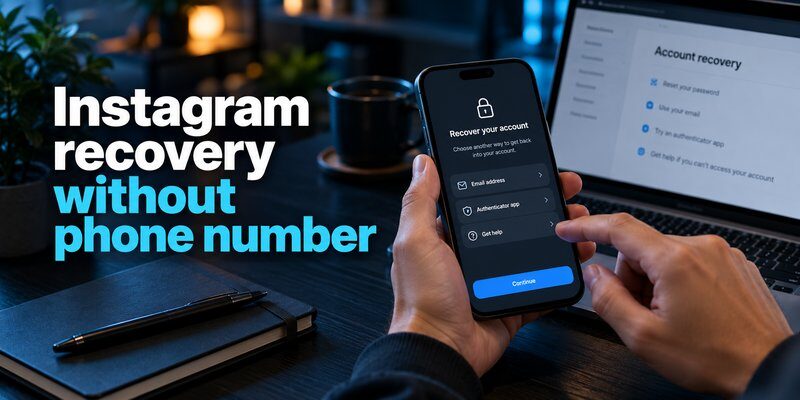
If you still have access to the email address linked to your Instagram account, email recovery is usually the simplest option.
This method works without receiving an SMS message on your missing smartphone.
Step 1: Open the Instagram Login Screen
Open Instagram on another smartphone or through your computer’s browser.
Select Forgot password? below the login fields.
Depending on your device and Instagram version, the recovery option may have a slightly different label.
Step 2: Enter Your Instagram Username
Enter your username or the email address associated with your account.
If you cannot remember your username, ask a trusted friend to check your public Instagram profile.
Make sure you are recovering the correct account before continuing.
Step 3: Request a Login Link
Choose the available email recovery method.
Instagram may send a login link or password reset instructions to your registered email address.
Open your inbox and check for the recovery message.
If it does not appear, check your spam or junk folder.
Only follow account recovery instructions received through Instagram’s official channels.
Step 4: Reset Your Password
Open the recovery email and follow the instructions.
If Instagram allows a password reset, create a new, strong password that you have not used for another account.
A reliable password should be unique and difficult to guess.
Avoid using your birthday, username, or simple number combinations.
Step 5: Complete Additional Verification
After resetting your password, Instagram may still request a two-factor authentication code.
This happens because changing your password does not automatically disable 2FA.
If you cannot access the required code, choose an available alternative verification method or continue to the account recovery process.
For users trying to recover instagram no phone access, this is often the point where saved backup codes become especially important.
What If Your Recovery Email Never Arrives?
Check that you entered the correct username or email address.
You can also try requesting a new login link because older links may expire.
If you no longer control your original email account, attempt to restore access through your email provider.
Instagram cannot directly recover an external email account for you.
For additional guidance on securing the email account used for recovery, read how to secure your email account.
3. Recover Instagram No Phone When Two-Factor Authentication Is Enabled
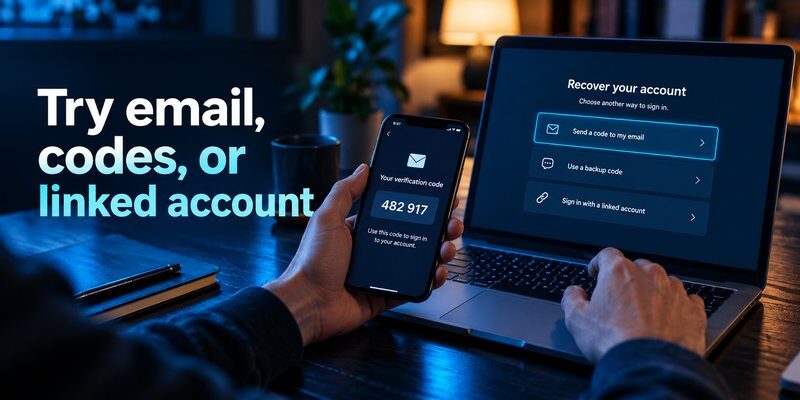
Two-factor authentication is one of the most common reasons users become locked out after losing their smartphones.
When 2FA is activated, Instagram requires another verification method in addition to your password.
If your original phone is unavailable, you must use an approved alternative.
Method 1: Use Instagram Backup Codes
Instagram provides backup codes when you configure certain two-factor authentication methods.
These codes are intended to help you sign in when you cannot access your usual verification device.
To use a saved backup code:
- Enter your Instagram username and password.
- Continue to the two-factor authentication screen.
- Look for Try another way or an equivalent option.
- Select Use a backup code.
- Enter an unused backup code.
- Complete the login process.
Backup codes are single-use recovery credentials.
Once a code has been used, it cannot be reused.
If you previously saved your backup codes in a password manager, encrypted file, or another secure location, retrieve them from there.
If you did not save any codes, you generally cannot generate new ones while completely locked out.
For people searching recover instagram no phone, backup codes can provide one of the quickest legitimate recovery routes.
Method 2: Check Another Logged-In Device
You may still have an active Instagram session on a tablet, laptop, or secondary phone.
If so, avoid logging out of that device.
Open Instagram and review the available settings in Accounts Center.
Depending on your account configuration, you may be able to update recovery information, review authentication methods, or generate replacement backup codes.
Instagram may still require additional verification before allowing sensitive security changes.
An active session does not guarantee unrestricted access to account security settings.
Nevertheless, keeping a trusted session available can make account recovery easier.
Method 3: Restore Your Authenticator Codes
If you used Google Authenticator or another TOTP application, check whether its authentication credentials were previously synchronized or backed up.
Google Authenticator can synchronize supported verification codes with a Google Account when the synchronization feature has been enabled.
Other applications may support encrypted backups or device transfers.
However, simply installing the same app on a new phone does not necessarily restore your previous verification codes.
Read our guide to google authenticator for instagram for more information about Instagram authentication.
If you used an authenticator with backup functionality, our authenticator app restore from backup guide explains common restoration considerations.
For Mac users, google authenticator for mac discusses desktop-related authentication options.
Important: Restoring verification codes only works when the necessary authentication secrets were previously saved or synchronized.
A new authentication application cannot automatically recreate missing Instagram credentials.
What If You Cannot Recover Any 2FA Codes?
If your backup codes are missing and no alternative authentication method is available, continue through Instagram’s official recovery flow.
You may need to prove ownership through additional identity verification.
The goal when trying to recover instagram no phone access is to establish your identity using a method Instagram recognizes, not to bypass its security system.
4. How to Recover Instagram Without Email or Phone Number
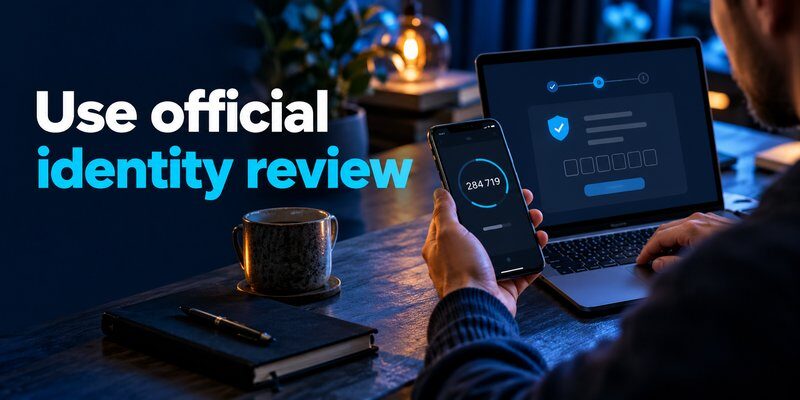
Losing access to both your registered email address and phone number makes Instagram recovery more difficult.
However, depending on the account, device history, and recovery options, additional verification may still be available.
Start Instagram’s Official Recovery Process
Open the Instagram application on a phone you can currently use.
Then:
- Select Forgot password?.
- Enter your Instagram username.
- Continue to the available recovery options.
- Look for Try another way, Can’t reset your password?, or a similar option.
- Select the option indicating that you cannot access your registered email or phone number, if shown.
- Follow the instructions to request additional support.
These labels may vary depending on your device, region, and account status.
Alternatively, use Instagram’s official hacked-account recovery flow through the platform’s account assistance tools.
Only submit your account credentials through Instagram’s official application or authenticated service.
Provide a New Contact Email
If the recovery process allows you to contact support, you may be asked for a new email address.
Choose an email account that you currently control.
Instagram may use this address to send recovery instructions or information about your verification request.
Ensure that your email account itself is protected with a strong password and an independent authentication method.
Can You Recover an Account Without Any Contact Information?
Sometimes, but recovery is not guaranteed.
Instagram’s published guidance has historically warned that users who cannot access their registered email and have no linked Facebook recovery route may be unable to regain access.
Meta has since expanded some identity-verification options, including video selfies and adaptive recovery procedures.
Availability depends on the specific account and recovery flow.
For example, a user may qualify for video verification, while another account may require different ownership evidence.
If you need to recover instagram no phone access and lack all traditional recovery methods, follow the options offered by Instagram rather than relying on unofficial recovery services.
5. Recover Instagram No Phone Using Video Selfie Verification
Video selfie verification is an account recovery method that Instagram may offer when standard recovery options are unavailable.
This method helps Instagram establish whether the person requesting access is associated with the account.
How Does Instagram Video Selfie Verification Work?
When offered, the process asks you to record a short video of your face.
Instagram may instruct you to turn your head in different directions to confirm that the recording shows a real person.
Meta has explained that its facial comparison technology can compare submitted selfie information with relevant account photos to assist identity verification.
Video selfie verification is an optional, eligibility-dependent recovery method, not a guaranteed option for every account.
How to Submit a Video Selfie
If Instagram presents this option during account recovery:
- Open the recovery process in the official Instagram app.
- Select the available identity verification option.
- Choose video selfie verification if offered.
- Position your face within the camera frame.
- Follow the movement instructions.
- Submit the recording for review.
- Check your designated contact email for further instructions.
Use a well-lit environment and ensure your face is clearly visible.
Avoid sunglasses, heavy shadows, and accessories that obscure facial features.
A failed verification attempt does not always mean permanent rejection. Instagram may allow another submission.
What If Your Instagram Account Has No Photos of You?
Some Instagram accounts primarily contain artwork, landscapes, products, or business-related content.
For these accounts, video selfie verification may not be suitable or available.
Instagram may instead request other ownership information, such as the original registration email, previously used devices, or additional account details.
Follow the exact instructions provided during your recovery request.
Is Video Selfie Recovery Safe?
Meta states that its video selfie recovery processes use privacy safeguards, including encrypted storage and restrictions on displaying uploaded verification videos publicly.
In its October 2024 announcement, Meta explained that facial data generated for the comparison is deleted when no longer needed for that matching process.
In December 2025, Meta also announced broader adaptive recovery improvements.
These developments may help users attempting to recover instagram no phone access, particularly when they cannot receive ordinary verification messages.
However, a completed selfie submission does not guarantee that account ownership will be confirmed.
6. How to Recover a Hacked Instagram Account Without Your Phone
A hacked Instagram account requires a different response from an account that is simply inaccessible because of a missing device.
If someone changed your password, email, or authentication settings, act quickly to protect your identity.
Recognize Signs of Account Compromise
Potential warning signs include:
- Unexpected password reset messages.
- Notifications about email or phone number changes.
- Unknown login activity.
- Messages or posts you did not create.
- Unrecognized accounts connected through Accounts Center.
- Verification codes arriving without your request.
If you notice these signs, avoid repeatedly entering passwords into unfamiliar websites.
Use Instagram’s Hacked Account Recovery Tools
Meta introduced a dedicated Instagram hacked-account recovery experience in December 2022.
The recovery flow helps users report account access problems and follow appropriate verification steps.
If you believe your account was compromised, use Instagram’s official hacked-account assistance process.
Explain the problem accurately and complete any identity verification requested.
You may also check your email for legitimate Instagram notifications regarding changes to your login information.
If Instagram provides a way to reverse an unauthorized account detail change, follow the official instructions promptly.
For more information, read how to recover a hacked account.
What If a Hacker Enabled Two-Factor Authentication?
If someone added a verification method that you do not control, your password alone may no longer provide access.
Do not attempt to bypass the attacker’s authentication method using unofficial tools.
Instead, report the compromised account and complete Meta’s authorized verification process.
The same principle applies when attempting to recover instagram no phone access following a suspected account takeover.
Account ownership must be verified before unauthorized security settings can be safely removed.
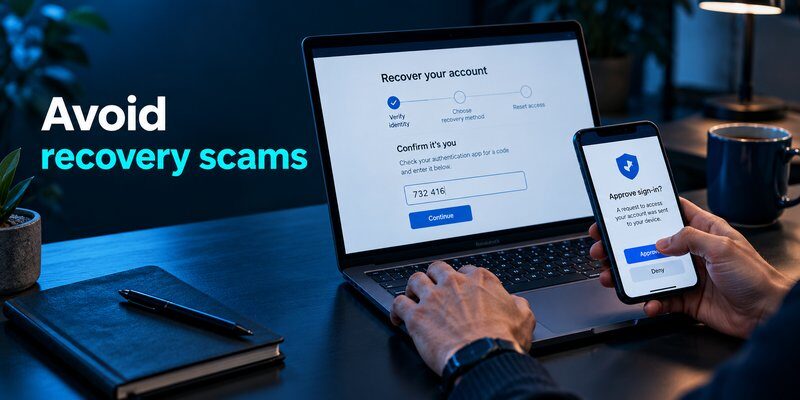
Avoid Instagram Recovery Scams
Be cautious of anyone claiming they can recover your Instagram account for a fee.
Scammers may impersonate Meta employees or offer guaranteed account unlocking services.
Never share your password, one-time codes, recovery codes, or identification documents through unverified channels.
Meta has repeatedly warned users about malicious applications and messages designed to steal login credentials.
For additional information, read how to check if your account has been hacked.
7. How to Protect Your Instagram Account After Recovery
Once you successfully regain access, take steps to prevent the same problem from happening again.
Account recovery is only complete when you have restored control of your security settings.
Update Your Password and Recovery Information
Start by creating a strong, unique password.
Then review your Instagram account details in Accounts Center.
Confirm that your primary email address and phone number are current.
Remove recovery information you no longer control.
If you suspect unauthorized access, review existing login sessions and sign out of unfamiliar devices.
Reconfigure Two-Factor Authentication
Two-factor authentication provides an additional layer of protection against unauthorized login attempts.
Meta recommends enabling 2FA for Instagram accounts.
You can configure a compatible authentication application after recovering access.
An Authenticator app can help generate time-based verification codes for supported accounts.
However, remember that installing a new app does not automatically restore Instagram verification secrets stored on your previous phone.
You must register the application with Instagram through an approved setup process or restore valid, previously backed-up credentials.
For iPhone users, our apple authenticator guide explains relevant Apple authentication options.
Save Instagram Backup Codes
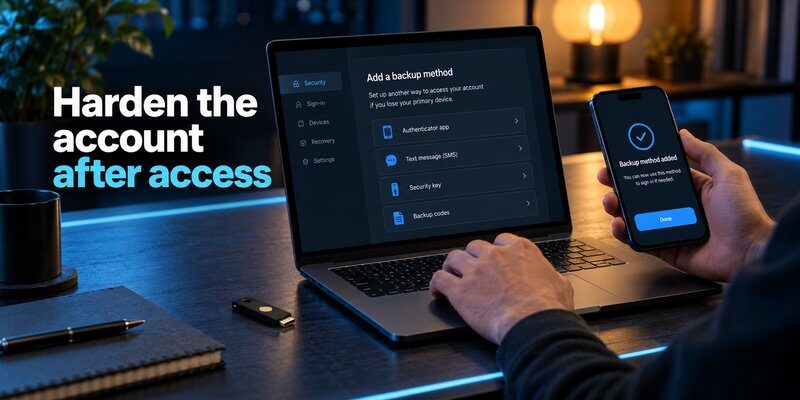
After reconfiguring two-factor authentication, generate or review your available Instagram backup codes.
Store them somewhere separate from your primary smartphone.
Suitable options may include a reputable password manager, an encrypted offline file, or a securely stored printed copy.
Never save your only recovery codes in an unprotected screenshot on the same device used for authentication.
A backup is useful only when you can access it during an emergency.
Set Up Authentication on Your Replacement Phone
Once your Instagram account is accessible and ready for new 2FA registration, you can Download authenticator app for your replacement iPhone.
Follow Instagram’s instructions to register the new verification method.
Before signing out of your existing session, confirm that the new application generates valid codes and that your recovery options work.
If you are changing devices, see our guide to how to transfer authenticator to new phone.
Create a Long-Term Recovery Plan
A successful recover instagram no phone experience should encourage better preparation for future emergencies.
Your recovery plan should include:
- A secure email address you can access independently.
- Updated account recovery information.
- Safely stored backup codes.
- A secondary trusted authentication method where supported.
- Regular reviews of active login sessions.
- An understanding of your authenticator’s backup capabilities.
You can also explore how to secure your social media accounts for additional protection strategies.
The goal is to keep your Instagram account secure without depending on one smartphone for every recovery step.
8. Recover Instagram No Phone: Frequently Asked Questions
Can I Recover My Instagram Account Without My Phone Number?
Yes. If you have access to your registered email, a saved backup code, or another approved verification method, you may be able to recover your account.
If these methods are unavailable, Instagram may offer additional identity verification.
Recovery is not guaranteed without sufficient proof of account ownership.
Can I Recover Instagram Without Email and Phone?
You may still be eligible for Instagram’s identity verification process, including video selfie verification where available.
However, accounts with no accessible recovery information may be difficult or impossible to recover.
The available options depend on the account’s security configuration and Instagram’s recovery assessment.
How Can I Log In to Instagram Without an Authentication Code?
If 2FA is enabled, check whether you have an unused backup code or another approved authentication method.
A previously trusted device may also help.
If none of these options works, use Instagram’s official recovery process.
Can Instagram Recover My Account With a Video Selfie?
Video selfie verification can help establish account ownership when Instagram offers it.
The process may involve recording your face and following on-screen movement instructions.
Submitting a video selfie does not guarantee successful recovery.
How Long Does Instagram Account Recovery Take?
The time varies depending on the recovery method and whether additional identity checks are required.
An email password reset may be relatively quick.
More complicated recovery requests may take longer, and Instagram does not guarantee one fixed resolution time for every account.
Does Resetting My Instagram Password Remove 2FA?
No.
A password reset changes your account password but does not automatically remove two-factor authentication.
If you cannot access your authentication method, you may still need backup codes or another recovery option.
Can I Recover My Instagram Account After Losing Google Authenticator?
Possibly.
If your authentication credentials were previously synchronized, you may be able to restore them.
Otherwise, use your Instagram backup codes or follow its official account recovery process.
Reinstalling Google Authenticator without an existing backup does not automatically recreate your old Instagram verification codes.
What Should I Do If Someone Changed My Instagram Email?
Check for official Instagram security messages notifying you about the change.
If a legitimate reversal or account security option is available, use it promptly.
Otherwise, begin Instagram’s hacked-account recovery procedure.
Avoid sending account information to strangers offering recovery assistance.
Can I Recover Instagram Using Facebook?
In some account configurations, a linked Facebook account may provide an available login or recovery option.
However, this depends on how the accounts were connected and the authentication methods currently required.
Simply having Facebook and Instagram profiles does not guarantee that Facebook can restore Instagram access.
What Is the Best Way to Avoid Losing Instagram Access Again?
Use a strong password, maintain current recovery information, enable two-factor authentication, and securely save backup codes.
Make sure you have at least one recovery method that does not depend entirely on your primary smartphone.
These precautions make future recover instagram no phone problems much easier to manage.
Final Thoughts
Losing your smartphone does not necessarily mean losing your Instagram account permanently.
If you need to recover instagram no phone access, start with your registered email, trusted devices, and saved backup codes.
When ordinary verification methods are unavailable, Instagram’s official account recovery process may provide additional identity checks, including video selfie verification for eligible users.
The most important step is proving account ownership through a legitimate recovery method.
Once access is restored, update your recovery email and phone number, review active sessions, and configure a reliable authentication system.
Save your backup codes somewhere safe and verify that your replacement device can generate the necessary login codes.
By combining strong passwords, two-factor authentication, and independent recovery methods, you can protect your digital identity and reduce the risk of future Instagram lockouts.
Download Authenticator App
Secure your accounts with fast, reliable two-factor authentication. Download now and protect your login in seconds.
