
Identity Theft Lost Phone: What to Do to Protect Your Accounts
Published November 9, 2026
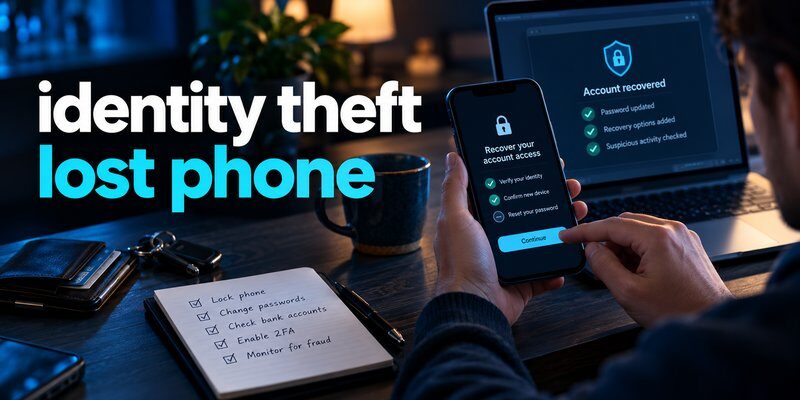
If your phone is lost or stolen, immediately lock it remotely, contact your mobile carrier, secure your email and financial accounts, and review your two-factor authentication settings. If you suspect someone has already misused your personal information, report identity theft and take steps to protect your credit.
An identity theft lost phone situation can expose more than the physical device. Smartphones frequently contain personal messages, banking applications, saved passwords, identity documents, and authentication credentials.
However, losing your phone does not automatically mean your identity has been stolen. The risk depends on whether someone can access your device, take control of your phone number, or compromise your online accounts.
For immediate protection, follow these five steps:
- Lock your missing phone using Apple Find My or Google’s Find Hub.
- Contact your mobile carrier to suspend service and protect your number.
- Secure your email, banking, and password manager accounts.
- Check for suspicious transactions or unauthorized account activity.
- Report confirmed identity theft and activate appropriate financial protections.
According to the Federal Trade Commission (FTC), its Consumer Sentinel Network received nearly 1.4 million identity theft reports in 2025, highlighting the importance of protecting personal information.
These reports cover identity theft generally and should not be interpreted as the number of identity theft incidents caused by stolen phones.
This guide explains how to reduce the risks associated with identity theft lost phone incidents, restore account security, and prevent criminals from misusing your information.
What Is Identity Theft After Losing Your Phone?
Identity theft happens when someone uses your personal or financial information without permission.
In an identity theft lost phone situation, the concern is that whoever finds or steals your device may gain access to information that helps them impersonate you.
A phone can provide access to multiple connected services, making it particularly valuable to criminals.
What personal information could be exposed?
Depending on your security settings, a lost smartphone may contain:
- Personal information: Your full name, address, date of birth, and identification documents.
- Financial information: Banking applications, payment accounts, and saved payment details.
- Email accounts: Personal correspondence, account recovery emails, and verification messages.
- Authentication data: Passwords, recovery codes, and temporary login credentials.
- Personal files: Photos, documents, and private conversations.
- Account sessions: Social media and shopping applications that remain signed in.
Possessing a locked, encrypted phone does not automatically give someone access to these details.
A strong device passcode, encryption, biometric authentication, and theft-protection features can substantially reduce exposure.
However, the risk becomes greater if a thief knows your passcode or can access an unlocked device.
What can identity thieves do with a stolen phone?
Potential consequences include unauthorized purchases, account takeovers, fraudulent communications, and misuse of sensitive personal information.
A criminal might also use access to your email account to reset passwords on other services.
This is why identity theft lost phone recovery should focus on protecting connected accounts rather than simply replacing the device.
The FTC’s consumer guidance explains that stolen personal information may be used to open fraudulent credit accounts, access financial services, or impersonate the victim.
The most important distinction is between a missing phone, a compromised account, and confirmed identity theft. Each situation requires a different level of response.
Download Authenticator App
Secure your accounts with fast, reliable two-factor authentication. Download now and protect your login in seconds.
What to Do Immediately If Your Phone Is Lost or Stolen
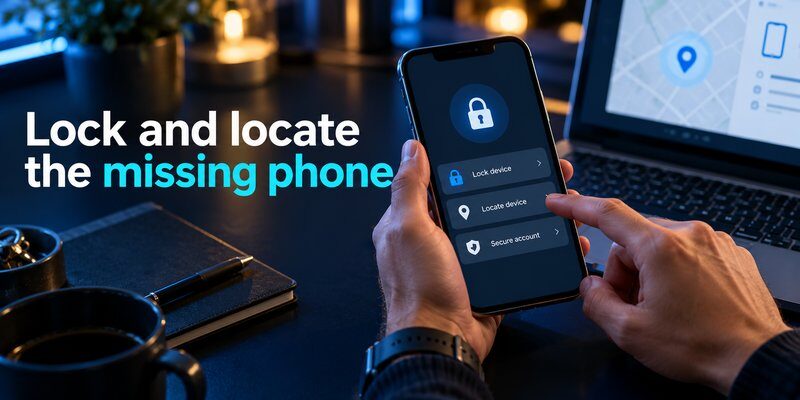
Understanding what to do if your phone is stolen can help reduce the damage caused by unauthorized access.
For an identity theft lost phone emergency, prioritize device security and account protection.
Step 1: Locate and lock your phone remotely
If you use an iPhone, access Apple’s Find My service from another trusted Apple device or through iCloud’s Find Devices feature.
Select the missing phone and activate Lost Mode.
According to Apple Support, Lost Mode can:
- Lock the device using its passcode.
- Suspend applicable Apple Pay cards and passes.
- Display a contact message on the lock screen.
- Help you locate the device when location information is available.
For Android devices, Google’s Find Hub offers similar capabilities, including locating, securing, and remotely erasing compatible devices.
Do not attempt to confront a suspected thief, even if the location service displays the phone’s position.
Contact local law enforcement when appropriate.
Step 2: Contact your mobile carrier
Your carrier can help suspend cellular service, protect your account, and arrange a replacement SIM or eSIM.
Explain that your phone is missing and ask whether your account shows unusual activity.
Request information about:
- Suspending the missing SIM or eSIM
- Preventing unauthorized number transfers
- Adding or updating your carrier account PIN
- Blocking the missing device’s IMEI where supported
- Restoring your existing number to a replacement device
The objective is to protect your phone number without permanently losing access to legitimate recovery methods.
Suspending a SIM does not automatically erase information stored on the phone.
Step 3: Secure your primary email account
Your email account is particularly important because many services use it for password resets.
From a trusted device, review recent sign-in activity and active sessions.
If the missing phone may have been accessed, change your email password and revoke unauthorized sessions.
Check that recovery email addresses and phone numbers have not been changed.
Also inspect forwarding rules and account recovery settings.
Criminals who compromise email accounts may establish forwarding rules that allow them to continue collecting sensitive messages.
Step 4: Protect your financial accounts
Review banking applications, digital wallets, and payment services.
If you notice unauthorized activity, contact the institution’s fraud department immediately.
Ask whether the affected account or payment method should be temporarily frozen.
The FTC recommends reporting unauthorized transactions promptly because consumer protections and liability can depend on the payment method and the timing of the report.
Step 5: Consider remotely erasing the device
When your phone is permanently missing or stolen, a remote erase may prevent access to locally stored personal information.
However, erasing is generally irreversible.
Check whether important data, including authentication credentials, has already been backed up.
Apple advises users not to remove a stolen iPhone from Find My merely because it has been erased, since removing it can disable Activation Lock.
An identity theft lost phone response should secure the device first, then address accounts and financial risks.
How Can Someone Steal Your Identity Using Your Phone Number?
Your phone number is often connected to personal accounts, recovery methods, and security notifications.
This creates potential risks even when criminals cannot unlock your physical phone.
Can identity theft happen with just a phone number?
People researching identity theft with phone number often worry that knowing a mobile number is enough to steal someone’s identity.
A phone number alone is generally insufficient to establish someone’s identity or access a properly secured financial account.
However, it may become useful when combined with other information, such as a name, address, leaked password, or personal identification details.
Attackers may use phone numbers for phishing, impersonation, account discovery, and social engineering.
This explains why identity theft phone numbers are a relevant security concern.
What is SIM swapping?
SIM swapping happens when an attacker fraudulently transfers a victim’s mobile number to another SIM card or eSIM.
The criminal may impersonate the legitimate subscriber when contacting the mobile provider.
If the transfer succeeds, the attacker can potentially receive calls and SMS messages intended for the victim.
According to FTC guidance, SIM swap attackers may intercept text-message verification codes and use them to access accounts when they also have the necessary login credentials.
This creates significant risks for accounts relying entirely on SMS-based authentication.
An identity theft lost phone incident and a SIM swap attack are not identical, but both can threaten control of your mobile number.
How to prevent unauthorized SIM transfers
Contact your mobile provider and request the strongest account protection available.
Security options may include:
- A unique carrier account PIN
- SIM-change restrictions
- Number-transfer or port-out protection
- Account activity notifications
- Strong authentication for carrier account access
For users researching t mobile identity theft protection, T-Mobile documents SIM Protection and Account Takeover Protection features designed to reduce unauthorized SIM changes and number transfers.
Availability and configuration depend on account permissions and service type.
Verify current settings directly through your carrier account.
Never disclose carrier verification codes to someone who unexpectedly calls or texts claiming to be technical support.
Is an authenticator safer than SMS verification?
For many accounts, yes.
An authenticator that generates time-based one-time passwords does not depend on receiving an SMS message.
Therefore, SIM swapping alone does not directly reveal those stored TOTP secrets.
The FTC recommends authentication applications or security keys when they are available as stronger alternatives to text-message verification.
Learn more about sms vs authenticator app to understand their security differences.
Remember that an attacker who unlocks the stolen phone may still be able to access an installed authenticator, depending on its protections.
How to Protect Your Online Accounts After Losing Your Phone
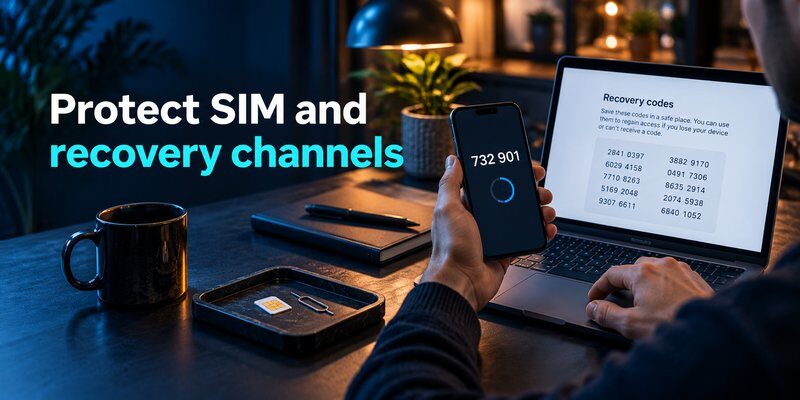
An identity theft lost phone incident often involves more than a device replacement.
You should also review accounts that were previously connected to the missing smartphone.
Secure passwords and active sessions
Start with your most important accounts:
- Primary email account
- Password manager
- Banking and payment accounts
- Apple Account or Google Account
- Work-related services
- Social media and shopping accounts
Change passwords when there is a reasonable possibility that credentials were exposed.
Use unique passwords and avoid reusing the same password across multiple accounts.
Where supported, review connected devices and sign out suspicious sessions.
Recover lost two-factor authentication
If your previous phone contained your verification codes, you might temporarily lose access to accounts protected by 2FA.
Fortunately, some services support recovery through backup codes, trusted devices, passkeys, or previously synchronized authenticator data.
For users switching devices, the Transfer Authenticator to New Phone guide explains important transfer considerations.
If you previously enabled backup features, see authenticator app restore from backup.
Installing a new authenticator application does not automatically restore verification codes that existed only on the missing phone.
You may need to recover each account before registering a replacement authenticator.
Set up a replacement authentication method
After recovering access, configure a new authentication method for your important accounts.
An Authenticator app can generate verification codes for compatible services.
Before switching, verify that the application supports your required authentication method and review its backup options.
For iPhone users, you can Download authenticator app and follow each account provider’s instructions to register a new TOTP authenticator.
If you use multiple Apple devices, read about apple authenticator features and code-management options.
Users working across mobile and desktop devices may also find the google authenticator for mac guide useful.
Not every mobile authenticator provides an official standalone macOS application.
The goal is to restore account security without creating another single point of failure.
For effective identity theft lost phone prevention, maintain a separate recovery method that remains accessible if your primary phone disappears.
How to Report Identity Theft and Get Recovery Assistance
If someone has used your information without authorization, report the problem promptly.
An identity theft lost phone incident may require notifying your mobile provider, financial institutions, credit bureaus, and law enforcement.
Who should you contact first?
Contact the organization where fraud actually occurred.
For example, if someone accessed your bank account, report the incident directly to the bank’s fraud department.
If an unfamiliar credit account appears in your name, contact the lender and consider placing a fraud alert or credit freeze.
For verified U.S. identity theft numbers to call, the following contacts are useful.
| Organization | Contact number |
|---|---|
| FTC Identity Theft Hotline | 1-877-438-4338 |
| Equifax | 1-800-685-1111 |
| Experian | 1-888-397-3742 |
| TransUnion | 1-888-909-8872 |
| Annual Credit Report service | 1-877-322-8228 |
These U.S. contact numbers are listed in federal consumer recovery resources. Verify contact details through official channels before sharing sensitive information.
For a specific identity theft phone contact, use the verified fraud department number supplied by the relevant company rather than an unsolicited text message or search advertisement.
Report identity theft to the FTC
The Federal Trade Commission provides a free identity theft reporting and recovery process.
When you submit a report through its official IdentityTheft.gov service, you can receive an Identity Theft Report and personalized recovery steps.
The process may help document fraudulent accounts, unauthorized transactions, and other identity misuse.
If you are outside the United States, contact your country’s relevant consumer protection authority and law enforcement agency.
Should you freeze your credit?
A U.S. credit freeze can make it harder for identity thieves to open new credit accounts in your name.
According to the FTC, credit freezes are free to place and lift, do not affect your credit score, and remain active until removed.
To establish freezes across the three major U.S. credit bureaus, contact each one separately.
Alternatively, an initial fraud alert is free and normally lasts one year.
You can request an initial fraud alert from one nationwide credit bureau, which must notify the other two.
A fraud alert and a credit freeze offer different protections and may be used together.
When should you contact the police?
If your phone was stolen, a police report may provide useful documentation for insurance claims and recovery efforts.
Include the device model, serial number, IMEI, and relevant incident details when available.
Call emergency services only when there is an immediate danger or an active emergency. Routine identity theft reporting should use non-emergency police channels.
If you suspect identity theft lost phone fraud, preserve transaction records, communications, and report confirmation numbers.
Can You Track a Lost Phone Using Its IMEI Number?
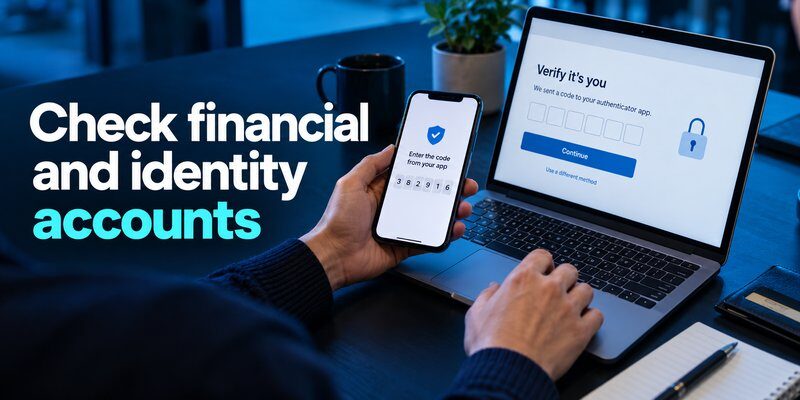
The International Mobile Equipment Identity, or IMEI, is a unique identifier assigned to compatible mobile devices.
People searching lost phone using imei number may expect the identifier to provide a real-time map of their missing smartphone.
However, an IMEI is not a public GPS tracking service.
It can help mobile carriers and law enforcement identify the device and support theft-related investigations, but it does not let an ordinary user independently locate a phone.
What can an IMEI help you do?
An IMEI may be useful when:
- Reporting a stolen device to a carrier
- Requesting a network block where supported
- Filing a police report
- Supporting an insurance claim
- Identifying the device in ownership records
You may find your IMEI on the original device packaging, purchase records, or associated device account.
Avoid publishing it unnecessarily.
Can the IMEI protect your personal information?
Blocking a stolen device through a carrier may limit its use on supported cellular networks.
However, an IMEI block does not automatically delete personal files, passwords, or account sessions.
It also does not guarantee recovery of the phone.
For an identity theft lost phone investigation, use the IMEI as supporting evidence while separately securing the device and associated accounts.
How to Prevent Identity Theft If You Lose Your Phone Again
Preventing future incidents involves protecting both your physical smartphone and your digital identity.
A well-designed recovery plan reduces dependence on any single device.
Use stronger screen-lock protection
Configure a strong device passcode and enable biometric authentication when available.
The FTC recommends using a phone lock and a passcode of at least six digits.
A longer, non-obvious passcode can offer stronger protection against guessing.
Avoid easily predicted combinations, such as birthdays or repeating numbers.
Enable automatic locking and keep your operating system updated.
Activate theft-protection features
On compatible iPhones, review Stolen Device Protection and Find My settings.
On supported Android devices, explore available Theft Protection and Find Hub features.
These services may provide additional security checks, remote locking, and device recovery capabilities.
Configure these features before losing your phone. Many protection and location functions cannot be activated retroactively.
Strengthen your authentication strategy
Avoid depending on SMS verification alone for high-value accounts when stronger options are available.
Use passkeys, hardware security keys, or a trusted authenticator where supported.
Maintain backup codes and an independent recovery method.
Store sensitive recovery credentials securely, preferably somewhere other than your primary smartphone.
If you need help managing authentication settings, the how to use authenticator app guide explains the basic workflow.
Protect your phone number
Ask your carrier about account PINs, SIM protection, and number-transfer restrictions.
Keep your recovery information accurate, and monitor notifications about account changes.
Also avoid sharing excessive personal information publicly.
Even when you have not experienced an identity theft lost phone incident, protecting your mobile number can reduce exposure to social engineering.
Back up important information
Maintain secure backups of essential documents and data.
Depending on your operating system and selected applications, backups may include photos, contacts, device settings, and eligible application data.
Authentication secrets may require separate backup procedures.
Never assume every verification code is included in a normal phone backup.
Periodically confirm that you can restore essential data and recover your accounts without relying on the original device.
Frequently Asked Questions About Identity Theft and Lost Phones

Can someone steal my identity if they find my phone?
Potentially, especially if the device is unlocked or the thief can access personal information and existing account sessions.
However, a properly locked and encrypted phone significantly reduces the risk of unauthorized access.
An identity theft lost phone incident does not prove that identity theft has already occurred.
Can someone steal my identity using only my phone number?
Usually, a phone number alone is not enough.
However, criminals may combine it with stolen personal details, leaked passwords, or social engineering to attempt account takeovers.
SIM swap fraud can be particularly dangerous when accounts rely on SMS authentication.
What should I do if my phone is stolen and my bank account is logged in?
Immediately secure your phone remotely and contact your bank through a verified channel.
Review recent transactions, report unauthorized activity, and request additional protection when appropriate.
Change compromised credentials and revoke access from the missing device where supported.
Can I recover my identity after my phone is stolen?
Yes. If someone has misused your personal information, recovery may involve correcting fraudulent records, securing affected accounts, and disputing unauthorized transactions.
The FTC provides an identity theft reporting process for U.S. consumers.
Recovery time varies depending on the type and extent of the fraud.
Should I change my phone number after identity theft?
Not always.
If your carrier can restore control over your existing number and protect it against unauthorized transfers, changing the number may be unnecessary.
However, in certain cases involving continuing harassment, repeated number compromise, or targeted abuse, changing the number may be appropriate.
Consult your carrier before deciding.
Does removing the SIM card protect a stolen phone?
No.
Removing or suspending the SIM card does not automatically erase locally stored data or terminate authenticated applications.
A stolen device may still connect to Wi-Fi.
You should use remote device protection and review sensitive accounts independently.
Can a thief access my authentication codes?
It depends on the authentication method and device security.
A thief who cannot unlock an encrypted phone may be unable to access locally stored codes.
However, access to an unlocked phone or compromised account can create additional risks.
Some authentication applications provide extra protections, while others rely primarily on the device’s security.
How long should I monitor my accounts after losing a phone?
There is no universal monitoring period.
Continue checking financial statements, important account notifications, and credit reports after the incident.
If personal identification information was exposed, longer-term monitoring may be appropriate because identity theft can emerge well after the original compromise.
Is an identity theft protection service necessary?
Not necessarily.
Basic protective actions, including credit freezes, fraud alerts, strong authentication, and account monitoring, can provide meaningful protection without a paid service.
Some services offer additional monitoring, alerts, and recovery assistance.
Evaluate their coverage, limitations, and costs before subscribing.
Final Thoughts
An identity theft lost phone incident requires quick action, but losing a device does not automatically mean losing control of your identity.
Lock the phone, secure your mobile number, protect your most important accounts, and report any confirmed fraud.
For long-term security, configure strong authentication, save recovery codes, and maintain a backup method independent of your primary smartphone.
You can Download Authenticator App for iPhone to set up verification codes for compatible accounts after completing the relevant recovery procedures.
The best defense is not only keeping your phone secure, but ensuring that losing it cannot give someone else control of your digital identity.
Download Authenticator App
Secure your accounts with fast, reliable two-factor authentication. Download now and protect your login in seconds.
