
How to Check if Your Account Has Been Hacked: Evidence Before Action
Published October 9, 2026
To check if your account has been hacked, inspect the provider’s recent sign-in activity, security changes, active sessions, and actions you did not perform. A breach notification or an unfamiliar location is a clue, not conclusive proof that someone opened your account. If you find an unfamiliar successful sign-in or changed recovery method, secure the account from a trusted device immediately. This guide separates weak signals from strong evidence and explains what to check in email, social, and financial accounts.
Start at the official account, not the alert link
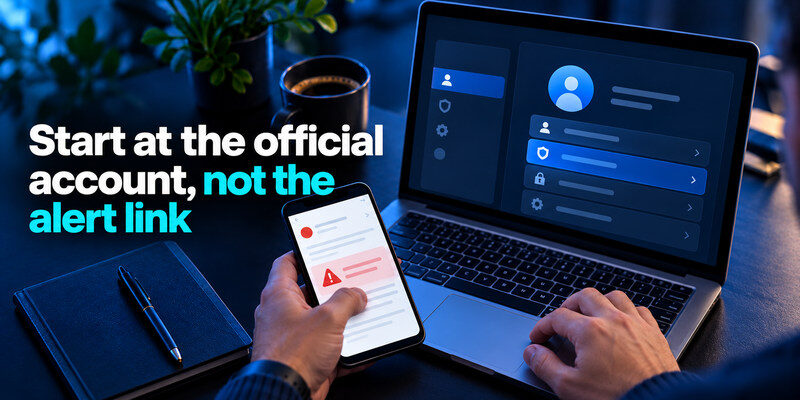
Open the provider’s app or type its known website address yourself. Navigate to security activity, devices, or account settings. Do not sign in through a surprise email saying “your account has been hacked”; attackers send those too. Record the time and details of suspicious events before making changes, particularly if you may need to report unauthorized charges or workplace access. Google’s Account Help recommends reviewing recent security activity and devices when investigating an account.
Check whether the sign-in succeeded
An unsuccessful attempt may mean someone tried a guessed or leaked password but did not enter. A successful sign-in from an unknown device is more serious. Some providers show challenge failures separately from successful sessions. Compare the time, browser, device, and approximate location with your own travel and VPN use. Location is imperfect; the combination of a new device, success, and subsequent security changes matters more. If an unfamiliar sign-in succeeded, review whether your account’s two-factor authentication settings were changed. Our Google Authenticator 2FA guide provides additional context on time-based verification codes and authenticator enrollment for supported accounts.
Review alerts in context
An unsolicited one-time code can be caused by a typo or an attacker initiating a reset. Do not share it, approve an unexpected prompt, or enter it on a page from the alert. Check the account’s official activity and whether security information changed. Repeated prompts and a successful unknown session warrant immediate containment even if you still have access. An unexpected verification code does not automatically prove that someone accessed your account, but it is a reason to review your sign-in activity. If you want to understand the protection these codes provide, our guide explaining what an authenticator app does covers how temporary codes work and why they help reduce password-only account takeovers.
Secure your accounts with fast, reliable two-factor authentication. Download now and protect your login in seconds.Download Authenticator App
Look for changes only an account user could make
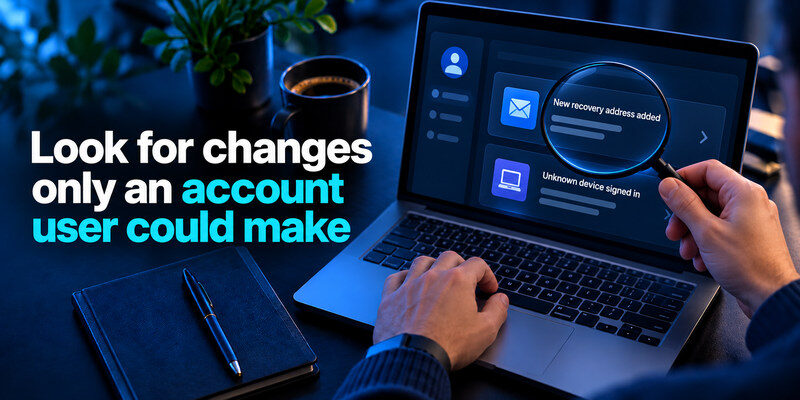
Check recovery email and phone, MFA methods, connected apps, active sessions, profile details, and password-change history. An unfamiliar recovery address or newly registered factor may let an attacker return after you change the password. Microsoft’s Recent activity page includes security-information changes; its compromised-account guidance also advises checking forwarding and connected accounts. The exact interface varies, but the categories are consistent.
| Signal | How strong is it? | Next check |
| Unfamiliar successful sign-in | Strong | Session and security changes |
| New recovery address or factor | Strong | Provider recovery and account history |
| Unfamiliar location only | Ambiguous | Device, time, VPN, success status |
| Password reset email you did not request | Warning | Official activity page |
| Message or purchase you did not make | Stronger with account log | Sent/orders, payment and sessions |
Inspect delegated access
An attacker may connect a third-party app, create an app password, or leave a session active. Removing only the unknown device might not revoke every token. Check the provider’s app-permissions page and revoke unknown access. In a workplace, report suspicious tokens to the administrator before deleting evidence that could help an investigation.
Read more: How to Recover a Hacked Account: Regain Control and Close the Door
Search for traces in the account
For email, inspect Sent, trash, forwarding and inbox rules. For social media, review direct messages, posts, linked accounts, and payment or ad settings. For shopping and finance, review addresses, orders, cards, and transaction alerts. A missing message may have been deleted, so absence of one trace is not proof of safety. The FTC lists messages you did not send and changed account details as common signs of email or social-media takeover.
A breach listing is different from an active takeover
An address appearing in a known data breach means it was included in disclosed data, not necessarily that the current account is open to an attacker. Have I Been Pwned explains that its email search identifies known breach associations and that its Pwned Passwords service is separate. Check the affected service and data type, replace reused or exposed passwords, and enable MFA. A “no breach found” result cannot prove the account is safe because not every incident is public or indexed.
Do not enter passwords into random checkers
Use reputable, official breach-checking or built-in manager features. Never submit a current password to a site merely because a social post recommends it. If a password has been reused, rotate every account using it, starting with email and financial services. Changing only the breached site’s password leaves other sites exposed to credential stuffing. If a breached password was reused across multiple services, replace it with a unique password for each account. Our guide to using a password manager securely explains how to organize credentials and reduce the risks associated with password reuse.
Interpret strange emails carefully
A threatening message claiming to know your old password may use data from a past breach without current access. Do not pay, reply, or install a “security tool” from it. Check whether that password is current or reused, review sign-in history, and rotate affected credentials. Conversely, a believable explanation for one email should not cause you to ignore a separately confirmed unknown session.
Check the device if account evidence does not fit
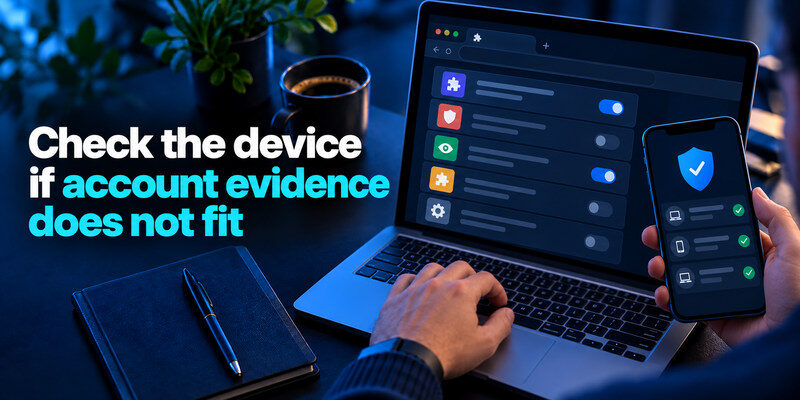
Sometimes account settings look normal while a browser or phone is compromised. Look for unfamiliar extensions, apps with unusual permissions, remote-access software you did not install, and unexpected operating-system sign-ins. Keep the device updated and use the platform’s security tools. A secure account password entered on a compromised device may immediately be exposed again, so use another trusted device for recovery if malware is plausible.
Session theft can bypass a password change
A service may keep active sessions until you explicitly revoke them. Follow the provider’s sign-out-all-devices option when compromise is credible, then review connected apps and tokens. A password change alone may not invalidate every integration. Check the provider’s actual documentation; do not assume one generic button covers every session type.
Consider a mistaken identity
An email address can resemble another person’s, and a sign-in alert can be delayed. Before labeling an event malicious, check whether you set up a new phone, browser profile, smart TV, or work VPN. If you still cannot explain it, treat it as suspicious and secure the account. The point of a calm check is faster correct action, not waiting for absolute proof while an intruder remains active.
Contain a confirmed or likely intrusion
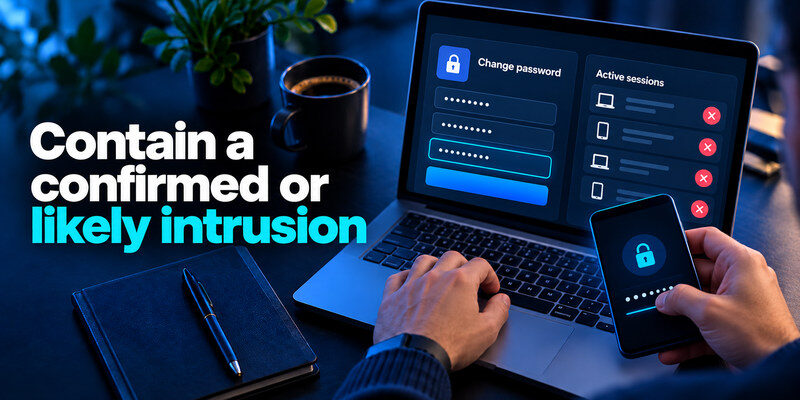
From a trusted device, change the account password to a unique one, remove unknown devices and connected apps, correct recovery details, and re-enroll a strong second factor if the old one was altered. Secure the primary email account before dependent services. If payment data may be involved, contact the bank or payment provider using its official channel. For work accounts, notify the security team so they can review organizational access.
Preserve useful evidence
Take notes on timestamps, unfamiliar devices, changed settings, messages, and charges. Use screenshots where appropriate, but do not photograph live passwords, backup codes, or TOTP setup secrets. The account provider or bank may ask what occurred and when. A short timeline helps more than a vague claim that everything “looked hacked.”
Warn affected contacts safely
If your mailbox or social account sent fraudulent messages, notify contacts through another trusted channel. Tell them not to open links or send money, without forwarding the malicious payload again. The FTC recommends warning friends after a hacked email or social-media account. Resetting the password does not unsend messages already delivered.
If there is no clear evidence, reduce risk anyway
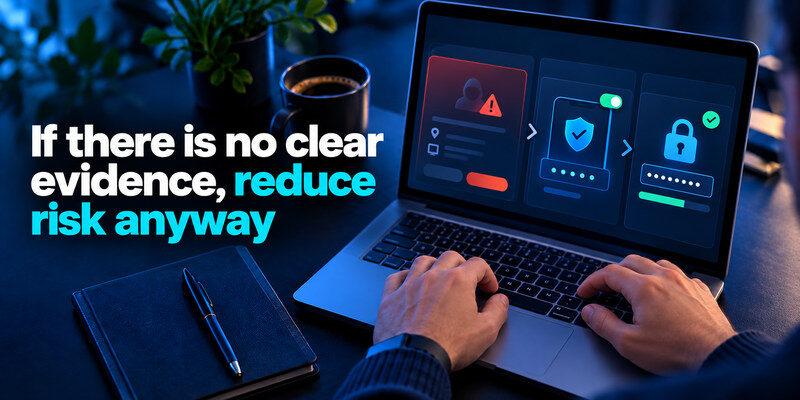
You may find only a failed attempt or a known breach listing. Replace any reused password, enable MFA, review recovery settings, and monitor future activity. Do not delete the account or change every password in panic. Start with the root account and follow the evidence. A service’s security dashboard may have a way to mark an event as not you; use that if the event is genuinely unfamiliar.
Keep a separate verification code
If a service offers standard authenticator-app 2FA, can generate codes independently of a password vault. It helps block password-only misuse but cannot detect a compromised device or make a phishing page legitimate. Enroll through the provider’s official settings, test a new sign-in, and save its recovery codes.
Revisit after a quiet period
Check the activity page again after revoking sessions, especially if you suspect a connected app or email rule. Ensure no unfamiliar recovery method has reappeared. If it has, escalate to the provider’s official compromised-account process and inspect the device. If no new evidence appears, document what you changed and resume normal monitoring rather than repeatedly resetting passwords without a cause.
When to escalate and to whom
Some evidence requires more than a password change. An unauthorized charge needs the bank or card issuer; access to a work account needs the organization’s security team; a changed recovery method may need the provider’s dedicated compromised-account flow. Act through channels you locate independently. A phone number supplied inside a suspicious message is not proof that you have reached the provider.
| Evidence | First contact | Preserve |
| Unauthorized payment | Bank or payment provider | Transaction ID and date |
| Work account access | Security or IT administrator | Alert and event times |
| Locked-out consumer account | Official provider recovery | Previous ownership details |
| Fraudulent messages to contacts | Provider and affected contacts | Message examples without live secrets |
Report identity misuse separately
If personal identity information appears exposed, check the relevant national consumer-protection or identity-theft resources for your location. The FTC directs US consumers to IdentityTheft.gov when personal information is misused. Account recovery and identity-theft response overlap but are not the same task: regaining one login does not reverse a fraudulent loan or an unauthorized card transaction.
Avoid destructive cleanup before reporting
Do not delete every suspicious email or browser artifact before an organization or provider has seen it if an investigation is underway. Record the timeline and follow the official instructions. At the same time, do not postpone urgent containment solely to capture perfect evidence. A short screenshot of a security event and a note of its time can be enough to support the next step without exposing sensitive codes.
A second check after containment
After changing credentials and revoking sessions, revisit the security log from a trusted device. Confirm there are no new successful sign-ins, recovery changes, or connected apps. If activity returns, consider whether a device, mailbox rule, or identity provider still gives the intruder access. Escalate with your timeline. A single “all clear” notification is less persuasive than no new unauthorized events over a reasonable observation period.
Do not infer certainty from silence
Not all providers display every event, and a quiet dashboard does not prove no data was copied earlier. Review account data that could have changed: messages, files, profile, purchases, and linked services. When the account is high impact, ask the provider or your organization’s security team what logs are available. Keep monitoring proportional to the evidence rather than refreshing the page every hour forever.
If you find only a password-reset email but no completed sign-in, change a reused password and check the recovery addresses. Then let the account remain stable while you monitor. In contrast, if the attacker sent messages or altered an inbox rule, assume they could have read information during that session. Review dependent accounts and warn affected contacts. These situations call for different effort even though both began with an alarming notification.
For a shared family or team account, ask each authorized user whether they recognize the activity before declaring an intrusion. One person’s new phone can look like an unknown device to everyone else. Still, do not disclose a one-time code in a group chat as a shortcut for resolving the mystery. Confirm the person through another trusted channel and record who added the device.
If a notification names a device you sold or gave away, review whether it was properly signed out and removed from the provider’s trusted-device list. Revoke that device’s session and change the password if it may still have been stored there. A factory reset performed after transfer is best practice, but a current session review is still useful when you cannot be certain what happened months ago.
Frequently Asked Questions
Does a verification code I did not request mean I was hacked?
Not by itself. It may indicate a reset attempt, a mistyped address, or an attacker who knows your password but lacks the second factor. Do not share the code; inspect the official activity page and account settings.
Can a breach checker prove my account is safe?
No. It can report known disclosed data, not every incident or live session. A negative result does not replace reviewing successful sign-ins, devices, recovery settings, and account actions.
What if the strange sign-in is from my city?
Location is approximate. Compare device, time, browser, success status, and subsequent changes. An unfamiliar successful session can be suspicious even from a nearby location, while your own VPN may appear far away.
Should I change the password before checking the device?
If you suspect malware on that device, use another trusted device for the change. Then revoke sessions, inspect connected apps, and address the original device. Changing the password on a compromised device may expose the new secret.
Final Thoughts
How to check if your account has been hacked is an evidence process: verify recent successful activity, changed security settings, and actions you did not take, then contain likely access from a trusted device. Treat breach listings and odd locations as clues rather than verdicts. Protect email and recovery paths first, and use the provider’s official recovery process when you cannot safely regain control.
