
How to Respond to a Data Breach: A First-Day Action Plan
Published October 21, 2026
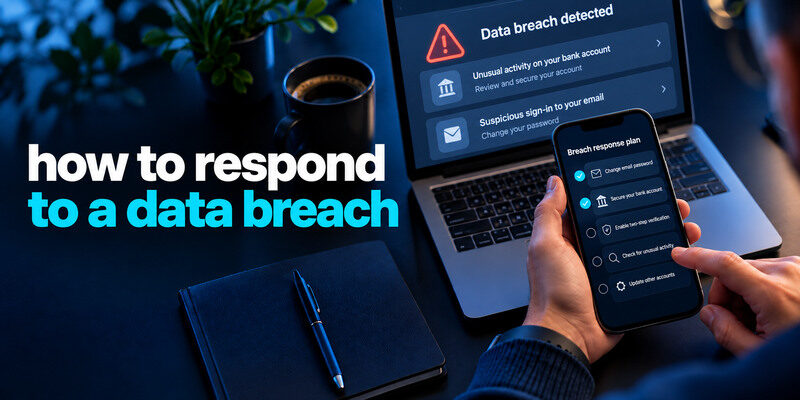
Respond to a data breach by verifying the notice through the affected company’s official channel, identifying what data was exposed, and taking the action that matches it. Replace exposed or reused passwords, secure related accounts, contact financial institutions about payment data, and consider identity-protection steps for sensitive identifiers. Do not let a breach-themed phishing message dictate your response. This first-day plan separates actions you can take immediately from follow-up that depends on the provider’s findings.
In the first few minutes, verify the incident
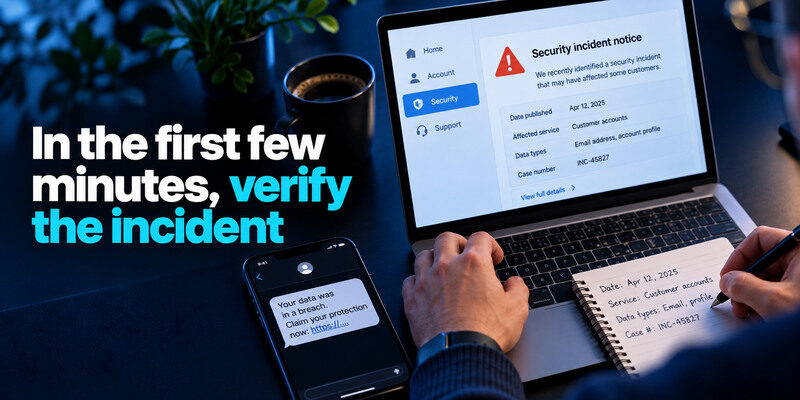
Open the company’s genuine app or website yourself. Find its incident notice, account message, or official support channel. Record the date, affected service, data types, and any case number. Do not click an urgent “claim protection” link in a text or email just because it names a real breach. Scammers exploit genuine incidents.
Is the notice about you?
A news story may describe a breach without confirming your record was included. An email from the company may provide account-specific scope. Check the exact address or customer account involved. If the company is still investigating, note what is known and plan to revisit. Do not assert a password was stolen when the notice lists only email addresses.
If you are unsure whether an email address was included in a known breach, check it through a reputable service and compare the result with the affected company’s official notice. Remember that an address appearing in a dataset does not prove your mailbox was accessed. Our guide on how to check if your email was leaked explains how to investigate email exposure and interpret the findings.
Preserve the message safely
Save a copy of the official notice or a screenshot of the in-app statement and its date. Keep transaction or support reference numbers. Avoid storing full passwords, one-time codes, or complete identity documents in an ordinary incident note. A concise timeline prevents repeated action based on old alerts.
Match the exposed data to the first action
| Exposed data | First action | Follow-up |
| Password or login pair | Change it on the genuine site | Replace reused copies, add MFA, review sessions |
| Payment card or bank information | Contact issuer using known number | Review transactions, follow replacement advice |
| Government identifier | Review FTC identity guidance | Consider freeze/fraud alert and monitor records |
| Email or phone only | Expect targeted phishing | Keep account security and recovery current |
| Work/customer data | Report to authorized security team | Follow organizational response process |
The FTC’s breach guidance is data-specific. Changing every password can be worthwhile when reuse is unknown, but it will not replace a compromised payment card or address potential identity fraud. Conversely, a credit freeze does not stop a reused password from opening an existing email account.
Secure the account that can reset the others
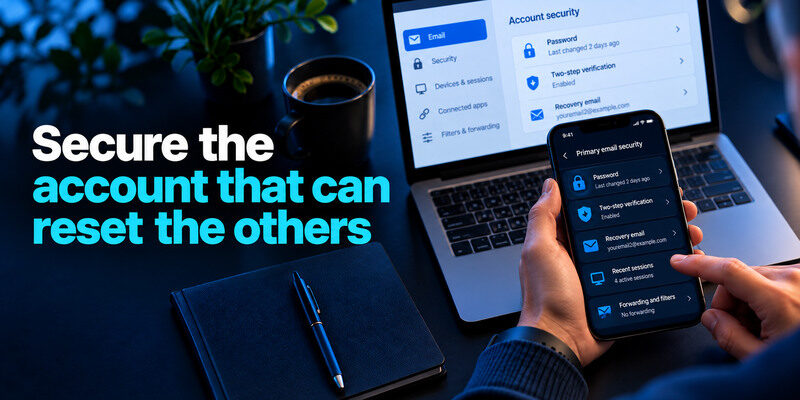
Primary email often controls password resets, so verify its credential, MFA, recovery address, and recent sessions first. Check forwarding and filters if you suspect unauthorized inbox access. Then secure the password manager or device-platform account. If either is compromised, later changes to shopping or social accounts may be undone by an attacker who still controls the reset path.
Your primary email account should be one of the first accounts reviewed after a data breach because it may control password resets for other services. Check recent successful sessions, recovery methods, forwarding rules, and connected applications. Our guide on how to secure your email account explains how to protect the mailbox and prevent unauthorized access through the recovery process.
Replace the exposed password everywhere
Use a password manager to create an independent credential for the breached service and each place that reused the old secret. Do not append a new year or symbol. Save the new entry, sign out, and test a fresh login. Prioritize high-value accounts and stop if a device appears infected; change secrets from a trusted device instead.
Revoke sessions and connected apps
A password reset may not end all active sessions. Use the provider’s explicit sign-out-all or device-removal option when available. Review unknown apps, extra administrators, and changed recovery methods. Keep a working backup path before removing the only valid factor. If access is gone, use official recovery.
Changing a password does not always invalidate existing authenticated sessions. If an attacker already controls a valid session token, they may retain access until that session is revoked or expires. Our guide on what is session hijacking explains why session revocation, connected-app reviews, and device checks matter after a credential breach.
Add or repair MFA and recovery
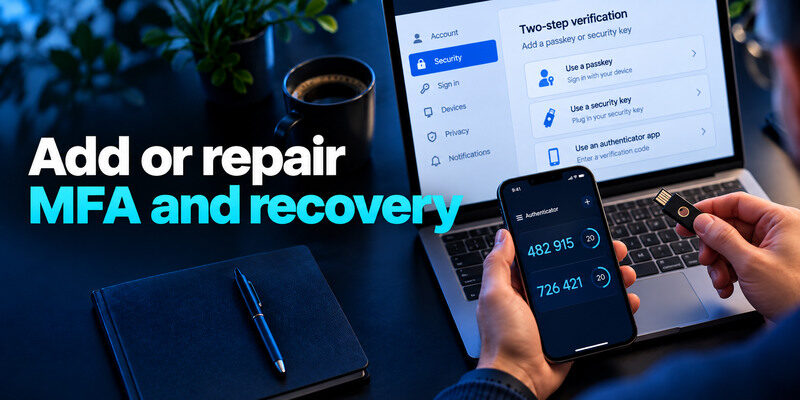
Use a passkey or security key where supported and practical. TOTP is widely compatible; can generate codes for supported services after enrollment. Store each service’s backup codes away from the phone and test a fresh sign-in. Do not approve a prompt or give a code to someone claiming to help with the breach.
MFA protects future sign-ins
It does not retrieve already exposed records. It also may not invalidate a stolen session. Review existing devices and account actions separately. If the breach involved an authenticator seed or recovery codes, follow the provider’s instructions to replace those factors; changing the password alone may be insufficient.
A recovery trap is avoidable
Do not keep the only backup code inside the vault or account it opens. Verify current email and phone recovery details while signed in. Practice a harmless second-device login before discarding an old phone. A rushed security change that locks out the owner can delay fraud response.
Account recovery should remain possible even if you lose your primary phone or password manager access. Keep recovery methods independent, verify current contact information, and test a safe backup sign-in before removing an old device. Our guide to the best account security practices explains how to reduce recovery-related security risks.
Protect money promptly
For an unauthorized charge or exposed card, call the bank or issuer at a number you already know or on the card. Ask about replacement, dispute, and monitoring. Review statements for small test charges and recurring payments. Do not provide card details to a caller who says they are the breach-response team. If an account’s payout destination changed, notify the provider as well.
Identity information needs a different tool
A Social Security number or similar identifier can create new-account fraud risk. The FTC describes free credit freezes and fraud alerts; a freeze restricts new credit access until lifted. Follow the guidance for your jurisdiction and the exact data involved. Keep evidence of any misuse and use official identity-theft reporting channels if fraud occurs.
Beware of paid “cleanup” pitches
A company may offer monitoring or restoration support. Verify the offer through its official notice before enrolling. No service can guarantee deletion of all copies of data already distributed. Do not pay an unrelated social-media account that promises to erase a leak instantly.
Check devices and related accounts
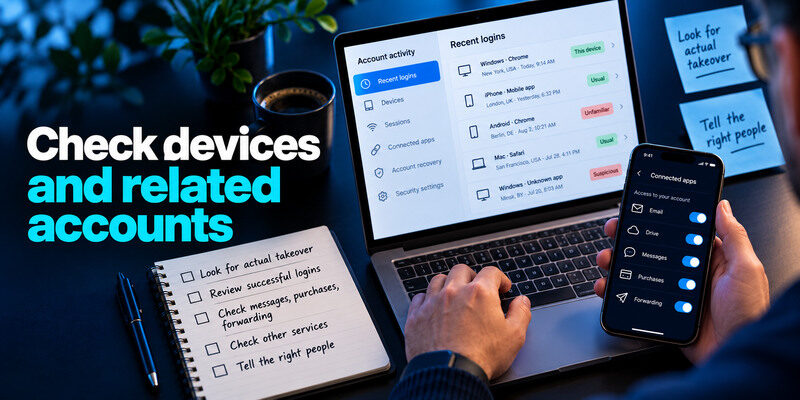
A company database breach does not automatically mean your phone is infected. But if the exposure involved phishing, a malicious extension, or recurring unauthorized sessions, inspect and update the device. Remove suspect software and change credentials from a clean device. Check other services that shared the old password and account recovery paths linked to the breached email.
Look for actual takeover
Review successful logins, messages, purchases, forwarding rules, and connected apps. An email address in a dataset is not proof of mailbox access. Conversely, a successful unknown sign-in needs immediate containment even if no public breach checker has a result. Treat facts according to their scope.
Tell the right people
Notify an employer’s security team if work credentials or customer information may be involved. Warn contacts through a separate channel if the account sent scam messages. Contact financial providers about actual money movement. Avoid forwarding the suspicious message to everyone with an active malicious link.
Follow up over the next days
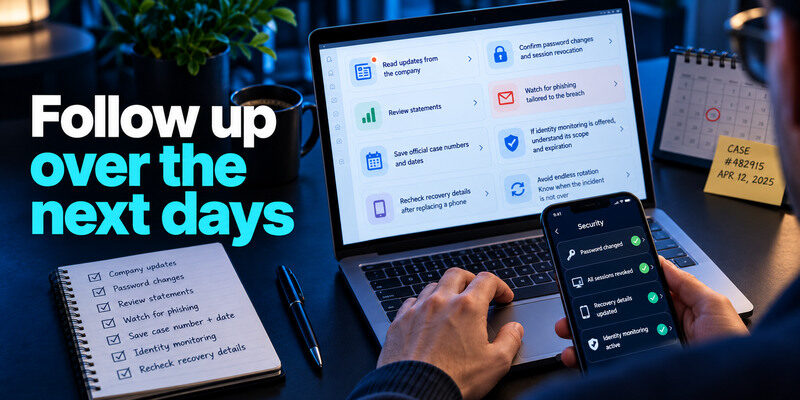
Read updates from the company, because affected data classes may change. Confirm password changes and session revocation, review statements, and watch for phishing tailored to the breach. Save official case numbers and dates. If identity monitoring is offered, understand its scope and expiration. Recheck recovery details after replacing a phone.
Avoid endless rotation
Once every exposed and reused password has been replaced with unique credentials, repeated calendar changes add little without new evidence. Focus on activity alerts and preventing reuse. NIST guidance favors long, screened passwords and changes when compromise is suspected, not arbitrary periodic forced rotations.
Know when the incident is not over
Recurring unauthorized sessions, altered recovery details, new transactions, or fraud reports mean more work is needed. Escalate to the provider, bank, or workplace team. An attacker may retain a connected app or session; inspect persistence points, not just the password. Keep a precise timeline rather than claiming every account was affected.
If suspicious sessions or unauthorized account changes continue after a password reset, the incident may require additional recovery steps. Review connected applications, recovery methods, and active devices through the provider’s official security controls. Our guide on how to recover a hacked account explains how to regain control and investigate persistent unauthorized access.
A first-day scenario with several data types
A company reports that customer email addresses, old passwords, and payment information may be affected. First verify the notice at the company’s official site. Secure the primary email and the breached account, replace any reused password elsewhere, and inspect active sessions. Next contact the card issuer through the number on the card or official app, check transactions, and follow its advice. Record what the notice confirms versus what remains under investigation.
Why the order matters
An attacker with your mailbox may intercept resets while you are changing other accounts. An active unauthorized session may remain after a password change. A payment card needs the issuer’s controls; an authenticator cannot stop a fraudulent card number being used separately.
What to revisit in a week
Check new provider updates, transaction activity, recovery methods, and suspicious mail. If identity information was involved, use FTC resources to decide whether a credit freeze or other action applies. Keep the incident timeline and case numbers together for follow-up.
During the following week, verify that the affected accounts show no unfamiliar successful sessions, unauthorized recovery changes, or unexpected activity. A breach checker alone cannot confirm whether someone entered your account. Our guide on how to check if your account has been hacked explains how to examine direct evidence of account compromise.
Login secret|Unique replacement, session review, MFA|
Card data|Issuer contact and transaction review|
Identity fields|FTC guidance and appropriate credit protections|
Contact details|Heightened phishing verification|
Frequently Asked Questions
Should I click the link in a breach notice?
Open the provider independently through its known app or address. A real incident can attract fake follow-ups. Use the official notice there to find instructions and support.
Do I need to change passwords if only my email leaked?
Not necessarily if passwords were not exposed and each is unique. Secure the mailbox with MFA and be alert for targeted phishing. Change any reused or weak credential on its own merits and follow later incident updates.
Is a credit freeze enough after a breach?
It addresses new-credit fraud risk, not existing account access or card misuse. Match the response to the exposed data and the FTC’s guidance. Keep protecting email and financial accounts.
How quickly should I act?
Active account access or unauthorized money movement needs immediate action. For a notice about an old address-only breach, verify and review without panic. The data type, evidence of misuse, and provider instructions determine urgency.
Final Thoughts
A useful data-breach response begins with a verified notice and a data-type decision. Secure the reset chain, replace exposed secrets, end unauthorized sessions, and contact the institution that can address financial or identity harm. Follow official updates as the scope becomes clearer.
