
What Is Dark Web Monitoring? Coverage, Alerts, and Limits
Published October 21, 2026
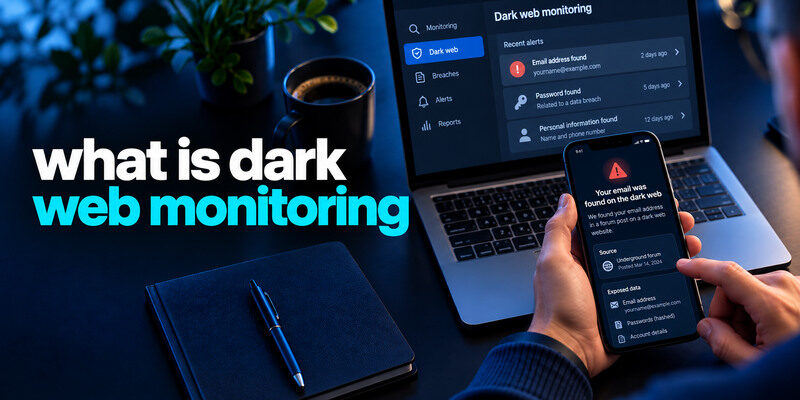
Dark web monitoring is a service that looks for your identifiers or credentials in selected breach datasets, illicit marketplaces, paste sites, or other sources and alerts you when it finds a match. Coverage varies widely. An alert can help you replace a reused password or investigate exposed identity data, but no provider can scan every private exchange or guarantee that your information is absent. Before paying, learn what it monitors, which data you must submit, and what you will do with an alert.
What the monitor actually compares
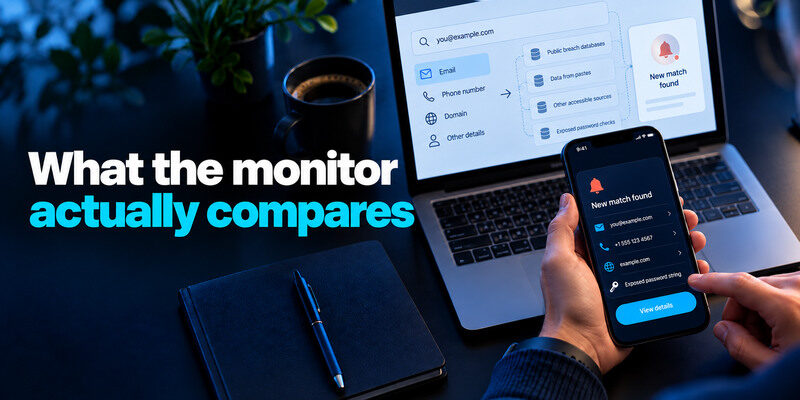
A service needs identifiers to search: an email address, phone number, domain, or sometimes other personal details. It compares them against sources it can access and sends a notification when a new match appears. Some products also check exposed password strings through privacy-preserving methods. The term “dark web” is often marketing shorthand; known public breach datasets and pastes may supply much of the actionable evidence.
Sources have different visibility
A company breach notice can be more precise about your record than a generic scan. A known-breach service may add a dataset months after an incident. A private criminal forum may not be visible to a consumer product. Ask a vendor to describe categories of sources, update frequency, and verification process rather than accepting a “100% coverage” claim.
Matching an identifier is not detecting a login
A result that includes your email address does not prove someone signed in to your mailbox. Check the email provider’s actual sessions and recovery methods. Conversely, a stolen browser session can allow access without ever being listed by a dark-web monitor. The alert and account activity are separate evidence.
Secure your accounts with fast, reliable two-factor authentication. Download now and protect your login in seconds.Download Authenticator App
What a typical alert can tell you
| Alert field | Useful interpretation | Important limit |
| Email appears in breach | Known dataset includes address | No proof current inbox was hacked |
| Password string found | Secret should be replaced | Does not identify your exact account |
| Phone or address appears | More targeted scams may follow | May be old or public information |
| Sensitive identifier appears | Possible identity risk | Verify source and use official guidance |
| No result | Not seen in monitored sources | No guarantee of absence elsewhere |
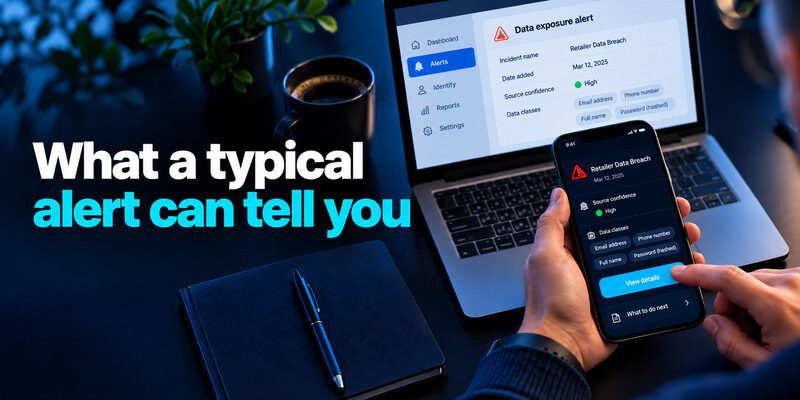
Read the incident name, date, source confidence, and data classes. A repeated match in several products can refer to one dataset. A new notification may mean the monitor just added old data. Do not treat the alert timestamp as the breach timestamp unless the source confirms it.
A compromised-password alert means that a matching password string was found in known exposed data, but it does not necessarily identify which account used it. Our guide on how to check if your password was leaked explains how to investigate the warning safely without submitting a live password to an untrusted website.
Verify a real-looking alert
A scammer can imitate a monitoring service and say your details are “for sale.” Open the real provider’s dashboard independently and verify the result there. Do not use an email link to enter passwords, codes, payment details, or identity documents. The FTC warns consumers about dark-web-themed messages used to solicit information.
Ask what action follows
A useful alert names the affected service or data class and points to a concrete next step. “Your risk score is high” without evidence may only sell an upgrade. If a password was exposed, replace it and reused copies. If a card was exposed, contact the issuer. If a government identifier is involved, consult the FTC’s identity guidance.
Free known-breach monitoring versus paid bundles
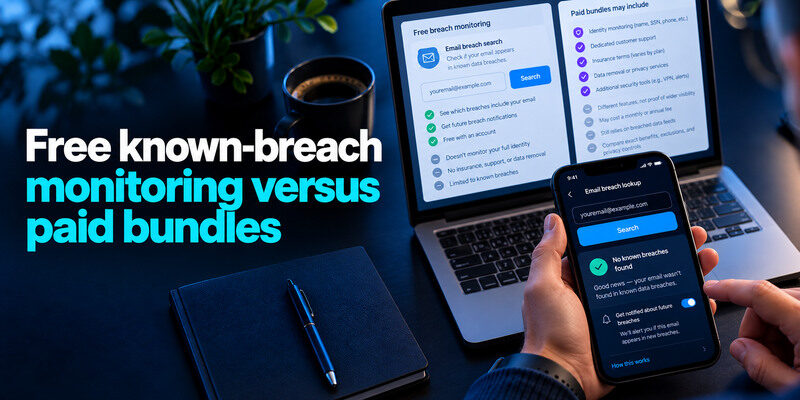
Have I Been Pwned provides a known email-breach search and notifications. Mozilla Monitor offers free email breach monitoring with its current account-based service. A password manager may warn about compromised saved credentials. Paid products may add identity monitoring, support, insurance terms, or data-removal services; these are different features, not proof of wider visibility. Compare the exact benefit, exclusions, and privacy cost.
Have I Been Pwned is a useful starting point for checking known email exposure, but its results have important limitations. Our guide on what is Have I Been Pwned explains how email breach searches differ from password checks and why a reported match does not automatically mean your account was hacked.
When a free tool is enough
If you mainly need alerts for personal email addresses and a way to replace compromised passwords, a reputable free service plus your manager and provider activity alerts can form a useful baseline. Mozilla’s current help describes free monitoring for multiple addresses. Verify today’s terms before relying on a particular count or promise.
A password manager can complement breach alerts by helping you replace compromised credentials and manage unique logins. Some apps also support time-based verification codes. Our guide to a password manager app with built-in 2FA support explains the convenience and security tradeoffs of combining these features.
When a paid feature may be worth considering
An organization may need domain monitoring, response support, or integration with its security operations. A person with confirmed identity theft may value a specific assistance service. Read the product’s sources, coverage, cancellation terms, and what happens when an alert arrives. Do not pay solely because a vague banner says it “scans the entire dark web.”
Understand the privacy trade-off
To monitor more fields, a provider may ask you to supply more personal information. Confirm its data retention and security practices before uploading sensitive identifiers. A tool that collects a full identity profile should have a clear purpose and trustworthy policy. Avoid submitting live passwords to an unknown checker.
How to respond to a match
Verify the alert in the real dashboard and the affected company’s official notice. Determine whether it concerns a password, contact details, payment, or identity information. Replace exposed or reused passwords with independent generated secrets, then review important account sessions. Enable strong MFA: a passkey or security key where supported and practical, or a TOTP app for compatible sites. can generate codes; store backup codes separately.
If only an email address appears
Expect more convincing phishing but do not assume inbox takeover. Keep primary email secure and inspect successful sessions if another sign suggests access. There is usually no need to abandon the address immediately. Update stale recovery routes and avoid responding to unsolicited “breach support” messages.
If financial or identity data appears
Use official institutional routes. Contact the bank or card issuer about card misuse, and follow FTC identity-theft or credit-freeze guidance when sensitive identifiers are involved. A password change cannot reverse a copied card number. Preserve the alert and provider case number without putting full sensitive data into a shared note.
What monitoring cannot prevent
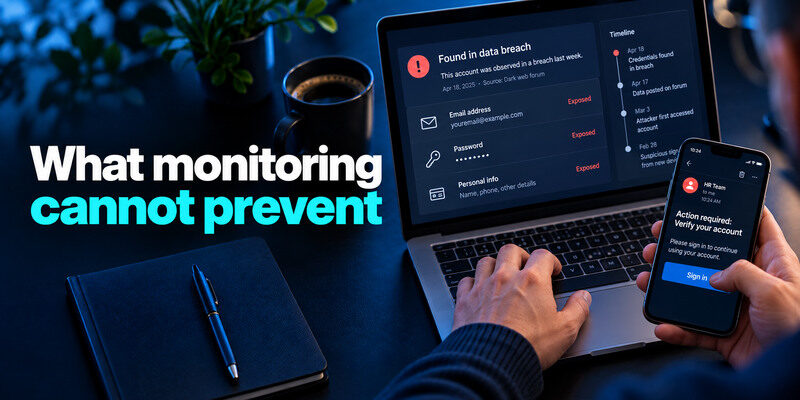
A monitor reports observed exposure after the fact. It does not stop a company from being breached, block phishing at sign-in, or revoke a stolen session. Unique passwords and MFA reduce account-access risk; device updates and careful permissions address other paths. Monitoring is useful when its alerts lead to action, not when it becomes a substitute for those controls.
Dark web monitoring cannot block an attacker from trying an exposed password. For accounts that support TOTP verification, the Google Authenticator app can generate temporary sign-in codes as an additional authentication factor. However, it cannot remove leaked information or automatically revoke an existing unauthorized session.
A negative result can be misleading
An attacker may hold data privately or use it before a monitor sees it. A provider may not have access to the relevant forum, and some incidents are never public. Respond to unauthorized purchases, messages, or recovery changes immediately even when a scan says “clear.” Direct evidence overrides a dashboard score.
Deletion promises deserve skepticism
A service may request removal from a particular data broker or remove a listing from its own index. It cannot guarantee that every copy of a breached dataset disappears from all locations. Ask exactly what is removed, from where, and how it is verified. Keep protective account and financial measures active.
Choose a monitoring plan by a real decision
| Need | Starting option | Additional check |
| One email exposure question | HIBP direct search | Provider notice |
| Several personal emails over time | Mozilla Monitor | Check notification security |
| Saved-password warnings | Existing manager | Replace at real website |
| Sensitive identity exposure | Official notice and FTC guidance | Evaluate specific paid support |
| Work domain | Authorized organizational tools | Security-team process |
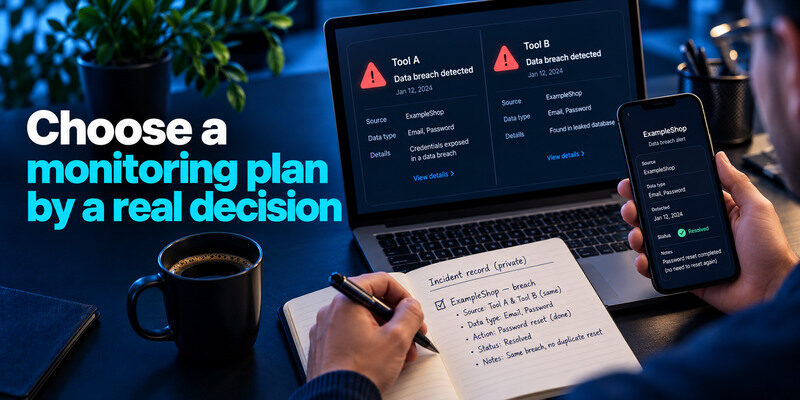
If two tools show the same breach, do not perform duplicate password resets without checking what changed. Keep a private record of resolved incidents. Review the source and data type each time; that is more useful than accumulating badges from many services.
Test whether an alert changes your decision
A useful alert names the exposed identifier, likely source or incident, data classes, and a path to action. If it only assigns a broad risk score, ask what evidence underlies that score. A household deciding between free and paid monitoring can start with known-breach alerts and provider notices, then consider paid help only for a specific need such as identity support or wider identifier coverage.
Example: old email in a known breach
If an old shopping email appears with a password, replace any reused copy, check the affected account, and secure primary email. A second monitor reporting the same incident does not imply a second breach. Keep incident names and dates together so duplicate alerts do not cause repeated, unnecessary resets.
An old email address appearing in a known breach does not necessarily mean someone accessed the mailbox. To understand the difference between exposed contact information and actual account compromise, read our guide on how to check if your email was leaked.
Example: identity fields exposed
An account password change does not protect a government identifier. Consult the notice, relevant institution, and FTC identity-theft guidance. Monitoring may help spot later misuse but cannot make a leaked field secret again.
Frequently Asked Questions
Does dark web monitoring scan the whole dark web?
No. Providers see selected accessible sources and datasets. Private exchanges and undisclosed incidents can be missed. Ask about coverage and treat a negative result as limited.
Is dark web monitoring worth paying for?
It depends on a concrete added service, such as organizational integration or identity assistance. For basic known email breaches, free options may be sufficient. Compare actual features and privacy terms, not a broad coverage slogan.
Can monitoring stop identity theft?
It can alert you to some exposure, but it does not prevent misuse by itself. Follow data-specific steps such as bank contact or FTC identity guidance, and continue reviewing statements and accounts.
Why did I receive an alert about an old breach?
A dataset may have been acquired or indexed later. Compare the incident date, alert date, and when you changed the old password. Ensure the exposed secret is not reused elsewhere.
Final Thoughts
Dark web monitoring is an alerting tool with finite visibility. Choose it for a specific question, verify each result through the real provider, and match action to the exposed data. Unique credentials, MFA, recoverable accounts, and official financial or identity steps remain the stronger foundation.
