
How to Check If Your Email Was Leaked: A Safe Step-by-Step Guide
Published October 21, 2026
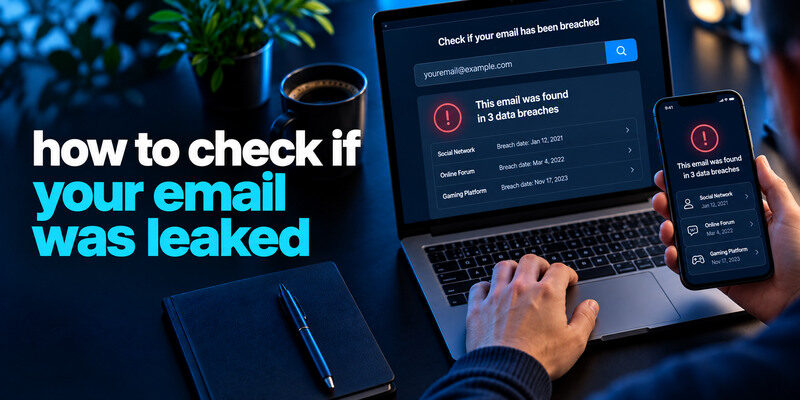
To check if your email was leaked, search the address on the genuine Have I Been Pwned site or Mozilla Monitor, then compare the result with official notices from affected services. A match means the address appears in a known breach dataset; it does not prove that someone currently controls your inbox. A clean result cannot rule out a private leak or phishing. Use the result to identify exposed information, replace reused passwords, and review account activity without giving a checker your live password.
Step 1: gather every address you still use

Search your main email, old aliases, and addresses used for shopping or social accounts. An old address can still reset a newer service if it remains a recovery method. Do not put a list of passwords into a spreadsheet. Note which email controls important accounts and secure that mailbox first with a unique credential and MFA.
Your primary and recovery email addresses deserve special protection because they may control password resets for other online services. Even an old mailbox can create risk if it remains connected to an important account. Our guide on how to secure your email account explains how to review recovery settings, forwarding rules, active sessions, and authentication methods.
Include aliases thoughtfully
A plus-address or forwarding alias may appear in a breach under the exact form a service stored. Search the address you registered, not just the primary inbox name. Some services normalize addresses differently. A negative result for one spelling does not necessarily cover every alias or a service that has not disclosed its incident.
Use a trusted device
Open the checker by typing its known domain or using a saved bookmark. Avoid search ads and messages claiming your address is “on the dark web” with a sign-in button. A legitimate email search should not ask for the password to your mailbox. Keep the results private if they display personal details.
Secure your accounts with fast, reliable two-factor authentication. Download now and protect your login in seconds.Download Authenticator App
Step 2: use a reputable known-breach lookup
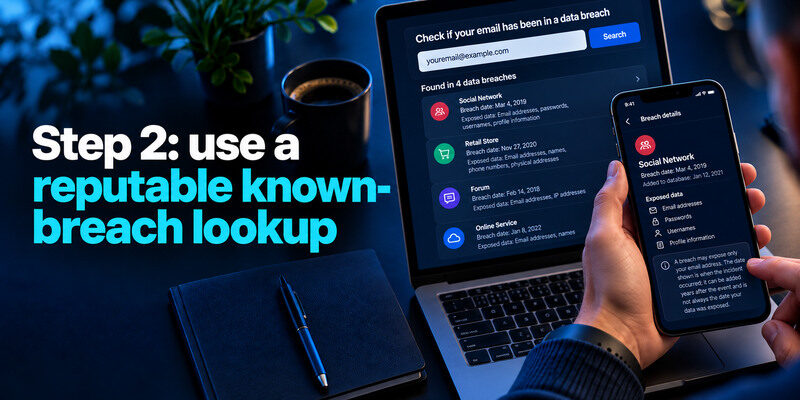
Have I Been Pwned provides an email breach history search. Mozilla Monitor offers a breach scan and monitoring for email addresses. The exact free features can change; check each service’s own current page. Enter the address, review the named breaches and data classes, and note the incident dates. A result can be added years after the event; publication date is not always the date your data was exposed.
| Result | What it establishes | What it does not establish |
| Address found in named breach | Known dataset contains the address | Current inbox takeover |
| No known result | Not in the checker’s loaded dataset | No leak anywhere |
| Alert for an old service | Exposure associated with that service | That the current password is exposed |
| Paste or public dump record | Address appeared in another source | Full context or authenticity of every record |
Read the exposed-data fields
A breach may expose only email addresses, or may include password hashes, names, phone numbers, or payment-related information. Those differences change your response. Read the checker’s description and the affected provider’s official notice. Do not infer that every listed data class belongs to your exact record if the service does not provide that detail.
Do not equate date with ongoing access
A breach from years ago can continue to fuel phishing or credential stuffing if you reused an old password. Changing the credential at the affected service and every reused account breaks that path. A newly displayed old breach is not proof of a fresh account login. Check the account’s own security history for that.
Credentials exposed in an old data breach can remain useful to attackers if the same password is still used on other websites. This creates an opportunity for automated login attempts known as credential stuffing. Our guide on what is credential stuffing explains how stolen username-and-password pairs are tested across services and why unique passwords are essential.
Step 3: verify notices independently
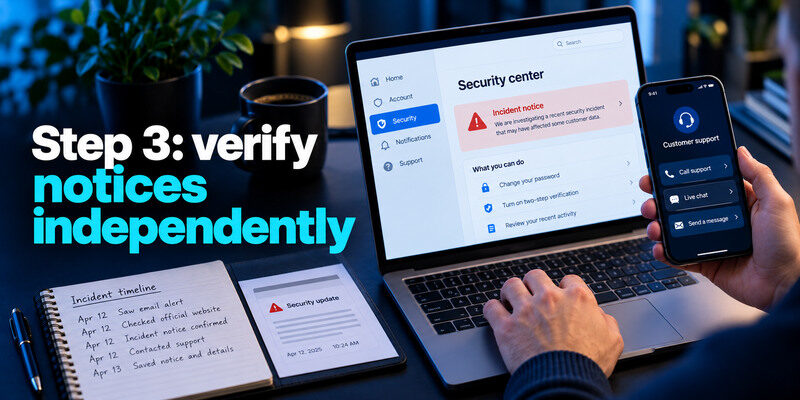
Open the affected company’s official app or website directly, rather than clicking a link in an email alert. Look for its incident notice, account messages, and recommended actions. Some incidents are unverified or involve data sold through other sources. Ask the company through its known support channel if the scope is unclear. Preserve the notice and a short timeline if sensitive identity or financial data was involved.
Watch for breach-themed phishing
Attackers exploit real news with fake “confirm your account” messages. A convincing logo or accurate breach name does not prove a message is genuine. The safer path is to type the provider’s address yourself and find the announcement there. No checker needs a current one-time code to show an email result.
Attackers may use real breach names to make fake security messages appear credible. Instead of following a link in an unexpected alert, open the affected provider’s official website and review account activity there. Our guide on how to spot suspicious login activity explains how to investigate unusual sign-in warnings and identify suspicious account events.
Check your mailbox’s own activity
A breach lookup says nothing about recent inbox sign-ins. Review successful sessions, recovery methods, forwarding rules, and sent mail in the email provider’s genuine security area. If an unknown session or change appears, treat it as a possible account takeover. A clean lookup cannot override direct evidence of unauthorized activity.
Step 4: prioritize actions by exposed information
If a password or password hash may be involved, change that service’s credential and any reused copies. If only an address was exposed, expect more targeted phishing and keep the mailbox protected, but do not rotate every unique password without cause. If an identity number or payment card was exposed, follow data-specific guidance from the provider and the FTC; a password reset does not replace a bank call or credit-protection decision.
Replace reuse with a manager
Generate a distinct password for each site. Begin with primary email, financial, work, and the affected account. Save the new login, then sign out and test it. Do not delete an old vault entry until the new one works. If a saved password is marked compromised, verify the website and change it there, not in a popup that asks you to paste it.
If a breach exposed a password that you reused elsewhere, replace every reused copy with a different, randomly generated password. A trusted password manager makes this process easier by storing unique credentials for each website. Our guide on use a password manager explains how to generate, save, and manage passwords securely.
Add a second factor
Prefer a passkey or security key for important accounts where supported and practical. For TOTP-compatible sites, can generate a verification code separately from the password. Save backup codes away from the phone and test a fresh sign-in. An authenticator does not erase leaked personal information, but it reduces password-only account access.
Step 5: monitor without repeatedly searching
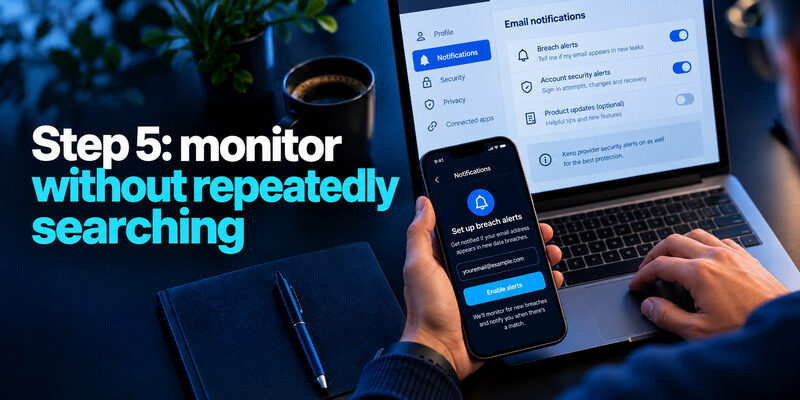
Set up the checker’s notification feature if you want future known-breach alerts, verifying the address through the service’s genuine process. Keep provider security alerts on as well. Repeatedly running the same search every day usually adds little; the dataset changes when new incidents are loaded. Review the account after an alert and when you change a phone or recovery address.
Instead of repeatedly searching for the same email address, enable trusted breach notifications and include account security reviews in a regular routine. Check important login alerts, recovery settings, device updates, and backup access. Our personal cybersecurity checklist provides a practical schedule for reviewing these protections.
A false sense of safety is the main trap
Not all breaches are public or included in a service’s data. A phished mailbox can be compromised without ever appearing in a breach database. Keep unique passwords, MFA, and current recovery methods even when the search returns nothing. Check actual login history when you suspect unauthorized access.
A match is not a reason to panic
A known result is a lead to investigate, not a verdict that all your data is currently in use. Identify the service, date, and fields, then take proportionate action. Preserve relevant notices. Do not pay an unverified “removal” service promising to erase copies of a widely circulated dataset.
Common situations and what to do
| Situation | Best first move | Follow-up |
| Old social breach, unique current password | Review data class and activity | Watch for phishing |
| Old breach, password reused elsewhere | Replace every reused copy | Add MFA and inspect sessions |
| Current mailbox has unknown login | Secure inbox now | Remove forwarding, sessions, and bad recovery |
| Identity number exposed | Read official notice | Consider FTC identity-theft guidance |
| Breach email but checker has no record | Verify with company | Do not assume the email is fake or genuine |
If the affected account is closed
Changing its password may be impossible. Focus on any other site that reused the credential and on information that remains exposed. Verify that old email and phone numbers no longer serve as recovery routes for current accounts. Keep evidence of the notice if future fraud occurs.
If you discover an unfamiliar successful login or unauthorized changes to your mailbox, treat the issue as a possible account compromise rather than a simple breach notification. Use the provider’s official controls to revoke unknown sessions, update credentials, and correct recovery settings. Our guide on how to recover a hacked account explains how to regain control and review the damage.
If you use a work email
Follow the employer’s security reporting process. Do not upload confidential work passwords or datasets to a public checker. A public email lookup may be permitted, but the organization may have its own monitoring and response. Notify IT about unexpected login success or sensitive data exposure.
A sample email lookup from result to decision
Suppose one old address shows a retail breach dated years ago, while your current work address shows no known match. The retail result tells you that a dataset included the old address and possibly other listed fields. It does not tell you whether the current work mailbox was entered. Read the breach’s data classes, change reused passwords if relevant, and check the old account’s recovery and activity. Keep the current work address protected with its own unique password and MFA despite the clean lookup.
If the address is no longer accessible
You may still need to secure accounts that use it as a recovery address. Update those accounts to an address you control, verify the new recovery path, and remove the obsolete one. Do not attempt to submit a password to a lookup tool to compensate for lost mailbox access.
If a provider notice disagrees with a public checker
The provider may know of an incident that has not been included in a public dataset. Treat the official notice as account-specific evidence and follow its stated scope. A public checker is a useful second view, not a complete audit of every private breach.
Frequently Asked Questions
Does a leaked email address mean my inbox was hacked?
No. It may simply have appeared in a company’s customer database. Check the email provider’s recent sign-ins and settings for evidence of inbox access. Secure the mailbox because it controls many other accounts.
Can I remove my email from a breach?
You may be able to close or update an account and request deletion from a company, subject to its policies and law, but copies of an already circulated dataset may persist. Focus on unique credentials, MFA, phishing vigilance, and data-specific protections.
Is a free email breach search reliable?
A reputable checker can accurately report datasets it has loaded, but it cannot see every incident. Read its scope and privacy policy. A negative result has a limited meaning; do not treat it as a security certificate.
Should I enter my password to check my email?
No. Email-address breach lookups need the address, not the mailbox password. For password exposure, use a reputable password manager’s warning or a documented privacy-preserving password-check service, and avoid unknown sites that ask for live secrets.
Final Thoughts
Checking whether your email was leaked takes only a few minutes; interpreting the result takes more care. Search known datasets, verify the affected service, distinguish exposure from inbox takeover, and fix password reuse where it exists. Keep monitoring tied to meaningful alerts and account activity.
