
Has My Email Been Hacked? How to Tell and What to Do
Published October 21, 2026
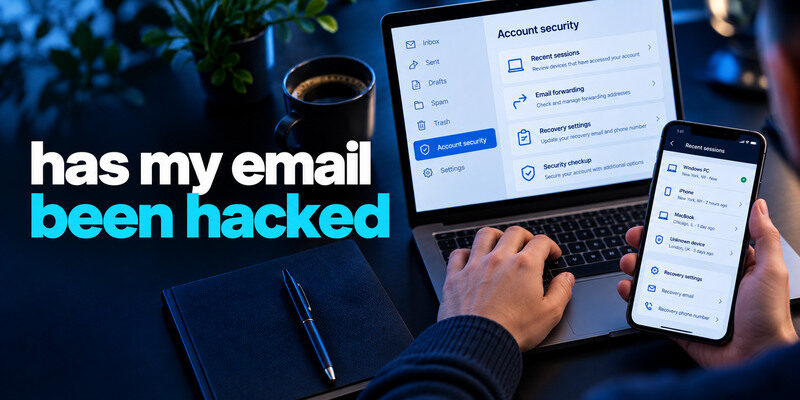
Your email may have been hacked if you find an unknown successful sign-in, changed recovery details, forwarding rules you did not create, or messages sent without you. An email address appearing in a data breach does not by itself prove inbox access. Check the mailbox provider’s real security activity and settings from a trusted device. If unauthorized access is confirmed or strongly suspected, secure the mailbox first because it can reset many other accounts.
Check the strongest evidence first
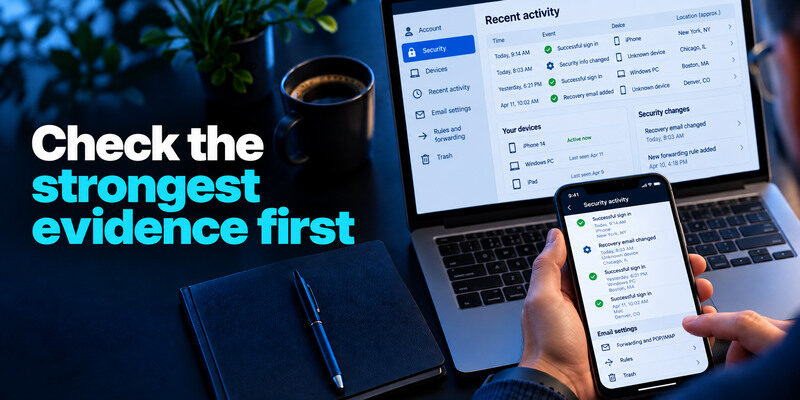
Open the email provider’s app or known website independently, then review recent successful sessions, devices, and security changes. Compare the event time with your own phone and computer use. A rough city estimate can be wrong because of a carrier or VPN; an unknown successful device plus changed recovery email is more serious. Preserve screenshots and times without sharing live codes.
| Sign | How concerning | What to inspect |
| Unknown successful session | High | Device, time, actions, recovery |
| New forwarding or hidden filter | High | Destination and affected mail |
| Sent mail you did not write | High | Recipients and linked apps |
| Password-reset code you did not request | Investigate | Was there a successful sign-in? |
| Email in known breach database | Exposure clue | Which service and data class? |
| One failed login or unfamiliar city | Limited alone | Success status and follow-up |
Look for quiet forwarding
An attacker may add a rule that copies incoming mail or hides security notices. Check forwarding addresses, filters, delegated mailbox access, app passwords, and connected apps. Remove unauthorized entries after preserving evidence. A password reset may not undo a forwarding rule. Review the trash and archive for notices that disappeared from the inbox.
Removing unauthorized forwarding rules and connected applications is an important part of mailbox recovery. For a broader security checklist covering account settings, passwords, and authentication methods, see our guide to email security app and account protection.
Read sent and deleted mail
Messages to contacts asking for money, password resets at other services, or unfamiliar receipts show how the mailbox may have been used. Warn recipients through another channel. Do not click a suspicious link to “verify” a sent message. If work information was involved, contact the authorized security team promptly.
Secure your accounts with fast, reliable two-factor authentication. Download now and protect your login in seconds.Download Authenticator App
An address in a breach is a different result
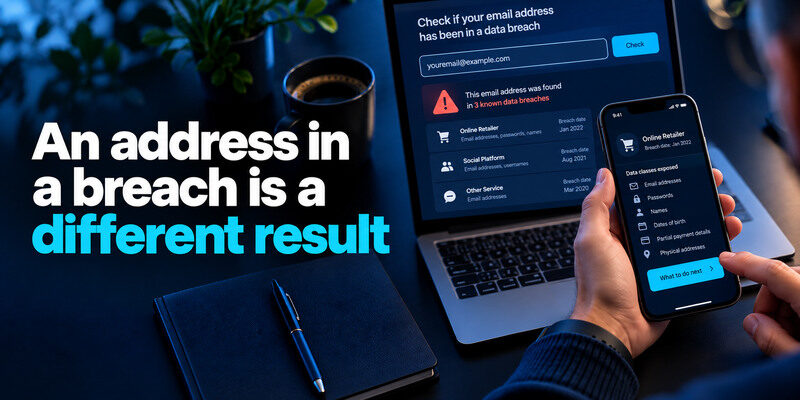
Have I Been Pwned or Mozilla Monitor can show that your email address was in a known dataset, often from a retailer or social platform. That does not mean the mailbox itself was entered. Read which service and data classes were affected, then change reused passwords and watch for phishing. A clean lookup cannot overrule an unknown successful login in the email provider’s own history.
An email address appearing in a breach database does not automatically prove that someone entered the mailbox. Our guide on how to check if your email was leaked explains how to review known exposure and interpret the results without confusing a data breach with an account takeover.
A breached password raises the stakes
If the mailbox password was reused at the breached site, replace it immediately from a trusted device. Then change any other reused copies. Enable MFA and review sessions. If the old password was unique to a different service, the email address listing alone is weaker evidence of mailbox access.
A fake breach notice can target the inbox
Messages that say “your email was hacked” may link to a fake login page. Open the provider directly, not through the message. A real-looking sender name or company logo is not sufficient proof. Never read a one-time code to a caller or paste it into a page reached from an urgent text.
If you still have access, contain it in order
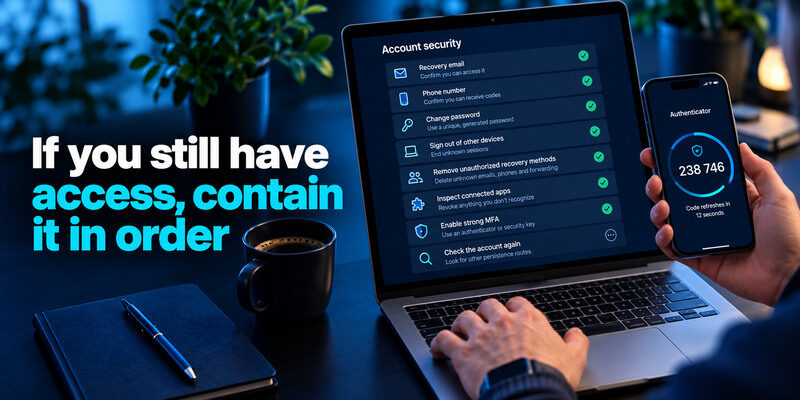
Confirm you can reach the recovery email, phone, and backup factors. Change the mailbox password to a unique generated secret, sign out of unknown devices or all sessions where supported, remove unauthorized recovery methods and forwarding, and inspect connected apps. Enable strong MFA. Check the account again after cleanup because an attacker may have several persistence routes.
After changing the mailbox password and removing unauthorized sessions, review the account’s supported sign-in methods. An authenticator app can generate temporary verification codes for compatible email services, adding protection against password-only attacks. Keep a working recovery method available before changing existing MFA settings.
Use a clean device
If the laptop has a suspicious extension or malware, changing the password there could reveal the new secret. Update and inspect the device or use another trusted device. Do not assume the problem is a service breach; phishing and endpoint theft can affect one mailbox without a public notice.
Choose recoverable MFA
A passkey or security key can resist common phishing where supported. For a TOTP-compatible mailbox, can generate codes; save backup codes outside the phone and test a fresh sign-in. MFA helps stop password-only attempts but does not automatically revoke an active session or remove forwarding.
A passkey or security key can provide phishing-resistant authentication where supported. For an email account that supports time-based one-time passwords, a TOTP authenticator app can generate temporary verification codes after enrollment. Save backup codes separately, test a fresh sign-in, and remember that MFA does not automatically revoke an existing unauthorized session or remove malicious forwarding rules.
If you are locked out
Use the provider’s official compromised-account or recovery process. Start from a familiar device and network if the provider recommends it, provide accurate prior account information, and keep case numbers. Secure any separate recovery email that might also be affected. Do not pay an unverified “recovery specialist” found in comments or search ads. If the account is managed by work or school, contact its authorized administrator.
If your Microsoft account uses app-based verification and you can no longer access the original device, review the available recovery methods before removing or resetting anything. Our guide to Microsoft Authenticator app recovery explains backup considerations and the official account recovery options that may be available.
Avoid cycling through guesses
Repeated wrong passwords can trigger a lockout and obscure the original problem. Use the documented route and wait when instructed. A valid old session on one device may be valuable for reviewing recovery details; do not sign out of the last working device until you understand the recovery options.
Contact institutions if the mailbox reset them
Check password-reset messages, bank alerts, shopping orders, and social accounts linked to the mailbox. An attacker may have used email access to take over those accounts. Contact a bank promptly about unauthorized transactions and the workplace team about work systems. Recovery of the inbox alone does not repair downstream damage.
Rebuild trust in linked accounts
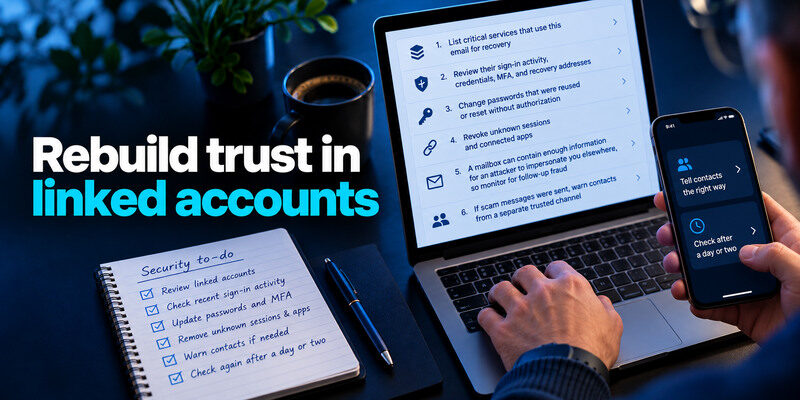
List critical services that use this email for recovery. Review their sign-in activity, credentials, MFA, and recovery addresses. Change passwords that were reused or reset without authorization. Revoke unknown sessions and connected apps. A mailbox can contain enough information for an attacker to impersonate you elsewhere, so monitor for follow-up fraud.
Tell contacts the right way
If scam messages were sent, warn contacts from a separate trusted channel. Describe the message and tell them not to pay or enter credentials; do not forward the malicious link. Ask them to report if they already acted. Preserve copies for the provider and, for work, the security team.
Check after a day or two
Review forwarding, sessions, recovery factors, and sent mail again. If unauthorized changes reappear, an attacker may have a remaining app token or compromised device. Escalate through the provider’s official support. Do not assume a clean-looking inbox immediately after a reset proves the incident is over.
Common false alarms and what they mean
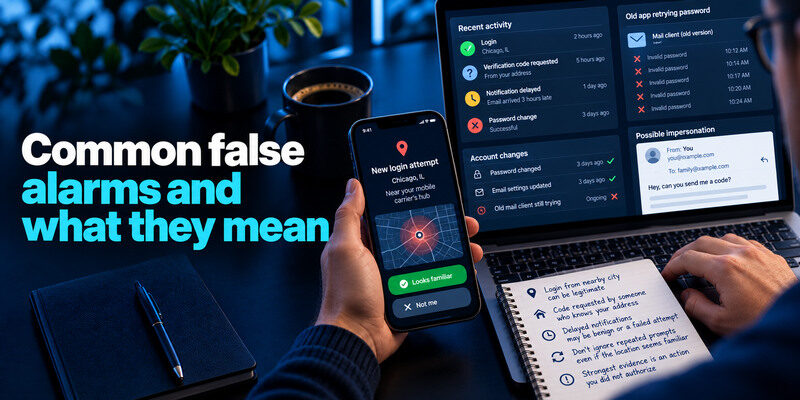
A login alert from a city near your mobile carrier’s hub, a code requested by someone who knows your address, or a delayed notification may be benign or a failed attempt. Compare success status and subsequent account changes. Do not dismiss repeated prompts merely because the location seems familiar. The evidence is strongest when an action occurred that you did not authorize.
Old app retrying a password
After a password change, an old mail client can keep submitting the previous secret and create failed-login notices. Update that device’s credential and check whether the pattern stops. It cannot explain an unauthorized successful session or new forwarding address.
A fake sender can impersonate you
Email “from” fields can be spoofed. A contact receiving a message that appears to be from you does not automatically prove mailbox access. Inspect your actual Sent folder, provider logs, and headers if support asks for them. Warn contacts regardless if the message is harmful, but keep the conclusion evidence-based.
Work through a suspicious mailbox scenario
Maya finds a password-reset message she did not request. That alone can happen if someone entered her address on a form. In the provider’s official security dashboard she also sees an unfamiliar successful session and a new forwarding rule. Those findings point to access. From a trusted device, she revokes the session, changes the password, removes the forwarding rule, checks recovery settings and sent mail, and then secures important accounts tied to that inbox.
Why a breach lookup gives a different answer
An address may appear in another company’s breach even if nobody entered the mailbox. Conversely, a mailbox can be phished and taken over without appearing in a public breach database. Use the lookup to investigate exposure, and provider activity to investigate control.
Tell contacts carefully
If scam mail was sent, warn recipients through a different channel, identify the affected time window, and ask them not to follow the messages. Do not forward a live password-reset link or share a one-time code as “proof.”
Address in known dataset|Exposure at another source|Incident’s data classes|
Reset request only|Someone may know address|Provider activity|
Unknown session and forwarding|Likely mailbox access|Sent mail, rules, recovery|
Frequently Asked Questions
Can my email be hacked without a new-login alert?
Yes. A stolen session, compromised recovery flow, or provider-specific alert gap may leave no obvious new-device email. Review actions and settings. If unauthorized messages or forwarding exist, follow the compromised-account route.
Does a HIBP match mean the mailbox is hacked?
No. The address may have been in another company’s dataset. Check whether its password was reused and inspect the mailbox provider’s real activity separately.
Should I change my email address?
Usually secure the existing mailbox first: unique credential, MFA, recovery, and session cleanup. A new address can be warranted for a specific persistent problem, but changing it everywhere is disruptive and does not erase old leaked records.
What if only a failed attempt appears?
Verify the current password is unique and MFA is enabled. Watch for successful activity and protect recovery. A failed attempt alone does not show that anyone entered the inbox.
Final Thoughts
To answer “has my email been hacked?”, look for unauthorized successful access and changed mailbox settings, not just a breach listing or alarming message. Secure the mailbox from a trusted device, revoke sessions, remove persistence points, and inspect the accounts it can reset.
