
Best Free Cybersecurity Tools: A Practical Shortlist by Job
Published October 9, 2026
The best free cybersecurity tools are the ones that cover distinct jobs without creating a pile of overlapping apps: built-in device protection, a password manager, an account-security checkup, and a breach lookup. For a Windows and Google user, a sensible starter set is Windows Security, Bitwarden Free or a trusted built-in password manager, Google Security Checkup, and Have I Been Pwned. Add an authenticator for services that offer TOTP, while checking its current features and terms separately. No single tool covers every risk.
Pick the gap before picking the product
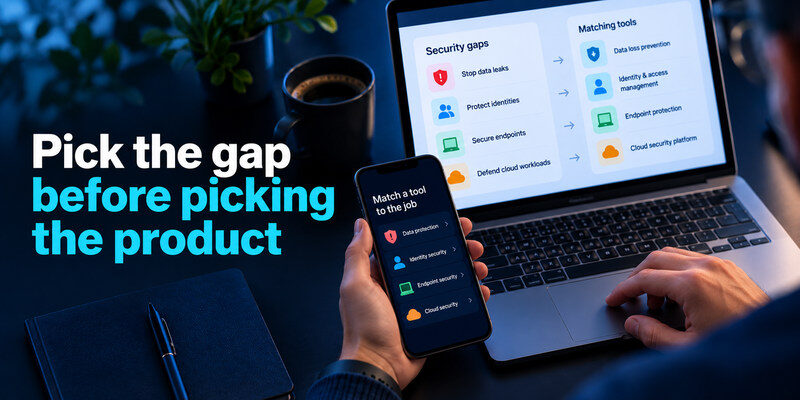
A malware scanner cannot fix password reuse. A breach search cannot prove a device is clean. A password manager cannot tell whether you approved a fraudulent sign-in request. Identify the problem you want to solve, then choose one tool for that job and verify you can use it and recover from a lost device.
| Job | Free option to consider | Strong point | Important limit |
| Windows malware and firewall basics | Windows Security | Built into supported Windows versions | Does not replace safe behavior or updates |
| Unique passwords across sites | Bitwarden Free | Dedicated cross-platform vault | Secure its master sign-in and recovery |
| Breach exposure lookup | Have I Been Pwned | Search exposed email and passwords separately | A negative result is not a clean bill of health |
| Google account review | Google Security Checkup | Sessions, recovery, and recommendations in one account | Focuses on your Google account |
| TOTP codes | A compatible authenticator app | Separates code generation from password-only sign-in | Codes can still be phished; recovery matters |
Free plans and feature availability can change. Check each provider’s current official description before choosing; do not assume a tool is free merely because an article called it free. The recommendation here is a shortlist for common personal use, not an exhaustive ranking or a guarantee against compromise.
Secure your accounts with fast, reliable two-factor authentication. Download now and protect your login in seconds.Download Authenticator App
Best built-in device defense: Windows Security
On a supported Windows PC, Microsoft’s Windows Security brings together Microsoft Defender Antivirus, firewall status, and device-security information. For a beginner, it is a reasonable starting point because it is already integrated with the operating system. Keep Windows, browsers, and apps updated; let the protection run; and investigate alerts in the genuine Windows interface rather than a pop-up website.
Who should choose it
Choose it if you use Windows and want a baseline without installing a second security suite. It is especially practical for a household where a third-party product has expired or is creating confusing duplicate alerts. If your organization manages endpoint protection, follow its policy rather than altering settings on a work device.
Where it falls short
A clean scan does not prove that a phishing page was safe or a password was not stolen. It also does not inspect your other online accounts. On macOS, iOS, Android, and Linux, use the platform’s own update and security controls; Windows Security is not a cross-platform answer to every device. Backups and account MFA remain separate work.
A free password manager can help you replace reused passwords with unique credentials without requiring a paid subscription. Our comparison of the best free password managers explores different approaches to password storage, device compatibility, synchronization, and recovery so you can choose a tool that fits your needs.
Best dedicated free vault to evaluate: Bitwarden Free
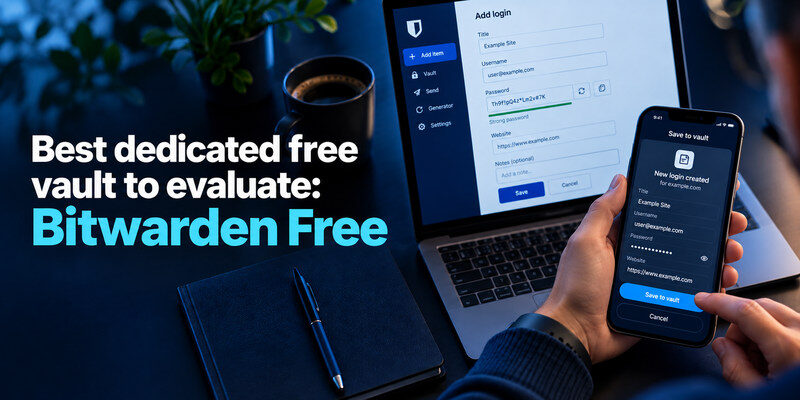
Bitwarden’s official free offering provides a password manager for individual use. A dedicated manager can generate different credentials for websites and make reuse easier to eliminate. Compare its current free features with the password tool already built into your browser or device ecosystem. The best choice is the one that works on every device you actually use and that you can recover securely.
Who should choose it
Consider Bitwarden Free if you move between platforms or want a dedicated vault independent of one browser. Test three accounts first: save, sign out, sign back in on a second device, and verify autofill points to the real domain. Enable a strong factor on the vault where supported and keep recovery information outside it.
Reasons to use a built-in alternative
If you stay within one ecosystem and its built-in manager meets your needs, another account and vault may add complexity. Review export, device support, passkeys, sharing, and recovery before deciding. A vault’s reputation does not excuse a weak master passphrase or an unlocked shared computer.
Best breach lookup: Have I Been Pwned
Have I Been Pwned lets people check whether an email address appears in known breach datasets; its Pwned Passwords service checks password exposure without asking you to submit a password in ordinary email-search form. Use the provider’s genuine service and read what a result means. A listed breach is a signal to review affected accounts, not proof that someone currently controls them.
How to act on a match
Identify the breached service and date. Change a reused or exposed password on the real website, update any other account that used the same credential, enable MFA, and inspect activity. If the account is already closed, still address reuse elsewhere. Do not paste a live password into an unfamiliar “security score” page.
Why a clean result is limited
The dataset cannot include every incident or private leak. A credential can be stolen through phishing without appearing in a public breach. Continue using unique passwords and MFA even when an email address has no listed exposure. Check alerts from the affected provider independently.
If you prefer to keep your password vault under local control, an offline password manager may be a useful option. Our comparison of the best offline password managers explains local storage, backup responsibilities, device compatibility, and the tradeoffs between offline access and cloud synchronization.
Best guided Google account check: Security Checkup
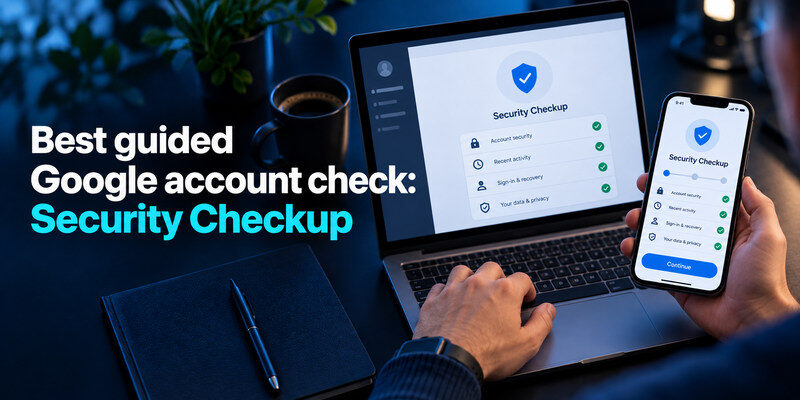
Google Security Checkup is useful if Gmail or a Google account is central to your life. It brings together recommended account actions, recovery methods, signed-in devices, and certain third-party access. Complete the prompts, but also look at unfamiliar activity and the settings that matter to your recovery. This is a Google-specific tool; it does not audit a separate bank or social account.
Who benefits most
Prioritize it if Gmail resets many of your other services or if you recently changed phones. Verify the recovery email and number, review devices, and choose a strong MFA method. Remove a connected app only after identifying what it does; a necessary calendar or workflow integration may stop working.
Do not outsource judgment to a checkmark
A completed checkup reflects the settings it can inspect. It cannot guarantee that a message you receive tomorrow is genuine. If a sign-in warning is unexpected, open Google directly instead of following the message’s link. Keep a separate backup of irreplaceable data.
Choosing an authenticator app is only the first step. You also need to enroll each supported account, verify that the generated codes work, and save recovery information securely. Our complete authenticator app guide explains setup, code verification, backup methods, and common issues when replacing your phone.
Where an authenticator app belongs
A TOTP authenticator generates short-lived codes for services that support that method. is an option to evaluate for that role. Confirm the app’s current price, supported devices, export or backup options, and privacy details before committing critical accounts. Do not describe an app as a free recommendation unless the relevant feature is available without payment at the time you choose it.
Plan for a lost phone
Before adding critical TOTP accounts, save each service’s backup codes and confirm the authenticator’s transfer or backup behavior. Test a second sign-in while the first phone works. A free tool is costly if a phone replacement blocks access to email or banking. Keep backup codes separate from the device they are meant to replace.
Compare authenticator, passkey, and SMS
| Method | Best use | Advantage | Trade-off |
| Passkey or security key | Important account with support | Resists common phishing flows | Requires device or key recovery plan |
| TOTP app | Broad service compatibility | Blocks password-only attacks | Live code can be phished; transfer matters |
| SMS code | Fallback when stronger methods absent | Familiar and widely supported | Phone number and carrier risks |
If an account supports a passkey or security key and you can manage backup access, consider it first for high-value sign-ins. Do not remove the only working factor before testing the replacement. Store service backup codes somewhere separate from the phone that holds the authenticator.
Choose a minimal stack for your situation

| Situation | Start with | Add next | Avoid this mistake |
| One Windows PC and Gmail | Windows Security + Google Security Checkup | Password manager and MFA | Assuming antivirus protects passwords |
| Mixed devices and many sites | Cross-platform password manager | TOTP or passkeys, breach check | Saving recovery only inside the vault |
| Shared family computer | Separate profiles and device updates | Individual vaults and backups | Sharing one browser profile and credentials |
| Small team | Approved business controls | Roles, shared vault, offboarding | Using a personal free plan for unmanaged team secrets |
The fastest improvement is to install fewer tools and finish their setup. Choose a unique credential for your main email and manager, enable MFA, test recovery, and check a recent device sign-in. Then add specialized products only when a specific gap remains.
A safe 30-minute setup sequence
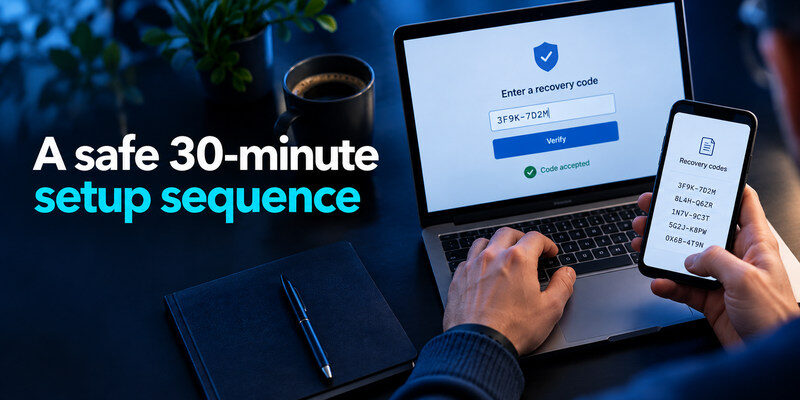
First, run the operating system’s update check and open its actual security dashboard. Second, secure the primary email and verify its recovery method. Third, choose a manager and replace one reused password; test sign-in on another device. Fourth, enable an MFA method and save the service’s backup codes separately. Finally, check for known breach exposure and address any reuse it reveals. Pause if you encounter an unexpected payment or permission request and verify it through official help.
Check downloads and permissions
Get a tool from its official site or the platform’s store listing, confirm the publisher, and avoid search ads or “cracked premium” packages. An extension that can read every website has significant access; install only what you need. Keep it updated and remove tools you stop using. More security extensions can create a larger permission footprint.
Review the stack after a month
Ask whether the manager is being used consistently, whether alerts reach you, and whether a lost phone can be handled. Uninstall duplicate or abandoned products. Test a file restore if backups are part of your setup. A free tool that is configured and maintained well is more valuable than a paid product you ignore.
Installing security software does not automatically make an account secure. You still need unique passwords, appropriate authentication methods, updated recovery details, and regular access reviews. Our guide to the best account security practices provides a practical checklist for combining these protections without relying on expensive tools.
Evaluate a free tool before making it a dependency
A free tier can be a good long-term choice, but changing plans, platform support, and recovery features affect real accounts. Before storing everything, check the provider’s official feature page for device limits, export options, and whether the particular function you need is included. Try importing or saving a few noncritical credentials and performing a clean export or transfer according to the provider’s instructions. Keep protected backups of critical recovery information.
Ask for the permission that matches the job
An antivirus needs deep device access, while a breach lookup usually needs only an email query. A browser extension that can read and change all sites should have a clear reason for that scope. Review the publisher and permissions through the official store, keep it updated, and remove it if you stop using it. A “free security scan” that immediately demands remote-control access or payment to show the result is a reason to stop.
Compare the actual cost of complexity
| Choice | Hidden effort | When it is worth it |
| Separate password manager | Master secret and recovery plan | Many accounts or multiple platforms |
| Breach notification | Interpreting alerts | Reused credentials to clean up |
| Extra authenticator | Transfer and backup planning | Sites without preferred passkeys |
| Additional extension | Broad browser permissions | A clearly needed feature |
A useful tool reduces a known risk more than it adds maintenance. If a built-in option already covers your device, keep that baseline and fill the missing account or recovery gap. For a small business, free personal tiers may lack the roles and offboarding that matter; compare a managed plan rather than sharing a personal vault.
Frequently Asked Questions
Are free cybersecurity tools enough?
They can cover a strong personal baseline: updates, built-in protection, unique passwords, MFA, and account checks. A paid product may serve needs such as managed team controls or specialized support. No price tier replaces cautious sign-in decisions and recoverable backups.
Should I install two antivirus products?
Generally, overlapping real-time scanners can create confusion or conflicts. Use the protection appropriate to your device and follow vendor or workplace instructions. Focus on updating the system and investigating actual alerts rather than collecting security badges.
Is a breach lookup a password manager?
No. A lookup reports known exposure; a manager helps create and store distinct credentials. They solve different problems and work well together. If exposure is found, change reused credentials on the real affected sites.
Which tool should I start with today?
Start with the account or device that can unlock the others. For many people that is primary email: run its security checkup, fix recovery, add MFA, and replace a reused password. Then secure the computer and remaining accounts in that order.
Should I choose a paid manager just for more features?
Only if a specific requirement is unmet: managed sharing, roles, emergency access, or support may justify paying. A personal free vault that securely handles unique credentials can be enough. Compare current official plan terms and recovery features, then pilot a few accounts. Switching tools carelessly can duplicate stale passwords or strand passkeys.
Final Thoughts
The best free cybersecurity tools are a small, complementary set you will keep using. Windows Security, Bitwarden Free, Have I Been Pwned, and Google Security Checkup each address a different job; select only the ones that fit your devices and accounts. Add an authenticator or passkey where the service supports it, and verify the current terms before relying on any feature.
