
Passwordless Login vs Traditional Login: Which Is Better in 2026?
Published November 5, 2026
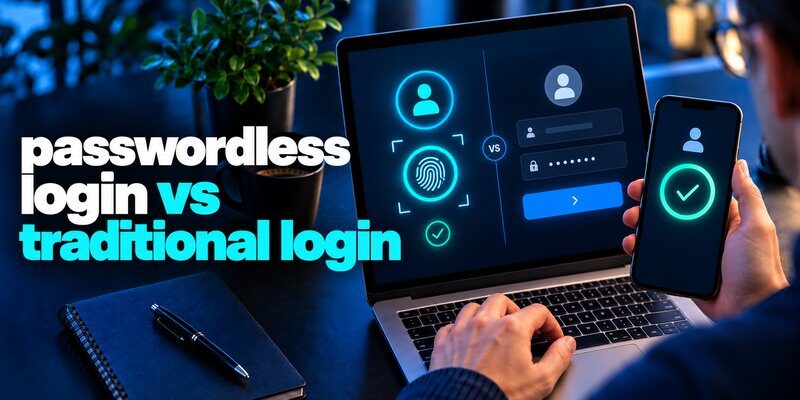
Passwordless login is generally safer and more convenient than traditional password-only login, especially when it uses FIDO2 passkeys. It eliminates reusable passwords, reduces phishing risks, and allows users to authenticate with biometrics, device PINs, or security keys.
However, traditional login remains useful when passwordless authentication is unavailable, particularly when combined with strong passwords and multi-factor authentication (MFA).
The debate around passwordless login vs traditional login has become increasingly important as cybercriminals exploit stolen credentials, phishing websites, and account recovery vulnerabilities.
According to the FIDO Alliance’s Passkey Index 2026, passkey sign-ins achieved a 93% success rate compared with 78% for traditional MFA sign-ins among participating services.
Understanding passwordless login vs traditional login helps individuals and businesses choose an authentication method that balances security, usability, accessibility, and account recovery.
1. Passwordless Login vs Traditional Login: Key Differences
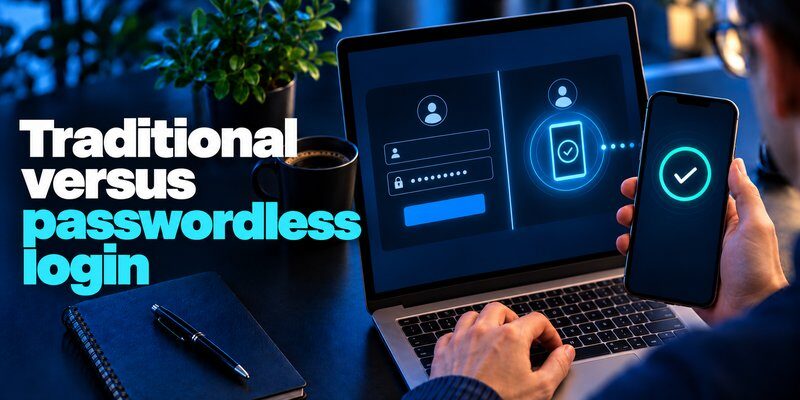
The main difference between passwordless login vs traditional login is how users prove their identity.
Traditional authentication usually requires a username or email address and a password. Passwordless authentication replaces that reusable password with another verification mechanism, such as a passkey, hardware security key, or authentication challenge.
Passwordless vs Traditional Login Comparison
| Feature | Passwordless Login | Traditional Login |
|---|---|---|
| Authentication | Passkeys, biometrics, security keys, or passwordless challenges | Username and password |
| Password required | No reusable account password | Usually yes |
| Phishing resistance | High with FIDO2 passkeys | Low with passwords alone |
| Login speed | Usually faster with passkeys | Depends on password entry and MFA |
| Credential theft | No reusable password to steal with passkeys | Passwords can be stolen or reused |
| User experience | Device-based verification | Password entry and possible MFA |
| Account recovery | Depends on device and provider | Password reset or recovery process |
| Device requirements | Compatible device or authenticator | Nearly any internet-connected device |
| Deployment | May require integration and migration | Widely supported |
| Best use case | Modern consumer and enterprise authentication | Legacy services and fallback access |
Important: Not every passwordless method offers the same security. Email magic links and SMS login codes may be vulnerable to phishing or interception, while properly implemented FIDO2 passkeys provide stronger protection.
In a passwordless login vs traditional login comparison, passkeys are generally the strongest choice for everyday authentication, but implementation quality matters.
2. How Passwordless Login and Traditional Login Work
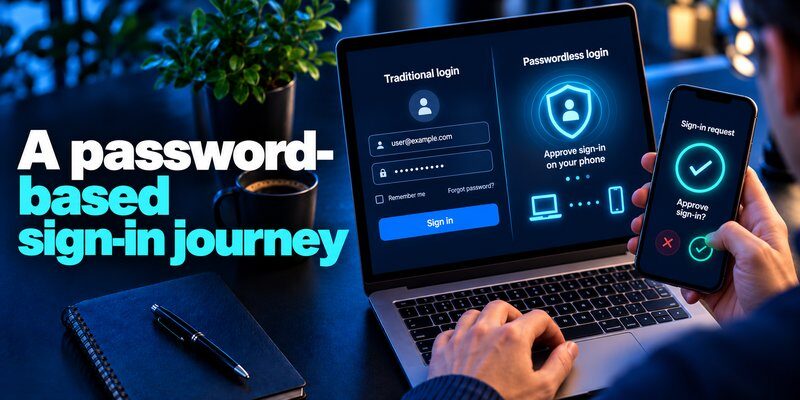
To understand passwordless login vs traditional login, it is helpful to examine how each method verifies a user’s identity.
How Traditional Password Authentication Works
Traditional login is based on something the user knows: a password.
The authentication process typically involves these steps:
- Open a website or application.
- Enter a username or email address.
- Enter the account password.
- The server checks the submitted password against its stored password verifier.
- If enabled, complete an additional MFA challenge.
- Access the account after successful verification.
Secure services do not need to store plaintext passwords. Instead, they store appropriately salted and hashed password verifiers.
However, this process creates security challenges.
Passwords can be guessed, reused, leaked, stolen through phishing, or captured by malware.
A compromised password can potentially be used by attackers, especially when additional authentication is not enabled.
For accounts that still require passwords, users should consider a trusted password manager. Our guide on how to use a password manager explains how to generate and manage unique credentials.
How Passwordless Authentication Works
Passwordless authentication removes the need to enter a reusable account password.
The process depends on the technology being used. With FIDO2 passkeys, authentication generally works as follows:
- The user creates a passkey for an account.
- The device or passkey provider securely stores the private key.
- The website stores the associated public key.
- During login, the website sends an authentication challenge.
- The user unlocks the authenticator using a fingerprint, facial recognition, PIN, or another permitted method.
- The authenticator signs the challenge, and the website verifies the response.
The private key is not transmitted to the website during authentication.
This is a fundamental security advantage because attackers cannot steal a reusable account password from the login exchange.
A passkey can also be synchronized across compatible devices through supported credential providers or stored on a dedicated hardware security key.
Common Types of Passwordless Authentication
Different passwordless technologies offer different levels of protection.
Passkeys: Use public-key cryptography and are designed to resist phishing through website-origin binding.
Biometric authentication: Uses fingerprints or facial recognition, often to unlock a device-held credential rather than authenticate directly to a website.
Hardware security keys: Physical authenticators that can perform phishing-resistant cryptographic authentication.
Email magic links: Allow users to sign in through a temporary link delivered to an email account.
One-time login codes: Replace passwords with temporary verification codes, but may remain susceptible to phishing or interception.
When assessing passwordless login vs traditional login, the underlying authentication technology matters more than the absence of a password alone.
3. Passwordless Login vs Traditional Login: Security Comparison
Security is the most important factor in the passwordless login vs traditional login debate.
Although passwords remain widely used, they introduce risks that cryptographic authentication can substantially reduce.
Protection Against Phishing Attacks
Phishing attacks frequently involve fake websites designed to collect credentials.
With traditional authentication, a victim may enter a username and password into a fraudulent login page.
Attackers can then attempt to use those credentials on the legitimate service.
Even time-based one-time passwords can be relayed through sophisticated real-time phishing attacks.
FIDO2 passkeys work differently.
A passkey is cryptographically associated with the legitimate website’s identity. A fraudulent website operating under another domain cannot normally obtain a valid passkey authentication response for the real service.
The National Institute of Standards and Technology (NIST), in its July 2025 SP 800-63B-4 guidelines, recognizes WebAuthn-based authentication as a method capable of providing phishing resistance.
Protection Against Credential Theft
Passwords represent reusable secrets.
If attackers obtain them through phishing, credential-stealing malware, or a compromised password database, the same credentials may be useful in future attacks.
Passkeys avoid this specific problem through asymmetric cryptography.
The website stores a public key, while the private key remains protected by the user’s authenticator.
A breach exposing public keys does not expose reusable private authentication keys.
However, passwordless authentication does not eliminate every form of account compromise.
Attackers may still exploit stolen sessions, compromised devices, malicious software, or weak account recovery processes.
This distinction is essential when discussing passwordless login vs traditional login.
Are Passkeys Safe?
Many users ask, are passkeys safe compared with passwords and verification codes?
Yes. Properly implemented passkeys generally provide stronger protection against phishing and credential reuse than password-only authentication.
Their main security advantages include:
- No reusable account password to steal.
- Cryptographic verification of authentication challenges.
- Protection against many credential phishing attacks.
- Private keys protected by the authenticator.
- Support for secure local user verification.
Nevertheless, users should protect their devices, maintain secure recovery options, and avoid approving suspicious account changes.
Can Traditional Login Be Secure With MFA?
Yes. Traditional passwords can become significantly more secure when combined with MFA.
An Authenticator app can help protect supported accounts by generating time-based one-time passwords.
For example, a user entering a password may also need to enter a verification code from an authenticator application.
This additional layer reduces the risk that a stolen password alone will provide account access.
However, standard TOTP verification codes are not phishing-resistant, because attackers may trick users into entering those codes on fraudulent websites.
For additional information, explore what is an authenticator app and is authenticator app safe.
The conclusion of this passwordless login vs traditional login security comparison is straightforward: passkeys generally provide stronger phishing protection, while password plus MFA remains an important alternative.
4. Passwordless Login vs Traditional Login: Speed, Convenience, and Costs
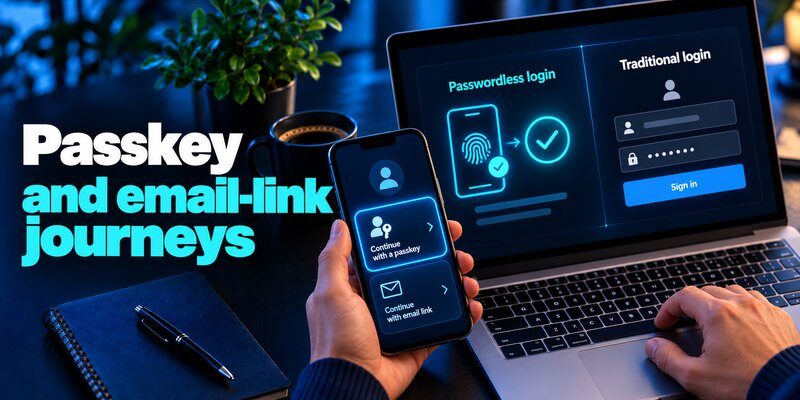
Authentication security is important, but users also expect a simple login experience.
This is another area where passwordless login vs traditional login shows meaningful differences.
Login Speed and User Experience
Traditional login may require users to remember, retrieve, or type passwords.
If MFA is enabled, they may also need to open another application, read a verification code, and submit it before accessing their account.
Passkeys simplify the process.
A user can often authenticate by selecting an account and unlocking the device with Face ID, a fingerprint, or a PIN.
Google reported in April 2024 that passkey authentication was approximately 50% faster than password authentication in its observed experience.
More recently, the FIDO Alliance’s Passkey Index 2026 reported that passkeys saved an average of 27 seconds per sign-in compared with the benchmark used by participating services.
For users accessing multiple services daily, these improvements can become meaningful.
Convenience Across Devices
Passwords are broadly compatible with websites, browsers, and operating systems.
Passkeys also support cross-device authentication, but compatibility depends on the service, operating system, browser, and credential provider.
For example, users may authenticate on a desktop by approving a passkey request from a compatible smartphone.
However, the process can become less convenient when using shared computers, older operating systems, or poorly integrated services.
Users comparing passwordless authentication with traditional verification methods may also find our guide to google authenticator for mac useful for understanding available authentication workflows.
Costs for Businesses
Traditional password systems can generate expenses related to password resets, help-desk requests, credential recovery, and security incidents.
Passwordless authentication can reduce some of these burdens, particularly when passkeys become the primary authentication method.
Potential benefits include:
- Fewer password-reset requests.
- Reduced dependence on SMS verification.
- Lower exposure to password-based phishing.
- Faster employee and customer authentication.
- Less friction during account access.
However, implementation requires investment.
Businesses may need to update identity systems, train employees, provide compatible authenticators, and establish secure account recovery procedures.
Passwordless deployment is not automatically cheaper on day one. Its financial benefits depend on adoption, infrastructure, support costs, and the authentication methods being replaced.
When evaluating passwordless login vs traditional login, organizations should consider both long-term operational savings and migration expenses.
5. Passwordless Login vs Traditional Login 2026: Latest Statistics
The landscape of passwordless login vs traditional login is changing as more consumers and businesses adopt passkeys.
Several recent reports demonstrate this shift.
Passkey Adoption Is Increasing
The FIDO Alliance’s State of Passkeys 2026, published in May 2026, surveyed 11,000 consumers and 1,400 enterprise decision-makers across ten countries.
Its findings showed:
- 90% of surveyed consumers were aware of passkeys.
- 75% had enabled a passkey on at least one account.
- 49% used passkeys regularly when available.
- 68% of surveyed organizations had deployed or were actively deploying passkeys for employee authentication.
These figures describe the surveyed populations, not every internet user or company worldwide.
They nevertheless indicate that passwordless authentication is becoming increasingly familiar.
Passkey Sign-In Success Rates
The FIDO Alliance’s October 2026 Passkey Index reported the following results across participating services.
| Metric | Reported result |
|---|---|
| Successful sign-ins using passkeys in 2025 | 26% |
| Successful sign-ins using passkeys in 2026 | 36% |
| Passkey authentication success rate | 93% |
| Traditional MFA authentication success rate | 78% |
| Average time saved per passkey sign-in | 27 seconds |
Passkey sign-in share increased by 10 percentage points between the two reported editions.
These figures reflect participating services and reporting methods rather than the entire internet. The participant group also changed between editions, so year-over-year comparisons should be interpreted carefully.
Traditional Authentication Risks Remain Relevant
The Verizon 2026 Data Breach Investigations Report, published in May 2026, found that vulnerability exploitation accounted for 31% of analyzed breaches as an initial entry point.
This is a reminder that password security is only one part of cybersecurity.
Even organizations using passkeys must protect applications, devices, authentication sessions, and infrastructure.
Meanwhile, the FIDO Alliance’s 2026 research found that 57% of surveyed organizations still relied on phishable methods for employees’ primary everyday authentication.
These findings reinforce an important conclusion about passwordless login vs traditional login: stronger authentication can reduce credential-related risks, but it must be combined with broader security controls.
6. When Should You Still Use Traditional Login?

Although passwordless authentication offers clear advantages, traditional login is not obsolete.
Some environments still depend on passwords because of compatibility, accessibility, operational requirements, or migration constraints.
Legacy Websites and Applications
Older websites may not support FIDO2, WebAuthn, or passkey registration.
In these situations, users must continue using password-based authentication until the service introduces supported alternatives.
The safest practical approach is to use unique passwords and enable MFA whenever available.
A password manager can help maintain secure credentials without requiring users to memorize every password.
Read our guide on how to choose a password manager for additional considerations.
Shared Devices and Limited Device Access
Passwordless authentication can be challenging when users do not control a personal device or cannot access their registered authenticator.
Examples include shared workstations, temporary devices, and environments where security keys are unavailable.
These problems can often be addressed through roaming security keys, managed authenticators, and carefully designed recovery procedures.
However, not every organization has implemented those solutions.
Accounts That Require Transitional MFA
Some services support passkeys but still retain password-based recovery or older login methods.
For these accounts, an authenticator application can provide an additional verification layer when passwords remain necessary.
Users working within Apple’s ecosystem can explore apple authenticator options to understand available verification methods.
Passwordless login and authenticator-based MFA are complementary technologies, not always competing alternatives.
In the passwordless login vs traditional login comparison, the practical recommendation is to use passkeys where supported and secure remaining password-based accounts with MFA.
7. How to Switch from Traditional Login to Passwordless Authentication
Moving toward passwordless authentication does not require abandoning every existing login method immediately.
A gradual transition is usually more practical and safer.
Step 1: Identify Accounts That Support Passkeys
Start with frequently used accounts, such as email services, cloud platforms, and supported financial or business applications.
Open each account’s security settings and look for options such as:
- Create a passkey.
- Add a security key.
- Sign in without a password.
- Enable passwordless authentication.
Choose FIDO2 passkeys when phishing-resistant authentication is your priority.
Step 2: Register a Trusted Authenticator
Follow the website’s registration process to create a passkey using a compatible device, credential provider, or hardware security key.
Depending on the implementation, you may be asked to confirm your identity with a device PIN, fingerprint, or facial recognition.
Keep your device updated and protect it with a strong screen lock.
Avoid registering a passkey on an untrusted shared device.
Step 3: Configure Secure Account Recovery
Account recovery deserves as much attention as login security.
Before relying exclusively on passkeys, verify that you have appropriate recovery options.
These may include backup security keys, securely synchronized passkeys, recovery codes, or another verified authenticator.
Store recovery codes securely and separately from the account they protect.
Weak recovery procedures can undermine an otherwise phishing-resistant login system.
Step 4: Strengthen Accounts That Still Require Passwords
Not all services support passkeys.
For password-based accounts, use strong, unique passwords and enable MFA where available.
NIST’s SP 800-63B-4 guidelines require a minimum of 15 characters for passwords used as a single authentication factor, while permitting a minimum of eight characters when passwords are used as part of MFA.
For supported accounts, users can Download authenticator app to add time-based verification codes as an extra security layer.
Remember that a TOTP authenticator does not automatically replace a website password or convert an account to FIDO2 passkey authentication.
Step 5: Test Authentication and Recovery
After enabling a passkey, sign out and test the new login process.
Verify that the account works on your normal devices and that your recovery options are available.
Do not remove an existing authentication method until you have confirmed that its replacement works reliably.
For business environments, administrators should also test employee onboarding, device replacement, account recovery, and offboarding.
Step 6: Monitor Account Security
Passwordless authentication does not eliminate the need for account monitoring.
Review recent login activity, registered devices, recovery information, and suspicious security notifications.
Users should regularly check for unexpected sessions or unauthorized account changes.
Our guide on how to spot suspicious login activity explains common warning signs.
The most effective migration strategy combines passkey adoption, secure recovery, and continued monitoring.
This balanced approach is particularly important when organizations compare passwordless login vs traditional login during a transition.
8. Passwordless Login vs Traditional Login: FAQs and Final Verdict
Passwordless Login vs Traditional Login: Which Is Better?
For most users, passkey-based passwordless authentication is better than password-only login because it offers stronger phishing resistance and eliminates the need to remember reusable passwords.
However, passwords protected by MFA remain useful when services do not support passkeys.
The answer to passwordless login vs traditional login which is better therefore depends on service compatibility, implementation quality, and recovery requirements.
Should I Choose Passwordless Login or Traditional Login?
When deciding between passwordless login or traditional login, prioritize passkeys on compatible services.
If passkeys are unavailable, use strong, unique passwords with an additional authentication factor.
Avoid relying on SMS or email codes when stronger supported methods are available.
Can Passwordless Authentication Be Hacked?
Yes. No authentication system is completely immune to compromise.
Attackers may target devices, exploit account recovery processes, steal authenticated sessions, or abuse weaknesses in application security.
However, properly implemented passkeys protect against many common password phishing and credential reuse attacks.
Is Passwordless Login the Same as Two-Factor Authentication?
No.
Passwordless authentication describes a login process that does not require a reusable account password.
Two-factor authentication requires verification using two distinct authentication factors.
A passkey unlocked through device-based user verification can provide multi-factor authentication, depending on its implementation.
However, a passwordless email link or one-time code does not automatically provide phishing resistance or multi-factor assurance.
For more information, explore two-factor authentication app.
Will Passwords Completely Disappear?
Passwords are unlikely to disappear immediately.
Many legacy applications, enterprise systems, and websites continue to depend on traditional credentials.
However, growing support for passkeys suggests that passwordless authentication will play an increasingly important role in modern account security.
Final Verdict: Which Login Method Wins in 2026?
The results of passwordless login vs traditional login favor passkey-based authentication for most modern applications.
Choose passwordless authentication with FIDO2 passkeys when available. It offers strong phishing protection, streamlined login experiences, and less reliance on reusable credentials.
Choose traditional login with MFA when passkeys are unavailable. This approach can still provide effective protection, particularly when users avoid password reuse and maintain secure recovery methods.
Ultimately, the future of authentication is not simply about removing passwords. It is about making account access more secure, convenient, accessible, and resilient against modern cyber threats.
Download Authenticator App
Secure your accounts with fast, reliable two-factor authentication. Download now and protect your login in seconds.
