
MetaMask Security: Protect Your Wallet and Avoid Malicious Approvals
Published November 10, 2026
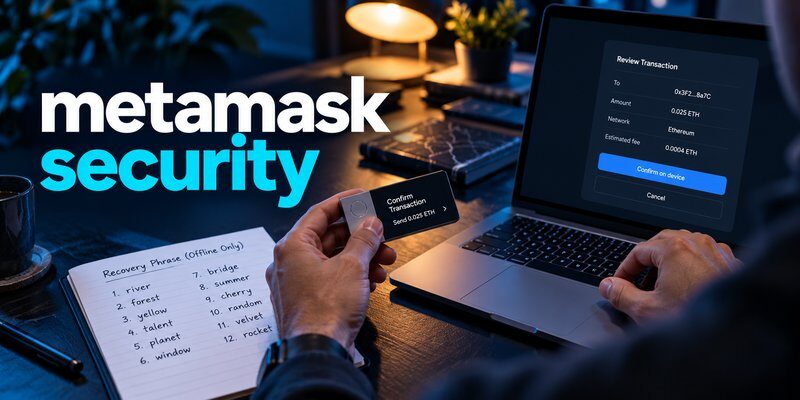
MetaMask security depends on protecting your Secret Recovery Phrase, using official wallet software, securing your devices, and carefully reviewing every transaction or smart contract approval. MetaMask is a self-custody cryptocurrency wallet, meaning you control the private keys associated with your assets. However, if someone steals your recovery phrase or tricks you into approving a malicious transaction, your funds may be at risk.
To secure your MetaMask wallet, start with a strong device password, an offline recovery phrase backup, and trusted browser or mobile software. For higher-value cryptocurrency holdings, consider a compatible hardware wallet and separate long-term funds from everyday decentralized application activity.
This guide explains 10 practical MetaMask security tips, common wallet threats, how to check suspicious approvals, and what to do if your wallet has been compromised.
Is MetaMask Safe to Use?
MetaMask is a widely used self-custody cryptocurrency wallet that allows users to manage supported digital assets and interact with blockchain applications.
It provides local wallet access controls and transaction confirmation interfaces, but no wallet can guarantee complete protection against phishing, malware, compromised recovery phrases, or malicious smart contracts.
MetaMask’s security depends on several factors:
- How safely your Secret Recovery Phrase is stored.
- Whether your device and browser are protected.
- Which websites and applications you interact with.
- What transaction permissions you approve.
- Whether you use additional hardware signing protection.
- How quickly you respond to suspicious activity.
Quick answer: MetaMask can be used securely when users follow appropriate self-custody practices, but it is not immune to scams or unauthorized transactions.
How Does MetaMask Security Work?
MetaMask uses cryptographic private keys to authorize blockchain transactions.
Your wallet’s Secret Recovery Phrase can restore the accounts derived from that phrase in a compatible wallet.
A local password protects access to a particular MetaMask installation, but it does not replace the recovery phrase.
This distinction is essential because an attacker with the recovery phrase may be able to reconstruct the wallet without knowing the local password.
Is MetaMask a Hot Wallet or Cold Wallet?
A conventional MetaMask software wallet operates in an internet-connected environment and is generally considered a hot wallet.
However, MetaMask can also connect to compatible hardware wallets that keep signing keys isolated from the computer.
For a detailed comparison, read cold wallet vs hot wallet.
Read more: What Is a Cold Wallet? Definition, How It Works, Types and Safety Guide
Secure your accounts with fast, reliable two-factor authentication. Download now and protect your login in seconds.Download Authenticator App
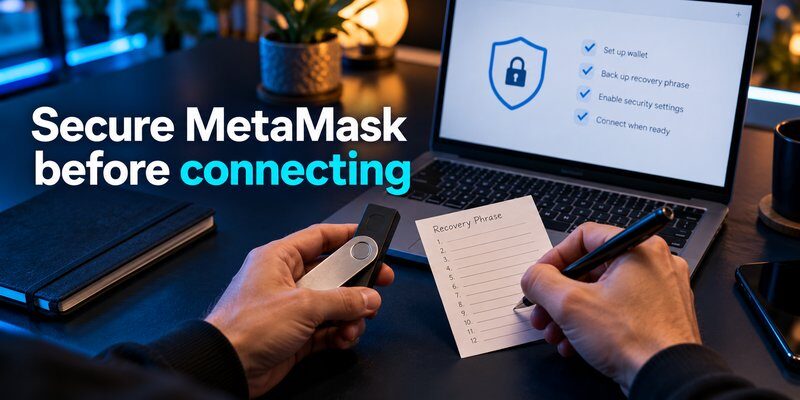
MetaMask Security Checklist
Before using MetaMask to store or transfer significant cryptocurrency, review the following checklist.
| Security practice | Recommended action | Why it matters |
|---|---|---|
| Official installation | Download MetaMask from its official source | Reduces fake wallet risks |
| Recovery phrase | Store offline and never share | Protects wallet recovery access |
| Local password | Use a strong, unique password | Protects the local installation |
| Device security | Update software and enable device locking | Reduces malware and unauthorized access |
| Website connections | Review connected applications | Reduces unnecessary exposure |
| Token approvals | Inspect and revoke suspicious permissions | Limits some contract spending risks |
| Transaction verification | Check recipient, network, and amount | Helps prevent fraudulent transfers |
| Hardware wallet | Use compatible hardware signing where appropriate | Isolates private keys |
| Wallet separation | Keep savings separate from experimental activity | Limits exposure to risky interactions |
| Recovery readiness | Verify backups using trusted procedures | Reduces permanent access loss |
The most important MetaMask security rule is simple: Never share your Secret Recovery Phrase or approve a transaction you do not understand.
10 Best MetaMask Security Tips
The following practices help reduce common risks associated with self-custody cryptocurrency wallets.
Download MetaMask Only From Official Sources
Fake wallet applications and browser extensions are common cryptocurrency phishing threats.
Attackers may create websites that imitate legitimate MetaMask download pages.
These pages can distribute malicious software or request recovery phrases.
To reduce the risk:
- Navigate to MetaMask’s official website independently.
- Follow its verified installation instructions.
- Check the application or extension publisher.
- Avoid download links from unsolicited messages.
- Be cautious of sponsored search results imitating wallet providers.
Do not import your recovery phrase into unfamiliar applications.
Protect Your Secret Recovery Phrase Offline
Your Secret Recovery Phrase is one of the most sensitive elements of MetaMask security.
Anyone who obtains sufficient recovery information may be able to restore your wallet elsewhere.
Record the phrase accurately during trusted setup and keep it offline.
Avoid:
- Taking screenshots of recovery words.
- Uploading the phrase to cloud storage.
- Sending it through email or messaging applications.
- Entering it into unfamiliar websites.
- Sharing it with customer support representatives.
A strong local password does not protect a wallet after its recovery phrase has been exposed.
For additional guidance, read how to protect your seed phrase and keep seed phrase safe.
Read more: What Is a Multi Signature Wallet? How It Works, Benefits & Risks
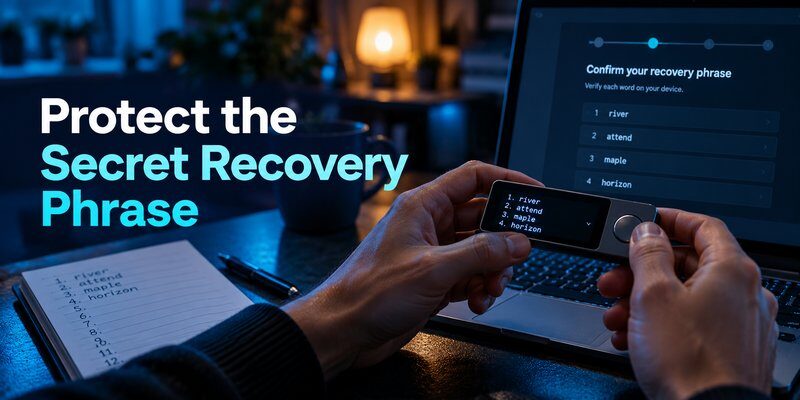
Use a Strong MetaMask Password
MetaMask uses a local password to help protect access to its wallet installation.
Choose a strong, unique password that is not reused across websites or online services.
Avoid sharing the password or saving it in an insecure location.
Remember that the password and Secret Recovery Phrase serve different purposes.
| Security information | Main purpose | Important limitation |
|---|---|---|
| Secret Recovery Phrase | Restore wallet accounts | Exposure may compromise the wallet |
| MetaMask local password | Unlock a specific installation | Does not invalidate a leaked phrase |
| Device PIN or biometrics | Control device or app access | Does not prevent recovery elsewhere |
| Exchange TOTP code | Verify supported exchange account access | Does not protect MetaMask private keys |
Changing your MetaMask password does not create a new recovery phrase.
Keep Your Browser and Device Secure
A compromised computer or smartphone can weaken wallet security.
Malware may interfere with transactions, steal sensitive information, or manipulate copied wallet addresses.
To improve protection:
- Keep your operating system updated.
- Install current browser and MetaMask updates.
- Remove unnecessary browser extensions.
- Avoid suspicious downloads.
- Enable device locking.
- Avoid managing cryptocurrency on shared or untrusted computers.
Consider using a dedicated browser profile or device for sensitive cryptocurrency activity when practical.
Review Connected Websites and Applications
MetaMask can connect to decentralized applications that request access to selected wallet information.
A connection may allow a website to view permitted account addresses and request signatures.
However, connecting a website does not automatically authorize every future transaction.
Review connected applications regularly and disconnect those you no longer use.
Does Disconnecting a Website Revoke Token Approvals? No, not necessarily.
Disconnecting a website from MetaMask is different from revoking an on-chain token allowance.
A smart contract may retain previously granted permissions even after the website is disconnected.
You must review and revoke relevant on-chain approvals separately.
Read more: Crypto Wallet 2FA: What It Protects and How to Set It Up
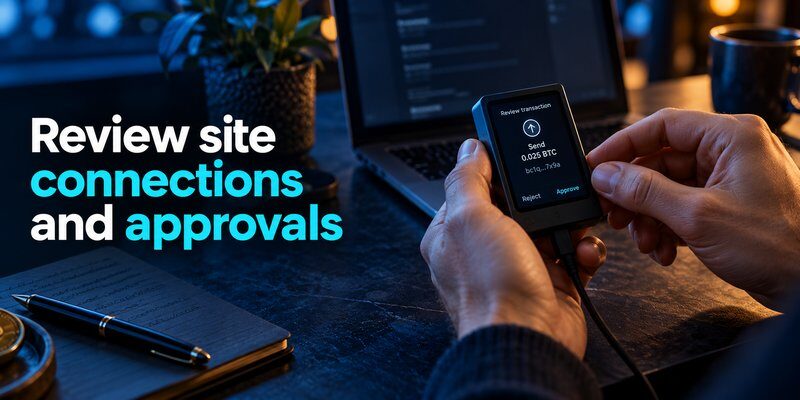
Check Token Approvals Before Signing
Some decentralized applications request permission to spend tokens through smart contracts.
These permissions may be limited or broad, depending on the contract and transaction.
A malicious approval can expose certain tokens even when the attacker does not know your recovery phrase.
Before approving a request:
- Confirm the legitimate website.
- Verify the selected blockchain network.
- Review the token and contract address.
- Check the requested spending allowance.
- Reject unfamiliar or unnecessary permissions.
Be particularly cautious of unlimited approvals when a smaller allowance would be sufficient.
How to Revoke MetaMask Token Approvals
Use MetaMask’s supported permission-management features or a trusted blockchain explorer.
Review the approved spender, token, network, and allowance.
If an approval is no longer needed, follow the trusted interface’s revocation procedure.
Revocation is an on-chain transaction and may require network fees.
A completed malicious transfer cannot be reversed simply by revoking the approval afterward.
Verify Every Transaction and Signature
One of the most important MetaMask security practices is reviewing what you sign.
Malicious websites may disguise dangerous transactions as harmless verification steps.
Before confirming, check:
- The cryptocurrency being transferred.
- The destination address.
- The selected blockchain network.
- The transaction amount.
- The contract being called.
- Any token spending permissions.
- Whether the request matches your intended action.
If the signing request contains unclear or opaque data, do not proceed until you understand the consequences.
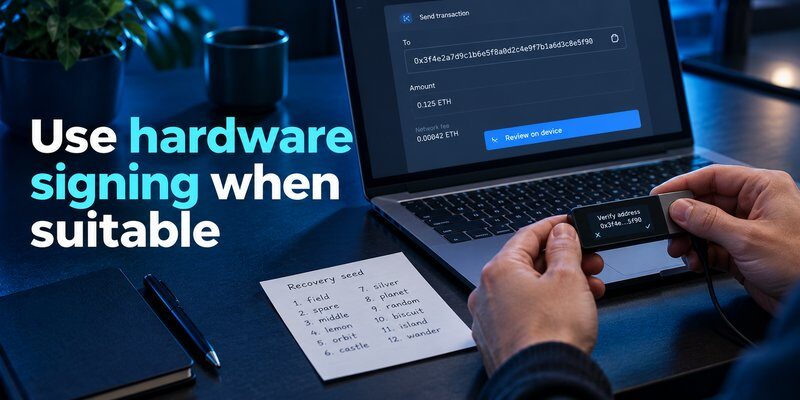
Use a Hardware Wallet for Higher-Value Holdings
A compatible hardware wallet can help isolate private keys from an internet-connected computer.
MetaMask may be used as an interface while the hardware device performs supported signing operations.
This can reduce certain risks associated with software wallet key exposure.
However, hardware wallets cannot automatically prevent malicious transactions.
Users must still verify transaction details on the trusted device display.
Important: Do not enter a hardware wallet’s recovery phrase into MetaMask simply to connect the device. Doing so would expose the hardware wallet’s recovery secret to the software environment.
For additional information, read hardware wallet vs software wallet and how to set up a hardware wallet.
Separate Everyday Activity From Long-Term Savings
Using one wallet for every cryptocurrency activity can increase exposure to unfamiliar applications and smart contracts.
Consider maintaining separate wallet arrangements for different purposes.
For example:
- An everyday wallet with limited funds for routine transactions.
- A separate wallet for experimenting with unfamiliar applications.
- A more isolated hardware-backed wallet for long-term holdings.
For meaningful separation against recovery phrase theft, use independently generated wallet secrets rather than relying only on multiple addresses derived from the same phrase.
This approach can limit the consequences of certain security incidents.
Learn to Recognize MetaMask Scams
MetaMask users may encounter fake support accounts, fraudulent token giveaways, malicious websites, and deceptive transaction requests.
Common warning signs include:
- Requests for your Secret Recovery Phrase.
- Messages claiming your wallet must be urgently verified.
- Unexpected token approval prompts.
- Fake customer support accounts.
- Websites promising guaranteed cryptocurrency rewards.
- Unsolicited recovery assistance.
- Suspicious links to wallet synchronization pages.
Never assume that a professional-looking website or message is trustworthy.
For more examples, read crypto wallet scams.
Common MetaMask Security Threats
Understanding the most common threats can help users identify suspicious activity before cryptocurrency is lost.
| Threat | How it works | Prevention |
|---|---|---|
| Seed phrase phishing | Tricks users into revealing recovery words | Never share recovery information |
| Fake MetaMask extensions | Distributes malicious wallet software | Use official installation sources |
| Malicious token approvals | Grants spending permissions to attackers | Review and limit allowances |
| Wallet drainers | Obtains dangerous signatures or approvals | Verify every signing request |
| Clipboard malware | Replaces copied wallet addresses | Check the complete destination |
| Fake customer support | Impersonates wallet representatives | Use official support channels |
| Device malware | Compromises the wallet environment | Secure and update devices |
| Address poisoning | Places misleading addresses in transaction history | Verify recipients independently |
MetaMask security requires protecting both the recovery information and the transaction authorization process.
How to Check If Your MetaMask Wallet Is Compromised
Not every suspicious notification means that your wallet has been hacked.
However, certain signs deserve immediate investigation.
Warning Signs of a Compromised Wallet
Look for:
- Transactions you did not authorize.
- Unexpected outgoing token transfers.
- Unfamiliar token approvals.
- Changes in wallet behavior after installing software.
- A recovery phrase entered into an unknown website.
- Suspicious signing requests from unfamiliar applications.
Unknown tokens appearing in a wallet are not necessarily evidence that its private keys have been stolen.
Avoid interacting with suspicious assets until you understand their origin.
How to Review MetaMask Transaction History
Open the wallet’s activity interface and inspect relevant blockchain transactions.
For additional verification, use a trusted blockchain explorer for the correct network.
Review transaction hashes, destination addresses, contract interactions, and token approvals.
Remember that blockchain transaction history may not reveal every off-chain security exposure.
Read more: Backup Codes vs Authenticator App Transfer: Which Saves You From Lockout?
What to Do If Your MetaMask Wallet Is Hacked
If you suspect that your MetaMask wallet has been compromised, the appropriate response depends on the type of incident.
Step 1: Identify the Security Problem
Determine whether:
- Your Secret Recovery Phrase was exposed.
- You approved a malicious smart contract.
- You signed an unexpected transaction.
- Your computer or smartphone may contain malware.
- Someone gained access to your unlocked wallet.
Each situation requires a different response.
Step 2: If Your Recovery Phrase Was Exposed, Create a New Wallet
If your recovery phrase was disclosed, treat the wallet as compromised.
Generate a new wallet with a fresh recovery phrase using trusted software or hardware.
Verify the new receiving address before moving remaining cryptocurrency.
Do not reuse the exposed phrase.
Changing the MetaMask password does not invalidate a compromised recovery phrase.
Step 3: Review Suspicious Token Approvals
If you granted a suspicious token allowance, use a trusted tool to inspect and revoke the relevant permission.
However, revocation cannot reverse transfers that have already occurred.
If the compromise extends beyond a specific approval, moving remaining assets to a fresh wallet may be safer.
Step 4: Secure Your Device
If malware or unauthorized device access is suspected, avoid using the compromised environment for sensitive wallet operations.
Use a trusted device to establish a new wallet and protect its recovery information.
Review installed software, browser extensions, and operating system security.
Step 5: Preserve Evidence and Report the Incident
Save relevant transaction hashes, wallet addresses, suspicious website URLs, and messages.
Contact MetaMask through its official support channels.
Be cautious of recovery agents claiming they can guarantee the return of stolen cryptocurrency.
Confirmed blockchain transactions are generally irreversible.
For more guidance, read how to recover a lost crypto wallet.
Does MetaMask Have Two-Factor Authentication?
A conventional self-custody MetaMask wallet does not use ordinary account-based TOTP verification to authorize blockchain transactions.
Installing an authenticator app does not add a second-factor requirement to a recovery phrase that can be restored elsewhere.
However, users can enable two-factor authentication on supported cryptocurrency exchanges and related online services.
How to Add Extra Security to MetaMask
Instead of relying on ordinary exchange-style 2FA, focus on:
- Protecting the Secret Recovery Phrase.
- Using secure device access controls.
- Reviewing every transaction.
- Monitoring smart contract approvals.
- Using compatible hardware signing devices.
- Separating long-term funds from everyday wallet activity.
For a more detailed explanation, read crypto wallet 2FA.
Frequently Asked Questions
Is MetaMask Safe for Storing Cryptocurrency?
MetaMask can be used for cryptocurrency self-custody, but its security depends on recovery phrase protection, device security, and careful transaction authorization. It cannot eliminate every phishing or malware risk.
Can MetaMask Be Hacked?
Yes. MetaMask wallets may be compromised through stolen recovery phrases, malicious software, phishing, or dangerous transaction approvals. The exact attack depends on the circumstances.
What Is the Safest Way to Secure MetaMask?
Protect the recovery phrase offline, use official wallet software, secure your device, review token approvals, and consider compatible hardware signing for higher-value holdings.
Does MetaMask Have 2FA?
A conventional MetaMask self-custody wallet does not use ordinary TOTP-based 2FA for blockchain signing. Associated exchange or online service accounts may support separate authentication methods.
Can Someone Access MetaMask With My Recovery Phrase?
Yes. Someone with sufficient recovery information may be able to reconstruct the wallet through compatible software, regardless of the original installation’s password.
Does Changing My MetaMask Password Protect a Leaked Seed Phrase?
No. Changing the local password does not change the wallet’s recovery phrase or the keys derived from it.
Is MetaMask Safer With a Hardware Wallet?
A compatible hardware wallet can improve private-key isolation and provide trusted transaction confirmation. However, it cannot prevent every scam or malicious transaction approval.
How Do I Remove Suspicious MetaMask Permissions?
Review connected applications and token approvals using trusted MetaMask features or blockchain explorers. Disconnect unnecessary websites and revoke unwanted on-chain permissions separately.
What Should I Do If My MetaMask Wallet Is Compromised?
Identify whether the problem involves a leaked recovery phrase, malicious approval, or compromised device. Secure remaining assets using trusted methods, preserve evidence, and avoid unsolicited recovery services.
Final Thoughts
MetaMask security depends on protecting your Secret Recovery Phrase, securing your devices, reviewing connected applications, and verifying every transaction before signing.
A strong local password is useful, but it cannot protect funds after the recovery phrase has been exposed.
For higher-value holdings, consider compatible hardware signing and keep long-term savings separate from routine decentralized application activity.
The safest approach is to combine secure wallet setup, careful permission management, and a recovery plan you understand before problems occur.
