
Crypto Wallet 2FA: What It Protects and How to Set It Up
Published November 10, 2026
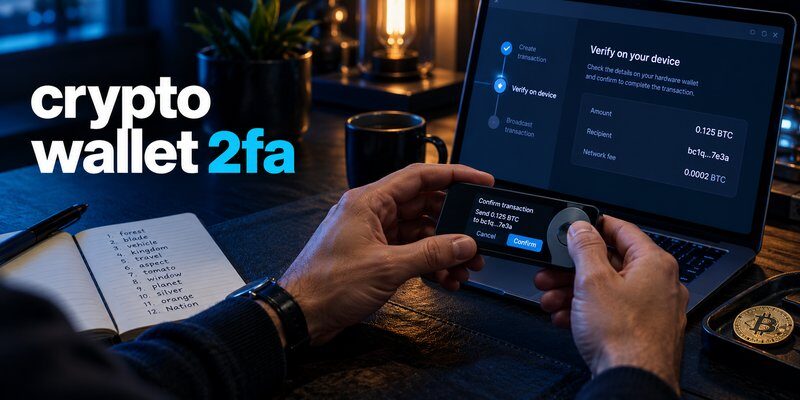
Crypto wallet 2FA adds an extra verification step to supported cryptocurrency exchange accounts, custodial wallet services, and related online platforms. It typically requires a password plus a second factor, such as a time-based code from an authenticator app, a security key, or a passkey. However, standard two-factor authentication does not directly protect a self-custody wallet’s recovery phrase or prevent transactions authorized with its private keys.
If you want to improve your cryptocurrency security, start by identifying whether your funds are held through an exchange account or controlled by your own wallet keys. Then enable the strongest supported authentication method, secure your recovery options, and verify that you can still sign in safely.
This guide explains how crypto wallet 2FA works, how to set it up, which authentication methods are available, and what it can and cannot protect.
What Is Crypto Wallet 2FA?
Crypto wallet 2FA, or cryptocurrency two-factor authentication, is an account security process that requires two different forms of verification before allowing access to certain cryptocurrency services.
For example, a cryptocurrency exchange may require:
- Your account password.
- A one-time code generated by an authenticator application.
The second factor helps prevent someone who has stolen your password from accessing your account without additional verification.
Some services also require extra authentication when users change security settings, add withdrawal addresses, or request cryptocurrency withdrawals.
However, not every cryptocurrency wallet supports account-based two-factor authentication.
How Does Crypto Wallet 2FA Work?
Two-factor authentication generally combines different authentication factors.
These may include:
- Something you know: A password or PIN.
- Something you have: A registered authenticator, security key, or device.
- Something you are: A biometric characteristic used in a supported authentication process.
For cryptocurrency accounts using TOTP, the service and authenticator app share an enrollment secret.
The app generates time-based verification codes, commonly refreshed every 30 seconds.
When you sign in, the service checks whether the submitted code matches the expected value.
This means an attacker generally needs more than just the account password to complete authentication.
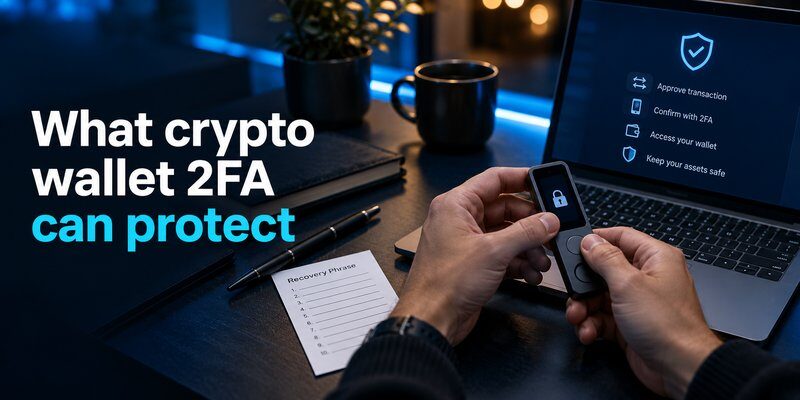
Why Is 2FA Important for Cryptocurrency Security?
Cryptocurrency accounts can be targeted by phishing, credential theft, password reuse, and account takeover attempts.
Enabling crypto wallet 2FA on supported services can reduce the risk of unauthorized access when a password becomes compromised.
Depending on the provider, it may help protect:
- Cryptocurrency exchange logins.
- Account security changes.
- Withdrawal requests.
- Registered withdrawal address changes.
- Cloud wallet service accounts.
- Other supported crypto-related services.
The exact protection depends on the platform’s authentication policies.
Read more: Keep Seed Phrase Safe: Offline Backup and Recovery
Secure your accounts with fast, reliable two-factor authentication. Download now and protect your login in seconds.Download Authenticator App
Crypto Wallet 2FA vs Self-Custody Wallet Security
One of the most important distinctions is the difference between account-based authentication and blockchain transaction authorization.
A cryptocurrency exchange account may use passwords, authenticator codes, and security keys.
A self-custody wallet generally relies on private keys and cryptographic signatures.
These are different security models.
| Wallet or account type | Can standard 2FA help? | What 2FA protects | What it does not protect |
|---|---|---|---|
| Cryptocurrency exchange account | Yes, if supported | Account login and selected actions | Exchange custody risks |
| Custodial wallet service | Yes, if supported | Provider account access | Risks outside provider controls |
| Self-custody software wallet | Usually not through ordinary TOTP | Related online accounts, if any | Recovery phrase or private-key authorization |
| Hardware wallet | Depends on associated services | Companion service accounts, if supported | Transactions approved with wallet keys |
| Cloud-based crypto account | Depends on provider | Account access | Unsupported blockchain actions |
Key takeaway: Crypto wallet 2FA is most directly useful for cryptocurrency accounts that have a provider-managed authentication system.
It does not automatically add a second factor to every blockchain transaction.
Custodial Wallets vs Self-Custody Wallets
A custodial service manages cryptocurrency keys on behalf of customers.
Users typically access their accounts through a login system, which may support 2FA.
A self-custody wallet gives the owner control over the private keys used to authorize blockchain transactions.
If someone obtains sufficient recovery information, they may be able to reconstruct the wallet elsewhere without needing the owner’s exchange authentication code.
For this reason, users should protect both their online accounts and their self-custody recovery information.
Read more about how to secure a crypto wallet.
How to Set Up Crypto Wallet 2FA: Step-by-Step Guide
The following steps describe the general process for enabling authenticator-based 2FA on a cryptocurrency exchange or another supported crypto service.
Menu names and supported authentication methods vary by provider.
Step 1: Sign In to Your Official Crypto Account
Open the cryptocurrency service’s official website or application.
Avoid signing in through links from unsolicited emails, social media messages, or search advertisements.
Confirm that the domain and application are legitimate.
Step 2: Open Account Security Settings
Navigate to the account’s security or authentication section.
Depending on the platform, this may appear under:
- Account Settings.
- Security.
- Login and Security.
- Two-Factor Authentication.
- Multi-Factor Authentication.
Look for an option to add an authenticator app, security key, or another supported method.
Read more: Crypto Wallet Scams: How to Spot and Stop Them
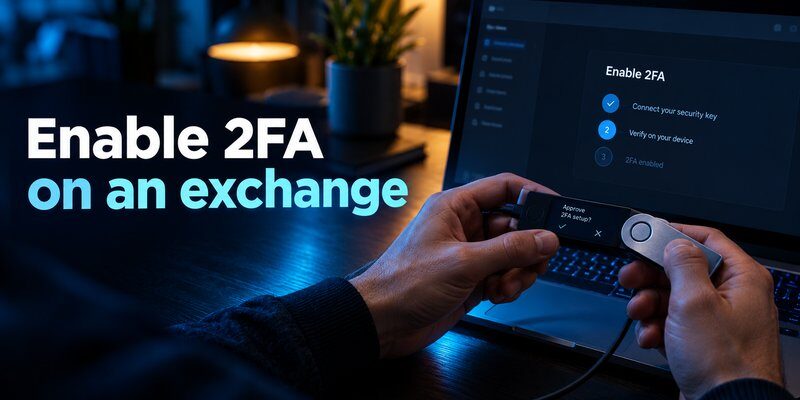
Step 3: Choose an Authentication Method
If the service supports phishing-resistant passkeys or security keys, consider using them when appropriate.
Otherwise, a TOTP authenticator app is a common option.
TOTP codes are generally preferable to relying only on SMS when the platform offers a suitable alternative, although they are not phishing-resistant.
Step 4: Install an Authenticator App
Install a trusted authenticator application from its official source.
For services that support standard TOTP enrollment, Authenticator App can generate the time-based verification codes required by the service.
Do not enter your cryptocurrency wallet’s seed phrase into an authenticator app.
TOTP enrollment uses a separate account-specific secret provided by the service.
Step 5: Scan the QR Code or Enter the Setup Key
The cryptocurrency platform may display a QR code or manual setup key.
Open your authenticator application and add a new account using the supported enrollment method.
Keep the setup key private because someone who obtains it may be able to generate the same verification codes.
Step 6: Verify the Generated Code
Enter the current authenticator code into the cryptocurrency service.
The platform should confirm whether enrollment succeeded.
If the code fails, verify the correct account enrollment and ensure your device time is synchronized.
Step 7: Save Your Backup Codes
Some services provide one-time recovery codes after 2FA enrollment.
Store these codes securely and separately from your primary authentication device.
Do not assume that every exchange provides the same backup or recovery options.
Step 8: Test Your New Login
Before removing an old authenticator or replacing your phone, confirm that the new authentication method works.
Review whether the service requires additional verification for withdrawals or security changes.
Important: Never disable a working authentication method until you have confirmed that its replacement is functioning.
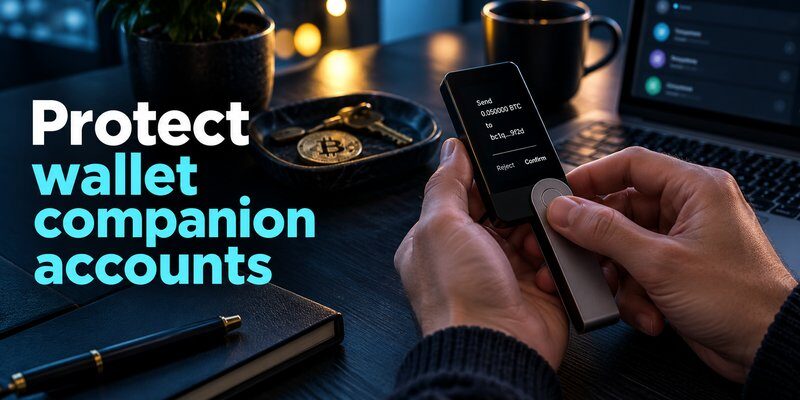
Crypto Wallet 2FA Methods Compared
Different cryptocurrency services support different authentication methods.
Each has advantages and limitations.
| Authentication method | Main advantage | Main limitation | Typical use |
|---|---|---|---|
| Authenticator app (TOTP) | Offline code generation | Codes can be phished | Exchange login |
| SMS verification | Widely accessible | SIM swapping and interception risks | Basic account verification |
| Security key (FIDO2) | Phishing-resistant authentication | Requires compatible service and device | High-security account access |
| Passkey | Phishing-resistant when properly implemented | Support and recovery vary | Modern account login |
| Email verification | Convenient additional check | Depends on email account security | Account notifications or confirmation |
Authenticator App vs SMS 2FA
Authenticator apps generate verification codes using a shared secret rather than relying on text message delivery.
This can reduce exposure to certain phone-number attacks, including SIM swapping.
However, attackers can still trick users into entering TOTP codes on phishing websites.
SMS may remain available as a fallback, but users should review stronger supported methods.
Authenticator App vs Security Key
A TOTP authenticator generates short-lived codes that users enter into a service.
A FIDO2 security key uses cryptographic authentication tied to the legitimate service, providing stronger resistance to many phishing attacks.
For accounts that support phishing-resistant methods, these can be preferable to manually entered one-time codes.
Are Passkeys Better Than TOTP for Crypto Accounts?
Passkeys can provide phishing-resistant authentication when implemented correctly.
They may also improve convenience by reducing dependence on passwords and manually entered codes.
However, availability and recovery arrangements depend on the cryptocurrency platform.
Choose the strongest supported method that you can use and recover reliably.
For additional context, read what is passwordless authentication and passkeys vs passwords.
Can You Enable 2FA on MetaMask?
A conventional self-custody MetaMask wallet does not use ordinary account-based TOTP authentication to authorize blockchain transactions.
Instead, wallet access and signing depend on private keys, wallet security settings, and any connected hardware signing device.
Installing an authenticator app does not make a MetaMask recovery phrase require an additional TOTP code when restored elsewhere.
How to Protect MetaMask Without Traditional 2FA
To improve security:
- Keep your recovery phrase private and offline.
- Use official MetaMask software.
- Protect your device and wallet access credentials.
- Consider a compatible hardware wallet for higher-value holdings.
- Review transaction requests before signing.
- Check smart contract approvals periodically.
- Avoid unfamiliar decentralized applications.
A hardware wallet can provide additional private-key isolation, but it cannot prevent every malicious transaction.
Read more: How to Use a Password Manager: Your First Week with a Vault
Can You Enable 2FA on Trust Wallet?
A conventional self-custody Trust Wallet account also does not rely on ordinary exchange-style TOTP codes for blockchain authorization.
Wallet access controls, such as device authentication or app locking, are different from a remote second-factor requirement enforced on-chain.
If a recovery phrase is exposed, an attacker may be able to restore the wallet through compatible software.
How to Protect Trust Wallet
Follow these practices:
- Store recovery information offline.
- Avoid sharing private keys or seed phrases.
- Download wallet software from official sources.
- Keep your device updated.
- Review cryptocurrency transactions carefully.
- Be cautious with unknown tokens and decentralized applications.
Any account-level authentication offered by an associated service should be evaluated separately from self-custody key security.
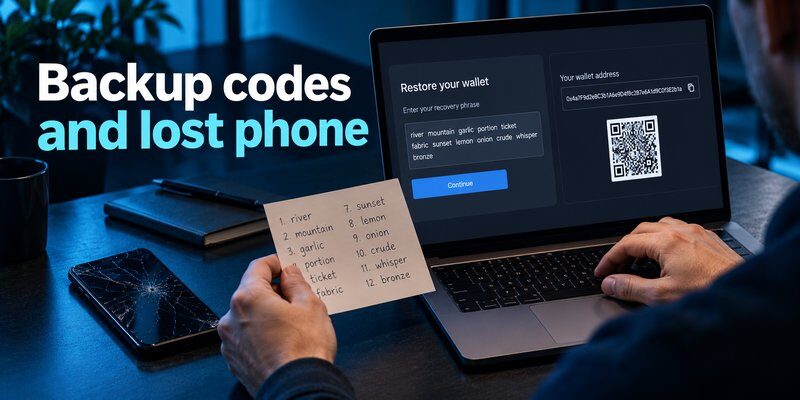
How to Recover Crypto Wallet 2FA If You Lose Your Phone
Losing a phone containing your authenticator codes can prevent access to cryptocurrency accounts that require those codes.
The recovery process depends on the service and your available backup methods.
Option 1: Use Saved Backup Codes
If your cryptocurrency platform provided recovery codes, follow its official instructions to use an unused code.
Recovery codes should be stored securely outside your primary authentication device.
Option 2: Use a Registered Backup Authenticator
Some services allow multiple authentication methods or registered devices.
If you previously configured a backup security key, passkey, or authenticator, you may be able to use it to regain access.
Option 3: Transfer Your Authenticator Setup
If your old phone is still available, use the authenticator application’s supported transfer or synchronization process.
Verify that the replacement device generates working codes before removing the original enrollment.
Option 4: Contact Official Account Support
If no backup method is available, use the cryptocurrency service’s official account recovery procedure.
Some exchanges may require identity verification or impose security delays before restoring access.
Never share your self-custody wallet recovery phrase with a support representative.
What If You Lose Your Self-Custody Wallet?
Losing a self-custody wallet is a separate problem from losing access to exchange 2FA.
Recovery typically depends on the wallet’s supported backup method, such as its recovery phrase or another authorized recovery arrangement.
Read how to recover a lost crypto wallet for more information.
Crypto Wallet 2FA Security Best Practices
Enabling 2FA is an important step, but it should be part of a broader cryptocurrency security strategy.
| Security practice | Recommended action | Benefit |
|---|---|---|
| Use strong authentication | Enable passkeys, security keys, or TOTP where supported | Reduces account takeover risk |
| Protect email accounts | Enable MFA on your recovery email | Secures account recovery |
| Save backup codes | Store securely outside your phone | Prevents unnecessary lockouts |
| Review withdrawal controls | Enable allowlists or delays when available | Adds safeguards to withdrawals |
| Avoid phishing | Verify websites and authentication prompts | Reduces credential theft |
| Protect recovery phrases | Store self-custody backups offline | Reduces private-key exposure |
| Review sessions | Remove unfamiliar account sessions | Limits unauthorized access |
| Secure devices | Update software and remove suspicious apps | Reduces malware exposure |
| Test recovery | Confirm backup methods before replacing devices | Improves account resilience |
Protect Your Exchange Account and Email
An exchange account may depend on an email address for password resets, notifications, or security changes.
Protect the associated email account with strong authentication and review its recovery settings.
Avoid reusing passwords between your exchange, email, and other services.
Review Withdrawal Security
Some cryptocurrency platforms offer withdrawal allowlists, additional confirmation requirements, or security delays.
These features can provide additional safeguards against unauthorized transfers.
However, they depend on the platform’s implementation and do not eliminate custodial risks.
Keep Self-Custody Recovery Information Separate
Crypto wallet 2FA does not replace secure recovery phrase storage.
Keep seed phrases offline and private, and verify transaction details through trusted wallet interfaces.
For more guidance, read how to protect your seed phrase
Common Crypto Wallet 2FA Mistakes to Avoid
Even after enabling 2FA, users can make mistakes that weaken their account security.
Using Only SMS When Stronger Methods Are Available
SMS verification may be vulnerable to SIM swapping and other phone-number attacks.
Consider TOTP or phishing-resistant authentication when supported.
Saving Backup Codes on the Same Unprotected Device
If your only authentication device is lost or compromised, backup codes stored in the same insecure location may also become unavailable or exposed.
Maintain a separate secure recovery method.
Entering Codes on Fake Websites
TOTP codes can be stolen through phishing.
Always verify the service’s domain and avoid following unsolicited authentication links.
Assuming 2FA Protects a Recovery Phrase
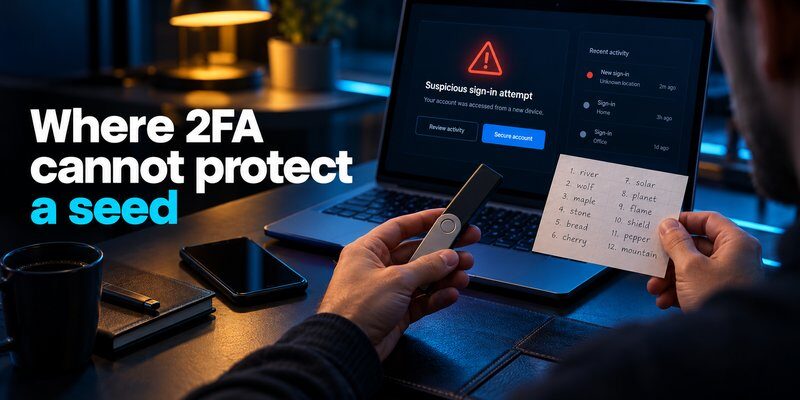
Account-based authentication does not automatically restrict the use of a self-custody seed phrase.
A stolen recovery phrase can compromise wallet assets even if the owner has enabled exchange 2FA.
Removing an Old Authenticator Too Early
Before changing devices, confirm that the replacement authenticator and recovery options work.
Otherwise, you may lose access to the cryptocurrency service.
Read more: How to Generate a Strong Password You Can Actually Keep Secure
Frequently Asked Questions
What Is Crypto Wallet 2FA?
Crypto wallet 2FA is an additional authentication requirement used by supported cryptocurrency exchanges, custodial wallet services, and related accounts. It can involve an authenticator code, security key, passkey, or another supported verification method.
Do Crypto Wallets Have Two-Factor Authentication?
Some custodial wallet services and exchanges support 2FA. Conventional self-custody wallets generally authorize blockchain transactions through private keys rather than account-based TOTP codes.
Can I Use Google Authenticator for a Crypto Wallet?
You can use Google Authenticator or another compatible TOTP application with cryptocurrency services that support standard authenticator-based enrollment. It does not automatically protect a self-custody recovery phrase.
Does MetaMask Support 2FA?
A conventional self-custody MetaMask wallet does not use ordinary TOTP-based 2FA to authorize blockchain transactions. Protect the wallet through secure recovery phrase storage, device security, and careful transaction verification.
Does Trust Wallet Have 2FA?
A conventional self-custody Trust Wallet does not rely on standard exchange-style TOTP authentication for blockchain signing. App access controls are different from on-chain two-factor authorization.
What Is the Best 2FA Method for Crypto Exchanges?
Phishing-resistant passkeys or FIDO2 security keys are strong options when supported and properly configured. TOTP authenticator applications are also commonly used and generally avoid some risks associated with SMS.
Can I Recover My Crypto 2FA Without My Phone?
Recovery may be possible using saved backup codes, registered alternative authentication methods, or the cryptocurrency platform’s official account recovery process.
Does 2FA Prevent Crypto Wallet Hacking?
2FA can reduce unauthorized access to supported online accounts. It does not prevent every attack, including stolen self-custody recovery phrases, malicious blockchain signatures, or compromised devices.
Can a Hacker Steal Crypto Even If I Have 2FA?
Yes. A compromised seed phrase or authorized malicious blockchain transaction can result in cryptocurrency theft independently of exchange account 2FA.
Final Thoughts
Crypto wallet 2FA can help secure cryptocurrency exchange accounts, custodial wallet services, and other supported online platforms.
The most effective setup combines strong authentication, protected backup codes, secure account recovery, and careful monitoring of login and withdrawal activity.
However, self-custody wallets operate differently. Their security depends on private keys, recovery information, trusted signing devices, and transaction verification.
For comprehensive cryptocurrency protection, use 2FA where supported and separately protect the keys that control your blockchain assets.
