
What Is Account Takeover? Meaning, Warning Signs, and Defense
Published October 12, 2026
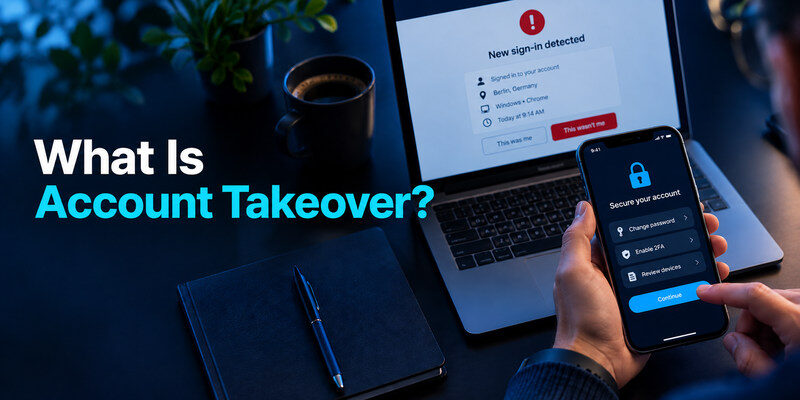
Account takeover is unauthorized control of an existing online account. An attacker signs in or takes over an active session, then may change recovery details, read private data, impersonate the owner, or make transactions. It can begin with a reused password, phishing, a stolen session, or abuse of account recovery. The practical defense is unique credentials, strong MFA, protected recovery channels, and prompt review of unfamiliar activity.
Account takeover explained in one example
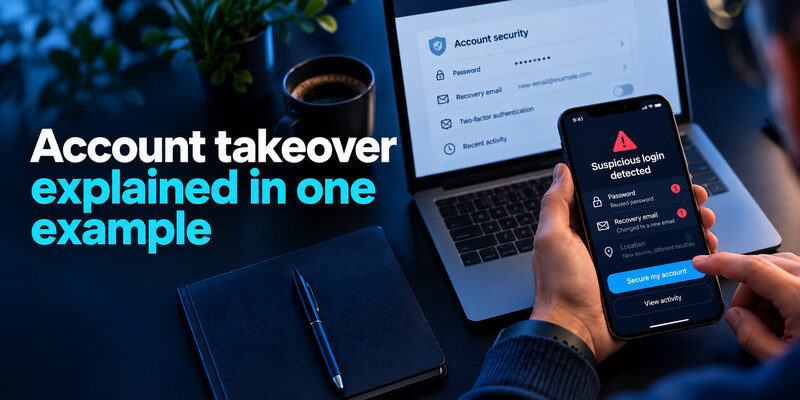
Imagine someone uses a password leaked from an old store to sign in to your email because you reused it there. They change the recovery phone, create a forwarding rule, and reset a shopping account. The first unauthorized email login is already an account takeover. Later purchases and messages are consequences of that control. A stolen password alone is exposure; takeover occurs when the unauthorized party obtains access or control.
Why the email account matters
Primary email can receive password resets for many other services. An attacker who controls it may hide notifications, approve resets, or read billing and identity information. Protect it before lower-impact accounts. Review forwarding and filters after any suspected email compromise; changing the password without removing a malicious rule can leave data flowing out.
Credential stuffing becomes more dangerous when the same password is reused across multiple services. A unique password for each account limits the damage caused by a single breach. Our guide on how to generate a strong password explains how to create unpredictable credentials and avoid patterns that attackers may exploit.
What attackers want
Goals include fraudulent purchases, payment redirection, stolen loyalty points, access to work systems, identity information, spam, and impersonation of trusted contacts. A compromised social page can send malicious links to followers. A gaming account may lose virtual assets. The damage depends on what the account can see, change, or reset.
Secure your accounts with fast, reliable two-factor authentication. Download now and protect your login in seconds.Download Authenticator App
How takeover happens
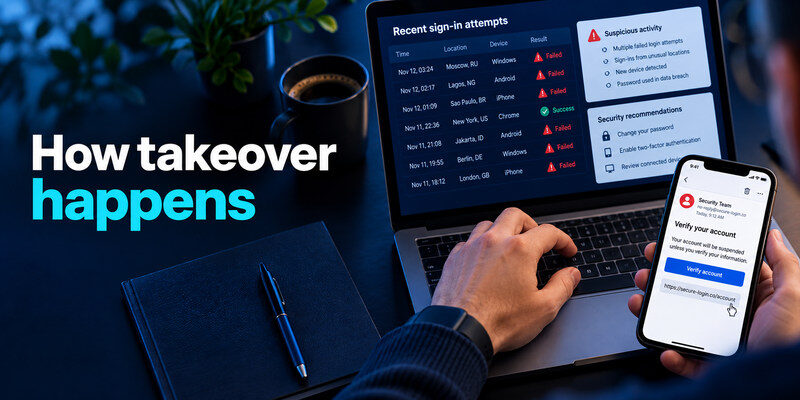
| Attack path | What the attacker uses | Defensive priority |
| Credential stuffing | Password reused after another service’s breach | Unique passwords and MFA |
| Phishing | Fake sign-in page or urgent message | Independent site navigation and phishing-resistant MFA |
| Session theft | Stolen cookie or access token | Device hygiene and session revocation |
| Recovery abuse | Weak or outdated phone, email, security answers | Current, protected recovery methods |
| Social engineering | Trick owner into sharing a code or approving a prompt | Deny unexpected prompts; verify requests |
CISA describes credential stuffing and the value of MFA against password-only attacks. Even with MFA, an attacker can seek an existing session or persuade someone to approve a live prompt. The paths are not mutually exclusive: a phished password may be followed by a recovery change and a stolen session.
Using a different password for every website is easier when a password manager generates and stores credentials for you. Our guide on how to use a password manager explains how to create unique logins, organize saved passwords, and reduce the risk of credential reuse across online accounts.
Reused credentials scale the attack
Automated sign-in attempts use known username-password pairs at many services. A unique password on each site stops one leaked password from opening the others. A manager helps generate and store them. If a breach alert arrives, change the affected credential and any reused copies through the genuine site.
Phishing can defeat a typed code
A fake website may collect both password and current one-time code and relay them quickly. TOTP remains useful, but a passkey or security key tied to the real website can provide stronger phishing resistance where supported. Never read a live code to a person claiming to be support. Open the provider independently when a message creates urgency.
Suspicious login activity is often the first visible sign of a possible account takeover. However, an unfamiliar location or failed sign-in attempt does not necessarily mean someone gained access. Our guide on how to spot suspicious login activity explains how to evaluate login alerts, unfamiliar devices, and unexpected changes to account settings.
An active session can outlive a password change
Some services leave sessions valid after a password reset unless you choose “sign out of all devices” or revoke them manually. A malicious third-party integration may also retain permissions. Use the provider’s session and connected-app controls after suspected compromise. Check again because a changed recovery channel may allow the attacker back in.
Warning signs to weigh together
An unfamiliar successful login, password-reset notice you did not request, changed recovery address, new forwarding rule, unknown purchase, or messages you did not send are strong reasons to investigate. A failed sign-in attempt or a rough location estimate alone is weaker evidence. Mobile carriers, VPNs, and travel can alter apparent location. Compare time, device, success status, and account changes.
| Signal | Confidence by itself | Safe first check |
| Unknown successful login plus changed recovery | High concern | Open account directly and secure it |
| Unauthorized purchase or sent message | High concern | Preserve details and report through provider |
| Single failed attempt from another city | Limited | Review history and ensure MFA is active |
| Unrecognized device name | Depends | Compare your devices, browser, and time |
| Security email with no matching in-app event | Unclear | Avoid its link and inspect the real account |
Do not depend on one alert channel
An attacker who controls email may delete alerts or create filters. Check the account’s own security history and financial statements when the risk warrants it. Ask a trusted contact whether suspicious messages came from your profile. Preserve evidence before deleting unauthorized content where possible.
If an attacker has changed your password or recovery information, use the account provider’s official recovery process rather than trusting third-party recovery services. Our guide on how to recover a hacked account explains how to regain access, review unauthorized changes, and strengthen account protection after recovery.
Watch for quiet changes
Many takeovers are not dramatic lockouts. A new inbox forwarding address, altered payout destination, connected OAuth app, or extra administrator on a business page can be subtle. Review these settings, especially after a warning. An old device remaining signed in is not automatically malicious, but it should be identified.
A response sequence for an active takeover
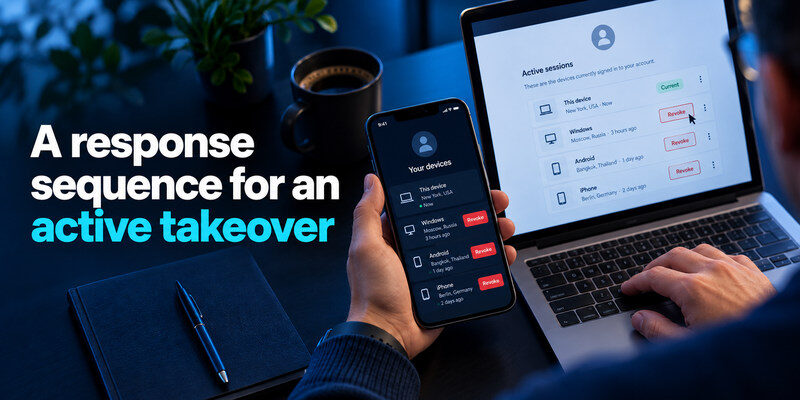
Start from a device you trust. If email is affected, secure it first because it can reset other accounts. Change to a unique password, revoke unknown sessions, remove unauthorized recovery methods and connected apps, then add or repair MFA. Check account settings for forwarding, payment methods, administrators, and recent actions. Use the provider’s official hacked-account flow if you cannot sign in.
Contain financial and work effects
Contact your bank or card issuer immediately about unauthorized transactions; follow its dispute process. Tell your workplace security team if work credentials or shared tools are involved. Warn contacts through a different channel if the attacker sent messages from your profile. Do not send the attacker a code or payment to regain control.
Multi-factor authentication makes password-only account takeover more difficult, especially when attackers rely on reused or leaked credentials. For services that support app-generated verification codes, our guide on what is an authenticator app explains how TOTP works, how to enable it, and why recovery planning remains important.
Check the device and linked services
Update and scan a device that may have been infected, remove suspicious extensions, and avoid entering fresh secrets there until it is trustworthy. Change passwords at other sites that reused the exposed credential. Review accounts reset through the affected email, and monitor for renewed activity. Account recovery and device cleanup are separate tasks.
If access is gone
Open the real provider’s recovery page and follow its identity steps. Use the last trusted device and existing recovery information where the provider asks for it. Keep case numbers and a timeline. Do not hire an unverified “recovery hacker”; they cannot override provider controls and may steal more information.
Prevent takeover with a layered setup
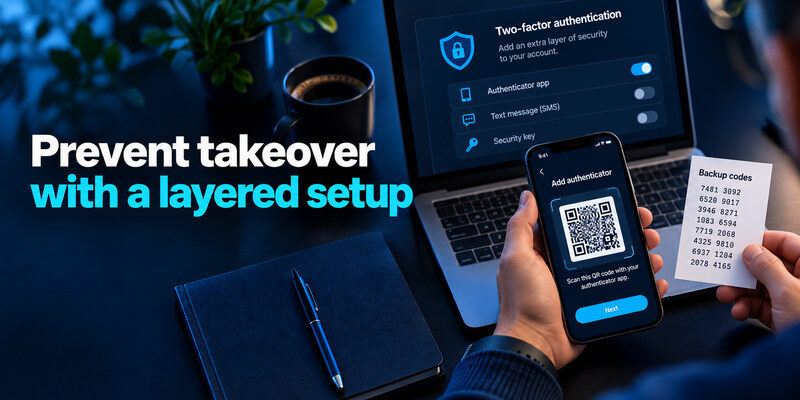
Use a different generated password for every account, beginning with email, password manager, financial, and work services. Turn on the strongest MFA you can use and recover; passkeys or security keys are worth prioritizing for important accounts, while TOTP is widely supported. can generate TOTP codes for compatible services. Keep backup codes somewhere separate from the code-generating device and test recovery while access still works.
Two-factor authentication should include a recovery plan before your phone is lost or replaced. Our authenticator app setup and recovery guide explains how to enroll supported accounts, verify temporary codes, store backup methods, and prepare for a device change.
Protect the reset path
An account with strong MFA can still be lost if an attacker controls its recovery email or phone. Update stale details, remove unknown methods, and secure the mailbox itself. Do not use easily discovered answers to security questions. Review who administers shared accounts and use individual roles instead of one shared password where supported.
Reduce phishing opportunities
Do not sign in through an unexpected email, text, direct message, or QR code. Open the known app or saved bookmark. Treat repeated approval prompts as a warning, not a chore to dismiss. If someone asks for a current code, stop and verify through an independent route. Install software updates and avoid unnecessary browser extensions with broad permissions.
Practice one recovery test
Save backup codes and verify one fresh sign-in on a second device while the original phone is available. Know how to transfer or restore your authenticator according to its current options. Document where the provider’s recovery flow begins. A protection method that locks out the owner after phone loss needs a better recovery plan.
Account takeover vs a data breach
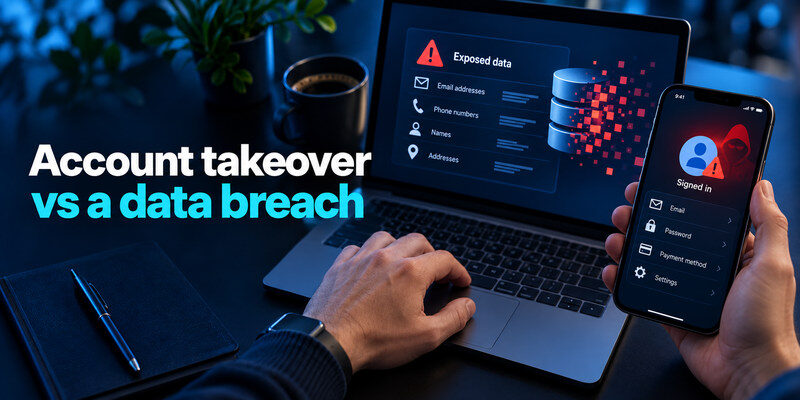
A breach is unauthorized exposure of data at a service. It can supply credentials for an account takeover elsewhere, but exposure does not automatically mean each affected account has been accessed. Conversely, a takeover can occur through phishing with no known breach. If notified of a breach, change reused credentials and enable MFA; if you see evidence of takeover, contain sessions and settings immediately.
A data breach notification does not automatically mean someone has accessed your account. To investigate possible compromise, review successful sign-ins, recovery changes, active sessions, and unauthorized activity. Our guide on how to check if your account has been hacked explains which warning signs deserve closer attention.
Distinguish a fake profile
If someone creates a lookalike account, that is impersonation even when your original credentials remain safe. Report the copy, warn contacts through your real channel, and inspect your own activity in case both events occurred. The distinction matters because password reset alone does not remove an impersonating profile.
A failed attempt is not the same as takeover
A failed sign-in means an attempted access did not succeed through that route. Confirm it was truly failed and no later successful activity followed. Strengthen the account if the password is reused or exposed. Avoid treating every location alert as proof while missing changed settings or unknown successful sessions.
What the first day after takeover should look like
A quick password reset is only the start. In the first hour, secure the recovery email and the affected account from a trusted device, revoke suspicious sessions, remove unauthorized recovery methods, and document what the attacker changed. Check money movement and messages sent to other people. If you cannot log in, begin the official recovery flow and preserve the denial or case number.
Recheck the persistence points
After access returns, inspect forwarding, filters, API tokens, linked apps, trusted devices, payment destinations, and extra administrators. The relevant list differs by service. For an email account, a forwarding rule may keep leaking data; for a creator account, a connected scheduler may keep posting. Changing the password alone may leave those paths open. Review them again after a day or two for renewed changes.
Repair relationships and obligations
Tell contacts through a separate trusted channel if they received scam messages. Contact a bank about unauthorized charges and an employer about work exposure. If the affected account stores sensitive information about others, follow the provider’s and organization’s reporting process. Preserve an accurate timeline without copying secrets into a public report. Avoid claiming that every data item was stolen when access logs do not show that level of detail.
| Time | Practical checkpoint |
| Immediately | Secure email, stop active access, start official recovery |
| Same day | Inspect settings, payments, messages, and linked apps |
| Following days | Recheck activity and update exposed reused passwords |
The sequence is adaptable. An active financial fraud needs a bank call before a leisurely settings review; a work incident needs the security team immediately. The common principle is to remove the intruder’s ways back in and address harm beyond the login itself.
Frequently Asked Questions
Can account takeover happen with MFA enabled?
Yes. MFA substantially reduces password-only attacks, but a phished live code, approved fraudulent prompt, stolen session, or compromised recovery method can still allow access. Prefer phishing-resistant methods where available and review sessions after a suspicious event.
What should I do in the first five minutes?
Open the provider directly on a trusted device. Secure primary email, change the affected password, revoke unknown sessions, and check recovery methods. If money or work access is involved, contact the appropriate bank or security team. Use official recovery if you are locked out.
Does a breach notification mean my account was taken over?
No. It means data may have been exposed. Check whether the credential was reused, change it where necessary, turn on MFA, and inspect activity. Takeover requires unauthorized access or control, which needs separate evidence.
Can I prevent all takeovers?
No single setting guarantees that. Unique credentials, phishing-resistant MFA where supported, current recovery methods, device updates, and prompt activity review make common paths much harder and reduce damage when something slips through.
What is the difference between takeover and impersonation?
Takeover uses a real account without its owner’s authorization. Impersonation may use a newly created lookalike profile without access to the original. Both can mislead contacts, but the response differs: secure and recover the real account after takeover; report the fake profile and document it for impersonation. Sometimes an attacker does both.
How long should I monitor after recovery?
Check promptly after the change, again over the next few days, and whenever a new alert appears. The useful interval depends on account value and what the attacker changed. Look for returning sessions, recovery edits, forwarding, messages, or transactions. Keep bank and work teams informed if their systems were affected.
Can a password manager prevent takeover by itself?
It greatly reduces password reuse and may help match the real website, but it does not block a phished live code, stolen session, or weak recovery mailbox. Pair it with strong MFA, current recovery details, careful sign-in habits, and a trusted device. No single product can guarantee that every account stays safe.
Final Thoughts
Account takeover means someone else has gained access to or control over an account you already own. Learn its common paths, look for successful access and changed settings, and respond from a trusted device through the real provider. Secure email and recovery first; those controls determine whether the attacker can return.
