Account Lockout vs Account Suspension: Key Differences & Fixes
Published October 12, 2026 · Updated October 21, 2026
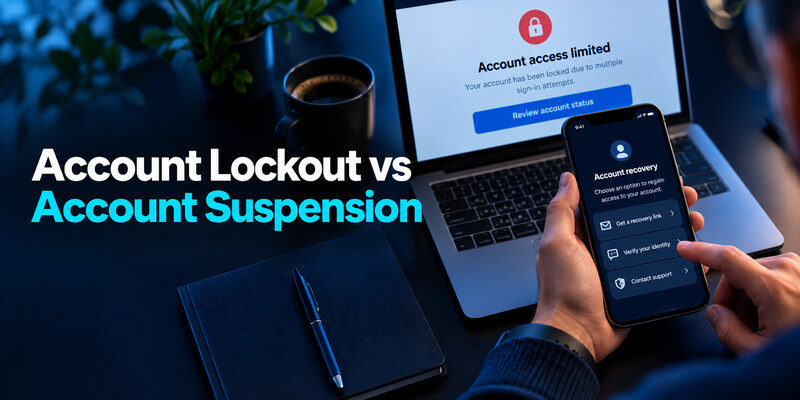
Account lockout vs account suspension describes two different reasons why you may suddenly lose access to an online account. An account lockout typically occurs when a service detects repeated failed login attempts, suspicious activity, or another security risk. Account suspension, on the other hand, often happens when a platform restricts access because of a policy violation, administrative decision, or unresolved account issue.
The most important difference is how you restore access. A locked account may become available after a waiting period, password reset, or identity verification. A suspended account may require an appeal, additional documentation, or action by the service provider.
However, platforms do not always use these terms consistently. A service might suspend an account for security reasons or use the word “locked” for an administrative restriction.
This guide explains the differences between account lockout and account suspension, their common causes, how to identify each restriction, and what you can do to regain access safely.
Account Lockout vs Account Suspension: Quick Comparison
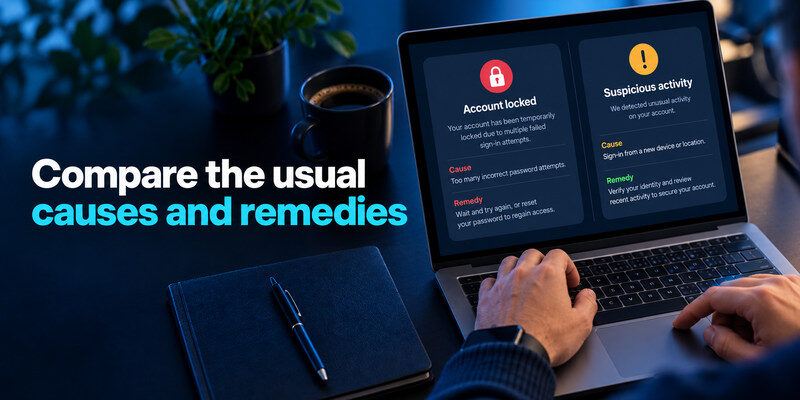
Although both restrictions can prevent you from signing in, they usually serve different purposes.
An account lockout is commonly a protective measure designed to prevent unauthorized access. A suspension may be an enforcement or administrative action that limits account use until certain conditions are met.
| Feature | Account Lockout | Account Suspension |
|---|---|---|
| Main purpose | Protect account security | Enforce rules or restrict account activity |
| Common triggers | Failed logins, unusual activity, security alerts | Policy violations, suspicious behavior, administrative or billing issues |
| Typical duration | Often temporary | Temporary, indefinite, or until review |
| Account access | Login may be blocked | Login or specific features may be restricted |
| Common solution | Wait, verify identity, reset password | Resolve the issue, contact support, submit an appeal |
| Automatic restoration | Sometimes | Depends on the provider’s rules |
| Who controls recovery? | Security system or account owner through official verification | Platform support, review team, or administrator |
The simplest way to remember the difference is that a lockout often protects the account, while a suspension usually restricts how the account can be used.
For example, entering the wrong password repeatedly may cause a temporary lockout. By contrast, a social media platform may suspend an account after detecting activity that violates its rules.
There are exceptions. A compromised account can sometimes be suspended as a protective measure, and a workplace administrator may manually lock an account.
Therefore, the exact notification and the provider’s recovery instructions are more reliable than the restriction label alone.
Check that the notice is real
A phishing message can claim your account is locked or suspended to rush you into typing credentials and one-time codes. Open the provider’s app or type its known address yourself. If the same notice appears there, record the exact wording and case reference. If the account works normally and no notice exists in the official interface, treat the external message as suspicious.
Do not call a number in an alarming email
Use the provider’s official help center or a previously known support route. Scammers buy ads that imitate support, and search results may include impostors. No legitimate recovery agent should ask for the current one-time sign-in code or a remote-control session as a shortcut. Keep screenshots of the message, but hide personal details when asking for advice.
Confirm which account is affected
A browser may still show cached pages after access is restricted. Test through the official app or a fresh private browser session, without repeatedly guessing. Check the exact username, domain, and account type. A work tenant administrator may suspend a work login while a personal account with the same address behaves differently.
Secure your accounts with fast, reliable two-factor authentication. Download now and protect your login in seconds.Download Authenticator App
If it looks like a security lockout
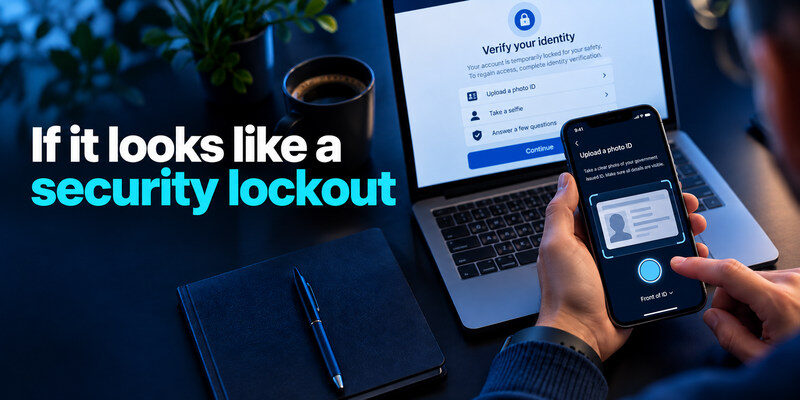
Read whether there is a waiting period, identity check, or password reset. Too many failed attempts can be caused by your own old device, an outdated saved password, or someone else trying the account. Stop automatic retries on old apps, then use the provider’s official recovery flow from a trusted device. If an unfamiliar successful login appears, treat the account as potentially compromised rather than merely waiting for the timer.
Wait when the provider says to wait
Some temporary restrictions lift after a stated interval; repeated attempts can prolong them. Do not assume all lockouts have the same timer or promise of automatic release. If urgent access is needed, use the documented support or administrator route. Preserve error details so support can distinguish a failed-password lock from an identity-verification problem.
Verify identity without surrendering codes
Use only the genuine provider flow. A code entered on the real site may be part of verification, but do not relay it to a caller or chat agent. Check which recovery email or phone receives it. If that destination is no longer yours, follow the provider’s alternate recovery instructions rather than trying an unrelated workaround.
Repeated failed sign-in attempts can trigger an automatic account lockout, but they do not necessarily mean an attacker has successfully accessed your account. Our guide on how to spot suspicious login activity explains how to evaluate unfamiliar login attempts, security notifications, and device activity before deciding what action to take.
Investigate after regaining access
Change a reused or exposed password, review recent activity, revoke unknown sessions, correct recovery methods, and enable strong MFA. Check whether an old phone or email client still uses a stale password and triggers new lockouts. Save backup codes separately before changing factors. If a work account is managed by IT, coordinate so you do not disrupt approved access controls.
If it looks like a suspension
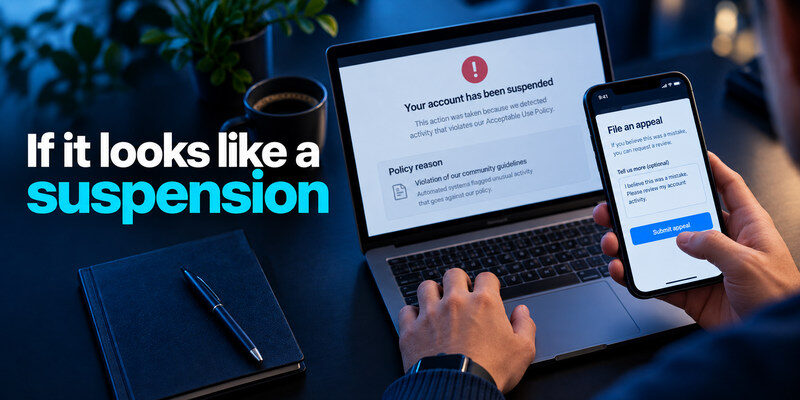
Read the stated reason and any deadline. A suspension can arise from a policy flag, chargeback, unusual automation, identity check, payment issue, or an administrator’s action. Some providers give a review button; others require a support request or a specific document. Give accurate, concise information and retain a copy. Do not create multiple appeals with conflicting stories if the provider asks for one case.
After regaining access to a locked account, consider replacing an old or reused password with a unique credential. Our guide on how to generate a strong password explains how to create long, unpredictable passwords and avoid patterns that can increase the risk of credential-based attacks.
Separate an error from a decision
A temporary technical outage can resemble a suspension. Check official service-status communication if the provider offers it and verify whether other users are affected. A notice that cites a policy provision or provides an appeal deadline is a different matter. Do not ignore it while waiting for an outage to clear.
Use the right person for managed accounts
For a workplace or school account, the organization may disable access as part of offboarding, an incident, or a policy action. Contact the authorized administrator through known channels. A consumer provider’s password-reset form cannot override organizational policy. For a marketplace or creator account, check both account status and payout or page status, as the restrictions may be separate.
Examples without assuming every platform is alike
Microsoft’s guidance on a locked account describes identity verification and, in some cases, sign-in challenges. Its recent-activity page can help investigate unusual access after recovery. Other services use different wording and pathways. A social account restricted for policy reasons may require an in-app review, while a bank may require a direct verified support call. Always anchor action to the provider’s own notice.
| Notice or symptom | What to verify | Reasonable next step |
| “Too many attempts” | Old device retrying? Correct username? | Stop retries; follow waiting or reset instructions |
| “Unusual activity” | Unknown sign-in or changed recovery? | Official verification, then activity and session review |
| “Account disabled for policy” | Cited rule and appeal deadline | Use documented review route with facts |
| “Contact administrator” | Work, school, or team ownership | Contact authorized admin through a known channel |
| Only an email says “suspended” | Same notice in real app? | Open provider independently; avoid email link |
Check partial restrictions
A platform may block posting, buying, payouts, or sign-in separately. Note which specific action fails and whether an existing session still works. That narrows the support request and keeps you from resetting credentials when the issue concerns billing or policy. Do not sign out of your last valid session before checking recovery routes.
A policy-based suspension is different from a security lockout: changing your password or enabling two-factor authentication will not necessarily reverse a moderation decision. However, if access is restored, reviewing account security best practices can help you protect the account against unauthorized access in the future.
A billing issue has its own path
If access depends on payment, inspect the billing area in the genuine account, receipts, and your bank statement. Do not pay a new wallet address from a message claiming to reinstate access. Resolve disputed charges through the provider and financial institution, keeping case numbers. Payment may restore a service feature but does not fix an unrelated security restriction.
What to avoid while access is restricted
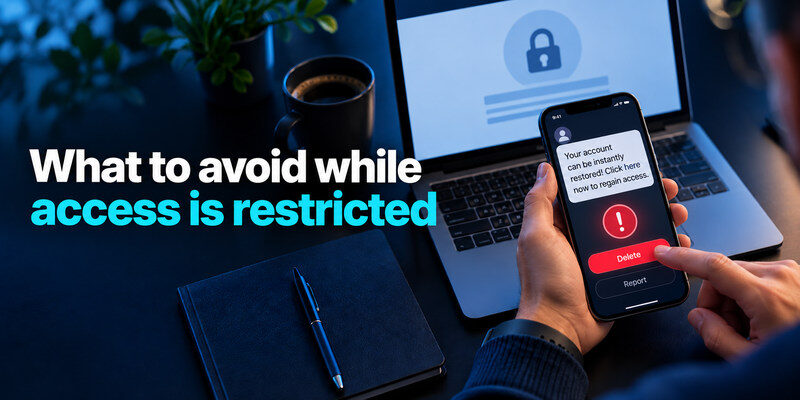
Do not use credential-stuffing scripts, repeated password guesses, unofficial unlock tools, or someone else’s identity document. These can worsen the restriction and expose data. Avoid making a new account to evade a suspension if the provider prohibits it. Do not delete evidence or reset a device before understanding whether you need it for recovery or appeal.
After regaining access, enabling multi-factor authentication can reduce the risk of future password-based attacks. If your service supports time-based verification codes, our guide on what is an authenticator app explains how app-based authentication works and how it can strengthen your account security.
Keep a concise incident record
Write down when the notice first appeared, the exact wording, recent legitimate changes, and steps already taken. If suspicious activity is involved, include device and approximate location information without copying live codes or full passwords. This helps you explain the situation to legitimate support and avoid repeating actions that prolong a lockout.
Secure linked accounts
If the restricted account shares a password with email or another service, change those credentials independently. Secure primary email and the password manager, which may control recovery. Use a separate authenticator where a supported TOTP option is available; can generate codes, but save each service’s backup codes outside the phone. MFA does not override a policy suspension.
When recovery does not succeed
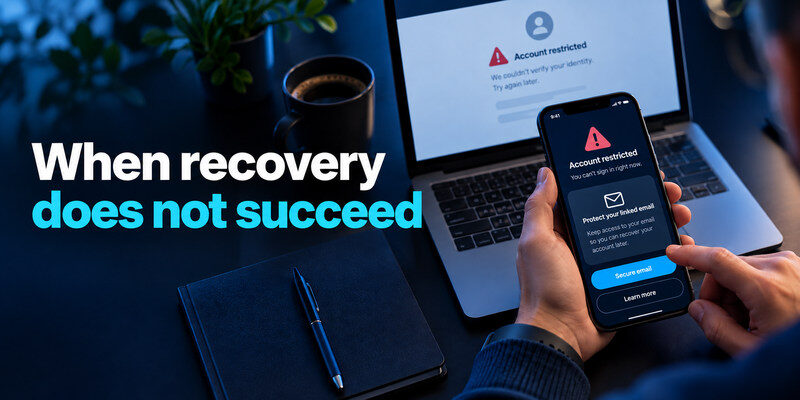
Read the provider’s final response and any remaining appeal path. If the appeal was denied, do not assume another support channel can change the decision. Preserve data and receipts where lawful export is offered, and check whether subscriptions or connected services need attention. For financial loss, fraud, or an essential work account, use the appropriate bank, employer, or official reporting route.
Protect data that remains available
Where the provider permits export, save account records you are entitled to keep before a stated deadline. For a work account, follow organizational data rules. Avoid scraping or bypassing access controls; it may make an appeal harder. Ask official support how subscriptions, stored value, or shared resources are handled during review.
When updating your authentication methods after a lockout, verify that the new method works before removing the old one. Our authenticator app setup and recovery guide explains how to enroll accounts, confirm verification codes, and prepare backup methods so a lost device does not create another access problem.
Be careful with promises of instant restoration
A stranger offering guaranteed reinstatement through social messages is not an authorized provider representative. Do not pay fees or share recovery codes. Official processes can take time and may ask for evidence; use documented channels and monitor the case. If a provider gives no timeline, ask for one within its official support flow rather than guessing.
Prepare an appeal that answers the provider’s question
If a suspension notice allows review, collect the precise reason, account identifier, case number, deadline, and relevant activity. State what you believe happened, what you can substantiate, and the outcome you request. A short chronology is easier for support to assess than an emotional series of duplicate tickets. Keep a copy of anything submitted and the confirmation number.
Include evidence without over-sharing
A billing appeal may need a receipt or transaction ID; a mistaken policy flag may need context for a specific post or action. Follow the provider’s upload instructions and redact unrelated personal information where permitted. Never attach a password, a current MFA code, or a full identity document to an ordinary chat thread unless the real provider’s secure verification flow specifically requests it. Use a trusted device and the official support channel.
Social media platforms may restrict accounts for security concerns, suspicious activity, or policy enforcement, and each situation requires a different response. Once access is restored, our guide on how to secure your social media accounts explains how to strengthen login protection, review active sessions, and maintain reliable recovery options.
Respect the review process
Do not assume a successful identity check guarantees reinstatement; it may only prove ownership. A suspension may also require fixing a policy or billing issue. If a review button disappears, inspect the provider’s current help guidance and any case status before opening a new request. For a team account, coordinate one authorized owner to communicate so conflicting submissions do not confuse the record. Meanwhile, protect any linked accounts that may share credentials.
| Appeal question | Useful evidence |
| Is this your account? | Authorized ownership details through secure flow |
| Was there a cited transaction? | Date, receipt, transaction identifier |
| Was activity unauthorized? | Time, device history, prior security report |
| Has a policy issue been fixed? | Specific change and when it was made |
Frequently Asked Questions
Is a lockout always temporary?
No. Many failed-attempt restrictions are temporary, but a security hold may require identity verification and a compromise can require a full recovery process. Read the exact provider instructions. A repeated wrong-password attempt may reset or extend a wait.
Can I reset a password to remove a suspension?
Usually not if the restriction is a policy or administrative decision. A reset may solve an authentication issue, but it does not necessarily address the reason cited in a suspension notice. Use the review, billing, or administrator route specified.
Why does the same account work on one device?
An existing session may still be active while new sign-ins are blocked, or features may be selectively restricted. Do not interpret this as proof the notice is fake. Inspect the official account status and protect the active session; do not sign out of the last working device until you understand recovery options.
Should I turn on MFA after a lockout?
Yes, after you regain access and confirm recovery routes. MFA reduces password-only account takeover, but it cannot reverse a policy suspension. Choose the strongest supported method you can recover and test a fresh sign-in.
Can I appeal a lockout?
A security lockout normally has a verification or waiting path, while a policy suspension often has a review or appeal path. Some providers combine them. Use the route stated in the authentic notice; an appeal form may not resolve a failed-password timer. If the wording is ambiguous, provide the exact error and context to official support.
Does a suspension erase my data immediately?
That varies by provider, account type, and reason. Do not assume you can export or retain data after a deadline. Read the provider’s notice and policy, preserve permitted records while available, and ask official support about the specific account. A live session may show cached information without granting continuing access to the data.
Can an administrator lock and suspend the same account?
Yes. A work account may have a security restriction and an administrative policy status at once. The organization may control access regardless of a password reset. Contact the authorized administrator and avoid bypass attempts. If compromise is suspected, report that separately so the security issue is handled as well as the access decision.
Final Thoughts
For account lockout vs account suspension, diagnose the actual notice before acting. A sign-in or security lock commonly calls for verification and activity review; a policy or administrative suspension calls for the named review process. Open the provider directly, preserve the notice, and protect related accounts while you wait for the official outcome.