Best Authenticator App for Fidelity: Pick a Recoverable Code App
Published October 13, 2026 · Updated October 21, 2026
Choosing the best authenticator app for Fidelity can help protect your investment account from unauthorized access. Fidelity supports most standard authenticator apps, including Google Authenticator, Microsoft Authenticator, and Apple Passwords.
But which option offers the right balance of security, convenience, and account recovery? This guide compares popular 2FA apps for Fidelity, explains their key differences, and shows you how to set up an authenticator app to secure your account.
Fidelity’s Two App-Based Login Paths
| Path | What you do | What to verify | What it is not |
| Fidelity mobile app approval | Respond to a Fidelity sign-in notification on a registered phone | Biometric login and notifications under current settings | A general TOTP code collection |
| Connected authenticator app | Read a changing code after username and password | Account security settings and a fresh accepted code | An approval push from Fidelity’s app |
| Trusted device | Reduce routine MFA prompts on your own device | Which devices remain trusted | A replacement for account protection |
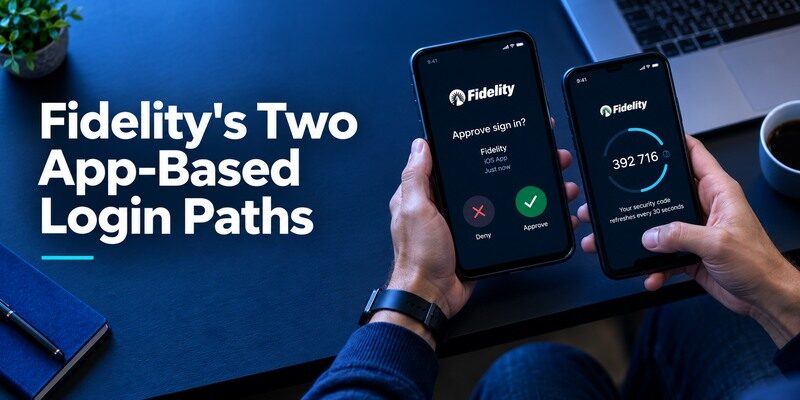
Fidelity says its mobile app can approve or deny website logins and that most authenticator apps can be connected for codes. These are distinct methods. Someone searching for the “best app” should first decide whether they prefer the Fidelity-specific push experience or standard TOTP custody. Do not assume that a code app can receive Fidelity’s mobile push or that the Fidelity app offers the backup model of an unrelated authenticator.
Google Authenticator is one of the widely used apps that Fidelity identifies as compatible with its authenticator-based MFA option. Once you enable the feature in Fidelity’s official security settings, follow the enrollment instructions to connect your account. Our guide to Google Authenticator 2FA explains how time-based verification codes work and how to manage compatible accounts.
Which option should you choose?
For most Fidelity customers already using an iPhone and Apple Passwords, start with the built-in verification-code option if Fidelity offers that enrollment path on your account. For a separate cross-service mobile app, Google Authenticator is a simple choice when its sync or transfer plan is understood; Microsoft Authenticator is sensible if you already use it. Fidelity’s own app approval is a distinct path and may be simpler for someone comfortable with that registered-phone flow.
This is an account-access decision, so favor the method you can recover after a lost phone. Apple Passwords depends on Apple Account recovery; Google sync depends on Google Account protection; Microsoft backup rules vary with device type. Begamob is worth a small TOTP trial only where Fidelity presents a standard authenticator QR and accepts a fresh code. Keep Fidelity’s official recovery route and never assume a new app can reproduce a previously registered push approval.
Secure your accounts with fast, reliable two-factor authentication. Download now and protect your login in seconds.Download Authenticator App
Compare Code Apps for a Fidelity Account
| Candidate | Reason to consider | Recovery question |
| Google Authenticator | Explicitly named by Fidelity; optional account sync | Is the right Google Account signed in and independently recoverable? |
| Microsoft Authenticator | Explicitly named by Fidelity; also supports other codes | Does the backup match the new phone’s device type? |
| Apple Passwords | Explicitly named by Fidelity for iOS | Can the Apple Account and Keychain be recovered? |
| 2FAS or Ente Auth | Standard TOTP with documented backup models | Does your selected restore route work? |
| Begamob Authenticator | Dedicated mobile QR/manual TOTP candidate | Does Fidelity accept a trial code, and what is the current backup route? |
An official example is not an exclusive list
Fidelity says it permits connections to most authenticator apps and names three familiar examples. That wording leaves room for other compatible TOTP apps but does not certify every app in advance. Enroll one candidate through Fidelity’s actual security settings and test a new login. Do not publish an unsupported claim that Fidelity partners with a product merely because it accepted a standard code.
Recovery determines the long-term choice
A code app that feels fast today may become expensive to recover on a new phone. For Google, decide whether entries sync under a Google Account or remain local. For Microsoft, check its platform-specific backup and restore rules. For Apple Passwords, ensure the Apple Account’s trusted-device process is available. For 2FAS, Ente or Begamob, inspect the specific documented or installed backup/export route. Protect each route separately from the Fidelity password.
Microsoft Authenticator is another option Fidelity lists for app-based verification. For a personal Fidelity account, the relevant setup is the standard authenticator-code enrollment offered in Fidelity’s security settings, not an employer-managed Microsoft approval flow. Our guide on how to use Microsoft Authenticator explains common account setup steps and verification methods.
Connect the App from Fidelity Security Settings
Fidelity instructs users to connect an authenticator through account security settings or its mobile app. Sign in through a trusted Fidelity entry point, navigate to the current MFA choices and follow the displayed enrollment. Use the issuer-provided QR or manual key only on a device you control. After scanning, enter the new code into Fidelity’s confirmation step. If it fails, check that the phone time is automatic, the correct entry is selected and the countdown has not expired.
Verify with a new session
Sign out and use a browser profile that is not already trusted. Submit a newly rotated code from the intended app. This confirms the issuer accepted the factor, not merely that a phone displayed six digits. If Fidelity issues or changes any recovery options, save them according to its current instructions. Avoid deleting a previously working method until the new login succeeds and you understand how to reverse the change.
A trusted browser may hide your test
Fidelity’s “Remember this device” choice can reduce MFA prompts on future routine sign-ins, though sensitive actions can still require verification. If a login skips the code, that does not prove the app is broken or unnecessary. Test from a fresh, untrusted environment you own, without marking a public computer trusted. Review the trusted-device list periodically, especially after selling or returning a laptop.
iPhone users can also consider Apple’s built-in Passwords app, which Fidelity lists among its compatible authenticator options. If you are deciding between Apple Passwords and a standalone app, our comparison of the best iOS authenticator app options explains the differences in device compatibility, code storage, synchronization, and recovery planning.
Decide Whether to Use Fidelity’s Own Mobile Approval
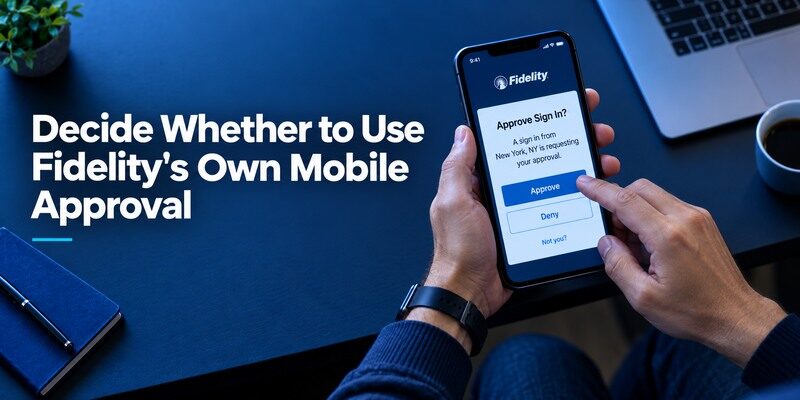
Fidelity’s app approval can be convenient if you already use its mobile app with biometrics and notifications. A sign-in request arrives on the registered device, so you can review and approve or deny. The experience depends on the phone receiving the prompt and on registration state. Some people prefer an offline-generating TOTP code because push notifications may be delayed. Others value the explicit approve/deny prompt. Try the method under normal device and network conditions, then consider what you would do if the phone were stolen or unavailable.
An unsolicited prompt is a warning
Do not approve a Fidelity login you did not start. Open the app or website yourself through a known route and review account activity as the provider advises. If someone calls or texts asking for a security code, stop. Fidelity specifically warns that unrequested requests for codes are scams and cautions against reading a code back except through its official, user-initiated process. A familiar caller ID is not enough to validate an unexpected request.
Keep notification settings observable
If your chosen method relies on a push, check that the app’s current biometric and notification setup works on the phone you carry. A muted notification is a delivery problem, not necessarily an account compromise. If a genuine prompt never arrives, use the alternate enrolled method or official support route rather than repeatedly approving delayed prompts after the context is lost. For a TOTP choice, the code generator can work offline after setup; the website still needs access to verify it.
Many authenticator apps generate time-based one-time passwords that refresh automatically. After the account is enrolled, the app can calculate verification codes without receiving an SMS for every login. Our guide to a TOTP authenticator app explains how these codes are generated, why device time matters, and how TOTP differs from push notifications and passkeys.
Handle a Phone Upgrade Before Disposal
Fidelity advises setting up and connecting an authenticator app on the new device before disposing of the old one. Follow the chosen app’s own transfer or backup procedure, then perform a fresh Fidelity sign-in using the new handset. If an app offers an export QR, determine whether it is intended for import by that same product. Another app may require a new enrollment at Fidelity rather than reading the old app’s transfer format.
Keep one working path during a move
Do not wipe the original phone immediately after seeing an entry name on the new device. Test a currently rotating code on an untrusted browser you control, confirm the Fidelity account opens and check any transaction-specific challenge you are authorized to perform. If a site only permits one TOTP secret, a new enrollment may invalidate the old entry. Mark it as stale and remove it after testing. Keep the old handset until the priority accounts you use for recovery also pass.
Lost-phone recovery belongs to Fidelity
Fidelity’s FAQ directs customers who lose the device or app access to contact Fidelity. Use the official number reached from a trusted Fidelity page or account materials, not a number in an unsolicited text or search ad. The company must verify the account owner before changing the method. An authenticator vendor cannot independently reset your Fidelity login; its backup can restore a secret only if you configured it and still have access to it.
Rehearse a critical login outside a trusted browser
Fidelity’s remembered-device feature can suppress an MFA prompt on the laptop you use daily. A phone transfer may therefore appear successful even when no new code has been accepted. Use a fresh browser profile or another personal device you control, decline “remember this device” during the test and enter a code from the new phone. Confirm that the website accepts it, then check the old device and trusted-device list. Do not conduct this rehearsal on a public computer or through an email link.
Prioritize account recovery over app preference
If the phone disappears during a market event or a time-sensitive transfer, trying five code apps will not restore an unbacked-up issuer secret. Fidelity’s published guidance directs customers without access to their authenticator to its official support. Know that route before an urgent transaction. Preserve an approved second method if the account offers one, keep contact details current, and avoid storing your only recovery evidence in the same handset. A correct code generator is useful only while the account’s factor is still valid.
Keep the issuer’s identity checks independent
An authenticator vendor cannot declare that a particular Fidelity customer passed identity verification. Support may require separate checks before disconnecting an old factor. Do not share a live code with a caller or type it into a lookalike page offering faster restoration. Navigate to Fidelity from a trusted address and use its published contact information. Once access is restored, review sessions, remembered devices and the newly enrolled factor. Distinguish a planned safe upgrade from a stolen unlocked phone; the latter can warrant revoking older sessions and rotating credentials.
Why “Remember This Device” Needs Restraint
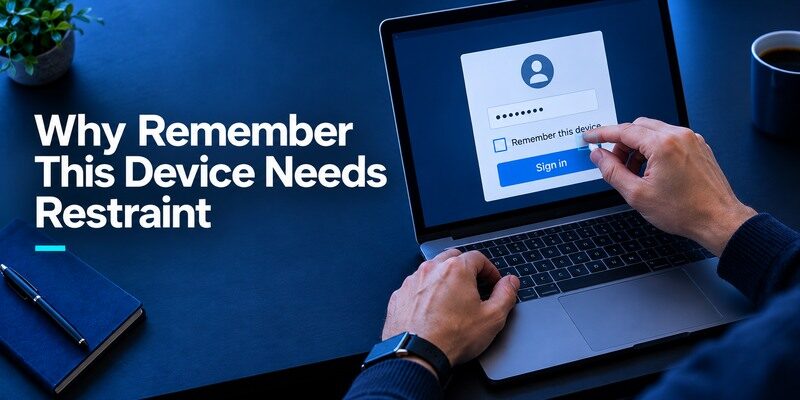
A personal laptop under your control may qualify as a trusted device; a shared desktop in a library does not. Fidelity says trusted devices may skip MFA on some routine logins but still require it for sensitive transactions. That is a risk and convenience choice you manage in your security settings. It should not be mistaken for disabling MFA everywhere, nor for a guarantee that a particular bank instruction will never ask for another verification step.
Review before replacing a computer
If a laptop is sold, repaired or handed to a colleague, review trusted devices and active sessions through Fidelity’s current controls. Do the same after a browser profile is synced onto a new machine. A device nickname can be ambiguous, so compare dates and the environment you actually used. A fresh sign-in on the new laptop can verify the authenticator independently of any trusted-device exception.
Sensitive actions can trigger more checks
Fidelity says changes to bank instructions and contact information can require additional verification even when login appeared smooth. This matters when choosing an app for time-sensitive transactions: test or review the backup route in advance, not while a deadline approaches. An investment or account decision should never be rushed because a code timer is about to reset. Wait for the next code cycle and complete the official challenge carefully.
Protect Against Code Theft and Phishing
TOTP adds a layer beyond a password, but a manually entered code can still be captured by a convincing fake website and relayed. NIST’s guidance distinguishes these codes from phishing-resistant passkeys. Fidelity’s page describes changing codes as a defense against scams; users should still navigate to the real domain themselves and never reveal a live code to an unsolicited caller. The site address and the purpose of a push matter more than the mere existence of six digits.
A setup QR is a long-lived secret
Do not photograph Fidelity’s enrollment QR for later or send it through chat. A person who has that secret may generate future codes, not just the one displayed now. If you think an enrollment secret leaked, use Fidelity’s current settings or support process to rotate the factor. Renaming the entry in your app does not rotate it at the issuer. Keep the phone locked and any exported backup protected.
Separate security alerts from routine friction
A code rejected because the clock drifted is different from an unexpected login approval. For a rejected code, check entry, time and expiration; for an unsolicited prompt, reject it and report potential unauthorized access. Do not “fix” a surprise approval by tapping accept. If contact information changes unexpectedly, use the official security route and preserve the evidence you can safely share without passwords or codes.
Treat a financial login as a sequence you initiate
Start with a saved Fidelity address or the official app rather than following a message that says a code will expire. Check the account and transaction context before responding to any approval. An attacker can combine a stolen password with a convincing live-code prompt; the short duration of TOTP does not prevent a real-time relay. Fidelity’s own advice warns about callers requesting verification codes. If the request is unexpected, end the contact and use a trusted route to review your account. Do not let urgency around an investment decision determine whether a security prompt is legitimate.
Prepare for a sensitive action to ask again
A familiar laptop may be remembered for routine sign-ins, yet a change to payment details or contact information can trigger another verification. Keep your chosen authenticator available for that moment and know its issuer recovery option. If a code expires while a form is open, wait for the next value rather than submitting random guesses. When changing the phone, test both a fresh login and the settings you are authorized to access. A working code at login is reassuring but does not promise every later challenge will skip verification.
Trial Begamob with a Recoverable Fidelity Login
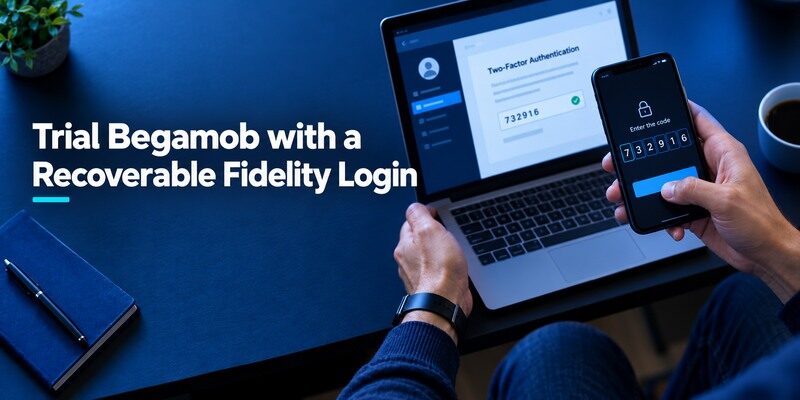
The describes QR/manual TOTP setup and offline generation. Fidelity says it allows most code apps, so a Begamob trial may be possible when its current enrollment offers standard TOTP. Use the to verify publisher and terms. The safest test begins while the existing factor and an official recovery route remain available. Confirm an accepted code through Fidelity, not by comparing two screenshots.
Keep the trial inside Fidelity’s account settings
Initiate the change from Fidelity’s real website or mobile app after signing in yourself. Never scan a QR supplied in a message that claims your brokerage factor expired. If the account currently uses Fidelity’s own mobile approval, understand whether switching to TOTP will replace it or provide an additional method under the current settings. Keep an approved working route until a fresh session accepts the new code. A generated value on the phone does not authorize a financial account change unless Fidelity’s server completes the enrollment.
Test the app and the account separately
An app showing a code proves it stored a secret; a successful Fidelity challenge proves the account accepted it. A device-change rehearsal proves the backup story, which is a third question. Inspect the installed Begamob version’s current restore options and avoid claiming automatic sync if none is documented. If it cannot meet your recovery requirements, choose another compatible app or keep a working factor until a plan is in place. Do not compromise the brokerage account for a cosmetic preference.
Frequently Asked Questions
Does Fidelity require Google Authenticator?
No. Fidelity says it allows most authenticator apps and lists Google, Microsoft and Apple Passwords among examples.
Can I use Begamob for Fidelity?
It may work for standard TOTP if Fidelity’s live enrollment accepts the code. Test while an existing and recoverable sign-in route remains available.
Why did Fidelity not ask for a code on my laptop?
It may recognize a trusted device. Sensitive transactions can still prompt for additional checks; review the current trusted-device setting.
What if I lose the phone that holds my codes?
Use the chosen app’s tested restore route or contact Fidelity through its official customer support process for account recovery.
Is a six-digit code phishing-resistant?
Not in the protocol sense. A fake website can ask for and relay a manually entered OTP; always verify where you are signing in.
Final Thoughts
This is an account-access decision, so favor the method you can recover after a lost phone.
For Fidelity, the strongest app choice is a compatible one with a proven new-phone route and a careful user behind the screen. Pick between Fidelity’s own approval and a standard code, then connect and test the factor from official security settings. Begamob is a candidate for ordinary TOTP after a limited trial, but Fidelity remains the authority on which method is enrolled and how a lost device is recovered.