
What Is Have I Been Pwned? What Its Results Really Mean
Published October 21, 2026
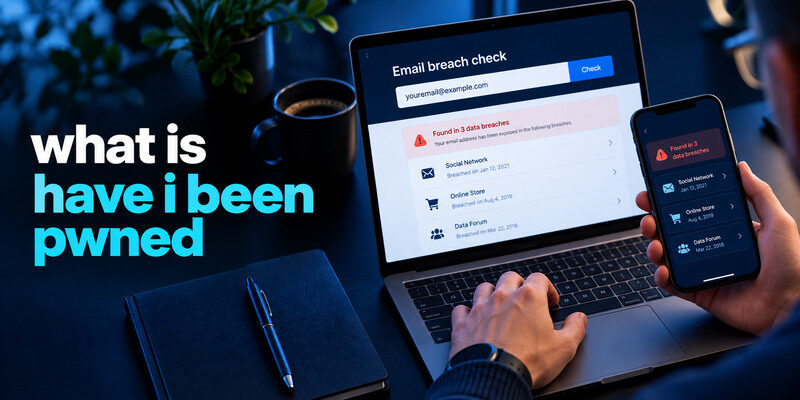
Have I Been Pwned (HIBP) is a service that lets you check whether an email address appears in known data breaches and whether a password string appears in its separate Pwned Passwords corpus. It is useful for identifying known exposure and replacing reused credentials. It does not prove your current inbox was hacked, cover every private incident, or guarantee that a clean result means safety. Use its real site, read the breach details, and take action at the affected provider.
What the email search shows

Enter an address on the genuine HIBP website and review its listed breach history. A result may name the affected service, incident date, and categories of data exposed. The FAQ explains its sources and how certain unverified or fabricated datasets are labeled. An address can appear because it was a customer record at another company, not because your email provider was compromised.
If you want a practical walkthrough beyond the HIBP overview, our guide on how to check if your email was leaked explains how to search known breach records, interpret exposed-data categories, and distinguish an email match from confirmed mailbox compromise.
A match is evidence of exposure
It tells you that the address appears in a dataset loaded by HIBP. Read the data classes and compare with the company’s own notice. The listing may be old or may have been added after the incident. If the record includes a password or hash, replace any reused credentials. If it lists only an address, prepare for targeted phishing and secure the mailbox.
When a breach includes passwords or password hashes, review whether the affected credentials are still used elsewhere. A trusted password manager app can help generate unique replacements, store them securely, and reduce the risk of password reuse across different services.
No match has limited meaning
HIBP cannot see every unreported breach, private leak, phished credential, or stolen browser session. A zero-result page is good news within the database’s scope, not a security certificate. If your account has an unknown successful login or a changed recovery email, respond to that evidence even without a HIBP listing.
Secure your accounts with fast, reliable two-factor authentication. Download now and protect your login in seconds.Download Authenticator App
Pwned Passwords is a separate check
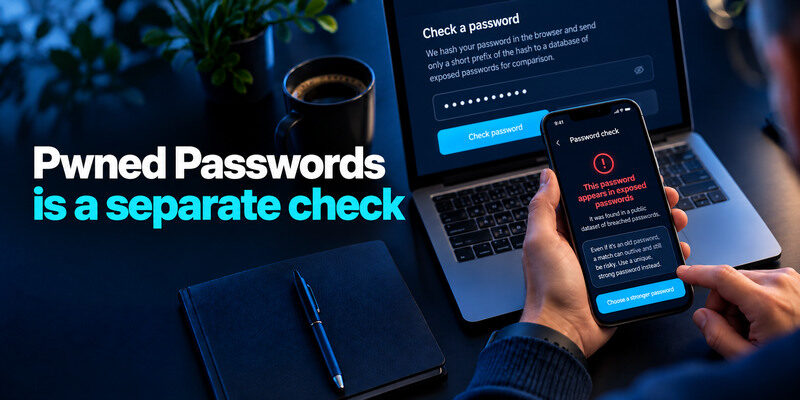
Pwned Passwords tests whether a password string appears in a corpus of exposed passwords. HIBP documents a privacy-preserving web lookup that hashes the password in the browser and sends only a prefix of the hash for comparison. It is not an email-to-password mapping. A matching common string does not reveal which person’s account first used it, but it is enough reason to stop using that string.
Pwned Passwords and email breach searches answer different questions. A password match shows that the same string appears in known exposed-password data, but it does not identify which account originally used it. Our guide on how to check if your password was leaked explains how to interpret these results safely.
| HIBP feature | Input or scope | Tells you | Does not tell you |
| Email breach search | Email address | Known datasets with the address | Current login status |
| Pwned Passwords | Password-string check | Whether string appears in corpus | Which account or owner was breached |
| Notifications | Verified address and alerts | New known listings | Every private incident in real time |
| Domain search | Authorized domain workflow | Exposure at organizational scope | Permission to inspect others’ accounts |
Use the real privacy explanation
Do not assume every site using the word “pwned” follows HIBP’s method. A fake checker may collect the live password. Navigate independently to the official domain and read its current documentation. If you prefer not to type a live secret into a browser page, a trusted password manager’s integrated compromised-password warning may be a more comfortable workflow.
Some credential-management apps combine password storage, security alerts, and support for time-based verification codes. Our guide to a password manager app with built-in 2FA support explains how these features work together and what recovery considerations matter before relying on a single application.
A result can outlive your old password
If a password appeared in a leak years ago but you replaced it with an unrelated unique secret, the old corpus entry remains. Confirm the old value is not used at other sites. Do not rotate the new unique password merely to make historical data disappear. Review account activity if the breach notice or another signal suggests misuse.
What “pwned” means in context
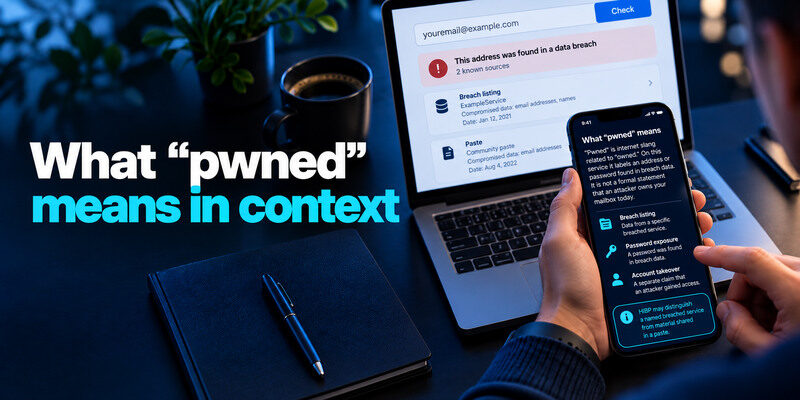
The word is internet slang related to “owned.” On HIBP it labels an address or password found in breach data; it is not a formal statement that an attacker owns your mailbox today. The service’s title can sound alarming, so interpret the specific result, data type, and date. A breach listing, password exposure, and account takeover are three different claims.
Breach versus paste record
HIBP may distinguish a named breached service from material shared in a paste or public dump. The context and confidence can differ. Read the entry rather than reducing all results to one number. Follow the affected company’s official information where available and avoid drawing a precise conclusion about data theft from a vague record.
Unverified information needs care
Some datasets are labeled unverified or fabricated under HIBP’s policies. A password string found in a corpus is still not worth keeping, but do not accuse a specific provider of a confirmed breach based only on an uncertain entry. Keep your response proportionate and document what is confirmed.
How to use HIBP safely
Open the real website from a trusted device, search an address you own or are authorized to manage, and read the listed incidents. Do not click a search advertisement or a text message promising “premium deletion.” Save only the relevant incident names and dates in a private note. Then visit the affected provider directly to change a credential or review account activity.
Search old addresses and aliases
An abandoned mailbox might still be the recovery address for a newer service. Search the form actually used to register, including aliases where relevant. Protect or replace stale recovery routes. Do not assume searching one spelling covers all variations a service may have stored.
Set notifications deliberately
HIBP offers a notification route for an address after verification. Use it if you want an alert when a new known dataset is loaded. Protect the mailbox receiving alerts, and remember that an alert date can differ from breach date. A malicious email can imitate the notification; inspect the real site before acting.
What to do after a positive email result
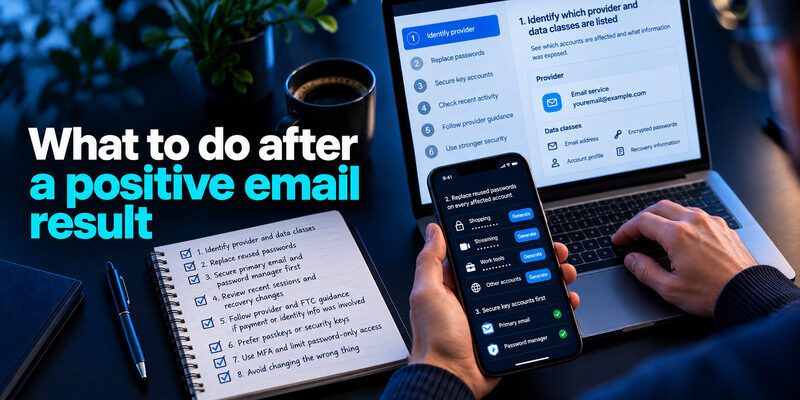
Identify which provider and data classes are listed. If an old password was reused, replace it on every account that shared it with independent generated secrets. Secure primary email and the password manager first. Inspect recent successful sessions and recovery changes on high-value accounts. If payment or identity information was involved, follow the provider’s notice and the FTC’s data-specific guidance.
After replacing exposed passwords, review whether your important accounts support an additional sign-in factor. An authenticator app can generate verification codes for compatible services, helping reduce the risk of password-only account takeover. It does not remove exposed data or guarantee protection against every phishing attack.
MFA limits password-only access
Prefer passkeys or security keys where supported and practical. TOTP is a useful option for many services; can generate codes for compatible accounts. Save backup codes outside the phone and verify sign-in. MFA does not undo a data breach or guarantee safety from phished live codes or stolen sessions.
Prefer passkeys or security keys where supported and practical. For services that support time-based one-time passwords, a TOTP authenticator app can generate temporary verification codes after enrollment. Save backup codes separately, verify a fresh sign-in, and remember that MFA cannot reverse a data breach or automatically revoke stolen sessions.
Avoid changing the wrong thing
Editing a password manager entry does not change the website’s password. A credit freeze cannot stop an existing online login. Closing an email address does not erase already circulated records. Match each action to the exposed field and verify it at the genuine service.
HIBP compared with other options
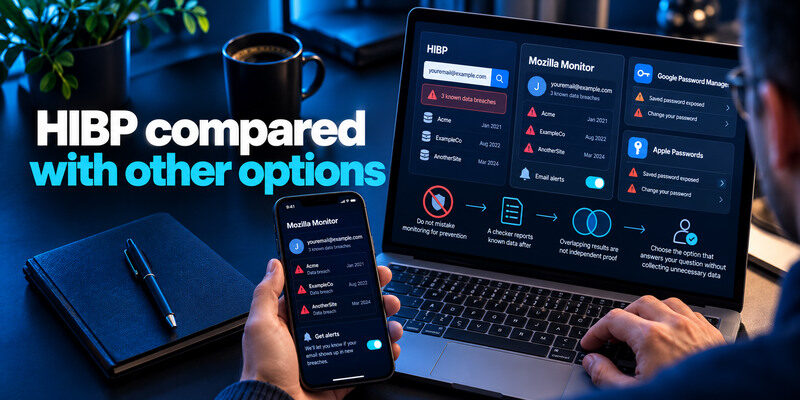
Mozilla Monitor is an alternative for email breach monitoring with an account-based dashboard and alerts. Google Password Manager and Apple Passwords focus on saved credential warnings in their ecosystems. These can complement HIBP, but overlapping results are not independent proof of separate incidents. The best choice is the one that answers your question without collecting unnecessary personal data.
| Question | Best starting point | Follow-up |
| Was my address in a known breach? | HIBP email search | Affected provider notice |
| Is a password string known exposed? | Pwned Passwords or trusted manager | Replace and check reuse |
| Which saved login is compromised? | Your password manager | Change at the real website |
| Was my mailbox actually entered? | Email provider activity | Revoke sessions and secure recovery |
Do not mistake monitoring for prevention
A checker reports known data after exposure. Unique passwords prevent cross-site reuse, MFA blocks many password-only sign-ins, and provider security controls detect suspicious access. HIBP belongs in that workflow as an evidence source, not a firewall.
HIBP helps identify known exposure, but protecting account access requires separate security controls. A compatible two-factor authentication app can provide an additional verification step alongside a unique password. For stronger resistance to phishing, consider passkeys or security keys where supported.
Compare the result with the original notice
If a named breach appears, visit that provider’s official incident information to learn which fields were affected and whether its advice has changed. A listing may be historical; compare the date you last changed the password. If the provider confirms that only contact details were exposed, password replacement may be a precaution driven by reuse or suspicious activity rather than the listing alone.
A practical HIBP result example
Imagine your shopping email appears in an old retail breach with email addresses and hashed passwords listed. Open the retail account directly, replace a reused password across every site that shared it, inspect sessions, and add MFA. If you no longer have the retail account, check whether that old address is still a recovery route elsewhere. An old date does not make an unchanged reused password harmless.
What a blank search means
It means no match in the publicly searchable collection at that moment. It is not proof that no breach ever happened or that your mailbox was never entered. Continue to use unique passwords and check account activity when you receive a credible sign-in alert.
What an alert subscription changes
An alert can reduce the need to search repeatedly, but it is a notification about newly added known data, not a prevention control. Verify the message independently before following links, and act according to the data fields actually exposed.
Frequently Asked Questions
Is Have I Been Pwned safe to use?
Use the genuine site and read its privacy documentation. An email lookup requires the address, not its password. Pwned Passwords documents its hashed-prefix approach. Avoid lookalike sites and never share a live code with a caller claiming to represent HIBP.
Does a result mean my email was hacked?
No. The address may be in another company’s records. Check your email provider’s sessions, forwarding, recovery methods, and sent messages for evidence of mailbox access. Secure it regardless because it resets other accounts.
Can HIBP remove my data from a breach?
A checker cannot guarantee deletion of every circulated copy. HIBP has policies about its own listings, which are different from removing data at the original company or elsewhere. Focus on account and identity protection.
Why does an old incident show up today?
The dataset may have been discovered or added later. Compare incident, notification, and password-change dates. An old reused credential can still matter; a replacement unique credential may already have addressed that route.
Do I need a paid account for a basic email check?
The public email search is available on the genuine site. Other API, domain, or organizational features may have different terms. Confirm current details for the feature you intend to use.
Final Thoughts
HIBP is a useful map of known exposure, not a real-time verdict on account ownership. Read the specific breach or password result, verify it with the provider where possible, and fix reuse. Keep login-history and recovery checks separate from a database lookup.
