
How to Regain Access to a Locked Account Guide
Published November 9, 2026
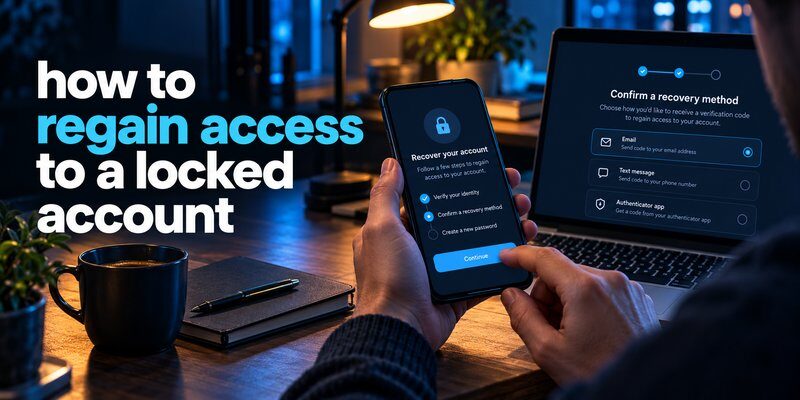
Getting locked out of an important account can be frustrating, especially when you need access to emails, social media, financial services, or work files. Fortunately, many account restrictions can be resolved through official recovery procedures.
Quick Answer: To learn how to regain access to a locked account, start by identifying why the account was locked. Visit the service’s official sign-in page, select its recovery option, verify your identity using your registered email, phone number, passkey, or backup code, and follow the instructions to restore access. If automated recovery fails, use the platform’s official support or appeal process.
Never share verification codes, passwords, or recovery keys with anyone claiming they can unlock your account.
This 2026 guide explains the safest recovery methods for popular online services, including Facebook, Microsoft, Google, X, and banking platforms. It also covers what to do when you lose access to your authentication methods.
Why Do Online Accounts Get Locked?
Before exploring how to regain access to a locked account, it is important to understand what triggered the restriction.
Online platforms automatically monitor unusual activity to protect accounts from unauthorized access. A lock does not necessarily mean someone has hacked your account.
1. Too Many Failed Login Attempts
Repeatedly entering an incorrect password can trigger a temporary security restriction.
This commonly happens when:
- You forget your password.
- A password manager fills in outdated credentials.
- Another device repeatedly attempts to sign in.
- Someone tries guessing your account password.
Temporary locks may expire automatically, depending on the provider’s security policies.
2. Suspicious Login Activity
A service may restrict access after detecting an unfamiliar device, unusual location, or potentially compromised credentials.
For example, signing in from a new country or rapidly changing your recovery information may trigger additional identity verification.
Important: An unfamiliar-login alert is a reason to investigate, not proof that the account was compromised.
3. Missing Authentication Codes
Two-factor authentication (2FA) adds a verification step after your password.
You may be unable to sign in if you:
- Lose your phone.
- Delete your authenticator application.
- Change devices without transferring credentials.
- Lose access to a registered phone number.
- Cannot find your backup codes.
If you still control another verification method, recovery may be much easier.
4. Security Policy Violations
Social platforms sometimes suspend or restrict accounts because of suspected spam, automated behavior, or violations of their policies.
These cases are different from forgotten-password problems. A password reset alone may not remove a policy-based restriction.
Understanding the specific error message is the first step toward choosing the correct recovery process.
How to Regain Access to a Locked Account: 7 Essential Steps
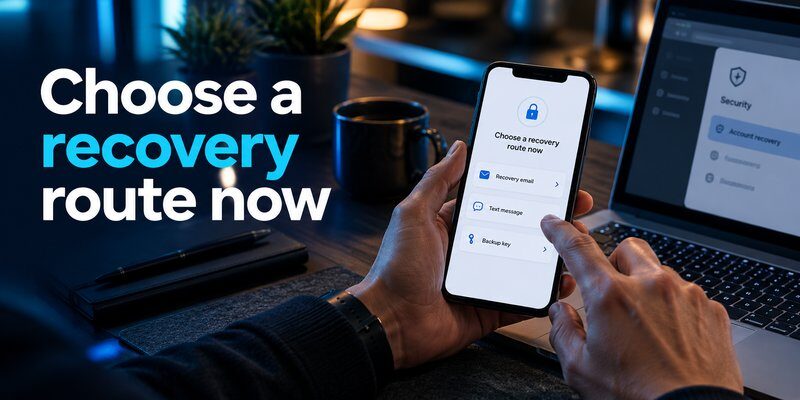
If you are wondering what to do if my account is locked, follow these seven steps in order.
This approach helps you avoid unnecessary password resets, failed verification attempts, and fraudulent recovery services.
Step 1: Identify the Type of Account Lock
Start by reading the message displayed on the sign-in screen.
Common messages include:
- Account temporarily locked.
- Suspicious activity detected.
- Additional verification required.
- Account suspended.
- Too many failed login attempts.
- Your account has been disabled.
The correct recovery method depends on the reason for the lock.
For example, a temporary login restriction may disappear after a waiting period, while a suspended account may require an appeal.
When researching how to regain access to a locked account, avoid assuming that every restriction has the same solution.
Step 2: Use the Official Account Recovery Option
Open the application or type the provider’s official website address directly into your browser.
Look for options such as:
- Forgot Password
- Recover Account
- Try Another Way
- Verify Your Identity
- Unlock Account
- Appeal Decision
Select the option that matches your situation.
Do not use login or recovery links sent by unknown accounts. Fake recovery pages can steal your password and verification codes.
Step 3: Verify Your Identity
Most providers require evidence that you are the legitimate account owner.
Depending on the service, acceptable verification methods may include:
- A code sent to your registered email.
- A text message to your recovery phone.
- A previously saved backup code.
- An approved authenticator code.
- A registered passkey or security key.
- Additional account information.
- Identity documentation requested through an official process.
Not every platform offers every method.
Choose an existing recovery method that you can still access. Creating a new verification method generally does not restore an account that is already locked.
Step 4: Reset Your Password When Required
If the platform allows password recovery, create a strong, unique password.
A good password should be difficult to guess and should not be reused across multiple accounts.
Consider using a password manager to generate and store a long password.
After completing this step, do not immediately repeat login attempts on multiple devices if the provider has instructed you to wait.
Step 5: Recover Access to Two-Factor Authentication
When the password works but an authentication code is unavailable, choose Try Another Way or the equivalent option.
Check whether you previously configured:
- Backup codes.
- A secondary authenticator device.
- A recovery email.
- A registered security key.
- Another trusted device.
For additional guidance, see our article about authenticator app restore from backup.
Keep in mind that an authenticator backup can help only when a compatible backup or transfer method was previously configured.
Step 6: Submit an Official Recovery Request
If self-service recovery is unsuccessful, look for an official support form.
Prepare accurate information about your account, including:
- Your username or account identifier.
- Your last successful login.
- Devices commonly used to access the account.
- Recovery contact information.
- Relevant transaction details, if the provider requests them securely.
- A description of the problem.
Never submit passwords, active authentication codes, or secret recovery keys through ordinary support messages.
For anyone researching how to regain access to a locked account, legitimate identity verification is essential. Support teams may be unable to restore access when ownership cannot be established.
Step 7: Secure Your Account After Recovery
Once the platform restores access:
- Change your password if necessary.
- Review account recovery information.
- Remove unknown devices and sessions.
- Examine recent security activity.
- Reconfigure two-factor authentication.
- Generate new recovery codes where supported.
- Save your recovery information securely.
Account recovery is not complete until you have secured the account against another lockout or takeover.
How to Recover a Locked Account Without Email or Password
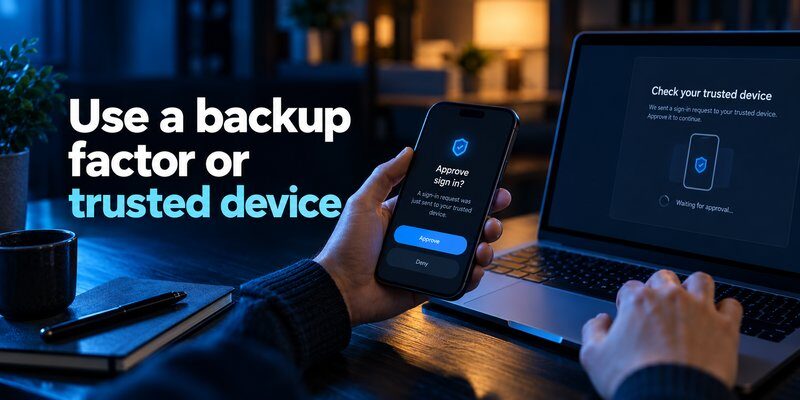
One of the hardest recovery situations occurs when you cannot access your email address, phone number, or password.
If you are searching for how to recover account without email and password, several legitimate options may still exist.
However, availability depends entirely on your provider’s security policies.
Recover Through a Trusted Device
Some services recognize previously used devices or established sign-in sessions.
If you remain signed in on another phone, tablet, or computer, check whether you can update your recovery information from that session.
For example, you might be able to add a recovery email or review your security settings.
Avoid signing out of your last working session until you have confirmed an alternative recovery method.
A trusted device may improve your chances during identity verification, but it does not guarantee recovery.
Use Your Phone Number or Username
Some platforms allow account identification with a phone number or username instead of an email address.
Enter the information that was previously associated with the account.
If the provider offers SMS verification, you may be able to complete recovery without accessing your original email inbox.
For a lost mobile number, ask your carrier whether you can legitimately restore control of the number.
Check Your Password Manager
Your browser or password manager may contain a saved password.
Check the password storage feature on devices you own and control.
If the saved password works, use the account’s security settings to update outdated recovery information.
Be cautious with browser extensions or third-party tools promising to reveal hidden account passwords.
Submit an Identity Verification Request
Some providers offer additional verification when normal recovery methods are unavailable.
You may need to answer account-related questions or supply identification through a secure submission form.
For users who need to understand how to regain access to a locked account without standard credentials, this is often the final legitimate recovery path.
There is no universal method to bypass account ownership verification.
If you suspect unauthorized access, our guide on how to recover a hacked account explains additional protective measures.
How to Regain Access to Locked Facebook, Microsoft, Google, X, and Bank Accounts
Different services have different recovery systems. The following instructions explain where to begin and what to expect.
How to Recover a Locked Facebook Account
Many users ask, how can i recover my locked facebook account after suspicious activity or a security challenge.
Start by opening Facebook through its official application or website.
Then:
- Enter your associated email address or phone number.
- Follow the recovery prompts displayed on the screen.
- Choose an available identity verification method.
- Complete any security challenge.
- Reset your password if requested.
- Review account activity after access is restored.
If you suspect the account was hacked, use Facebook’s official compromised-account recovery flow.
Meta may request additional identity verification, including identification documents or a video selfie when that method is available.
Meta announced in December 2025 that its updated recovery experience had improved the relative success rate of hacked-account recovery by more than 30% in the United States and Canada during 2025.
This is a historical performance figure, not a guarantee that any individual account will be recovered.
If you are asking how to regain access to my locked facebook account because authentication codes are failing, review our guide to facebook authenticator code not working.
Important: Facebook recovery methods vary according to the specific account restriction and available verification options.
How to Unlock a Locked Microsoft Account
If your question is how do i recover my locked microsoft account, first determine whether you are facing a password problem or an account suspension.
For a personal Microsoft account:
- Open Microsoft’s official account sign-in page.
- Enter the account’s email address.
- Read the security or restriction notice.
- Complete the verification challenge if offered.
- Use Microsoft’s Sign-in Helper when you cannot sign in.
- Follow the reinstatement instructions if the account is suspended.
Microsoft explains that certain policy-related locks require a separate reinstatement review.
For ordinary account recovery, Microsoft also provides a recovery form that may ask about previous passwords, account activity, or services you have used.
Microsoft states that recovery-form results are generally sent within 24 hours.
However, this form is not a workaround for missing two-step verification methods. Microsoft warns that when two-step verification is enabled and no alternative verification option is accessible, support may be unable to recover the account.
If your problem involves authentication codes, read microsoft authenticator recovery for related troubleshooting guidance.
How to Recover a Locked Google Account
Google may restrict sign-in when it detects unusual activity or cannot verify your identity.
To begin recovery:
- Open Google’s official account recovery process.
- Enter your Gmail address or associated account information.
- Provide the most recent password you remember, if requested.
- Use an available recovery method.
- Follow any additional verification instructions.
Try recovering the account from a familiar device and location.
Google supports several alternative verification methods for accounts with 2-Step Verification, including previously generated backup codes, security keys, and compatible passkeys.
According to Google Account Help, some recovery cases involving missing second-step verification can require 3–5 business days for additional ownership checks.
Google also allows users to generate 10 single-use backup codes when the relevant feature is available.
If you lost access to your verification device, our google authenticator lost guide may help you review your remaining options.
Remember that how to regain access to a locked account on Google depends on whether the issue involves credentials, verification, account compromise, or a policy restriction.
How to Regain Access to an X Account
If you are researching how to regain access to x account, first identify whether X has temporarily locked, limited, or suspended your account.
For temporary lockouts caused by failed login attempts, X states that the restriction typically lasts about one hour.
During that time:
- Stop repeatedly attempting to sign in.
- Avoid requesting unnecessary password resets.
- Check whether connected applications use an outdated password.
- Wait for the restriction to expire before trying again.
If X requires identity verification, follow the available email, phone, or other verification challenge.
For suspended accounts, complete the platform’s official appeal procedure when available.
Temporary login locks and policy-related suspensions have different recovery requirements.
Once access is restored, review connected applications, update your password, and enable additional login protection.
How to Recover Access to a Locked Bank Account
Someone searching for how to unlock access bank account may be dealing with a locked online banking profile, a frozen account, or a suspicious-transaction restriction.
These situations require different solutions.
For a locked online banking login:
- Open your bank’s official mobile application.
- Check whether a password reset is available.
- Complete the bank’s required identity verification.
- Contact the bank using a verified customer support channel if recovery fails.
- Visit a branch with identification when instructed.
A frozen or legally restricted bank account usually cannot be restored through a normal password reset.
Never disclose your banking password, PIN, or one-time verification code to a person claiming to represent customer support.
The US Federal Trade Commission warns that scammers impersonate financial institutions and request verification codes to gain unauthorized access.
Use the contact information printed on your bank statement, bank card, or official application rather than a number supplied by an unexpected caller.
How to Regain Access to a Locked Account When 2FA Is Unavailable
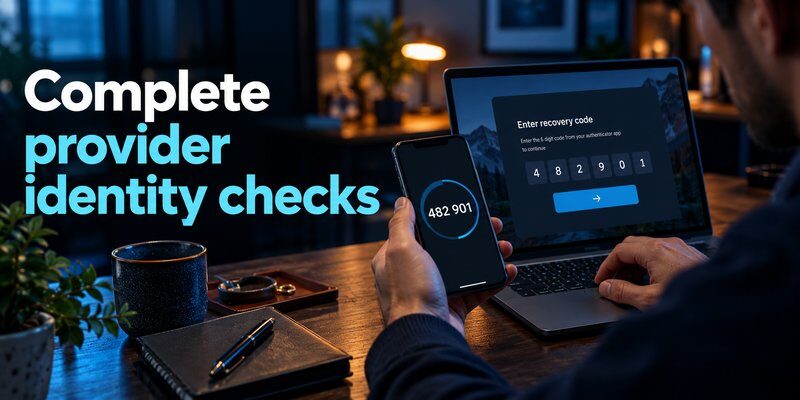
Two-factor authentication protects accounts even when passwords are compromised. However, losing access to your second verification method can complicate recovery.
Understanding how to regain access to a locked account with missing authentication codes begins with checking the recovery options you configured previously.
Use Backup Codes
Backup codes are emergency verification credentials provided by some platforms.
They can help when you lose your authentication device or cannot receive a verification message.
To use them:
- Open the official sign-in page.
- Enter your normal credentials.
- Select an alternative verification method.
- Choose backup code verification when available.
- Enter one unused backup code.
Store backup codes separately from the device they are intended to replace.
Google’s backup codes, for example, are single-use. Previously consumed codes cannot be reused.
Restore Your Authenticator App
If you changed phones, check whether your authentication application supports an existing backup or migration feature.
Restoration methods vary by app.
Some applications offer cloud synchronization, while others require manual transfer or a previously created encrypted backup.
If you did not configure recovery beforehand, reinstalling the application may not restore the original codes.
For additional information about authentication on desktop devices, read our google authenticator for mac article.
You can also explore apple authenticator options to understand authentication features available in Apple’s ecosystem.
Use an Alternative Verification Method
Depending on the service, alternatives may include:
- A registered passkey.
- A physical security key.
- A previously trusted device.
- A secondary recovery email.
- An additional authentication method.
- A provider-approved identity verification process.
An authenticator application cannot bypass a platform’s security controls.
It generates verification codes only for accounts that have already been correctly configured with that application.
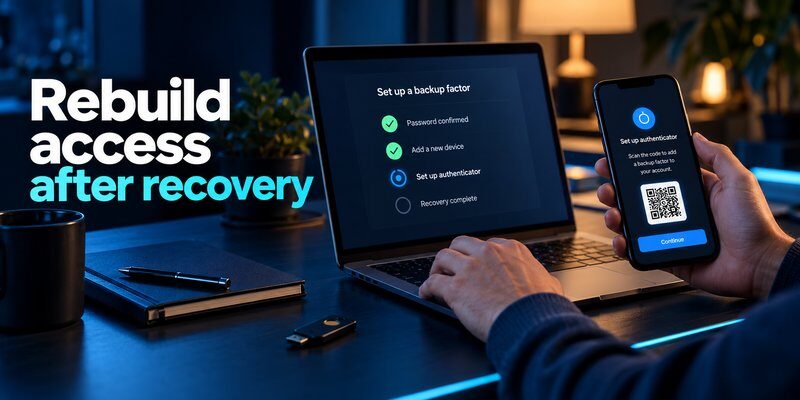
Set Up Better Protection After Recovery
Once you recover access, consider configuring an Authenticator app for supported accounts.
An authenticator can generate time-based verification codes without relying on SMS delivery, provided the account supports compatible TOTP authentication.
For future protection:
- Register more than one supported recovery method.
- Save emergency codes securely.
- Verify that any backup feature works before replacing a device.
- Update recovery details when your phone number changes.
An authenticator improves login security, but it does not automatically restore an account that you cannot access.
What to Do When Account Recovery Fails
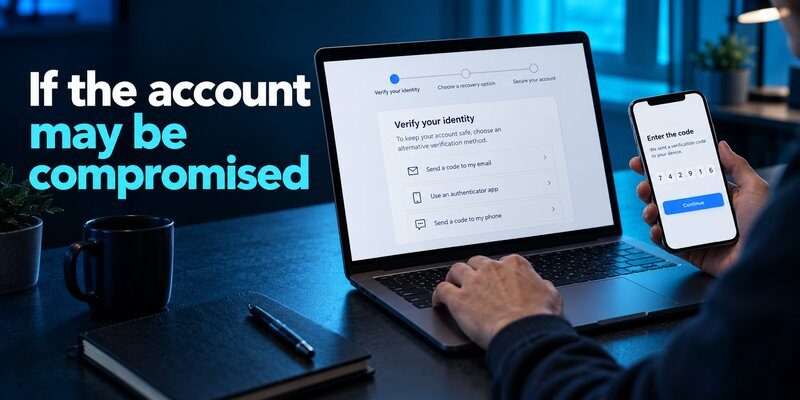
Even when you follow the correct instructions, an account may remain inaccessible.
If you still need how to regain access to a locked account after unsuccessful verification, review the following possibilities before submitting another request.
Check for Incorrect Recovery Information
A small mistake can cause verification failure.
Review your account identifier, recovery email, phone number, and any details requested by the provider.
Use a previously trusted device when possible.
Submit truthful information instead of guessing repeatedly.
Avoid Repeated Login Attempts
Too many requests can trigger additional security restrictions.
For temporary locks, follow the waiting period displayed by the service.
For an ongoing support review, avoid submitting duplicate appeals unless the provider instructs you to do so.
A new request does not necessarily make the recovery process faster.
Determine Whether the Restriction Is Permanent
Some account suspensions are not reversible.
If a service determines that an account violated its policies, recovery may depend on an appeal and the provider’s final decision.
No legitimate third-party application can guarantee that a suspended account will be reinstated.
This distinction matters when researching how to regain access to a locked account because account recovery and policy appeals are fundamentally different processes.
Protect Yourself From Recovery Scams
Scammers often target people who are desperate to recover access to important accounts.
Warning signs include:
- Guaranteed account unlocking.
- Requests for advance payment.
- Demands for one-time codes.
- Requests for your complete recovery phrase.
- Instructions to install unknown remote-access software.
- Claims of special access to platform employees.
The FTC specifically warns consumers about fraudulent recovery services that request money or sensitive information.
Use only the service’s authorized recovery channels.
If an unfamiliar person claims to have unlocked your account, verify that you can independently sign in through the official service before taking any further action.
How to Prevent Your Account From Getting Locked Again
Learning how to regain access to a locked account is useful, but reducing the likelihood of another lockout is equally important.
A few preventive measures can significantly improve account security and recovery readiness.
1. Enable Two-Factor Authentication
Two-factor authentication requires an additional verification method beyond your password.
Microsoft’s security guidance reports that more than 99.9% of compromised accounts in its referenced analysis did not have MFA enabled.
This finding highlights the importance of additional login protection, although MFA does not eliminate every type of attack.
Where supported, consider phishing-resistant passkeys or security keys.
2. Maintain Updated Recovery Information
Check your recovery email address and phone number regularly.
When changing devices or phone numbers, update security settings before retiring the old method.
Outdated recovery information is a preventable cause of difficult account recovery.
3. Save Emergency Recovery Codes
Some services provide backup codes when you enable two-factor authentication.
Save these in an encrypted password manager or another secure location.
Avoid storing an unprotected screenshot of recovery codes in a publicly accessible cloud folder.
4. Review Devices and Active Sessions
Regularly inspect your account’s security dashboard.
Look for unfamiliar devices, sign-in locations, or connected applications.
Remove suspicious sessions and change your password when unauthorized activity is confirmed.
For accounts connected to external applications, revoke permissions you no longer need.
5. Use Strong, Unique Passwords
Create a separate password for each important account.
A password manager can reduce password reuse and help prevent repeated failed login attempts caused by forgotten credentials.
Do not reuse a compromised password.
6. Test Your Recovery Options
Before an emergency happens, confirm that your recovery methods are available.
For example:
- Verify your secondary email.
- Confirm your recovery phone works.
- Check whether your backup codes are stored securely.
- Make sure your authenticator transfer process is documented.
- Register a backup security key where supported.
The best recovery strategy is one you establish before losing access.
Frequently Asked Questions About Locked Accounts
How do you unlock a locked account?
To determine how to regain access to a locked account, identify the restriction, follow the official recovery instructions, and complete ownership verification. Temporary locks may expire automatically, while security suspensions can require a separate review.
Can I recover an account without my old phone number?
Sometimes. You may be able to use a recovery email, backup codes, trusted device, registered passkey, or another verification method. If none is available, check whether the provider offers additional identity verification.
How long does account recovery take?
Recovery time varies by platform and restriction type.
Some temporary locks clear within an hour. Other requests may take days or require manual review. Microsoft, Google, and X each use different procedures, so there is no universal recovery deadline.
Can an authenticator app unlock my account?
An authenticator can provide verification codes when it has already been linked to your account.
However, it cannot bypass an account suspension, replace missing ownership evidence, or recreate authentication credentials that were never backed up.
How to recover locked account after suspicious activity?
Start with the official account recovery process. Verify your identity, reset compromised credentials, review recent sessions, and remove unauthorized access.
For more information, follow the account-security troubleshooting steps provided by your service.
Is it possible to recover a permanently suspended account?
It depends on the provider’s policies.
Some platforms offer an appeal process, but recovery is not guaranteed. If the provider upholds a permanent suspension, there may be no available reinstatement method.
What is the safest way to protect a recovered account?
Use a strong password, enable supported two-factor authentication, register backup recovery methods, and review your active sessions.
Do not rely on a single device or phone number as your only recovery option.
Final Thoughts
Understanding how to regain access to a locked account can help you respond confidently when a service restricts your login.
The most important steps are to identify the reason for the lock, use official recovery methods, verify account ownership, and secure your account after access is restored.
For Facebook, Microsoft, Google, X, and financial services, recovery procedures differ. Follow the instructions provided by your account provider rather than relying on unverified third-party unlocking tools.
If you successfully restore access, take the opportunity to strengthen your login security and prepare additional recovery options.
Want an extra layer of protection for supported accounts?
Download authenticator app to explore two-factor authentication and help protect your future sign-ins.
Remember: Strong authentication and well-maintained recovery information work together to keep your accounts secure.
