
Best Data Breach Checker Tools: Which One Should You Use?
Published October 21, 2026
The best data breach checker tools depend on what you need to check: use Have I Been Pwned for a known email-breach search, Mozilla Monitor for ongoing email monitoring, and the password-security check built into Google Password Manager or Apple Passwords for credentials already saved in that ecosystem. No tool sees every breach or proves that an account was hacked. For most people, start with an email search and the password tool they already use, then act on the specific result.
Compare the tools by the evidence they provide
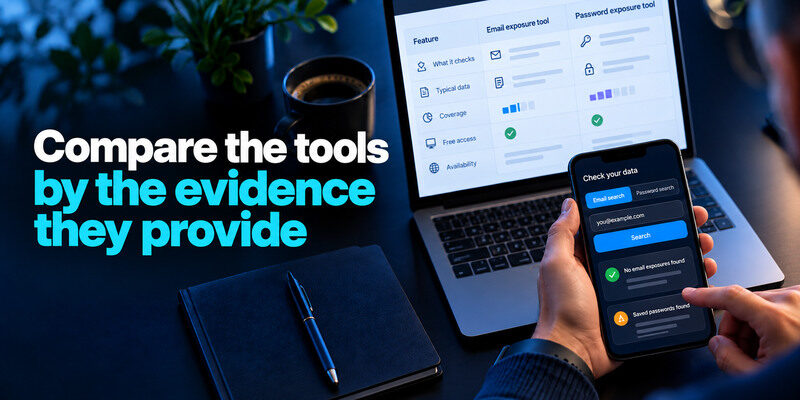
| Tool | Best for | Useful strength | Limitation |
| Have I Been Pwned | One-off email breach history and Pwned Passwords | Broad known-dataset search with clear breach descriptions | No complete view of private or unreported incidents |
| Mozilla Monitor | Email breach monitoring | Alerts and guided review for registered addresses | Requires account setup for ongoing monitoring; scope is known data |
| Google Password Manager | Saved Google/Chrome passwords | Compromised and reused password warnings in existing workflow | Does not cover credentials absent from its vault |
| Apple Passwords | Saved Apple ecosystem passwords | Security recommendations where credentials are stored | Limited to entries and supported devices in that ecosystem |
These are not identical products. Email exposure and password exposure answer different questions. A clean email search cannot clear a saved password, and a manager warning cannot tell whether every personal record was included in a company’s breach. Current free features, interfaces, and availability should be verified on the providers’ official pages before committing to a workflow.
Secure your accounts with fast, reliable two-factor authentication. Download now and protect your login in seconds.Download Authenticator App
Best broad email lookup: Have I Been Pwned
Have I Been Pwned (HIBP) displays known breaches associated with an email address, including incident descriptions and exposed-data categories where available. It also provides Pwned Passwords as a distinct service for checking whether a password string appears in known exposed data. For a quick answer to “was this address in a known breach?”, it is the clearest first stop. Use the genuine site and do not confuse a listed address with proof of a current inbox takeover.
What it does well
The result can tell you which service, when the incident occurred, and what data types were reported. That helps you prioritize an old reused password differently from an email-only marketing database leak. Pwned Passwords documents a privacy-preserving lookup rather than asking a browser to send the original password to HIBP. Read its current explanation before using a live secret.
Where it stops
HIBP cannot include every private incident or tell you every time a stolen credential was used. Some breach records are unverified, and a company’s later notice may refine scope. Check provider activity and official notices too. A match is actionable evidence of exposure, not a verdict on account control.
Best ongoing email alerts: Mozilla Monitor
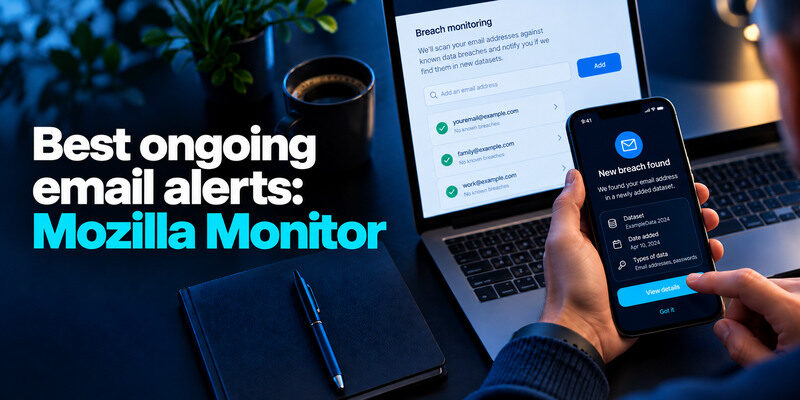
Mozilla Monitor can scan email addresses for known breach exposure and send alerts after account setup. Mozilla’s current help describes free breach monitoring and support for multiple email addresses. It is useful if you want a reminder when new datasets appear without manually searching every week. Its alerts still need interpretation against the affected company’s notice and your current credential history.
Who benefits most
People with several personal or old addresses may prefer one monitoring dashboard. Verify an address through the service’s legitimate flow, then review which breaches are unresolved. Use a private primary mailbox for notifications. An alert about an old breach added today does not mean an attacker signed in today.
The trade-off
You create another account and must protect its sign-in. The service cannot remove data already circulating or see every source on the internet. Mozilla’s premium data-broker-removal product changed in 2026; do not conflate that with the continuing free breach-monitoring feature. Check current terms before assuming a paid removal service is included.
Best for saved Chrome and Android credentials: Google Password Manager
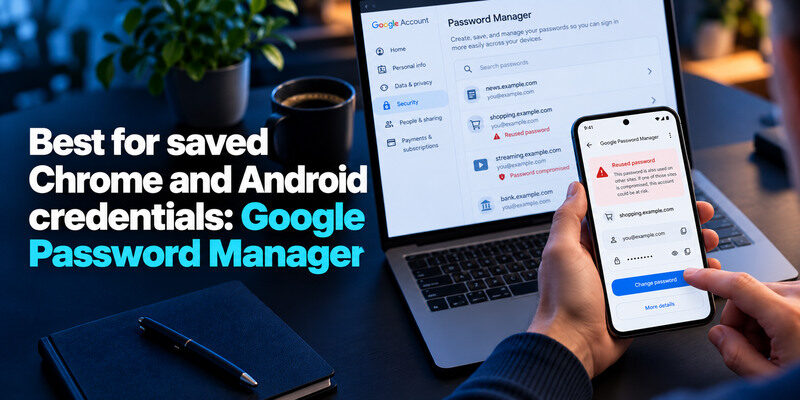
Google Password Manager can flag compromised or reused saved passwords and help replace them. Its advantage is context: a warning is attached to an entry you actually saved, including the site and username. It is a good default if you already rely on Google or Chrome across devices. The tool only knows the credentials it manages; an old account saved in another browser may be absent.
Google Password Manager helps identify compromised saved credentials, while authentication apps and other MFA methods can provide additional protection during sign-in. If you want to compare how these tools work together, explore our guide to a password manager with built-in 2FA support.
Use the warning correctly
Open the Password Manager through the real Google account or Chrome settings. Visit the genuine website to change the password, then save and test the new entry. Merely changing text in the vault does not change a site’s authentication database. A duplicate stale entry can keep a warning visible after the live account is fixed.
Protect the vault account
The Google account itself needs a unique credential, strong MFA, and a tested recovery path. If that account controls email and passwords, prioritize it. A security-check result is not a substitute for recent-session review after an unauthorized action.
If your Google account supports an authenticator-based verification method, you can use a compatible app as an additional sign-in factor. Our guide to the Google Authenticator app explains how time-based verification codes work and how to prepare recovery options before changing devices.
Best for saved Apple passwords: Apple Passwords
Apple’s Passwords app offers Security recommendations for weak, reused, or compromised saved passwords on supported devices. It suits someone who already uses the Apple ecosystem and wants to review credentials in place. Open Passwords directly, choose the flagged account, change the secret on the actual service, and verify sign-in. Interface labels can differ with software versions.
Apple Passwords can help you review compromised saved credentials, but password alerts and multifactor authentication serve different purposes. For accounts that support TOTP, compare the best authenticator apps for iPhone to find a verification-code app that fits your security and recovery preferences.
Why it may be enough
An integrated tool avoids a second vault just to see warnings. It can make a practical daily workflow when most logins are stored there. If you also use Windows, Android, or a separate browser vault, assess whether all relevant accounts are actually represented before treating its list as complete.
If you use multiple platforms, choose an authentication setup that works across the devices you rely on. For example, our Google Authenticator for iPhone guide covers using a TOTP app on iOS and preparing for account recovery or a future phone change.
What it cannot establish
A password warning does not prove your particular account was accessed. A clean recommendations screen cannot rule out a phished session or an email address in a separate breach. Pair it with official activity and an email-breach lookup when you have a specific concern.
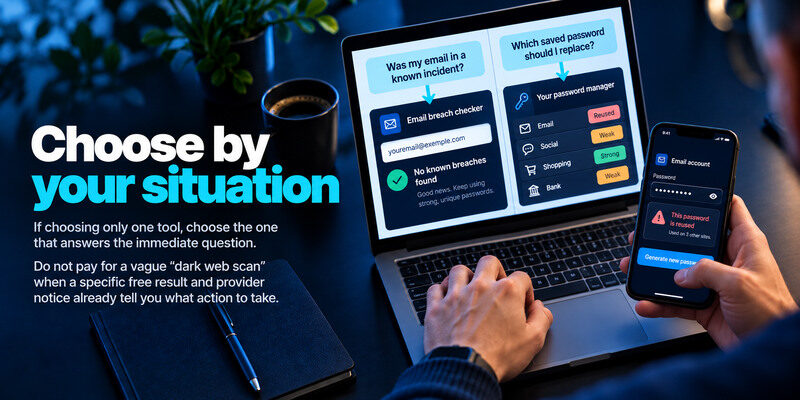
Choose by your situation
| Your situation | First choice | Add if needed | Why |
| One email, quick one-off check | HIBP | Provider notice | Fast known-breach history |
| Several emails, future alerts | Mozilla Monitor | HIBP detail review | Ongoing monitoring workflow |
| Chrome/Android saved passwords | Google Password Manager | HIBP email search | Credential-specific warnings |
| Apple saved passwords | Apple Passwords | HIBP email search | Integrated recommendations |
| Sensitive identity or payment data | Official notice and institution | FTC guidance | Password tools do not address those fields |
If choosing only one tool, choose the one that answers the immediate question. “Was my email in a known incident?” points to an email checker. “Which saved password should I replace?” points to the manager you actually use. For both questions, combine them. Do not pay for a vague “dark web scan” when a specific free result and provider notice already tell you what action to take.
What to do with a positive result
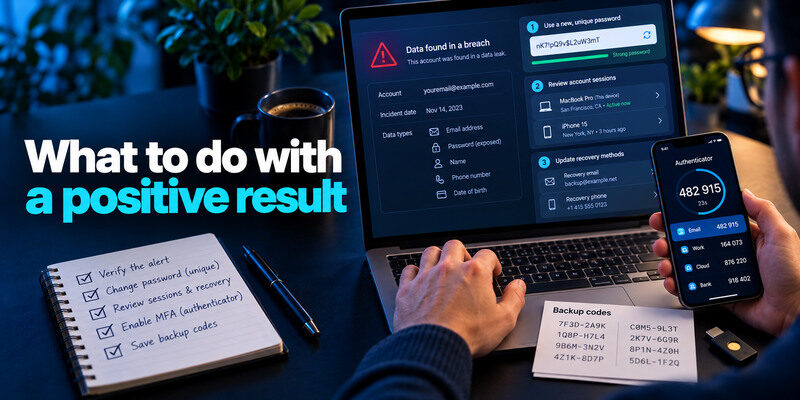
Read the incident’s data types and date. If a password was exposed or reused, replace it everywhere with independent generated credentials. Review important account sessions and recovery methods, then enable MFA. A passkey or security key can be stronger against phishing where supported. For TOTP-compatible services, can generate the second factor; save backup codes separately. If payment or identity data was exposed, contact the appropriate institution and follow FTC guidance.
For services that support time-based one-time passwords, a TOTP authenticator app can generate verification codes after enrollment. Store each service’s recovery codes securely and separately from your primary device. Remember that adding MFA does not automatically revoke an unauthorized session that is already active.
Verify an alert before logging in
Breach-themed emails can be forged. Open the checker and affected provider independently. Never give a live password or code to a support caller. A real result may be followed by a fraudulent “remediation” link, so treat the communication channel as a separate fact.
Keep the meaning of “free” precise
Core email searches and built-in password warnings may be available at no extra charge, but features and terms change. Some services offer paid extras unrelated to the basic check. Check the official pricing or help page for the feature you will actually use. A free result is not a guarantee of comprehensive monitoring.
Two realistic tool combinations
For a person with several addresses and passwords saved in Chrome, use Mozilla Monitor for ongoing email alerts and Google Password Manager for saved-credential warnings. For a person whose passwords are primarily in Apple Passwords, use its Security recommendations and a direct Have I Been Pwned email lookup for historical breach context. These are complementary workflows because the inputs differ.
After choosing a breach checker and password manager, consider whether your important accounts also need an authenticator app. iPhone users can compare options in our best iOS authenticator app guide, while users on other platforms should check device compatibility, backup options, and supported verification methods.
A quick one-time question
If you simply want to know whether an address appears in a known public breach, begin with HIBP. Read each entry’s incident date and exposed data classes. Do not infer that your current mailbox has been accessed. If the notice names a password, replace reused credentials; if it names identity data, consult the relevant institution and FTC guidance.
An ongoing maintenance routine
Set alerts for addresses you still use, review saved-credential warnings monthly, and verify any alert at the real provider. A tool that finds more historical records is not automatically better for a person who needs a clear action list. Choose coverage and workflow you will actually use.
A regular security routine can combine breach notifications, password-manager alerts, and a separate authenticator app for supported accounts. If you are comparing verification-code apps, our Bitwarden Authenticator app review explains its role in TOTP-based account protection and how it differs from password breach monitoring.
Frequently Asked Questions
Which checker is most accurate?
Accuracy depends on the dataset and question. HIBP is strong for known email-breach history; a password manager knows saved credentials; provider notices can give account-specific scope. None can prove the absence of every breach. Use the combination relevant to your concern.
Is Mozilla Monitor better than HIBP?
Mozilla Monitor is convenient for ongoing alerts and multiple addresses, while HIBP is a direct known-breach lookup with detailed entries and a separate Pwned Passwords service. Choose monitoring versus quick research; they may rely on overlapping known data, so two alerts are not independent proof of two incidents.
Are paid dark-web tools necessary?
Not for a basic known-breach check. A paid service may offer a particular monitoring or support feature, but assess its sources, privacy, and response value. No tool can guarantee deletion of data already shared. Start with trustworthy free evidence and official notices.
Does a positive result mean I need a new email address?
Usually not. Secure the account, replace reused credentials, and watch for phishing. Changing an email address can be disruptive and does not erase the old record. Consider a new address only for a specific ongoing problem and update recovery routes carefully.
Final Thoughts
Choose a data breach checker by the type of evidence you need. HIBP and Mozilla Monitor cover known email exposure, while Google Password Manager and Apple Passwords highlight saved credentials. Act on the result at the actual service and keep account takeover checks separate from breach searches.
