
Begamob Authenticator vs Duo Mobile: Which 2FA App Should You Choose?
Published October 9, 2026 · Updated October 21, 2026
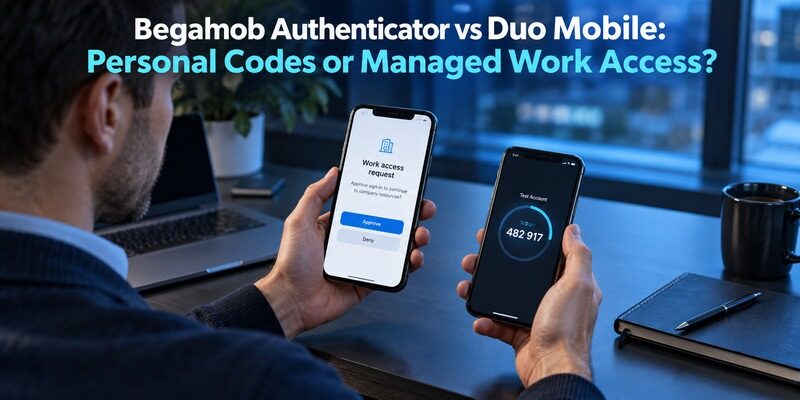
Choosing between Begamob Authenticator and Duo Mobile depends on how you use two-factor authentication. Begamob Authenticator focuses on managing verification codes for compatible personal accounts, while Duo Mobile supports both standard passcodes and organization-managed authentication, including Duo Push.
In this Begamob Authenticator vs Duo Mobile comparison, we’ll examine their key features, security methods, backup options, and everyday usability to help you decide which app better fits your needs
Identify Who Controls Each Login
Your employer may control the accepted method
If a company, school, or other organization enrolled your device in Duo, ask which authentication methods its policy accepts. An approval prompt is part of a configured service relationship. Another app showing six-digit numbers does not recreate that relationship.
This is the first boundary in Begamob Authenticator vs Duo Mobile. Keep the required application until the administrator provides an approved replacement route. A personal preference for a different interface cannot override the service’s enrollment requirements.
Record the organization’s help route before a device change. Use the established portal or contact channel, rather than a telephone number supplied by an unexpected message. The useful preparation is knowing how legitimate reactivation works while your existing access is still available.
This distinction also matters when comparing enterprise authentication tools. Our Microsoft Authenticator vs Okta comparison explores how organizational identity systems influence which authentication methods employees can use.
You usually control personal enrollment choices
A personal website may offer a standard authenticator option. In that case, compare applications against the actual method accepted by that website. The provider remains responsible for confirming enrollment and deciding which recovery options are available.
Duo’s official Third-Party Accounts guide says personal use does not require an organizational Duo account. That makes Duo a relevant candidate even outside work. It does not mean Duo administers those third-party accounts or can recover them on your behalf.
For example, a university account may require an administrator-managed approval while a personal photo service merely requests a standard authenticator code. Treat them as two projects even if they currently appear next to each other in Duo. Begamob Authenticator vs Duo Mobile can lead to keeping Duo for the university and evaluating another app for the personal account. That result is not an incomplete migration. It reflects the different owners and accepted methods of the services you use.
Secure your accounts with fast, reliable two-factor authentication. Download now and protect your login in seconds.Download Authenticator App
Begamob Authenticator vs Duo Mobile Comparison Table
| Account need | Begamob Authenticator | Duo Mobile |
|---|---|---|
| Compatible personal TOTP accounts | Dedicated mobile workflow described | Third-party passcodes documented |
| Managed Duo approval | Do not assume it can replace Duo | Intended application for configured Duo workflows |
| Personal enrollment | QR or manual setup described | QR and manual setup documented |
| Organization policy | Must fit the service’s accepted method | Administrator controls managed enrollment options |
| Third-party portability | Verify current import and export support | Official guide says third-party accounts cannot be exported |
| Recovery | Verify app route and retain service recovery | Duo Restore and service recovery have distinct requirements |
Use Begamob Authenticator vs Duo Mobile to decide where an alternative is permitted, not to rank unrelated authentication methods as if they were interchangeable. For a managed Duo login, the policy answer comes first. For ordinary personal TOTP, the daily workflow and recovery arrangements become meaningful comparison points.
The table does not label missing Begamob implementation details as absent features. It identifies what must be established in the current application before those details can support a migration decision.
Separate Push Approvals From Rotating Codes
A push request is tied to a sign-in event
Treat any approval prompt as a request about a specific login. Check that you initiated the activity and that the visible details match your action. If the request is unexpected, use the approved denial or reporting process rather than accepting it to make the notification disappear.
Begamob Authenticator vs Duo Mobile should not suggest that all push workflows can be reproduced by copying a setup QR into a generic authenticator. The organization may require a particular registration, prompt experience, or device condition.
A TOTP code is supplied to a compatible service
For a personal account enrolled with a standard time-based secret, the authenticator calculates the code that the service expects. You choose the correct entry and submit a current value. The code does not identify the legitimacy of every page asking you to type it. If you want to understand how these rotating verification codes work, our TOTP authenticator app guide explains the underlying technology and what to consider when choosing an app for standard 2FA codes.
Check the website or application you are using before entering credentials. A switch of authenticator brand does not make an unfamiliar sign-in page trustworthy. Keep the distinction between the code generator and the service requesting authentication clear throughout your evaluation.
Decide Whether Work and Personal Entries Belong Together
One application can reduce searching
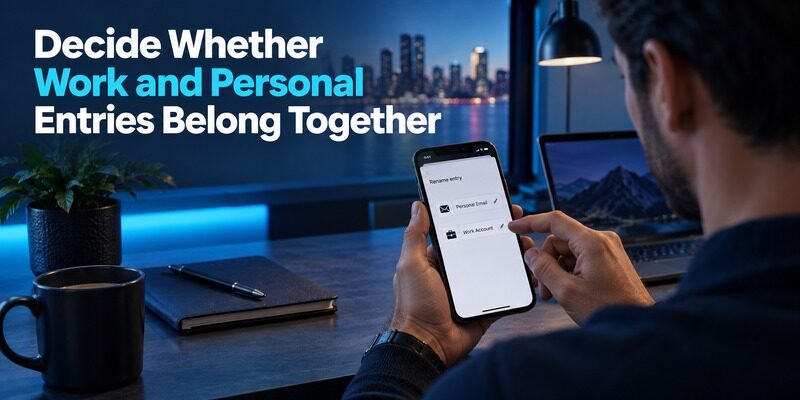
Keeping supported personal entries in Duo may be convenient when you already open it regularly for work. You have fewer places to search, and familiar account naming can make occasional personal logins easier to complete.
That convenience is a legitimate point in Begamob Authenticator vs Duo Mobile. Test it with the account list you actually have, including similar provider names. If the work entry and personal entry are easy to confuse, improve the labels before deciding that one application is simpler.
Separate applications can clarify ownership
A dedicated personal authenticator can help distinguish your own accounts from an employer-managed login. This is especially relevant when employment changes or a work phone must be returned. The separation should reflect ownership and recovery responsibilities, not an unsupported promise of complete security isolation. If you’re exploring alternatives for keeping personal authentication separate from workplace access, our Begamob Authenticator vs Microsoft Authenticator comparison discusses another common distinction between personal codes and organization-managed sign-ins.
Two apps on one phone still depend on that phone’s availability and protection. If the device is lost, both may be unavailable. Begamob Authenticator vs Duo Mobile therefore needs a recovery plan even when separating the applications makes the account list easier to understand.
A useful ownership review can be completed without changing a secret. List the account identity, owner, device holding the entry, and person or team responsible for recovery. Flag personal accounts living only on a returned work phone and work accounts stored in an unauthorized personal location. This makes Begamob Authenticator vs Duo Mobile a practical housekeeping exercise before it becomes a software change. Resolving an ownership ambiguity may prevent more trouble than choosing a different code-list layout, especially around employment or school transitions.
Prepare a New Phone Without Assuming Everything Transfers
Review the managed account’s reactivation route
For an organization-protected login, use the administrator’s supported new-device or reactivation process. Do not delete the current registration merely because the replacement phone has installed Duo Mobile. Installation and enrollment are different milestones.
Before the change, check whether the organization offers a self-service route and what it requires. If a current approval is needed, perform the planned change while the old device remains available. Avoid discovering that dependency after a factory reset or trade-in.
Review personal recovery separately
Duo’s restore instructions distinguish platform and account scenarios. Read the procedure that matches your current and replacement devices, including required backup settings and credentials. Do not infer that a work account’s reactivation automatically restores every personal entry.
The phone-change portion of Begamob Authenticator vs Duo Mobile should list each account category. Mark managed reactivation, personal code restoration, and independent service recovery as separate tasks. A green check beside one category should not conceal unfinished work in another.
Set aside a transition period in which both devices remain available and charged. Verify the new phone’s installation and network access, then complete the managed reactivation and personal restoration as separate checks. Do not let a trade-in deadline force you to treat one successful approval as proof that everything transferred. In Begamob Authenticator vs Duo Mobile, a phone replacement is complete only when the required account categories work and their future recovery routes are known. Keep a non-secret completion record for each category.
Understand the Third-Party Export Limitation
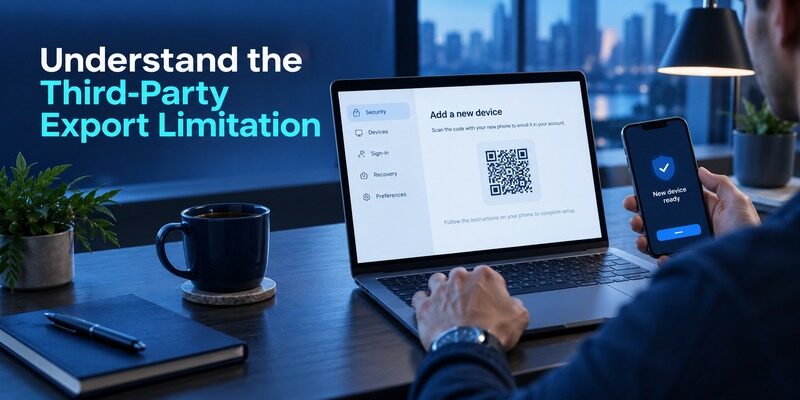
Duo’s Third-Party Accounts guide states that third-party entries cannot be exported from Duo Mobile. This affects the effort required to move a collection. A backup used by Duo Restore is not automatically a portable export for another authenticator.
For Begamob Authenticator vs Duo Mobile, the practical alternative is usually to change the authenticator through each protected service’s supported settings. Keep authenticated access and recovery information available, then register and confirm the replacement method account by account.
Do not give an unknown utility access to your phone or secrets merely because it promises a one-click export. A slower supported migration can be easier to verify. Maintain a non-secret list of accounts, status, and remaining checks so you can stop safely between sessions.
Use a Migration Checklist That Preserves Access
Complete the account-side confirmation
Sign in to the service, locate its authentication settings, and choose the supported replacement process. Add the new QR or manual key to the destination. Enter a current code when the service asks you to confirm enrollment.
The essential test in Begamob Authenticator vs Duo Mobile happens at the service. An entry appearing in Begamob does not prove that the website has activated its secret. Keep the existing session until a separate sign-in demonstrates the new method works.
Track old and new entries deliberately
Some replacement processes invalidate the former secret. Label the old entry as obsolete only after confirmation, then remove it when appropriate. Leaving two identically named entries with different secrets can create unnecessary rejection errors later.
If a particular service requires additional verification, pause that account and keep the others unchanged. There is no benefit in forcing an all-at-once move. A staged Begamob Authenticator vs Duo Mobile transition lets you resolve one provider’s requirements without disrupting every login you use.
Try a small personal account first, then wait until you have completed an ordinary login later in the day before moving more. That second use can reveal a confusing label or an obsolete entry that was overlooked during setup. If the provider replaces the secret, update the checklist immediately. A staged Begamob Authenticator vs Duo Mobile move should leave a clear stopping point after every account. You should be able to put the project down without wondering which phone or application is currently required for a particular service.
Evaluate Begamob for the Personal Accounts You Can Move
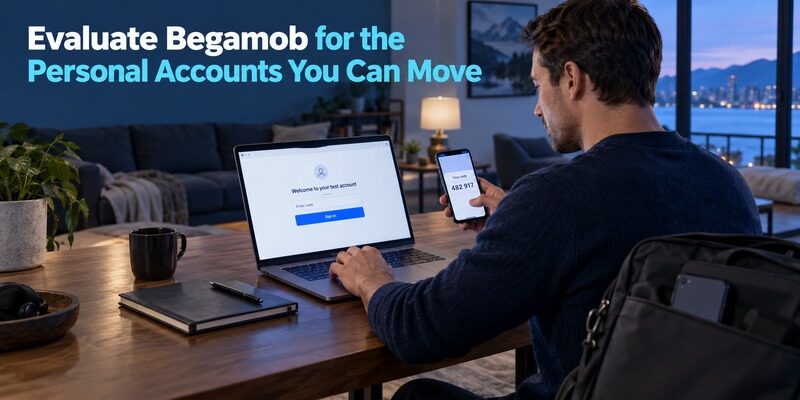
Use one recoverable test account
describes a dedicated mobile workflow for compatible TOTP entries, including QR or manual enrollment and offline code generation. Try one personal account that permits this method and has a retained recovery route.
In Begamob Authenticator vs Duo Mobile, assess a specific benefit: clearer labels, easier separation from work, or a preferred supported mobile routine. Check the current for device requirements and purchase terms before relying on it.
Keep mandated methods in place
The same compatibility principle applies to managed workflows. A personal TOTP alternative is relevant only where the service or organization allows it. A mixed setup can be the correct outcome when personal and work requirements differ.
Finish the trial by testing recovery as well as login. Inspect the current Begamob transfer or backup controls and verify what a replacement installation needs. If a required behavior remains unclear, retain working access while obtaining a documented answer.
Frequently Asked Questions
Can Begamob replace my employer’s Duo approval?
Do not assume so. Your employer controls the accepted method and enrollment process. A standard TOTP application cannot automatically reproduce a managed Duo registration. Keep the required app and use the organization’s approved support route if you need a different device or method.
Can I use Duo Mobile just for personal accounts?
Duo’s official guide says an organizational account is not required for personal third-party passcodes. Each protected service still controls enrollment and recovery. Review backup settings and retain the service’s recovery options before depending on the installation for important accounts.
Can I export all personal entries from Duo?
The official Third-Party Accounts guide says those accounts cannot be exported. Plan a service-by-service replacement if you want another authenticator, unless a newly documented supported route becomes available. Keep existing access until each new enrollment passes an independent login test.
Does restoring my work account restore personal entries too?
Do not assume that the processes are identical. Review Duo Restore instructions for your platform and account category, and follow your organization’s managed reactivation procedure separately. Verify every important personal entry after the device change rather than relying on one successful work approval.
Which app should a personal user choose?
Begamob Authenticator vs Duo Mobile depends on accepted account methods, daily usability, and recoverability. Duo can hold personal passcodes alongside managed use. Begamob can be trialed as a dedicated personal alternative, with current device support and recovery behavior verified before a wider move.
Sources reviewed: Duo Guide, Third-Party Accounts and Duo Restore documentation; Begamob product overview and current App Store listing.
Final Thoughts
Begamob Authenticator vs Duo Mobile has a clear boundary: managed Duo access follows organization policy, while compatible personal accounts may permit a choice of authenticator. Keep those categories separate throughout evaluation, migration, and device replacement.
Choose a personal workflow you can recognize and recover. Preserve required work enrollment, confirm every changed account at its service, and complete the recovery checks before retiring the old phone.
