
Begamob Authenticator vs LastPass: Which 2FA App Is Better?
Published October 9, 2026 · Updated October 21, 2026
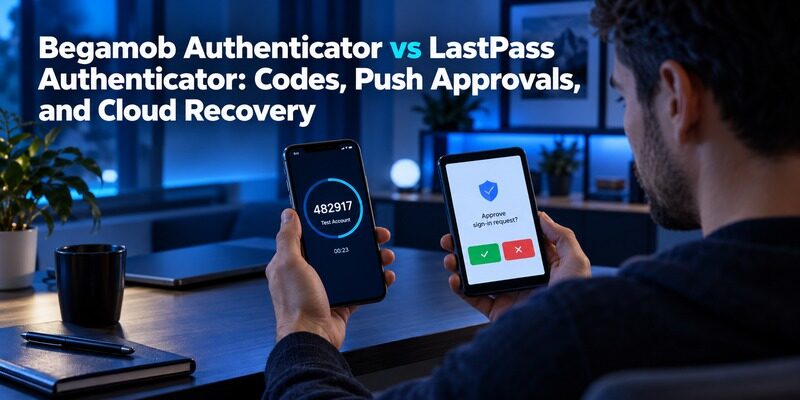
Choose LastPass Authenticator when its supported push or account-linked backup workflow fits your needs; trial Begamob for a dedicated supported mobile TOTP routine. Begamob Authenticator vs LastPass Authenticator should distinguish the authenticator application from the LastPass password vault before comparing recovery or migration.
Both code generation and account recovery deserve attention. A rotating number may remain available without a connection, while restoring an empty replacement phone can require an account, retained backup, and additional verification. Push registration can also behave differently from a restored ordinary code entry.
The Authenticator App Team prepared this comparison from LastPass’s official authenticator information and Begamob’s published product description. It does not claim hands-on security testing or a universal safety ranking. The focus is the documented workflow and the checks needed to preserve access during a change.
Separate LastPass Authenticator From the Password Vault
The authenticator has its own role
LastPass describes its Authenticator as a mobile application for standard TOTP accounts, with push approval available for supported logins. It is not simply the list of passwords stored in the password manager, even when the products are used together.
That distinction is fundamental to Begamob Authenticator vs LastPass Authenticator. Moving saved passwords to another manager does not prove that the separate authenticator’s entries have moved. Review both collections before deleting applications or closing an account.
Account-linked features add a relationship
LastPass’s current product information describes basic authenticator use without a LastPass account, alongside optional cloud backup linked to an account. Decide which arrangement you use before evaluating the implications of leaving the ecosystem.
If the backup depends on an account you plan to stop using, resolve the restore or migration route first. A change to billing or vault use should not accidentally remove a recovery prerequisite. Keep the working phone available while you verify what each account relationship provides.
Before changing products, make two non-secret lists: saved-login locations and authentication-entry locations. Mark where the lists refer to the same service, then note which account controls any backup relationship. This can reveal a dependency that is invisible during daily use. Begamob Authenticator vs LastPass Authenticator should not let the word LastPass collapse several products into one migration checkbox. The password collection, standard codes, supported push registration, and backup account each need their own completion evidence before the old arrangement is retired.
Secure your accounts with fast, reliable two-factor authentication. Download now and protect your login in seconds.Download Authenticator App
Begamob Authenticator vs LastPass Authenticator Comparison Table
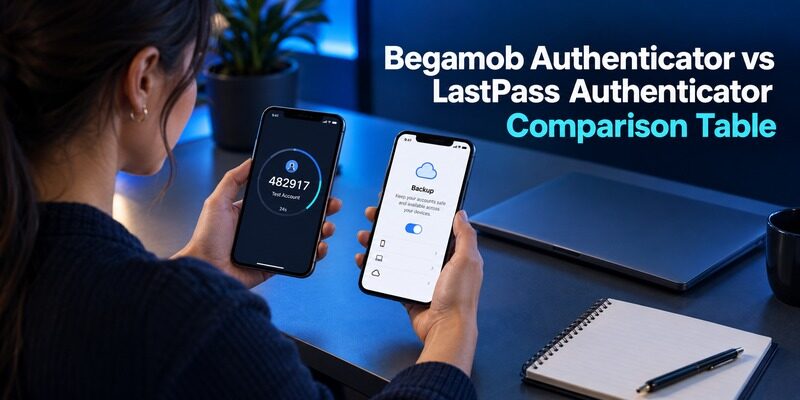
| Requirement | Begamob Authenticator | LastPass Authenticator |
|---|---|---|
| Standard compatible codes | Dedicated mobile TOTP workflow described | Standard TOTP accounts supported |
| Product scope | Mobile authenticator | Authenticator app distinct from password vault |
| Push approvals | Do not assume LastPass-specific compatibility | Available for supported configured logins |
| Basic account relationship | Verify current onboarding | Provider describes use without a LastPass account |
| Cloud recovery | Verify current implementation | Optional backup linked to a LastPass account |
| Password migration | Separate compatibility question | Vault migration does not prove Authenticator migration |
| Main evaluation | Mobile fit and demonstrated recovery | Backup prerequisites and code-versus-push behavior |
Begamob Authenticator vs LastPass Authenticator should be judged against the authentication method your service accepts. If a particular login depends on a configured LastPass approval relationship, a generic code app is not automatically an equivalent replacement.
For ordinary personal TOTP, compare the mobile routine and recovery arrangement directly. Missing confirmation of a Begamob feature should remain a question to verify, rather than being described as either a guaranteed capability or a proven absence. If you’re also evaluating a simpler standalone authentication workflow, our Begamob Authenticator vs Google Authenticator comparison offers another perspective on account setup, everyday code generation, and mobile usability.
Compare Code Entry With Supported Push Approval
Standard codes require the correct active secret
For a compatible time-based account, select the correct entry and submit a fresh code to the service. If the value is nearly expired, wait for the next interval. Check the account identity before assuming a rejection means the application is defective.
The code-generation side of Begamob Authenticator vs LastPass Authenticator does not justify claims that one brand’s ordinary TOTP digits are inherently stronger. The enrollment, device protection, and accepted service method remain important parts of the setup.
Push is a configured workflow
LastPass advertises push approval for supported logins. Do not interpret that as universal push support for every website whose standard TOTP entry appears in the app. Review the current instructions for the particular service and account configuration. Although authenticator apps can support different verification experiences, standard TOTP codes follow a time-based process. Our guide to how TOTP authenticator apps work explains code generation, QR code enrollment, and the role of device time in successful verification.
Approve only requests associated with activity you initiated and recognize. If the request is unexpected, use the supported denial or reporting process. Switching applications does not remove the need to distinguish a legitimate sign-in from an unsolicited request.
Make Cloud Backup a Deliberate Choice
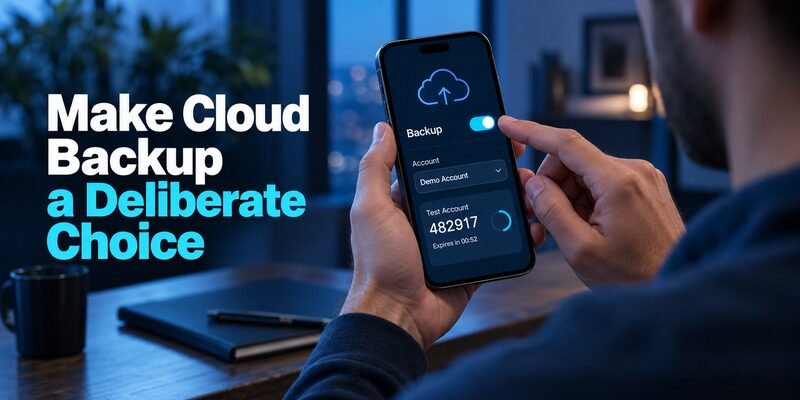
Confirm that the intended backup exists
LastPass’s current authenticator information describes opt-in cloud backup associated with a LastPass account. Check the setting, account identity, and completion status in the current application. Installing the app alone should not be treated as evidence that a cloud copy exists.
For Begamob Authenticator vs LastPass Authenticator, a recovery plan should name the last verified backup and the entries it contains. A backup created before a new account was enrolled may not contain that account unless the documented update process has completed.
Verify access to the account behind the backup
Determine how you would reach the backup after losing the phone. Read the current restore instructions and identify the required credentials and verification methods. Keep an independently available route where the provider supports one.
Do not describe a cloud backup as guaranteed instant recovery. Restore depends on prerequisites and current data. A successful rehearsal with a low-risk account is more useful than a promise based on a feature label or a promotional estimate.
A useful backup review checks the intended account identity, the latest successful update, and the presence of a recently enrolled low-risk entry. Then identify the device and credentials you would use for a supported restore. Begamob Authenticator vs LastPass Authenticator should assess those observable conditions rather than relying on the memory that backup was enabled long ago. If the account collection has changed, review the current copy before replacing the phone or changing the account relationship that makes restoration possible.
Avoid a Recovery Loop Around Your LastPass Account
The unavailable app cannot be the only doorway
If the authenticator also protects the account needed to restore its backup, trace the sequence carefully. Identify the provider’s supported alternative authentication and recovery options before the phone becomes unavailable. Do not rely solely on an existing logged-in session.
The account-dependency question in Begamob Authenticator vs LastPass Authenticator is separate from whether the code app is easy to use. A clean interface does not resolve an unavailable verification step during a fresh account sign-in. If cloud backup and device recovery are important factors in your decision, our Begamob and Authy comparison offers another perspective on keeping authentication codes accessible when replacing or losing a phone.
Keep recovery roles clearly labeled
A vault password, a recovery method, a backup setting, and a website’s emergency codes perform different jobs. Record their purposes and protected storage locations in a non-secret checklist. Avoid placing every secret into that same document for convenience.
For organization-managed LastPass access, follow administrator policy. A personal workaround should not replace a mandated authentication arrangement. Obtain the approved device-change or recovery route while you still have normal authorized access.
Test a Replacement Phone Before Retiring the Original
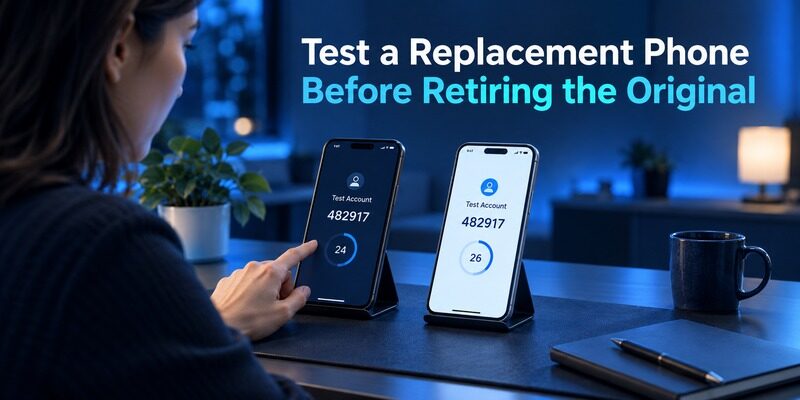
Restore ordinary entries and verify them individually
Follow the current supported restore process for your operating system and account. Inspect the restored account identities and test fresh sign-ins for important services. Matching the number of entries is not enough to prove that each secret is current. Before replacing your current authenticator, make sure every important account can be recovered or transferred safely. Our guide to moving from Google Authenticator to Proton Authenticator provides a practical example of checking transfer compatibility and verifying codes before removing an old installation.
In Begamob Authenticator vs LastPass Authenticator, the replacement-phone test should preserve the original working device. Avoid factory-resetting it simply to make the test feel realistic. You can establish the important prerequisites without deliberately removing your fallback.
Check push behavior separately
A restored TOTP entry and an active push relationship are not the same success condition. LastPass’s current product information describes different behavior for supported push approvals across devices. Verify which device receives requests in your actual setup.
If a managed account requires reactivation, complete the approved procedure and test it. Do not assume that successfully generating one personal code proves every work approval has moved. Keep account categories separate in the device-change checklist. If push approvals are important to your authentication workflow, our Begamob Authenticator vs Duo Mobile comparison explains another distinction between standard TOTP codes and service-managed approval requests.
Set aside a period when both phones remain available, charged, and under your control. Complete the ordinary-code checks and the supported push checks separately, then use the new device during a normal login later. That second use can expose a confusing label or an approval still arriving elsewhere. Begamob Authenticator vs LastPass Authenticator should treat the transition as complete only after the required account types work and future recovery is understood. A successful restore screen alone is not evidence for every service you use.
Plan a Password-Manager Exit and an Authenticator Exit Separately
Inventory both collections
List the websites saved in the password manager and the entries held in the authenticator without copying secrets into the inventory. Identify which accounts use push, which use ordinary codes, and which have independent recovery methods.
This inventory makes Begamob Authenticator vs LastPass Authenticator practical for someone leaving LastPass. It prevents a successful password import from creating false confidence about authentication access. A destination vault full of usernames does not demonstrate that the separate code collection is usable there.
Read the destination’s exact import scope
For example, 1Password’s official LastPass import guidance distinguishes LastPass Authenticator codes from the password-vault import. That illustrates why migration scope must be checked explicitly rather than inferred from a product’s general “import from LastPass” label.
For Begamob Authenticator vs LastPass Authenticator, verify the current export and import format before promising a direct transfer. Do not assume a standard enrollment QR, a transfer QR, and a password CSV are interchangeable. Each route has its own data and compatibility requirements.
Use service-side replacement when necessary
If direct compatibility cannot be established, sign in to each protected service and follow its authenticator-change process. Retain a working session, enroll the new secret, complete confirmation, and test an independent login before removing the old entry.
Keep progress notes containing account names and completed checks. Work in manageable groups and pause safely when a service needs additional verification. There is no need to put every account at risk just to finish the move in a single session.
Use a Failure Table to Choose the Next Action
| Symptom | What to distinguish | Next useful action |
|---|---|---|
| Phone unavailable | Existing backup or no usable copy? | Follow verified restore or service recovery |
| Backup account cannot open | Missing credential or blocked MFA? | Use the provider’s supported alternative route |
| Personal code fails | Wrong identity, timing, or old secret? | Check the active enrollment before reinstalling |
| Push arrives elsewhere | Code restore or push registration issue? | Review current device registration instructions |
| Passwords moved but codes did not | Separate product collections | Complete an authenticator-specific migration |
| Account ownership changed | Personal or organization-managed access? | Follow the appropriate administrator or service process |
Begamob Authenticator vs LastPass Authenticator should not make migration the default repair for every symptom. Diagnose the layer first. Correcting device time or choosing the right account can be simpler than changing software and handling new setup secrets.
If all usable authentication material is gone, the protected service may need to recover the account before either application can be enrolled. An authenticator cannot reconstruct the secret from a provider logo, account label, or remembered six-digit value.
Review Trust Through Current Evidence and Your Own Requirements
Separate product facts from broad assurances
Read the provider’s current security and incident information when it is relevant to your decision. Consider what data and account relationships your proposed setup actually uses. Avoid treating any vendor’s broad reassurance as proof that every possible configuration is equally suitable.
Begamob Authenticator vs LastPass Authenticator is not a claim that an unfamiliar alternative has been independently proven safer. Compare documented controls, recovery behavior, distribution sources, and the consequences of losing access. State what you know and investigate what matters but remains unclear.
Test the routine you can sustain
Use realistic labels, include app unlock, and practice a normal sign-in without rushing. Review the recovery plan after significant changes to devices or enrolled accounts. A procedure that is too confusing to maintain can fail even when the application’s individual features are useful.
The same method distinction applies when considering . Standard compatible codes, account synchronization, and managed approvals should be compared as separate capabilities rather than one undifferentiated security score.
A trust review should also distinguish historical information from the current configuration you are considering. Read the provider’s own incident guidance where relevant, identify which product and data type it concerns, and assess the recommended actions for your account. Do not generalize one statement to every unrelated application or claim that changing brands alone resolves all exposure. Keep the final decision tied to documented controls and a tested access plan that you can maintain after the comparison is no longer fresh in memory.
Evaluate Begamob as a Focused Mobile Alternative
Set one clear reason for the trial
describes compatible mobile TOTP enrollment through QR or manual setup and offline generation. Choose one recoverable personal account and define the improvement you want, such as clearer labels or a preferred dedicated code routine.
For Begamob Authenticator vs LastPass Authenticator, check the current for supported devices and purchase terms. Do not infer LastPass push compatibility, a particular cloud architecture, or direct bulk import from a mobile listing.
Require a working recovery route before expanding
Inspect current Begamob backup or transfer controls and identify what a replacement installation requires. Test a supported route while the original account access remains available. If an essential behavior is unclear, keep the established setup until the question is resolved.
The result of Begamob Authenticator vs LastPass Authenticator can be a selective move. Retain mandated approvals where required and use a dedicated app for compatible personal accounts where it improves the routine. Keep the resulting arrangement simple enough to explain during an unexpected phone replacement.
For the trial, choose an account whose loss would be inconvenient rather than disastrous, and retain the provider’s recovery route first. Check the entire ordinary routine, then the supported replacement-device route. If a result is unclear, preserve both working arrangements while resolving it. Begamob Authenticator vs LastPass Authenticator becomes a manageable choice when each step produces specific evidence: accepted enrollment, accepted independent login, clear account identity, and reachable recovery. That evidence can justify a wider move or show that the current setup remains the better fit.
Frequently Asked Questions
Is LastPass Authenticator the same as the password vault?
No. It is a distinct authentication application, even when used with a LastPass account or password manager. Review its entries separately during migration. Moving saved passwords does not prove that the authenticator collection, backup relationship, or push registration has also moved.
Do I need a LastPass account for every use?
LastPass describes basic authenticator use without an account and optional account-linked cloud backup. Identify which arrangement you use and verify the current prerequisites. Do not assume that a freshly installed app automatically has a recoverable cloud copy of every entry.
Can Begamob reproduce LastPass push approvals?
Do not assume that compatibility. Push approval is a configured supported workflow, while a generic TOTP app supplies codes for services accepting that method. Follow the service or administrator’s accepted enrollment process before replacing a required LastPass relationship.
Will a password CSV move my authenticator entries?
Do not rely on that assumption. Check the source export and destination import scope explicitly. If the authenticator data is excluded or incompatible, complete a separate supported transfer or replace enrollment at each service while preserving existing access and recovery options.
Which app makes more sense for personal codes?
Begamob Authenticator vs LastPass Authenticator depends on your preferred mobile routine and verified recovery route. LastPass offers a documented account-linked backup option; Begamob can be evaluated as a dedicated alternative. Test a small account before moving the collection or ending an existing backup relationship.
Sources reviewed: LastPass official 2026 authenticator overview and account setup guidance; 1Password Support, Import from LastPass; Begamob product overview and current App Store listing.
Final Thoughts
Begamob Authenticator vs LastPass Authenticator should be decided with the product boundaries clear. Ordinary codes, supported push approvals, password-vault migration, and cloud recovery are related tasks with different prerequisites. LastPass’s documented ecosystem features should be compared against an actually verified Begamob mobile workflow.
Keep working access during the trial, confirm each changed account at its service, and preserve an independent recovery route. Complete both the password and authenticator migration checks before retiring the old setup.
