
What Is Digital Identity Recovery? Meaning, Process & Security Guide
Published November 9, 2026 · Updated November 11, 2026
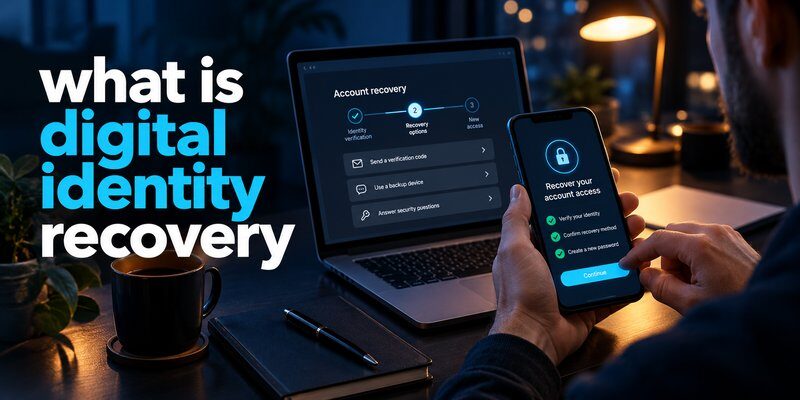
What is digital identity recovery? Digital identity recovery is the process of restoring access to your online identity, accounts, and associated credentials after losing access, experiencing a security breach, or facing identity theft. It involves verifying your identity, recovering account access, replacing compromised credentials, and restoring security controls.
In simple terms, digital identity recovery helps you prove that you are the legitimate account owner when your normal login methods no longer work.
Whether you have lost your phone, forgotten a password, or discovered unauthorized access to an important account, understanding what is digital identity recovery can help you respond safely.
Key takeaways:
- Digital identity recovery restores verified access to your accounts and digital services.
- Recovery methods may include backup codes, trusted devices, recovery contacts, and identity verification.
- Multi-factor authentication (MFA) helps secure accounts after recovery.
- A successful recovery does not automatically reverse identity theft or data exposure.
1. What Is Digital Identity Recovery? Meaning and Definition
Digital Identity Recovery Explained
To understand what is digital identity recovery, start with the meaning of digital identity.
Your digital identity is the collection of information, credentials, and identifiers that digital services use to recognize or authenticate you.
Depending on the platform, your digital identity may include:
- Email addresses and usernames
- Passwords and passkeys
- Authentication devices
- Verified phone numbers
- Identity documents
- Account recovery information
- Security credentials and access permissions
These elements help services determine whether someone attempting to access an account is authorized.
Digital identity recovery is the broader process of regaining control over these identity-related resources when something goes wrong.
For example, imagine losing the smartphone used to approve login requests for your email account. Even if you remember your password, you might be unable to complete authentication.
A recovery process can help you verify ownership, regain access, and register a replacement authentication method.
Digital Identity Recovery Meaning in Cybersecurity
The digital identity recovery meaning goes beyond resetting a forgotten password.
It may involve restoring access to multiple accounts, replacing authenticators, reviewing unauthorized changes, and protecting identity-related information from further misuse.
A useful digital identity recovery definition is:
A controlled process for re-establishing legitimate access to digital accounts and identity credentials through verified recovery methods and security checks.
This is a practical definition rather than the name of one universal technical protocol.
The National Institute of Standards and Technology (NIST), in its Digital Identity Guidelines, SP 800-63-4 published in July 2025, addresses identity proofing, authentication, and credential management as related but distinct security functions.
Understanding what is digital identity recovery therefore requires recognizing that different services may use different verification and recovery procedures.
A social media platform, bank, employer, and government identity service may each require different evidence before restoring access.
Download Authenticator App
Secure your accounts with fast, reliable two-factor authentication. Download now and protect your login in seconds.
2. Why Digital Identity Recovery Matters in 2026
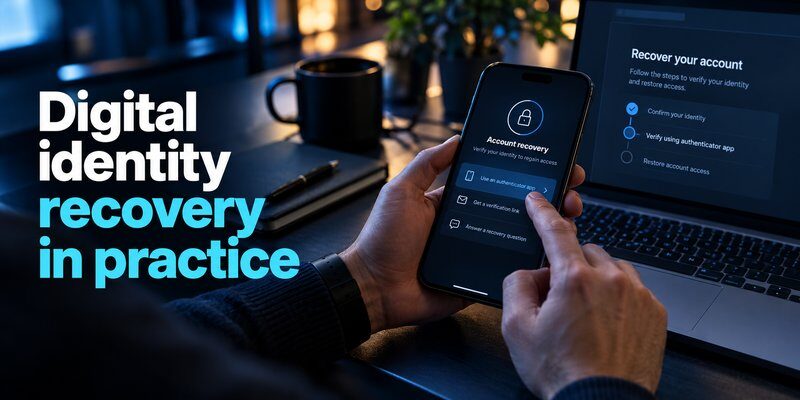
Digital identities play an essential role in everyday activities.
People use online accounts to manage financial information, communicate with others, access healthcare services, store documents, and complete business transactions.
Losing control of these accounts can create significant problems.
Account Takeovers and Credential Theft
One reason people search for what is digital identity recovery is the growing risk of account compromise.
According to Verizon’s 2025 Data Breach Investigations Report, the use of stolen credentials was involved in approximately 22% of analyzed breaches as an initial access vector.
This finding highlights the importance of protecting account credentials and maintaining secure recovery options.
Attackers may obtain credentials through phishing, reused passwords, malware, or previous data breaches.
Once an attacker gains access, they may attempt to change passwords, modify recovery information, or enroll their own authentication methods.
Recovery becomes more difficult when the legitimate owner can no longer use previously trusted credentials.
The Financial and Personal Impact
IBM’s Cost of a Data Breach Report 2025 reported an average global organizational data breach cost of $4.44 million.
This figure measures organizational breach costs rather than the cost of recovering an individual account. However, it demonstrates the financial consequences of security failures.
For individuals, the consequences may include:
- Losing access to personal or business communications
- Unauthorized financial transactions
- Exposure of sensitive documents
- Misuse of personal information
- Disruption of work or essential services
When considering what is digital identity recovery, the goal is not simply to regain access quickly.
The recovery process must prevent attackers from exploiting the same procedures to take control of an account.
Security and usability must work together.
A recovery method that is too weak may allow impersonation. A process that is excessively restrictive may permanently lock out legitimate users.
3. How Does Digital Identity Recovery Work?
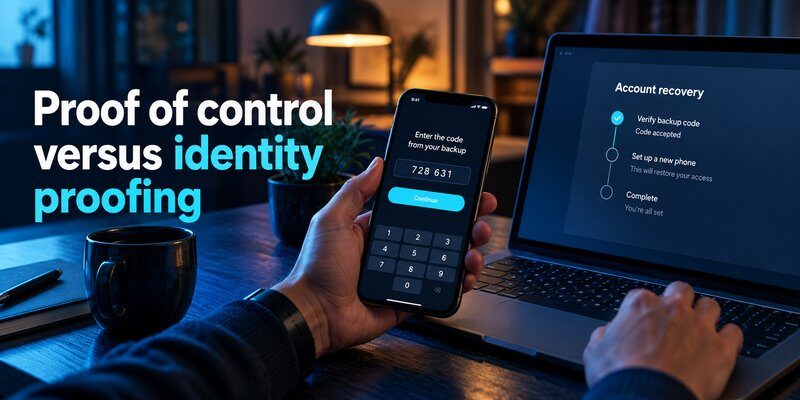
Step 1: Identify the Recovery Situation
The first step is determining why access was lost.
Common situations include:
- Forgotten passwords
- Lost or damaged authentication devices
- Unavailable verification codes
- Disabled or suspended accounts
- Suspected account compromise
- Unauthorized changes to recovery information
The recovery strategy depends on the underlying problem.
For example, recovering from a forgotten password is usually simpler than recovering an account whose password and recovery email were changed by an attacker.
When people ask what is digital identity recovery, this distinction is especially important because different problems require different levels of verification.
Step 2: Verify Account Ownership
The second step is identity verification.
A service may request evidence that connects you to the existing account.
Depending on the provider and account type, verification could involve:
- A previously registered security key or passkey
- An existing trusted authentication session
- A recovery code issued during setup
- A verified recovery email or phone number
- A prearranged recovery contact
- Additional identity proofing
Not every service supports every recovery method.
For higher-assurance services, additional identity evidence may be necessary.
NIST SP 800-63B-4 describes account recovery approaches that can use recovery codes, recovery contacts, or repeated identity proofing, depending on the circumstances.
This provides an important foundation for understanding how does digital identity recovery work in modern authentication systems.
Step 3: Restore Access and Replace Credentials
Once account ownership is verified, the provider may allow the user to regain access.
This can involve creating a new password, registering a new authenticator, or replacing a lost credential.
The previous credential may need to be revoked to prevent continued unauthorized use.
Users should also review the account’s active sessions and connected devices.
Step 4: Re-establish Account Security
The final step is protecting the restored account.
This may include enabling MFA, generating new recovery codes, removing unfamiliar devices, and updating recovery information.
Restoring access without addressing the original security problem leaves the account vulnerable.
Therefore, understanding what is digital identity recovery includes knowing how to secure an account after the recovery process is complete.
4. Digital Identity Recovery Methods That Actually Help

There is no single recovery method suitable for every platform.
A reliable recovery strategy combines multiple independently accessible options.
Method 1: Backup and Recovery Codes
Recovery codes are typically generated when you enable additional account security.
They provide an alternative way to regain access when your normal authenticator is unavailable.
For example, losing a phone does not necessarily mean losing access to an account if you previously saved valid recovery codes.
Store recovery codes in a secure location separate from the device they protect.
Some services issue single-use codes, while others offer different emergency recovery credentials.
Never assume the same recovery code works across multiple services.
Method 2: Trusted Devices and Existing Sessions
Some providers allow account recovery through a device or session that has already been authenticated.
For example, a laptop that remains signed in may provide access to security settings even when your primary phone is unavailable.
This can help you update recovery methods before losing your remaining access.
However, a trusted device is only useful if the provider recognizes it and permits the required security changes.
Method 3: Authenticator Backup and Restoration
Authentication apps generate or manage credentials used to verify account access.
An Authenticator app commonly supports time-based one-time passwords, although features vary by application.
Some applications support encrypted backup, synchronization, or device migration.
Others store credentials locally or require a manual transfer.
If you have previously configured a supported backup mechanism, you may be able to restore credentials on a replacement device.
For additional instructions, see authenticator app restore from backup.
Important: Restoring an authenticator does not guarantee that every connected service will accept the restored credentials. Some services require re-enrollment.
When exploring what is digital identity recovery, remember that authentication backup and identity verification are related but different processes.
Method 4: Passkeys and Security Keys
Passkeys use public-key cryptography to authenticate users without requiring a traditional password.
Some passkeys are synchronized through a credential provider, while others are stored on individual devices or hardware security keys.
A properly configured passkey may help maintain access when another authentication method is unavailable.
However, a passkey is only useful for recovery if the service supports it and you can still access the associated credential.
Registering more than one supported authentication method can reduce dependence on a single device.
Method 5: Official Identity Verification
When all usual recovery methods are unavailable, some services offer additional verification.
This might involve confirming identity documents, validating existing account information, or contacting an authorized support team.
Financial institutions and regulated services may apply stricter procedures.
Never submit identity documents or recovery credentials through an unsolicited email, social media message, or unofficial support page.
The answer to what is digital identity recovery ultimately depends on the recovery options supported by the account provider.
5. How to Recover Your Digital Identity After Losing Access
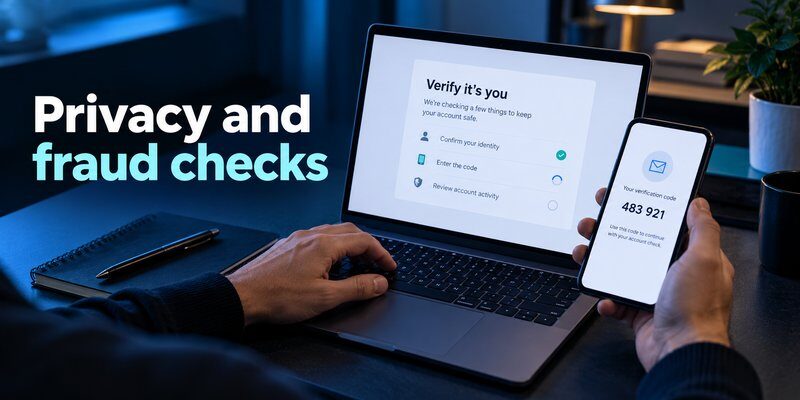
Understanding the concept is useful, but knowing what to do during an actual lockout is even more important.
The following scenarios illustrate practical recovery approaches.
Scenario 1: You Lost Your Smartphone
If your phone contained your authentication credentials, begin by checking whether you have another approved login method.
Recommended actions:
- Open the account provider’s official recovery process.
- Check for saved recovery codes or registered security keys.
- Use an existing trusted session if available.
- Restore authenticator credentials from a supported backup.
- Register your replacement device.
- Revoke credentials associated with the lost phone when appropriate.
If your device may have been stolen, use your operating system’s device-protection features and review account sessions.
For Google-related authentication problems, the guide to Google Authenticator lost access provides additional context.
A lost device does not automatically mean the entire digital identity has been compromised, but it creates a risk that should be addressed.
Scenario 2: You Cannot Access Your Microsoft Authenticator
If you cannot approve a Microsoft account login, first determine whether another sign-in method is available.
Depending on your account configuration, you may be able to use a different registered authentication factor or an existing session.
Work and school accounts can have administrator-managed recovery policies.
For more details, see Microsoft Authenticator recovery.
Avoid repeatedly resetting the application without confirming whether your credentials have been backed up.
Deleting an authenticator application may remove locally stored information.
Scenario 3: Your Account Was Hacked
A compromised account requires a different approach from a normal login problem.
If you suspect unauthorized access:
- Start the provider’s official account recovery process.
- Secure your primary email account and related recovery channels.
- Change compromised passwords from a trusted device.
- Remove unfamiliar sessions and authentication methods.
- Review changes to account settings and contact information.
- Check for unauthorized transactions or forwarded messages.
Do not assume that changing your password automatically terminates every active session.
Some providers require explicit session revocation.
When someone searches what is digital identity recovery after an account takeover, the most important objective is restoring exclusive control to the legitimate owner.
Scenario 4: You Lost Access to Multiple Accounts
Losing access to several accounts can be particularly challenging because online identities are often interconnected.
A primary email address may serve as the recovery channel for banking, shopping, productivity, and social media accounts.
Prioritize the accounts that control access to others.
A practical recovery order is:
- Primary email and identity-provider accounts
- Password manager and authentication credentials
- Financial accounts
- Work and business accounts
- Social media and other personal services
The exact order may change if financial fraud or an active workplace compromise requires immediate action.
Keep records of recovery requests and security changes, but never record passwords or recovery codes in unsecured notes.
For users asking what is digital identity recovery, recognizing these dependencies helps prevent a single incident from spreading across multiple services.
6. How to Protect Your Recovered Digital Identity
Recovering access is only one part of long-term identity security.
Preventive measures can significantly reduce the inconvenience of future lockouts.
Enable Multi-Factor Authentication
MFA adds another verification requirement beyond a password.
Depending on the service, this may involve an authenticator-generated code, a passkey, a hardware security key, or another approved method.
Time-based one-time passwords provide additional protection against password-only attacks.
However, one-time codes can still be stolen through phishing, so phishing-resistant methods such as properly implemented passkeys or FIDO2 security keys are preferable when available.
For users who want to strengthen account access, the two factor authentication app guide explains common authentication options.
You can also Download authenticator app to explore supported two-factor authentication features for compatible accounts.
Remember that an authentication app helps protect access; it does not independently recover an account when the provider cannot verify ownership.
Maintain Independent Recovery Options
For effective protection, avoid depending on only one device or account.
Consider maintaining:
- Securely stored recovery codes
- A second registered authentication method
- An updated recovery email
- A verified recovery phone number where appropriate
- A trusted backup device
- Supported encrypted credential backups
Users exploring what is digital identity recovery often discover that the best recovery preparation happens before access is lost.
Make sure recovery information is current and that your backup methods can be accessed independently.
Keep Authentication Credentials Organized
Device migration should be treated as a security task rather than simply an app installation.
Before replacing a phone, check whether each important account supports credential transfer, cloud backup, or additional authentication methods.
For desktop-related questions, the guide to google authenticator for mac discusses authentication options and compatibility considerations.
Apple users can also explore apple authenticator to understand authentication features across Apple’s ecosystem.
Avoid assuming that switching phones automatically transfers every authentication credential.
Review Security Settings Regularly
At least periodically, review your most important accounts.
Confirm that recovery contacts are correct, remove unknown devices, and check whether your authentication options still work.
Keep devices updated and use unique passwords for services that require them.
A strong recovery plan should be both secure and realistic enough to use during an emergency.
That principle is central to understanding what is digital identity recovery from a practical security perspective.
7. Digital Identity Recovery vs. Related Security Processes
Different security terms are sometimes used interchangeably, even though they describe different activities.
Understanding these distinctions can help users choose the correct recovery process.
Digital Identity Recovery vs. Account Recovery
Account recovery focuses on restoring access to a particular online account.
Digital identity recovery can have a wider scope, involving multiple accounts, authentication credentials, and associated identity information.
For example, resetting an email password is account recovery.
Recovering access to your primary email, replacing stolen authentication credentials, securing connected services, and re-establishing ownership of compromised accounts represents a broader identity recovery effort.
The two processes overlap, but they are not always identical.
Digital Identity Recovery vs. Identity Verification
Identity verification is the process of determining whether a person is who they claim to be.
Recovery uses that verification, where required, to restore legitimate control.
In other words, verification can be one component of recovery, but it is not the entire recovery process.
NIST’s 2025 Digital Identity Guidelines distinguish identity proofing from authentication and authenticator management.
This helps clarify what is digital identity recovery in services with different identity assurance requirements.
Digital Identity Recovery vs. Identity Theft Recovery
Identity theft recovery addresses the consequences of stolen or misused personal information.
It may involve disputing fraudulent transactions, reporting identity misuse, correcting affected records, and monitoring for additional fraud.
Digital identity recovery primarily concerns restoring access and control over digital identities and related accounts.
A person who experiences identity theft may need both processes.
Regaining access to an online account does not automatically undo fraudulent activity or remove previously exposed personal data.
When evaluating what is digital identity recovery, this distinction prevents users from treating password resets as a complete response to identity fraud.
8. Frequently Asked Questions About Digital Identity Recovery

What is digital identity recovery in simple terms?
What is digital identity recovery? It means restoring legitimate access to your online identity and accounts after losing credentials, becoming locked out, or experiencing a security incident.
The process typically involves account ownership verification, credential replacement, and security improvements.
Is digital identity recovery the same as resetting a password?
No. A password reset is one possible recovery action.
Digital identity recovery may also involve replacing authentication devices, proving identity, securing connected accounts, and removing unauthorized access.
A new password alone may not resolve a compromised digital identity.
How long does digital identity recovery take?
There is no universal recovery time.
Some accounts can be restored quickly using valid backup codes or previously registered authentication methods.
Other cases require additional verification, administrative review, or provider-specific waiting periods.
Complex identity theft or fraud cases may take considerably longer.
Can I recover my digital identity without my phone?
Sometimes.
If you registered another authentication method, saved recovery codes, or maintained a trusted session, you may still have a valid recovery route.
If none of those options is available, you must use the provider’s official recovery procedure.
Recovery is not guaranteed when all verification methods have been lost.
Can an authenticator app help with digital identity recovery?
Yes, indirectly.
An authenticator may provide an existing authentication factor or allow restoration of backed-up credentials, depending on its features and the provider’s requirements.
It can also help protect accounts after successful recovery.
However, an authenticator application cannot override a provider’s identity verification rules or guarantee account access.
What should I do if my digital identity has been stolen?
Secure your primary email, contact affected service providers, report unauthorized activity, and change compromised credentials.
Remove unfamiliar authentication methods and active sessions wherever possible.
If financial information or official identity documents were misused, contact the relevant institution or authority.
Act quickly, but use verified recovery channels rather than unsolicited recovery services.
How can I prevent losing my digital identity again?
Use unique passwords or supported passkeys, enable MFA, store recovery codes securely, and register independent backup authentication methods.
Periodically review account security settings and maintain updated recovery information.
For anyone asking what is digital identity recovery, prevention is an essential part of maintaining secure, continuous account access.
Final Thoughts
Understanding what is digital identity recovery helps you prepare for account lockouts, stolen credentials, lost devices, and unauthorized access.
Successful recovery involves more than regaining a password. It requires verifying ownership, restoring legitimate access, replacing compromised credentials, and preventing future misuse.
The most effective strategy is to establish secure recovery options before an emergency occurs.
Protect your important accounts with multi-factor authentication, maintain independent backup methods, and review your security settings regularly.
Take the next step: Download Authenticator App for iPhone to help secure compatible accounts with supported authentication methods.
Download Authenticator App
Secure your accounts with fast, reliable two-factor authentication. Download now and protect your login in seconds.
