
Check Email Data Breach Free Online: Fast, Safe Options
Published October 21, 2026
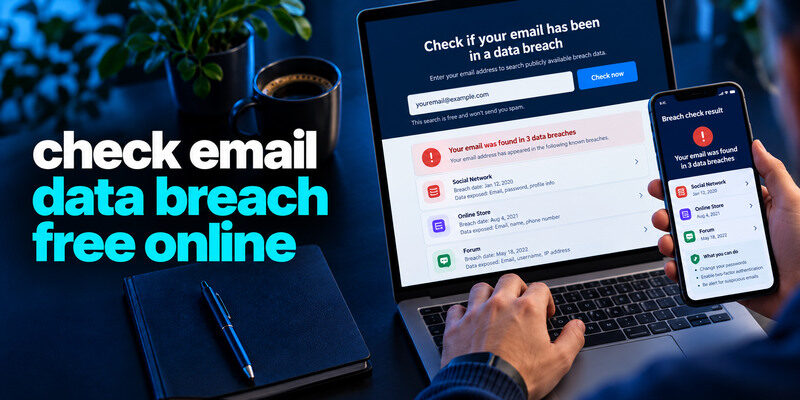
To check an email data breach free online, enter your address on the genuine Have I Been Pwned site for a quick known-breach search, or use Mozilla Monitor if you also want ongoing alerts. Neither requires your mailbox password for an email lookup. Read the named incident and exposed-data categories before acting: an address match is not proof of inbox takeover, while a clean result covers only the datasets the checker knows.
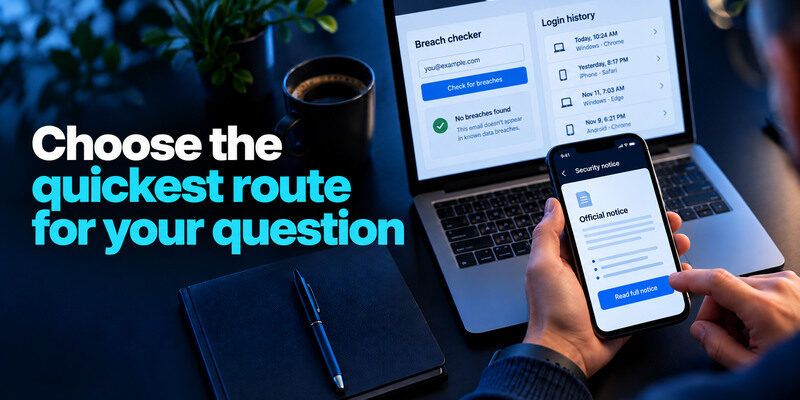
Choose the quickest route for your question
| Your question | Free starting point | What to do after |
| Was this address in a known breach? | HIBP email search | Read incident and data fields |
| Can I get future alerts for my addresses? | Mozilla Monitor | Verify addresses and protect alert account |
| Is a saved password compromised? | Existing password manager | Change it at the real website |
| Did someone enter my mailbox? | Email provider’s security activity | Revoke unknown sessions and fix recovery |
A breach checker and a login-history page are different tools. Do not search ten sites hoping their scores will add up to certainty. Pick the source that can answer the specific question, then use the affected provider’s official notice to refine the result. Current free-plan details may change, so verify the service’s own help page.
Secure your accounts with fast, reliable two-factor authentication. Download now and protect your login in seconds.Download Authenticator App
Option 1: a direct HIBP email search
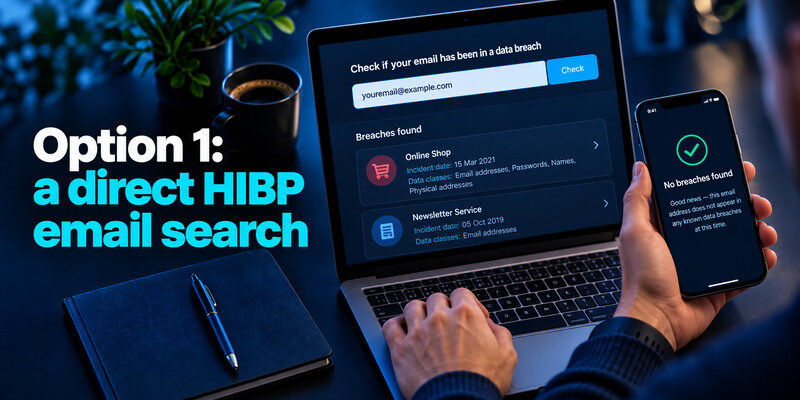
Type the official Have I Been Pwned address yourself or use a saved bookmark. Enter your own email address and review any named breaches. Read incident dates and data classes instead of stopping at the number of matches. An old shopping breach with an exposed reused password calls for a different response from an address-only newsletter leak.
If you are new to the service, read our guide explaining what Have I Been Pwned is to understand how its email search works, what a breach match means, and why the results cannot confirm whether someone accessed your inbox.
What the result can and cannot say
It can show that an address appears in a dataset loaded by HIBP. It cannot prove the current mailbox was accessed or that every exposed field was in your personal record. An incident may be added after its original date. Confirm with the provider’s own notice if the scope matters. HIBP’s FAQ explains limitations and record types.
If no match appears
That is limited good news. Private, unreported, or recent incidents can be absent. Keep a unique email password and MFA, and investigate direct signs such as changed forwarding or an unknown successful session. A clean result is not a reason to reuse credentials.
Option 2: Mozilla Monitor for repeat checks
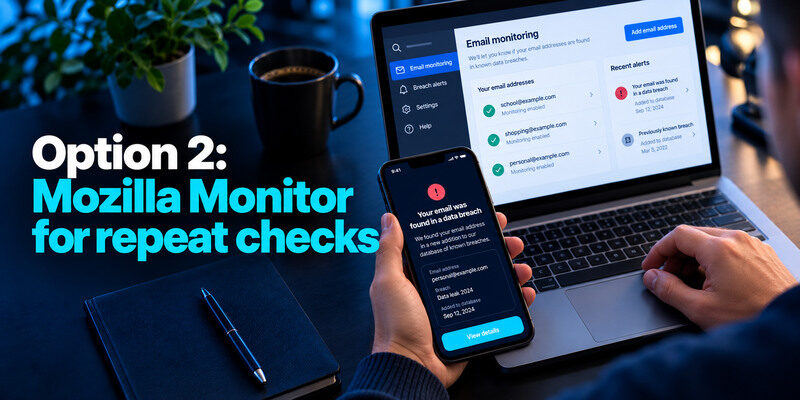
Mozilla Monitor provides email breach scanning and alerts after account setup. Its current help describes a free monitoring service for multiple addresses. This is useful if you have an old school, shopping, or personal address and want notifications when known data is added. Verify each address through the genuine service and protect the notification mailbox.
Email breach alerts are one form of ongoing exposure monitoring, but monitoring services differ in their coverage and the types of information they track. Our guide on what dark web monitoring is explains how alerts work, what they can detect, and why they cannot guarantee complete visibility into leaked data.
Use alerts as leads
An alert can refer to an old incident newly added to the dataset. Check the breach date, service, and fields before assuming new abuse. The affected company may have an account-specific notice. Do not use the alert email’s link if it looks unusual; open Mozilla Monitor independently.
Do not confuse monitoring with removal
The service may guide you through protective steps, but a checker cannot guarantee deletion of every copy of breached data. Mozilla’s separate premium data-broker product changed in 2026, so check current terms for any extra feature. The free email-breach check is the relevant function for this query.
Protect your privacy while checking
A real email breach search needs the address, not its password, a current MFA code, a full card number, or a government identifier. Check the full domain and privacy policy. Avoid search ads, urgent texts, and “dark web” pages that demand payment before showing a generic red warning. Do not enter another person’s address unless you are authorized to manage it.
| Request from a checker | Reasonable for basic email search? | Safer action |
| Email address | Yes | Use genuine site |
| Mailbox password | No | Stop and close page |
| One-time sign-in code | No | Never share it |
| Payment card for a “free” result | Suspicious | Verify terms and use basic search |
| Full identity document | No | Use official incident or identity route |
A fake page can mimic a real breach
A scammer can name a real company and display a plausible incident date. Verify the result in a reputable checker and the affected company’s official site. Do not sign in through a popup triggered by a link in a message. A genuine incident does not make every related email safe.
Think before adding more personal fields
Some products offer wider monitoring in exchange for phone numbers, addresses, or identity data. Decide whether the added alert is worth the data you provide. For an email-only question, start with an address lookup. Keep sensitive-identifier decisions tied to a trustworthy provider and a concrete risk.
Read the data classes before changing anything

A breach listing may include passwords, names, phone numbers, or other data. If a password was exposed or reused, change it at the real site and every other place it was used. If only the email address leaked, keep the mailbox protected and expect targeted phishing; a blanket password rotation may be unnecessary. For payment or identity data, use the relevant bank and FTC guidance rather than treating it as just a login problem.
If a breach involved reused passwords, replace them with unique credentials and review your saved logins. Some password managers also support time-based verification codes. Our guide to a password manager app with built-in 2FA support explains the convenience and recovery tradeoffs of combining password storage with app-based verification.
Check the reset chain
Primary email can reset other accounts. Give it a unique credential, strong MFA, current recovery methods, and sign-in alerts. For TOTP-compatible providers, can generate codes; save backup codes away from the phone. A checker does not protect the mailbox by itself.
For email providers that support time-based one-time passwords, a TOTP authenticator app can generate temporary verification codes after enrollment. Store backup codes securely and separately from the phone, and test your recovery methods before relying on the new setup.
Verify actual inbox access separately
Open your email provider’s recent activity, forwarding, filters, and recovery settings. If an unknown successful session or unauthorized change appears, revoke sessions and follow the hacked-account route. An address in a retailer’s breach is not equivalent evidence. A fake sender can also spoof your email address without entering the mailbox.
A fast result-to-action guide
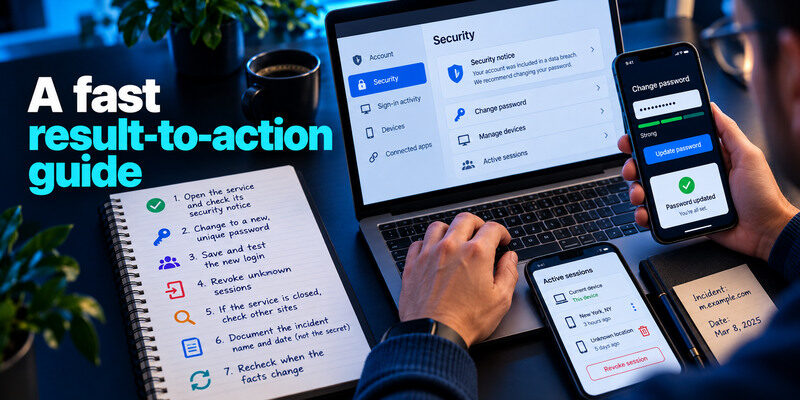
If the result names a service you still use, open that service directly and inspect its security notice. Change any exposed or reused password with a manager-generated independent credential. Save and test the new login, then revoke unknown sessions if activity suggests access. If the service is closed, check other sites where the old password was used. Document the incident name and date, not the live secret.
After replacing a compromised password, review the additional sign-in methods supported by the affected account. For Google accounts and other compatible services, the Google Authenticator app can generate time-based verification codes. It cannot remove exposed data or automatically terminate a stolen session.
Keep follow-up proportional
An address-only incident may call for phishing awareness and mailbox security. A credential incident calls for replacement and MFA. A card exposure needs the issuer. A sensitive identifier may warrant FTC identity-theft steps, such as considering a credit freeze in an applicable jurisdiction. No single button on a free checker performs all these actions.
Recheck when the facts change
A company may revise its notice or a checker may add a new dataset. Compare dates before repeating work. Once a reused password has been replaced everywhere, historical matches do not require you to change a healthy new secret again. Monitor meaningful account activity.
A two-minute example and its next step
You enter an old shopping address into the genuine HIBP email search and see one retail incident. Read the incident date and the data classes before taking action. If a password was involved and you reused it, change each copy on the actual services. If only an email address was listed, prepare for targeted phishing and verify alerts independently. Either result does not answer whether somebody entered your mailbox; that requires the email provider’s own activity screen.
If there are no matches
You have no known match in that site’s searchable data at the time of the check. That is narrower than “my email is safe.” Keep unique passwords and MFA, and investigate any unfamiliar successful login with the provider.
If you need repeated checks
Mozilla Monitor offers a monitoring workflow for addresses you control. Choose it when future alerts matter more than a one-off lookup. Confirm the current sign-up and privacy terms at the genuine site; do not pay a lookalike checker or enter a live password to obtain a free email result.
If you want to compare one-time email lookups, ongoing breach alerts, and compromised-password warnings, read our guide to the best data breach checker tools. It explains how different services answer different security questions and what to consider before choosing one.
Frequently Asked Questions
Is a free online email breach checker accurate?
It can report known datasets it has loaded, but cannot see every incident or prove the absence of exposure. Read each service’s methodology and use official provider notices for account-specific scope.
Do I need to enter my password?
No. A basic email-address breach lookup does not need it. A separate password-check feature has its own documented method; avoid unknown sites that ask for a live secret. Never share a current one-time code.
Does a breach match mean my email was hacked?
No. The address may have appeared in another company’s records. Inspect the mailbox provider’s sessions and settings to assess actual access. Change reused passwords and enable MFA as appropriate.
Which is better for a one-time check?
HIBP is a direct lookup with named incident details. Mozilla Monitor is useful when you want an account-based monitoring and alert workflow. Both have finite coverage. Choose according to the question you need answered.
Final Thoughts
A free online email breach check is a starting point, not a final security verdict. Use a genuine service, understand the incident and data classes, then act at the real affected account. Keep email exposure, password exposure, and confirmed inbox access distinct.
