
Begamob Authenticator vs Stratum Authenticator: Android Control and Everyday Code Access
Published October 9, 2026
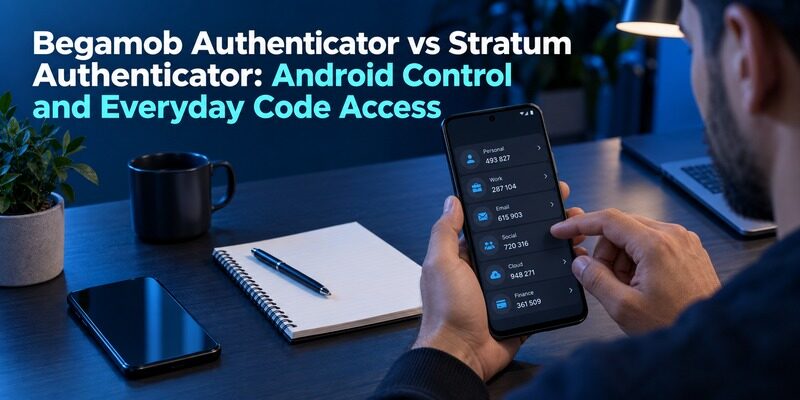
Choose Stratum for its documented Android-focused, open-source workflow with encrypted backups and account organization; trial Begamob for a dedicated supported mobile alternative. Begamob Authenticator vs Stratum Authenticator begins with device compatibility, then asks how much control you want over a growing collection of authentication entries.
Stratum was formerly called Authenticator Pro, so older references can use a different name. Verify that a guide belongs to the maintained project before following it. Also distinguish its phone application from its Wear OS companion rather than assuming the watch is a complete independent recovery device.
This comparison from the Authenticator App Team draws on Stratum’s official site and wiki and Begamob’s product information. It does not claim independent code auditing or measured performance results. The evaluation steps below are designed to reveal usability and recovery requirements without disturbing working account access.
Confirm the Platform and Project Identity First
Stratum is presented as an Android application
The official project describes Stratum as a free, open-source authenticator for Android. Its documented features include encrypted backups, import and export, categories, icons, and interface customization. Use the project’s trusted distribution route and check current device requirements.
The platform distinction can decide Begamob Authenticator vs Stratum Authenticator before small interface details matter. An iPhone user should not assume that an unrelated similarly named store result is an official Stratum version. If you primarily use an iPhone or other Apple devices, our Apple 2FA Authenticator guide explains additional authentication options and security considerations within the Apple ecosystem.
Older Authenticator Pro references need context
The project identifies Stratum as the successor name to Authenticator Pro. An older instruction may still be relevant, but verify its current equivalent before making a backup or migration decision. Product names and supported menu paths can change independently.
For Begamob, use the supplied current listing to establish publisher and device support. Do not infer Android availability from a product name or an iOS listing. Compare installations you can actually use, including the device you would obtain after loss or damage.
Secure your accounts with fast, reliable two-factor authentication. Download now and protect your login in seconds.Download Authenticator App
Begamob Authenticator vs Stratum Authenticator Comparison Table
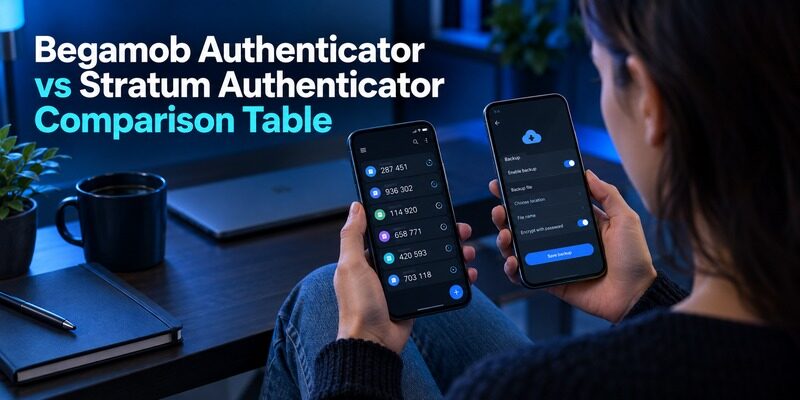
| Requirement | Begamob Authenticator | Stratum Authenticator |
|---|---|---|
| Starting point | Dedicated supported mobile TOTP workflow | Android-focused open-source application |
| Enrollment | QR or manual setup described | Compatible enrollment and supported imports |
| Code availability | Offline generation described | Offline operation documented |
| Collection management | Test the current account-list experience | Categories, icons, ordering, and density controls documented |
| Portable recovery | Verify current format and restore route | Encrypted backup and export features documented |
| Watch workflow | Verify current product support | Wear OS companion, with phone relationship to check |
| Main responsibility | Establish mobile fit and recovery | Maintain backup credentials and chosen organization |
Use Begamob Authenticator vs Stratum Authenticator to identify the feature that solves your problem. Someone managing many Android entries has a concrete reason to investigate Stratum’s organization controls. Someone evaluating the supplied Begamob mobile product needs to confirm its supported platform and replacement-device route. If you’re evaluating another popular option for managing personal TOTP accounts, our Begamob Authenticator vs Google Authenticator guide compares everyday usability, account setup, and authentication workflows.
An unverified Begamob detail is not automatically an absent feature. It simply should not be treated as a promised advantage until current app behavior or official instructions establish it.
Make a Large Account List Easier to Recognize
Categories should reflect real decisions
Stratum documents categories for narrowing the visible selection. Use categories that help you choose an account, such as personal services, work resources, or test environments. A complicated taxonomy can create more uncertainty than a clear flat list. If managing multiple authentication entries is important to you, our Begamob and 2FAS comparison offers another perspective on organizing personal TOTP codes and choosing a practical mobile authentication workflow.
In Begamob Authenticator vs Stratum Authenticator, the useful organization test includes several entries from the same provider. Check whether the account identity remains visible and whether the chosen grouping leads you to the correct entry without guessing.
Density and order should reduce errors
Stratum also describes display-density and ordering controls. A compact view can show more entries, but larger labels may be easier to distinguish. Try the setting with your normal text size and the device you actually carry.
Do not declare a layout better because it fits more numbers into a screenshot. Open the app after a lock, locate a specific account, and read its code calmly. That sequence reveals whether the configuration improves your routine or only changes its appearance.
A useful category system has a small number of groups with clear meanings. Try placing a recently added account without consulting a separate naming manual; if its location is ambiguous, simplify the rule. Keep the provider and identity recognizable even inside the group. Begamob Authenticator vs Stratum Authenticator should evaluate organization by whether it prevents wrong-entry selection. The goal is not the largest number of categories or the densest display, but an account list you can use correctly after several weeks away.
Treat Encrypted Backups as a Procedure You Maintain
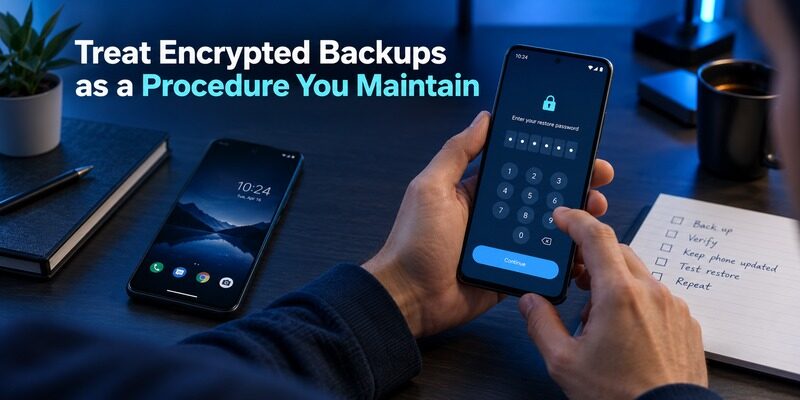
The destination must survive the phone
An encrypted backup protects its contents according to its format, but a copy kept only on the original phone shares that phone’s loss risk. Check where the file is created and how a protected copy reaches a location available independently. For another perspective on backup availability and device replacement, explore our Begamob vs Authy comparison to understand the recovery considerations that matter when your original phone is no longer available.
The backup discussion in Begamob Authenticator vs Stratum Authenticator should identify the event being addressed. Theft, hardware failure, forgotten credentials, and accidental deletion do not have identical remedies. Choose a supported arrangement that addresses the failure you need to survive.
The password must remain reachable too
Stratum’s backup documentation describes encrypted formats. Retain the credential required for your chosen backup according to a secure recovery plan. Do not assume a fingerprint on the current phone will decrypt a file on a future installation.
Test a low-risk restore while the original remains available. Confirm that the expected entry appears and that its current code is accepted by the protected service. A successfully created file is only the beginning of a usable recovery route. If you’re also considering how authentication apps handle code storage and recovery, our Begamob Authenticator vs Bitwarden Authenticator comparison explores another approach to managing TOTP codes, backups, and access after device changes.
Record the date of a verified backup and the point in the account collection it represents. After adding an important new enrollment, confirm that the supported backup process includes that entry. Do not assume a successful restore of an older account proves the newest one is present. In Begamob Authenticator vs Stratum Authenticator, this maintenance habit is part of the cost of choosing file-based control. It can remain simple, provided the destination and required credential are consistently known and a usable copy survives the phone.
Understand Compatibility Beyond the Word Authenticator
Supported algorithms do not imply every managed method
Stratum lists several supported one-time-password types, including TOTP, HOTP, and mOTP. That breadth can matter for particular services. It does not mean every approval system or managed account registration can be recreated in the application.
Begamob Authenticator vs Stratum Authenticator should start with the exact method offered by the protected service. Ordinary TOTP enrollment is a different question from a work-specific push registration. Follow the account provider or administrator when the method is prescribed. To understand how standard verification codes differ from organization-managed approval systems, read our Begamob Authenticator vs Duo Mobile comparison, which examines personal TOTP workflows alongside workplace authentication requirements.
Preserve the account’s actual parameters
Use the supported QR or manual enrollment instructions rather than guessing the algorithm, number of digits, period, or counter. A code can look plausible while being generated from the wrong settings. Confirm it at the service before considering setup complete.
When a website names a popular authenticator as an example, inspect whether it offers a standard compatible setup. When an organization requires a particular managed application, do not reinterpret that requirement as a generic suggestion. The service determines what it will accept.
Give the Wear OS Companion Its Own Test
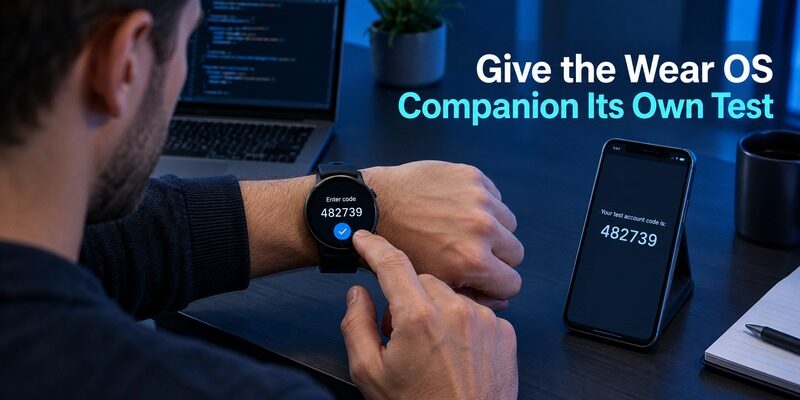
A companion is part of a device relationship
Stratum offers a Wear OS companion. Its current homepage describes phone connection and database synchronization in different passages, so verify the exact behavior of your installed phone and watch versions before relying on disconnected use.
For Begamob Authenticator vs Stratum Authenticator, treat watch access as a convenience to test rather than proof of independent disaster recovery. Determine what setup, synchronization, and unlock state are required for the entries you expect to use.
Check the scenarios that matter to you
Try the supported workflow while the phone is nearby, then check the documented behavior for your intended disconnected scenario. Confirm labels are readable and that you can select the right account on the smaller screen. Do not assume a promotional image proves those conditions.
Before retiring or lending the watch, follow the supported removal process. If sensitive material may have been copied or exposed, assess whether the protected service’s enrollment should be replaced. Removing a wearable from daily use is not automatically the same as revoking a website secret.
A wearable test should have explicit conditions: the phone and watch are paired as instructed, the intended test entry is present, the watch can be unlocked, and the current documented connectivity requirement is met. Record the exact versions when a behavior matters to your plan. Begamob Authenticator vs Stratum Authenticator should avoid turning a companion feature into an unsupported promise of independence. If disconnected access is essential, demonstrate that specific supported scenario and still preserve service recovery outside the wearable itself.
Transfer From Supported Sources Without Creating Extra Exposure
Use a documented source-specific route
Stratum’s wiki documents importing from through its transfer-account QR workflow. That is a specific compatibility statement, not a promise that every authenticator export can be scanned the same way.
The migration side of Begamob Authenticator vs Stratum Authenticator should identify the exact source. Read its current guide before exporting secrets or capturing transfer images. A bulk-transfer QR can carry reusable authentication material and should not be treated like a harmless public barcode.
Keep the transfer small enough to verify
If a supported transfer is difficult to scan, follow the provider’s recommended smaller-batch approach. After each batch, inspect labels and test the important accounts. Avoid making unnecessary screenshot copies that may be distributed through ordinary photo synchronization.
For a destination whose import support is unclear, use service-side authenticator replacement instead. Keep the old installation and a working session until the new enrollment passes confirmation and an independent login. A staged move is easier to resume and audit than an unverified bulk operation.
Use a transfer ledger that records only account identity, source route, destination, and verification status. If a batch contains several accounts from the same provider, test more than the first visible entry. Check renamed accounts and those whose secrets were recently replaced. This makes Begamob Authenticator vs Stratum Authenticator a comparison of usable migration routes rather than entry counts. When a route requires sensitive temporary material, minimize copies and keep the original working installation until the destination’s account identities and codes have been verified.
Compare Your Likely Failure Scenarios

| Event | Requirement that matters | What to verify beforehand |
|---|---|---|
| Phone is lost | Independently reachable recovery material | Protected backup destination and required credential |
| New account was recently added | Backup completeness | Updated copy contains the new entry |
| Watch is unavailable | Another working access route | Phone or independent service method remains usable |
| One code is rejected | Correct active enrollment | Identity, parameters, and current secret |
| All time-based codes fail | Accurate device time | Automatic time and official troubleshooting guidance |
| Backup format is unsupported | Compatible restore route | Current destination documentation |
Begamob Authenticator vs Stratum Authenticator becomes a clearer decision when you select the relevant failure first. A category feature helps navigation; a protected backup helps restore data; an independent service recovery method can help when neither app is available. Each feature has a specific job.
Do not reinstall the application as the first response to a rejected code. Preserve local data while checking the account and timing. If the secret is unavailable everywhere, use the protected service’s recovery process rather than expecting either app to reconstruct it from the account name.
Use Open Source as Evidence of Inspectability
Public code does not replace configuration checks
Stratum’s open-source status is relevant to inspectability and the project’s development model. It does not certify every device, backup location, or user-selected password. Distinguish the availability of source code from an independent assessment you have actually read.
In Begamob Authenticator vs Stratum Authenticator, avoid security rankings based only on a label. Evaluate documented protection, trusted installation sources, current maintenance, and recovery behavior. Be equally cautious about broad marketing assurances from any vendor.
Local control brings maintenance responsibility
If you choose a workflow centered on your own backup files, establish when those files are updated and how you verify them. Changes to the account collection, device, or backup credential should trigger a review of the relevant recovery steps.
Keep the process understandable to your future self. A carefully encrypted file is not useful if nobody knows which application can read it or which credential opens it. Record those non-secret instructions separately from the sensitive contents.
A maintenance review does not need to become a complicated project. Ask whether the app came from the intended source, the current phone remains supported, the protected backup can be found, and the restore instructions are understandable. Check the particular assumptions affected by an update or device change. Begamob Authenticator vs Stratum Authenticator should end with a routine you can realistically repeat. A technically detailed backup format is valuable, but the everyday owner still needs a clear way to create, retain, and restore a usable copy.
Test Begamob Against a Specific Mobile Requirement
Start with one recoverable account
describes a dedicated mobile TOTP workflow with QR or manual setup and offline generation. Check the supplied for supported devices and purchase terms, then evaluate the current app directly.
Begamob Authenticator vs Stratum Authenticator may favor a Begamob trial when the supported mobile experience solves a real issue for you. Define the improvement first: clearer entry labels, preferred navigation, or a better fit for your intended phone. Do not infer an undocumented watch or desktop feature.
Make recovery a pass condition
Inspect the current backup and transfer controls and determine what a replacement installation would require. Test a supported route without removing working access. If an essential capability remains unclear, retain the existing arrangement while obtaining a documented answer.
The final Begamob Authenticator vs Stratum Authenticator choice can be to keep Stratum and improve its organization or backup discipline. Switching should solve a defined problem. A new application is not a substitute for maintaining the recovery process behind your current accounts.
Frequently Asked Questions
Is Stratum the same project formerly called Authenticator Pro?
The official Stratum site identifies it as formerly Authenticator Pro. Check the current project and distribution route before following older instructions. A familiar historical name does not guarantee that every old menu path, backup assumption, or third-party download remains appropriate.
Is Stratum intended for Android?
Yes. Its official site presents an Android authenticator and a Wear OS companion. Check current device requirements. Do not assume that an unrelated app with a similar name on another platform is the same maintained project or supports the same backup format.
Does an encrypted backup guarantee I can recover?
No. You also need the file, the required credential, a compatible restore route, and current account data. Keep a protected copy independently reachable from the original phone, then rehearse a low-risk restore while the working installation remains available.
Can I rely on the watch after losing my phone?
Verify the documented behavior for the exact phone and watch versions you use. The companion’s setup, synchronization, and disconnected-access conditions matter. Do not treat wearable access alone as a complete recovery plan; retain another supported route for essential accounts.
Which app is better for a long account list?
Begamob Authenticator vs Stratum Authenticator gives Stratum a documented reason to investigate categories, ordering, and density controls. Test those with similar account identities. Trial Begamob if its supported mobile interface fits you better, but verify recovery before moving the full collection.
Sources reviewed: Stratum official overview, Backup Format, and Import from Google Authenticator documentation; Begamob product overview and current App Store listing.
Final Thoughts
Begamob Authenticator vs Stratum Authenticator is a choice about supported devices, account organization, and responsibility for recovery. Stratum documents Android control, portability, and a wearable companion. Begamob can be evaluated for a dedicated supported mobile routine.
Use real account labels and a restore rehearsal to decide. Preserve current access until the destination accepts fresh codes and the backup arrangement can survive the loss of the original phone.
