
Begamob Authenticator vs Aegis: Mobile Fit and Backup Control
Published October 5, 2026
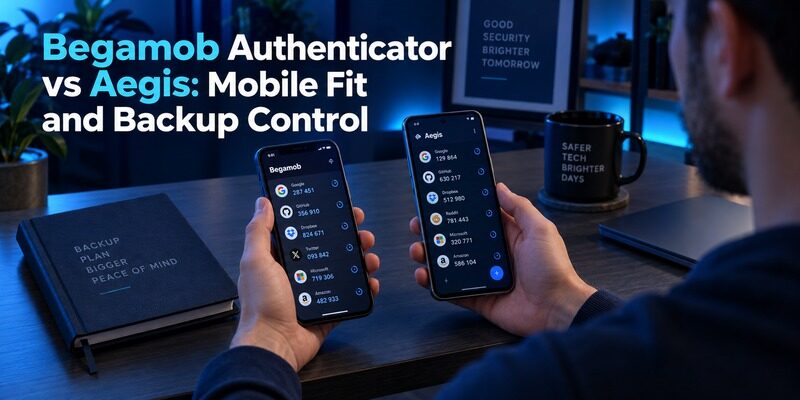
Choose Aegis for an Android authenticator with documented vault encryption and export control, or trial Begamob for a dedicated mobile code workflow. Begamob Authenticator vs Aegis starts with your actual device, because an attractive feature list cannot make an unsupported installation useful.
The second question is how you will recover your accounts. A code that works today is valuable, but a recoverable setup also needs usable backup material, the credentials required to open it, and a separate route into essential services.
This comparison comes from the Authenticator App Team and uses official product information alongside practical evaluation steps. It does not claim independent security auditing or hands-on speed measurements. Features not established by the available Begamob documentation are identified as checks rather than assumed advantages.
Begamob Authenticator vs Aegis at a Glance
Aegis’s official site describes an Android app with an encrypted vault, optional biometric unlock, import and export, and automatic backups. Begamob’s homepage describes compatible TOTP accounts, QR or manual enrollment, and offline code generation. Those descriptions establish different reasons to investigate the products.
| Decision | Begamob Authenticator | Aegis |
|---|---|---|
| Starting point | Dedicated mobile TOTP workflow | Android authenticator with vault controls |
| Device fit | Check the supplied current listing | Officially presented as an Android app |
| Adding accounts | QR or manual setup key | Supported enrollment and import routes |
| Portable backup | Verify format and restore requirements | Documented export and backup features |
| Main evaluation | Daily usability and supported recovery | Vault settings and backup discipline |
For Begamob Authenticator vs Aegis, choose the column that answers your requirement rather than counting rows as points. Someone who needs an Android vault under their own control has a specific reason to favor Aegis. Someone considering the supplied iOS product needs to assess Begamob on that device.
Do not interpret an unverified feature as proof that it is absent. It means the comparison cannot rely on that feature until the current application or its support material establishes the behavior.
🗺️ Browse How-To Guides: Google Authenticator vs Microsoft Authenticator: Which Is Better
Check the Phone You Own and the Phone You Would Replace It With
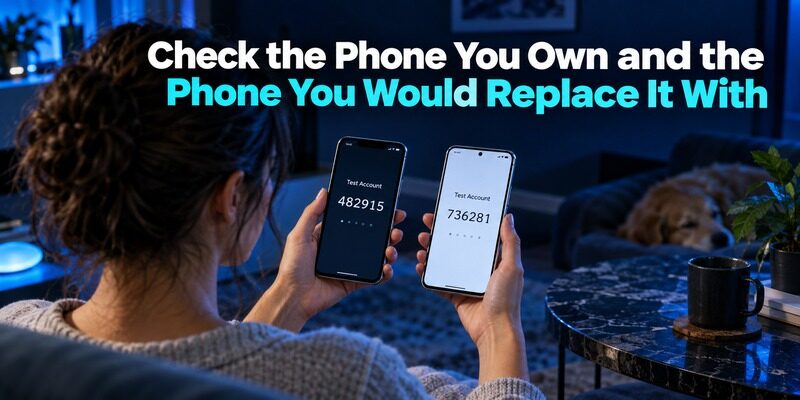
Android is central to the Aegis decision
Aegis identifies Android as its platform. Start by checking its official distribution options and the requirements for your intended phone. A similarly named store result on another platform is not evidence of an official version.
This makes Begamob Authenticator vs Aegis partly a compatibility decision. A review written for an Android user may not answer an iPhone user’s needs, even when both readers protect the same email or shopping account.
Include your replacement scenario
Look at the supplied for Begamob’s current supported devices and purchase terms. Do not infer an Android version or a universal cross-platform account system from the product name.
Also consider the phone you could obtain after loss or damage. If your recovery plan assumes another Android device, verify that this is realistic. If you intend to change operating systems, investigate the actual supported transfer route before placing every important account into the current setup.
A spare device is helpful only when it can run the chosen application and open the retained backup. Write down those requirements without putting passwords or setup secrets in the same checklist.
For example, imagine that your current Android phone works perfectly but your only immediately available replacement is an iPhone. That is a different recovery problem from replacing it with another Android handset. Begamob Authenticator vs Aegis should account for that practical constraint before comparing account-list styling. You can avoid an emergency platform surprise by identifying a supported replacement in advance and retaining service recovery options that do not depend on either installation.
Understand What a Vault Password Protects
Storage protection differs from website authentication
A vault password controls access to the authenticator’s stored material. A website password and a rotating verification code perform different jobs in the sign-in process. Naming those jobs prevents a common mistake: treating the app’s unlock screen as proof that the protected account has been enrolled correctly.
The security discussion in Begamob Authenticator vs Aegis should identify which layer is being evaluated. Storage protection, phone unlock, website enrollment, and recovery each deserve their own check.
Biometric convenience needs a fallback
Aegis documents optional biometric access to its vault. Treat biometrics as a convenient unlock route while preserving whatever password is required for recovery or fallback. Do not assume a fingerprint enrolled on the original phone will unlock an exported file on a replacement.
Before relying on any app, rehearse the non-biometric route that its instructions support. Do this while normal access still works. If you cannot remember the required credential, resolve that problem before changing phones or removing the application.
For Begamob Authenticator vs Aegis, a usable protection setting is one you can maintain. Strong-looking settings that leave the owner unable to restore access do not complete the recovery plan.
💡 Discover Helpful Guides: Google Authenticator vs Authy: Which 2FA App Is Better in 2026?
Make Backups Survive the Loss of the Phone
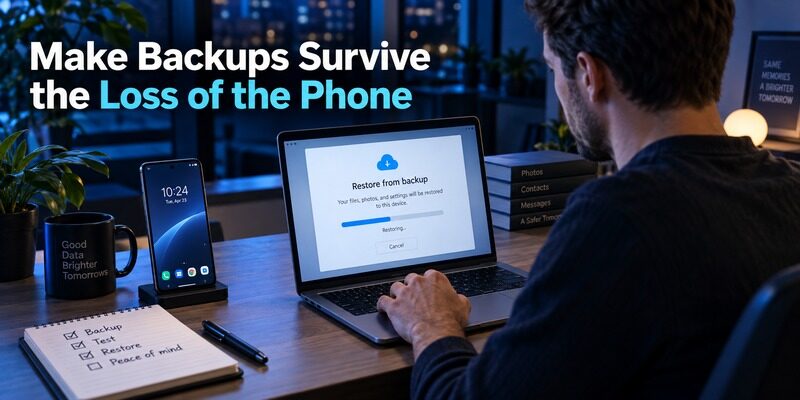
A local copy can share the same failure
A backup stored only beside the live vault on the same phone may disappear with that phone. Automatic creation is useful, but the destination determines whether the copy protects against theft, hardware failure, or accidental deletion.
A practical Begamob Authenticator vs Aegis test therefore asks where the backup actually resides. Inspect the destination and verify that you can reach a deliberate, protected copy from another device. Avoid assuming that a folder name alone means the data has reached independent storage.
Restore a small sample
Use a low-risk test account to validate the supported restore workflow. Open the backup on an appropriate installation, supply the required credential, and confirm that the restored entry generates a code accepted by the service.
Do not erase the working installation to make the test feel realistic. You can demonstrate the important steps while preserving access. The test should establish that the file is readable, the password is known, and the intended account is present.
Repeat this check after substantial enrollment changes. A backup created before a new account was added cannot contain that account’s secret, however successfully it restored older entries.
Use a three-part backup check: locate the protected file from a device other than the original phone, demonstrate that the required credential opens it through the supported application, and confirm a restored test entry at its service. Record the date and the account used for the test without recording its secret. This gives Begamob Authenticator vs Aegis a repeatable recovery criterion that remains useful after the initial installation excitement has passed.
📘 Find the Right Guide: Google Authenticator and Binance: Which Authenticator Should You Use?
Compare Account Lists Using Similar-Looking Entries
Labels matter when provider names repeat
Two entries can share a provider logo while representing different email addresses, workspaces, or test accounts. Give each a meaningful label and check whether the identity remains visible in the display mode you prefer.
In Begamob Authenticator vs Aegis, the useful interface test is finding the correct account under normal time pressure. A compact view may show more entries, while a larger view may make labels and countdowns easier to read. Your account list determines the better tradeoff.
Practice the expiring-code moment
Open an account when the countdown is nearly finished. Wait for the next code, then enter it deliberately. This reveals whether you can identify the right entry and read its timing without racing a changing display.
Try that task after locking and reopening the app. Include any additional unlock step you actually intend to use. A screenshot does not show the full sequence that you will repeat during daily sign-ins.
The daily-use side of Begamob Authenticator vs Aegis should be judged by fewer selection mistakes and clear access, not an unsupported claim that one product generates inherently stronger standard TOTP numbers.
Move Accounts Through a Supported Route
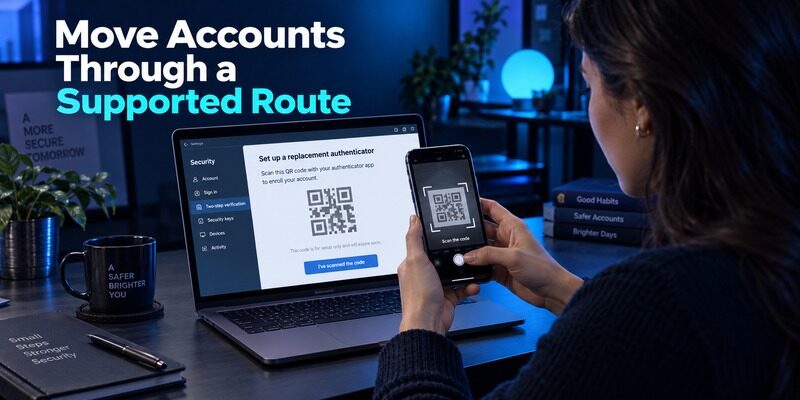
Verify import formats before exporting secrets
An export feature does not guarantee that another app accepts the same format. Read the destination’s current import instructions first. If support is unclear, do not send a secret-containing file to an unknown online converter.
For Begamob Authenticator vs Aegis, portability has two parts: obtaining your data and safely consuming it in the destination. A successful file download proves only the first part. Keep the original vault until the new entries have passed real sign-in checks.
Re-enrollment is an alternative
When direct import cannot be verified, sign in to each protected service and use its supported authenticator-change process. Preserve an existing session and independent recovery information while registering the new QR or manual setup key.
Complete the service’s confirmation step with a fresh code. Then open a separate sign-in session and test the new method. A rotating number in the destination app is not enough; the service must accept the secret that produced it.
Some changes invalidate the old secret. Keep account names and completion status in a non-secret checklist so an obsolete entry does not later look like a working backup.
📖 Read More Guides: YubiKey vs Microsoft Authenticator: Which Is More Secure for 2FA in 2026?
Give Essential Accounts Their Own Recovery Review
Start with accounts that unlock other accounts
Email and password-management accounts can help recover many other services. Review their independent recovery options before migrating less important entries. Make sure those options do not depend entirely on the same phone or vault that you are planning to replace.
This order makes Begamob Authenticator vs Aegis a manageable access project. If the first account encounters a problem, the remaining services can continue using their existing setup while you investigate.
Preserve the account provider’s controls
A generic authenticator cannot bypass identity checks or recreate an unavailable secret from an account name. Follow the provider’s recovery process when the original method and backups are both unavailable.
For organization-managed access, retain the method your employer requires. A personal TOTP app does not automatically replace a push registration in . The service’s accepted authentication method remains the boundary.
Also record whether a service supplied recovery codes and where the protected copy is kept. Store only the location in an ordinary checklist. The codes themselves should remain in the secure recovery arrangement you have chosen.
💡 Discover Helpful Guides: Begamob Authenticator vs Google Authenticator: Which 2FA App Is Better for You?
Compare the Consequences of Common Failures
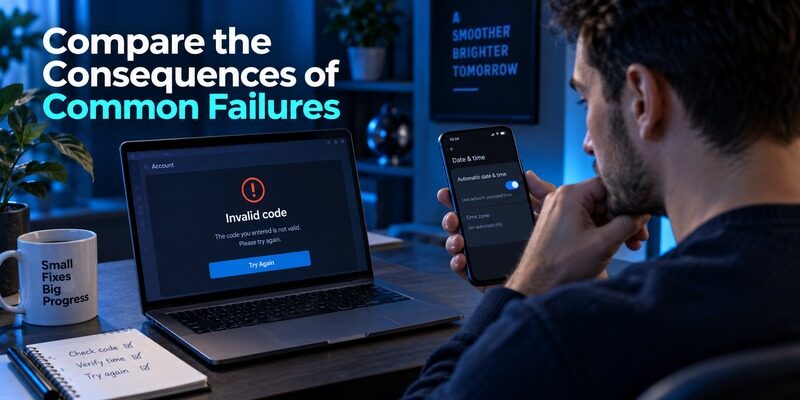
A useful backup plan names the event it is meant to survive. The following table separates a missing device from a forgotten credential or an obsolete account enrollment.
| Problem | What to check | Useful next action |
|---|---|---|
| Phone unavailable | Independent backup and required password | Restore on a supported device |
| Backup cannot open | File format and encryption credential | Use the supported recovery instructions |
| One code rejected | Account label and latest enrollment | Test a fresh code for the correct entry |
| All current codes rejected | Device time and service requirements | Check automatic time before re-enrollment |
| No usable backup | Provider recovery options | Recover the account before adding a new app |
Begamob Authenticator vs Aegis should not be decided by a vague promise of never losing access. Each route has prerequisites. Identify them while the current setup works, then test the route that addresses the failure you most need to survive.
Avoid repeated guesses when a website rejects codes. Preserve the current entry, read the error, and check the simplest likely cause. Reinstalling the app can remove local data without correcting the account-side issue.
Evaluate Begamob as a Focused Alternative
Define one improvement to test
is relevant when you want a dedicated place for compatible mobile TOTP entries. Its described QR and manual enrollment workflow lets you test a new account without first migrating your entire vault.
The Begamob Authenticator vs Aegis trial should have a specific goal: clearer account labels, a preferred mobile routine, or a better fit for your supported device. Record the current behavior before deciding that a change is worthwhile.
Check recovery separately from appearance
Inspect the installed version’s backup or transfer controls and any supporting instructions. Determine what a replacement installation would need. Do not infer encryption details, export compatibility, or a particular sync architecture from a broad marketing sentence.
If the essential behavior remains unclear, keep the established setup while you resolve it. A candidate app can be evaluated gradually. You do not need to move your primary email account just to decide whether its interface suits you.
For Begamob Authenticator vs Aegis, favorable usability is a reason to investigate further, while a demonstrated recovery route is a prerequisite for relying on the new setup.
🗺️ Browse How-To Guides: Begamob Authenticator vs Authy: Backups, Device Access, and Switching Safely
Make the Choice After a Small Acceptance Test
Favor Aegis when Android control is the requirement
Aegis deserves a place on the shortlist when you use Android and want the vault, backup, and portability controls its project documents. The tradeoff is the responsibility to configure those controls and keep required backup credentials available.
Open source is relevant to inspectability, but it is not a guarantee against every threat. Use trusted installation sources, maintain device protection, and handle exports carefully. The authentication method accepted by the service still determines what attacks it can resist.
Favor a Begamob trial when mobile fit drives the change
If the supplied Begamob product supports your intended device and its daily workflow solves a real problem, test it with one recoverable account. Expand only after account confirmation, independent sign-in, and replacement-device recovery have been demonstrated.
The final Begamob Authenticator vs Aegis decision can also be to stay with a working setup. Switching has a cost in attention and credential handling. A verified improvement should justify that cost rather than a new brand name alone.
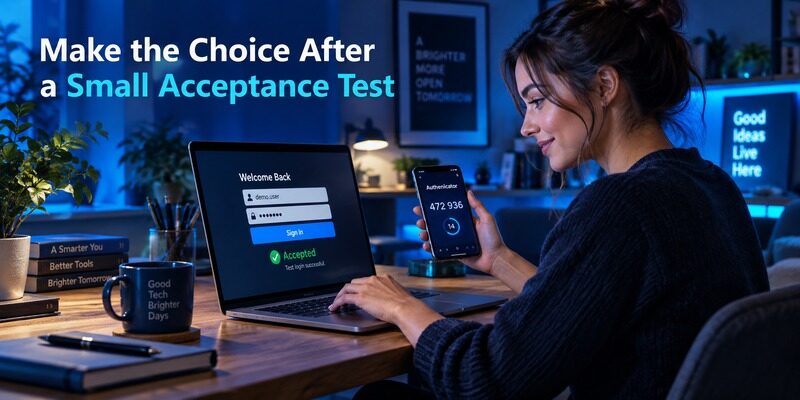
A reasonable acceptance note can be brief: the intended phone is supported; two similarly named entries are distinguishable; a fresh code completes a separate login; and a protected recovery route works without the original device. If one condition fails, investigate that specific condition instead of moving the remaining accounts. This is how Begamob Authenticator vs Aegis becomes a controlled decision rather than an all-or-nothing change to your digital access.
🗺️ Browse How-To Guides: Begamob Authenticator vs 2FAS: Browser Convenience, Backups, and Mobile Fit
Frequently Asked Questions
Is Aegis available for Android?
Yes. Aegis’s official site presents it as an Android authenticator. Use the project’s official distribution routes and check current device requirements. Do not assume that an app with a similar name on another platform is the same maintained product.
Does an automatic backup guarantee recovery?
No. Recovery also depends on the backup destination, file contents, supported restore route, and any required password. A copy kept only on the lost phone is insufficient. Test a protected copy from an appropriate replacement installation while the original remains available.
Can Begamob automatically import an Aegis export?
Do not assume that compatibility. Check the current Begamob version’s documented import formats before transferring secrets. If direct import is unsupported or unclear, use each service’s authenticator replacement process and verify a fresh sign-in before removing the old entry.
Will changing apps fix an invalid code?
Not necessarily. A wrong account entry, incorrect device time, expired code, or replaced enrollment secret can cause rejection. Diagnose those conditions first. Changing applications without addressing the cause may reproduce the error and complicate recovery.
Which app is the better choice for me?
Begamob Authenticator vs Aegis depends first on device support, then on the workflow you can maintain. Favor Aegis for its documented Android vault controls. Trial Begamob when its supported mobile experience meets your needs and its recovery route is verified.
Final Thoughts
Begamob Authenticator vs Aegis is a choice about mobile compatibility, control of authentication material, and recoverable daily use. Aegis offers a documented Android-focused vault and backup approach. Begamob is worth evaluating as a dedicated mobile alternative on supported devices.
Choose with a real account-list test and a restore rehearsal. Keep working access until the replacement accepts fresh codes and survives the failure scenario you planned for.
Download Authenticator App
Secure your accounts with fast, reliable two-factor authentication. Download now and protect your login in seconds.
