
Begamob Authenticator vs Authy: Backups, Device Access, and Switching Safely
Published October 5, 2026
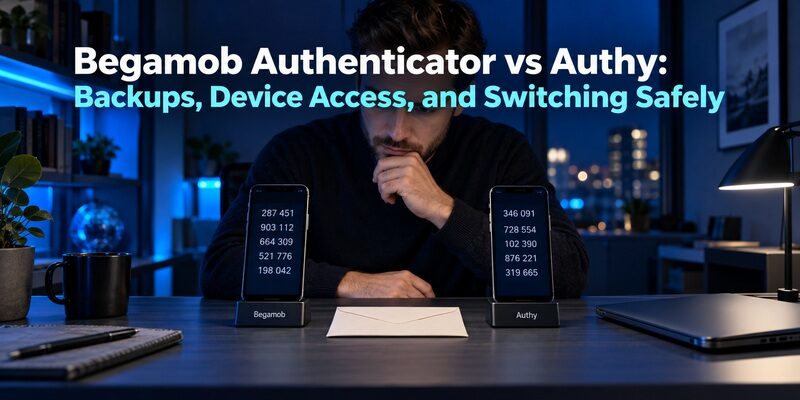
Choose Authy for its documented encrypted backup workflow or trial Begamob as a dedicated mobile TOTP alternative. Verify the candidate’s current device and recovery support before migrating. The main decision in begamob authenticator vs authy is whether you prefer Authy’s documented recovery model or have a concrete reason to change your code-management setup.
Both can be relevant to compatible authenticator-code accounts. Their backup, device enrollment, and migration processes should not be assumed to match. In particular, moving away from Authy requires planning because Twilio does not offer ordinary token export through the app.
This guide is written by the Authenticator App Team. It focuses on verified product roles and a controlled trial, without claiming independent speed tests or a universal security winner.
Decide Whether Authy’s Recovery Model Still Fits
Before choosing another app, separate a product limitation from an unconfigured feature. A missing backup password or unused spare device may explain your frustration more directly than the interface does.
If you can maintain a separate backup password
Twilio’s backup guidance describes encrypting backed-up tokens using a password-derived key. That password is needed to decrypt the tokens on another installation. It is different from the phone’s unlock credential or an app PIN.
For begamob authenticator vs authy, this is a clear tradeoff: a separate recovery credential can fit a deliberate backup strategy, but it must remain available when the original phone is not. Test that availability before you depend on it.
If the dependencies are difficult to manage
Write down which part is causing trouble: access to the Authy account, permission to enroll another device, or decryption of the backed-up tokens. These are distinct steps and can fail for different reasons.
A meaningful begamob authenticator vs authy decision identifies what another app would simplify. Do not assume that switching removes every recovery dependency. Verify the candidate’s actual restoration requirements rather than replacing one unknown process with another.
🗺️ Browse How-To Guides: Google Authenticator vs Microsoft Authenticator: Which Is Better
Inventory Accounts Before Planning an Exit

Twilio’s support article on importing and exporting tokens states that Authy does not support those operations through the app. Its alternative is to reconfigure two-factor authentication through the protected services.
Make a non-secret account list
Record the service and account identity for each entry. Mark which accounts are essential, which have another working sign-in route, and which need additional recovery preparation. Keep setup keys and live codes out of the list.
This inventory changes begamob authenticator vs authy from a quick download choice into a manageable migration project. Five accounts may be easy to review; a long list deserves time and an order of operations.
Identify accounts with special requirements
Some services use provider-specific behavior or restrict how authentication can be changed. Read each account’s security settings before assuming a generic re-enrollment path is available.
If an account cannot be moved safely today, keep its working Authy entry while resolving that constraint. You do not need to migrate every service at once. Preserve access rather than forcing an all-or-nothing switch to meet an arbitrary deadline.
💡 Discover Helpful Guides: Google Authenticator vs Authy: Which 2FA App Is Better in 2026?
Begamob Authenticator vs Authy: The Practical Tradeoffs
Compare the two products on the tasks you need, not on assumptions about their names. A basic code-generating capability does not establish identical portability or backup behavior.
| Requirement | Begamob Authenticator | Authy |
|---|---|---|
| Compatible TOTP codes | Described on the official homepage | Core supported token workflow |
| Account enrollment | QR or manual setup key | Service enrollment through the app |
| Recovery model | Verify current app configuration | Encrypted backups with a separate password |
| Additional trusted devices | Confirm actual supported behavior | Documented Multi-Device controls |
| Direct ordinary token export | Confirm supported formats if needed | Not supported through the app |
Begamob’s homepage describes multiple compatible accounts and offline TOTP access. Treat broader device or backup claims as features to confirm in the current installed version before using them as the reason to migrate.
The best begamob authenticator vs authy choice may be to stay temporarily while preparing account recovery. A successful migration begins before the new app receives its first important secret.
📘 Find the Right Guide: Google Authenticator and Binance: Which Authenticator Should You Use?
Check Authy’s Backup and Multi-Device Settings Separately
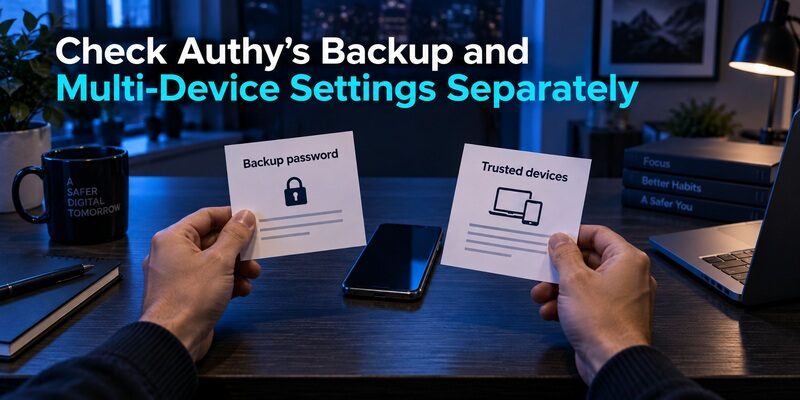
Twilio’s documentation treats backups and Multi-Device as related but distinct controls. One concerns recoverable encrypted token data; the other concerns adding additional installations.
Confirm that backed-up entries decrypt
A replacement device showing account names behind a password prompt has not yet demonstrated access to the codes. Complete decryption with the required backup password and test a low-risk sign-in.
In begamob authenticator vs authy, that test can reveal whether your existing Authy setup already solves the recovery problem. If it does, evaluate a switch for another specific benefit instead of migrating solely because the settings were unfamiliar.
Review the devices you trust
Twilio recommends disabling Multi-Device after adding the installations you intend to use. Review existing devices and remove those you no longer control through the supported process.
A spare installation is useful only if it remains accessible and current. Charge the device, unlock it, and verify an account before travel. Keep it separate from the primary phone so a single lost bag does not remove both options.
Evaluate Begamob With a Low-Risk Account
is a candidate when you want another dedicated mobile place for compatible TOTP entries. Its QR and manual-key workflow can be assessed without first moving your entire Authy list.
Define the improvement you expect
Choose a measurable daily task: identify the right account, read the countdown, copy a fresh code, and complete the service’s sign-in. Use an account whose recovery options are already available.
For begamob authenticator vs authy, this prevents a vague preference from triggering unnecessary credential handling. A useful trial should show that the candidate addresses your actual frustration, such as account-list clarity or separation from another workflow.
Verify device and recovery requirements
Review the current for your intended device and any purchase terms. Then inspect the installed app’s available recovery settings and supporting instructions.
Do not treat a broad homepage statement as proof of a particular cross-platform restore path. Confirm what a replacement installation requires and how you would obtain it without the original phone. That evidence should precede a full migration.
📖 Read More Guides: YubiKey vs Microsoft Authenticator: Which Is More Secure for 2FA in 2026?
Re-Enroll One Service Without Discarding Access
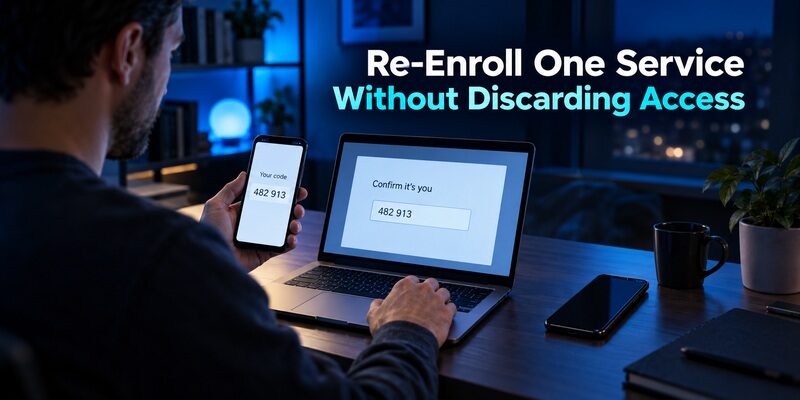
The protected service, not the new authenticator, controls which enrollment secret is accepted. Keep a working signed-in session and an independent recovery method while changing that secret.
Prepare the account-side change
Open the service’s security settings and find its supported authenticator replacement or setup flow. Read any notice about temporary restrictions, additional verification, or invalidation of the old method.
The migration stage of begamob authenticator vs authy is service-specific. Do not give every account the same mechanical sequence if its interface says otherwise. Complete the required checks using the methods already registered to that account.
Confirm the new code and test again
Add the new QR or manual key to the intended application, then enter a current code in the service’s confirmation field. Wait for a fresh code if the countdown is nearly finished.
After confirmation, test a new login while retaining the original session. Only remove the old Authy entry once the new route works and recovery remains available. A changing number in the old app can remain visible even after the website has stopped accepting its secret.
Handle a Lost Backup Password According to the Actual Situation
A forgotten password is different when an existing installation still has decrypted tokens than when every usable installation is gone. Avoid treating those cases as identical.
An existing device still works
Twilio’s backup-password guidance describes supported password management from an active installation. Follow its current instructions and verify the resulting backup state before changing or removing that device.
For begamob authenticator vs authy, a working phone is valuable time to repair recovery or prepare a move. Do not uninstall Authy as a troubleshooting experiment while it remains your only usable route to important accounts.
No usable device can decrypt the backup
Twilio states that support cannot recover a forgotten backup password used to decrypt tokens. Account registration recovery does not magically decrypt a backup whose required password is unavailable.
Use the protected services’ independent recovery methods as needed. Begamob authenticator vs authy cannot be resolved by asking a different app to reconstruct missing secrets. A new application becomes useful after supported recovery or re-enrollment supplies valid setup material.
💡 Discover Helpful Guides: Begamob Authenticator vs Google Authenticator: Which 2FA App Is Better for You?
Check Device Plans Against Current Product Support
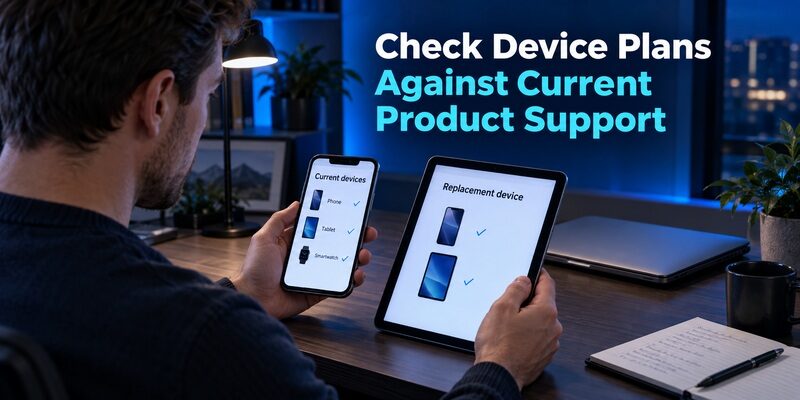
Older Authy comparisons can describe a desktop application as though it remains a supported option. Twilio’s end-of-life guide states that Authy Desktop was retired on March 19, 2024.
Do not base a new setup on obsolete desktop advice. If native desktop access is the requirement driving begamob authenticator vs authy, verify current device support for the candidate rather than assuming it from screenshots or product-family branding.
For a mobile-only routine, test the actual phone or tablet you intend to use. Include the device you would obtain if the primary one failed. A recovery plan tied to unavailable hardware is less useful than its feature list suggests.
If you need a different product category, evaluate it directly. Proton’s official pages document native desktop options, while hardware-backed OATH requires a compatible physical key and its supported companion workflow. Those are distinct choices with distinct responsibilities.
Keep Code Access and Phishing Resistance Separate
The app protects and displays a code, while the website determines where that code is accepted. A fraudulent page can still ask you to enter a valid OTP.
Protect the long-lived setup material
Do not share QR enrollment images, manual setup keys, or exported data through ordinary messages. Someone who obtains the underlying secret may be able to produce future codes, not just use the value visible at one moment.
In begamob authenticator vs authy, migration increases the occasions when secrets may be displayed. Work privately, avoid screen sharing, and remove temporary copies after verification. Keep only the protected backups you deliberately intend to maintain.
Assess stronger methods at the service
Microsoft’s authentication guidance distinguishes OATH OTP from phishing-resistant methods such as supported passkeys. If that is your main security objective, check what the account supports instead of assuming another TOTP app changes the protocol.
A proper begamob authenticator vs authy comparison can favor a useful workflow without claiming that the app alone prevents every takeover. Device protection, account recovery, and careful attention to the sign-in destination still matter.
Download Authenticator App
Secure your accounts with fast, reliable two-factor authentication. Download now and protect your login in seconds.
Decide When Staying With Authy Is Reasonable
A tested existing setup can be worth retaining. Switching requires time and temporarily exposes you to mistakes such as enrolling the wrong account or discarding the only working entry.
| Current condition | Practical decision | Next action |
|---|---|---|
| Backup and spare are tested | Staying may be sensible | Maintain credentials and device list |
| Daily interface causes repeated mistakes | Trial another app | Test one low-risk service |
| Recovery settings are unclear | Diagnose before migrating | Separate registration from decryption |
| Many difficult-to-move accounts | Use a staged plan | Inventory and prioritize services |
For begamob authenticator vs authy, a migration is justified when the verified benefit outweighs the work and risk of changing account setups. Keeping some accounts in Authy during a transition is acceptable if you label them clearly and maintain recovery.
Do not remove Authy merely because most entries have moved. Check the full inventory, including infrequently used services. A forgotten account can become important months after the application that held its code has been deleted.
Compare the Final Shortlist by Role
Other applications are relevant only when they solve a requirement that remains unmet. Avoid expanding a shortlist into an unstructured list of brand names.
Straightforward personal mobile codes
is another option for compatible TOTP with documented local and Google-account-synced arrangements. Begamob can suit a dedicated alternative mobile list after its current device and recovery behavior is verified.
Authy remains relevant when its separate backup password and trusted-device controls fit your habits. The role-based outcome of begamob authenticator vs authy is to choose the code workflow you can consistently operate and restore.
Organization-specific approvals
may be required for Microsoft-managed approvals. That is a separate constraint from choosing where personal TOTP entries live.
Do not assume a generic authenticator will replace an employer’s registration. Retain the approved application and use another product for personal codes only where the service supports that enrollment. A clear combination is better than an unsupported substitution.
Set a stopping rule for the trial
Before starting, decide which result would justify moving the next account. For example, you might require an unambiguous label, an accepted fresh code, and a recovery route that works without the primary phone. If any item fails, pause the migration and investigate that specific issue.
A staged begamob authenticator vs authy trial should also define when to stop entirely. If the candidate does not improve the task you identified, retain your working setup. Avoid treating time already spent on a trial as a reason to continue changing credentials.
Record completion without copying secrets
Use a simple status such as prepared, enrolled, login tested, and recovery checked for each service. Include the account identity when one provider hosts several logins. These notes help prevent removing an entry merely because another account at the same provider was tested successfully.
For begamob authenticator vs authy, the final checkpoint is independent access to the protected service. The number of entries in the destination app is only a progress indicator. Revisit accounts left behind, and keep the old device protected until every remaining dependency has a deliberate resolution.
Frequently Asked Questions
Can I export all Authy tokens into Begamob at once?
Twilio states that Authy does not support ordinary token import or export through the app. Plan to use each service’s supported two-factor reconfiguration process where needed. Keep Authy working until the new entries are verified and independent recovery remains available.
Is the Authy backup password the same as my phone PIN?
No. The backup password decrypts synchronized token data; the phone PIN or app lock protects local device access. They serve different purposes. Keep the required recovery credential accessible without the primary phone, and test decryption on an intended replacement installation.
Can a new authenticator recover codes from my username?
No. A username does not contain the enrollment secret needed to generate matching codes. Restore a prepared backup or complete the protected service’s recovery and re-enrollment process. Another app can hold valid new setup material, but cannot bypass those requirements.
Should I switch if Authy already works well?
Only if another app solves a concrete need worth the migration effort. Begamob authenticator vs authy is a practical choice, not an obligation to replace a functioning setup. Test the candidate with one account and compare recovery requirements before moving more.
Can I keep both apps during migration?
Yes. Keep a clear inventory showing which app currently holds the valid enrollment for each service. Test fresh logins and remove obsolete entries only after confirmation. Avoid leaving unexplained duplicates that make it difficult to identify the correct code later.
Final Thoughts
Begamob authenticator vs authy turns on recovery habits, daily usability, and the effort required to move accounts. Authy’s documented encrypted backup and device controls can work well when you maintain the required credentials. Begamob is worth a focused trial when a dedicated alternative mobile workflow solves a real need.
Inventory the accounts, preserve working access, and re-enroll gradually. The best outcome is a verified code setup with a recovery route you can actually use when the primary device is unavailable.
Download Authenticator App
Secure your accounts with fast, reliable two-factor authentication. Download now and protect your login in seconds.
