
Snapchat 2FA Code: How to Set It Up, Find It, and Recover Your Account
Published August 24, 2026 · Updated October 6, 2026
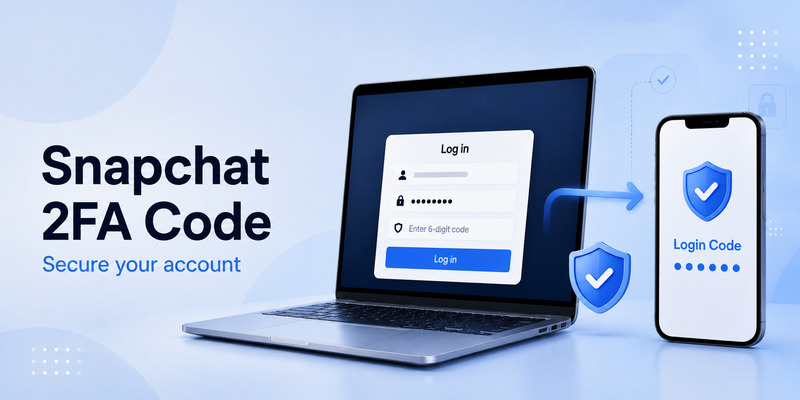
Your Snapchat 2FA code comes from the authentication method you enabled. If you selected an authentication app, open that app and use the current Snapchat Login Code. If you selected SMS, Snapchat sends the Login Code to the verified mobile number associated with your account.
A Snapchat Recovery Code is different from a 2FA Login Code. You create a Recovery Code in advance and save it for situations where you lose access to your phone, SMS, or authenticator app.
Quick answer: Snapchat 2FA Login Codes are generated by your authenticator app or delivered by SMS. If you have lost access to both, you need a Recovery Code that you previously generated. Snapchat says it does not provide support for lost Recovery Codes.
1. Where Do I Find My Snapchat 2FA Code?
The location of your Snapchat 2FA code depends on the method you selected when enabling two-factor authentication.
If you use an authentication app
Open the authenticator application you connected to Snapchat.
Find the Snapchat account entry and use its current temporary Login Code.
Authenticator codes work only for a short period, so enter the current code promptly.
Snapchat recommends trusted authenticator applications and currently references options including Google Authenticator, Duo, Microsoft Authenticator, Authy, 1Password, and LastPass in its security guidance.
If you use SMS
Snapchat sends the 2FA Login Code by text message to the verified mobile number associated with your account.
Check the SMS inbox on that phone.
If the message does not arrive, avoid repeatedly requesting new codes in rapid succession. Snapchat may temporarily limit requests when too many SMS codes or login attempts occur within a short period.
Snapchat does not send 2FA Login Codes by email
This distinction is important.
Snapchat states that when 2FA is enabled, its 2FA Login Codes are generated by an authentication app or delivered via SMS—not email.
However, Snapchat can separately send a verification code to a phone number or email address as an additional security check, such as when it detects a login from a new or unrecognized device.
Therefore, an email verification code and a Snapchat 2FA Login Code are not necessarily the same thing.
Download Authenticator App
Secure your accounts with fast, reliable two-factor authentication. Download now and protect your login in seconds.
2. How to Set Up Snapchat 2FA With SMS
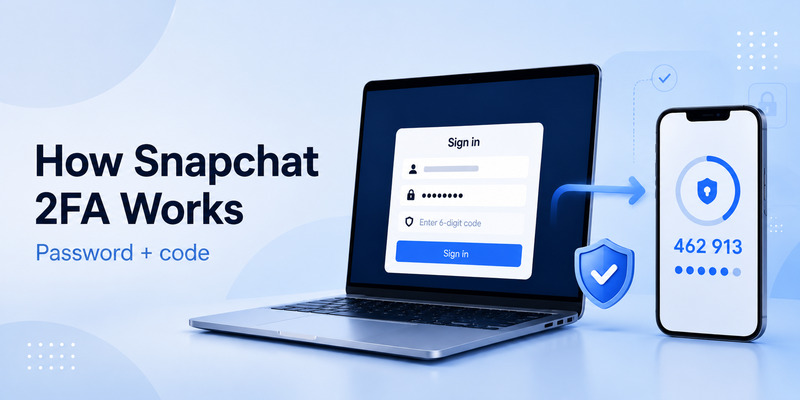
If you prefer SMS verification:
- Open Snapchat.
- Go to Profile → Settings.
- Open My Account.
- Select Two-Factor Authentication.
- Tap Continue.
- Choose SMS.
- Complete the verification process with the phone number connected to your account.
After setup, Snapchat can send your Login Code to that phone number when verification is required.
Before changing or cancelling your phone number, update your Snapchat account information first. Losing access to an old number can make account recovery much more difficult.
💡 Discover Helpful Guides: 2FA Authenticator App: Complete Guide to Setup, Use, Download, and Secure Your Accounts
3. Snapchat 2FA Code Not Working? Try These Fixes
If you have a code but Snapchat rejects it, work through the following fixes before attempting account recovery.
1. Use the newest authenticator code
Authenticator codes change frequently. If the displayed code is close to expiring, wait for the next one and enter it immediately.
Avoid copying an older code from your clipboard or screenshot.
2. Check your phone’s date and time
Authenticator codes depend on time synchronization.
Set your phone’s date and time to update automatically, then reopen the authenticator app and try the current code.
3. Make sure you’re using the correct account entry
If your authenticator contains multiple Snapchat or social-media entries, verify that you are using the one connected to the Snapchat account you are trying to access.
This is particularly important if you manage multiple Snapchat accounts.
4. Don’t repeatedly request SMS codes
If your code is being delivered by SMS, repeatedly pressing resend can make the situation worse.
Snapchat says excessive SMS-code requests or repeated login attempts can trigger a temporary “Too many requests” restriction.
Wait briefly before trying again.
5. Check the phone number connected to Snapchat
SMS Login Codes are sent to the number associated with your account.
If the number has been changed, disconnected, or is no longer accessible, move to the recovery options below rather than continuously requesting another code.
💡 Discover Helpful Guides: 2FA Authenticator App: Complete Guide to Setup, Use, Download, and Secure Your Accounts
4. How to Recover Snapchat If You Lost Your Phone
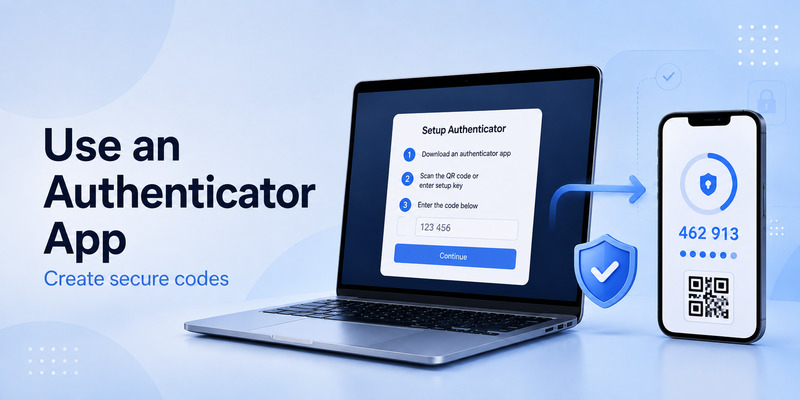
If your old phone contained your authenticator app or received Snapchat SMS codes, your recovery options depend on what you prepared beforehand.
If you have your Snapchat Recovery Code
You can use it during login:
- Open Snapchat.
- Enter your username and password.
- Tap Log In.
- When Snapchat requests your Login Code, enter the Recovery Code.
According to Snapchat, using the Recovery Code to sign in automatically turns off two-factor authentication. After you regain access, return to your security settings and configure 2FA again.
If you transferred your authenticator app
If your authenticator was transferred correctly to the new phone and the Snapchat account is still available inside it, open the app and use the current code normally.
Confirm that the generated code works before deleting anything from the old device.
If you changed your phone number
If you still have access to Snapchat on a trusted device, update your account details before losing access to the old number.
If you are already locked out, try your Recovery Code.
If you have no phone, no authenticator, and no Recovery Code
This is the most difficult scenario.
Snapchat states that if you have 2FA enabled and no longer have access to your Login Code, a Recovery Code created in advance may be required to regain access. Snapchat also states that it does not provide support for lost Recovery Codes.
That is why generating the Recovery Code during initial setup is much more important than treating it as an optional later step.
💡 Discover Helpful Guides: 2FA Authenticator Chrome: How to Set Up Secure Two-Factor Authentication in Your Browser
5. Why Did I Get a Snapchat Code I Didn’t Request?
An unexpected Snapchat Login Code can mean that Snapchat detected an attempted sign-in or another security verification involving your account.
It does not automatically prove that someone successfully accessed the account, but you should not ignore it.
If you receive a Snapchat code you did not request:
- Do not share the code with anyone.
- Do not enter it into a website opened from an unexpected message.
- Change your Snapchat password if you suspect unauthorized activity.
- Check devices logged into your account.
- Review your linked phone number and email.
- Keep 2FA enabled.
Snapchat’s current security guidance says that an unexpected login code, sign-in email, or text can indicate someone is trying to access the account, and recommends changing the password and reviewing signed-in devices.
📘 Explore More Useful Guides: 2FA Authenticator Instagram: Complete Setup, Login, Recovery, and Troubleshooting Guide
6. Frequently Asked Questions
What is a Snapchat 2FA code?
A Snapchat 2FA code is a Login Code used as an additional verification step when two-factor authentication is enabled. It can be sent by SMS or generated by an authentication app.
Where can I find my Snapchat 2FA code?
If you configured SMS, check the phone number connected to Snapchat. If you configured an authenticator app, open that app and find your Snapchat entry.
Can Snapchat send my authenticator code by email?
Snapchat states that 2FA Login Codes are generated through the selected 2FA method, such as SMS or an authentication app, rather than being sent by email.
What should I do if my Snapchat authenticator code is invalid?
Wait for the next code, ensure your phone’s time is correct, verify that you’re using the right Snapchat authenticator entry, and try again.
If you’ve completely lost access to that authenticator setup, use your Recovery Code.
How do I recover Snapchat without my old phone?
If you created a Recovery Code before losing the device, enter it when Snapchat asks for your Login Code. Snapchat says signing in with the Recovery Code disables 2FA, so configure it again afterward.
Can Snapchat recover a lost Recovery Code?
Snapchat states that it does not provide support for lost Recovery Codes.
Why am I not receiving a Snapchat verification code?
Possible causes include poor network connectivity, an outdated phone number, excessive resend attempts, or using authenticator-based 2FA when you’re expecting an SMS.
First confirm which verification method your account uses.
What should I do if I receive a Snapchat 2FA code I didn’t request?
Do not share the code. Change your password if you suspect someone attempted to access your account, and review the devices and contact details associated with Snapchat.
📘 Explore More Useful Guides: 2FA Authenticator Instagram: Complete Setup, Login, Recovery, and Troubleshooting Guide
Final Thoughts
If Snapchat is asking for a 2FA code, start by identifying how your account was configured:
SMS → check your linked phone number.
Authenticator → open the authenticator app.
Lost access → use the Recovery Code you generated earlier.
The most important preventive step is to create a Snapchat Recovery Code before changing phones, deleting an authenticator app, resetting a device, or losing access to your mobile number.
For most users, that recovery setup matters far more than a long explanation of how two-factor authentication works.
Download Authenticator App
Secure your accounts with fast, reliable two-factor authentication. Download now and protect your login in seconds.
