Begamob Authenticator vs Microsoft Authenticator: Separate Personal Codes From Work Sign-In
Published October 5, 2026
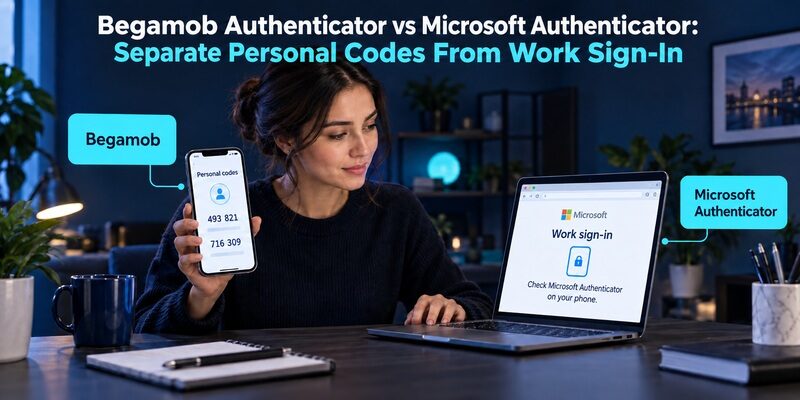
Keep Microsoft Authenticator for required Microsoft sign-ins and consider Begamob for separate personal TOTP codes. Microsoft-specific approvals, passwordless access, and supported passkeys are distinct from ordinary codes. Begamob authenticator vs microsoft authenticator is a choice between overlapping code features and different account-specific roles, not two universally interchangeable apps.
The same phone can hold both without a conflict. The important task is to know which app serves each account, how that account was enrolled, and what you would need after replacing the phone.
This comparison is written by the Authenticator App Team. It explains where Begamob can be useful while preserving Microsoft’s documented role in Microsoft-managed sign-in. No independent benchmark or hands-on performance result is claimed.
Read the Login Request Before Choosing the App
An account asking you to approve a request is different from a website asking for a six-digit code. Start with the exact prompt instead of the app names you recognize.
A Microsoft approval points to a managed registration
If your work or school instructions require Microsoft Authenticator, use that approved enrollment route. A generic TOTP application cannot receive the same approval simply by scanning an unrelated QR or displaying a code.
This is the first boundary in begamob authenticator vs microsoft authenticator. The account’s accepted method decides what works. Contact the organization’s help desk if you cannot use the required device, rather than removing the existing registration and hoping another app will take over.
An ordinary authenticator code may allow choice
For a personal website that accepts compatible TOTP, you may be able to use either application. Follow the website’s own enrollment instructions and verify the result with a current code.
In that situation, begamob authenticator vs microsoft authenticator becomes a practical preference about organization and recovery. You can evaluate a separate personal-code list without changing how Microsoft work approvals function.
🗺️ Browse How-To Guides: Google Authenticator vs Microsoft Authenticator: Which Is Better
Classify the Accounts Already on Your Phone
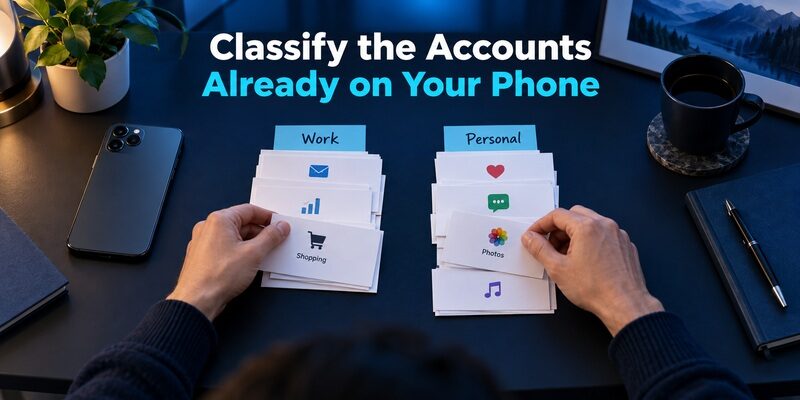
Before moving anything, list account names and identify the type of access each entry provides. Do not include passwords, setup secrets, or live codes in this inventory.
Work and school identities
These may have administrator-controlled enrollment, device requirements, and recovery procedures. An account name appearing inside Authenticator does not mean you are free to move its full functionality into another application.
For begamob authenticator vs microsoft authenticator, keep organizational control visible in the inventory. Mark the help-desk route and any approved replacement-device instructions. This prevents a personal app trial from unexpectedly disrupting work access.
Personal Microsoft and third-party identities
A personal Microsoft account can use Microsoft-specific features, while another service may use an ordinary authenticator secret. Treat the actual method as the classification, not merely the email provider shown in the label.
Two entries with similar names can have different recovery needs. If you cannot explain what an entry does, investigate before deleting or replacing it. A short inventory can reveal that only a subset of accounts is relevant to the planned switch.
Where Microsoft Authenticator Has a Specific Role
Microsoft Learn documents notifications, OATH verification codes, passwordless phone sign-in, and supported device-bound passkeys. These are separate methods with different requirements.
Approvals and phone sign-in
For an approved Microsoft notification flow, initiate the sign-in and follow the matching instructions in the app. Reject unexpected requests and use the organization’s reporting process if suspicious prompts repeat.
Begamob authenticator vs microsoft authenticator should not suggest that a standard code list replaces that experience. Even when both apps are installed, the Microsoft registration remains the relevant component for its managed approval method.
Supported passkeys
Microsoft documents passkeys in Authenticator for supported deployments and describes them as device-bound. Their availability and registration depend on the account, policy, and device.
Do not confuse this with ordinary TOTP or assume every Microsoft Authenticator login uses a passkey. When comparing begamob authenticator vs microsoft authenticator, name the method before discussing phishing resistance or what can be restored on another phone.
💡 Discover Helpful Guides: Google Authenticator vs Authy: Which 2FA App Is Better in 2026?
Where Begamob Can Be a Useful Separate Tool
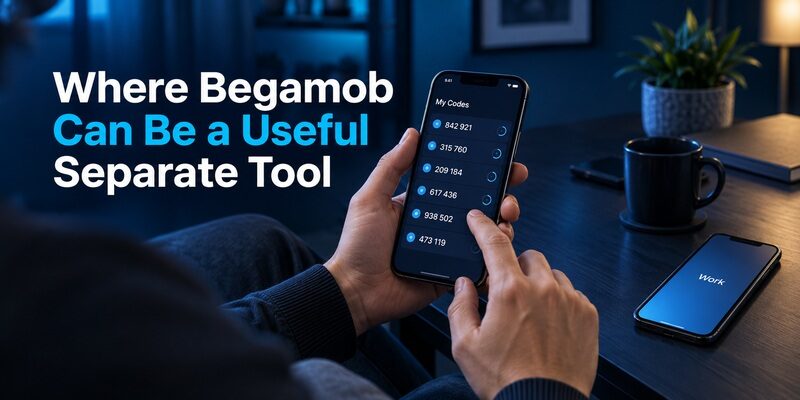
Begamob’s official homepage describes QR and manual-key enrollment, multiple accounts, and offline TOTP generation. These capabilities suit the ordinary code-management role for compatible services.
Keep personal codes in a dedicated list
can provide a distinct place for personal TOTP entries when Microsoft Authenticator is already used for work. The benefit is a clearer operational boundary, not an assertion that two apps automatically provide stronger cryptography.
For begamob authenticator vs microsoft authenticator, that separation may make it easier to recognize the correct app during login and to prepare independent personal recovery. Test whether it actually improves your routine before moving the full account list.
Evaluate the installed version’s recovery controls
Do not infer a complete backup architecture or universal platform support from a homepage graphic. Confirm the current app’s supported devices, settings, and restoration instructions for the version you intend to use.
The supplied is the installation destination for this product. Check its current requirements and any purchase terms directly. Those details should be verified before relying on the application as your only code source.
Begamob Authenticator vs Microsoft Authenticator by Task
A task-based comparison avoids assigning one winner to unrelated authentication methods. Use the protected service’s requirements as the final compatibility check.
| Task | Begamob Authenticator | Microsoft Authenticator |
|---|---|---|
| Compatible personal TOTP | Relevant code-management role | Supports third-party OATH codes |
| Required Microsoft approval | Not a generic replacement | Documented Microsoft workflow |
| Supported Microsoft passkey | Do not infer equivalence | Available in supported configurations |
| Separate personal account list | Useful reason to evaluate it | Can also contain personal entries |
| New-phone recovery | Verify the actual configured route | Depends on account and credential type |
Someone who needs Microsoft work approvals should retain them. Someone who only needs compatible personal codes can compare the actual daily experience of both products.
That distinction makes begamob authenticator vs microsoft authenticator more useful than a one-dimensional feature score. The right answer can be Microsoft for managed access and Begamob for personal TOTP, provided you maintain the recovery requirements of each.
📘 Find the Right Guide: Google Authenticator and Binance: Which Authenticator Should You Use?
Set Up a Personal TOTP Account Deliberately
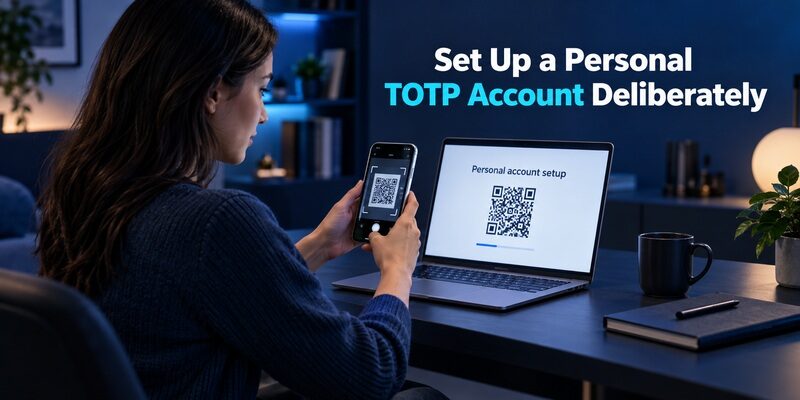
Enrollment begins at the service you are protecting. Downloading an authenticator does not itself activate two-factor authentication on that account.
Use the service’s current setup material
Open its security settings while signed in, choose the authenticator-app method, and add the displayed QR or manual setup key to the intended app. Avoid confusing this with a Microsoft work-account activation QR.
During begamob authenticator vs microsoft authenticator testing, use a low-risk service first. Preserve the original session and save the service’s independent recovery information before making changes. Keep setup material private while you work.
Complete the verification step
Enter the current code into the service’s confirmation field. Then test a fresh sign-in from another session. An entry appearing in the app proves less than the service accepting the code it generates.
If you re-enrolled the account, check whether the old secret was invalidated. Do not keep selecting an obsolete row merely because it still produces changing numbers. Give the verified entry a clear account-specific label.
Understand Microsoft’s Backup Limits Before Replacing a Phone
Microsoft’s support guidance distinguishes account types during restoration. It also describes platform requirements, including same-device-type backup and restore limitations. Check the current instructions for your specific phone.
Third-party codes are one category
A prepared backup may restore ordinary third-party verification-code entries. That should still be verified through actual sign-in after restoration rather than assumed from a list of account names.
For begamob authenticator vs microsoft authenticator, this means personal-code recovery can be evaluated separately from work approval recovery. Record which account holds the backup and ensure you can access it independently of the missing phone.
Work and passwordless registrations are another category
Microsoft’s restoration documentation explains that some account types require signing in and completing verification again. Device-bound credentials also need appropriate replacement planning; a generic cloud backup is not evidence that every method will reappear ready to use.
Keep the old device until the replacement succeeds where possible. For managed access, ask the organization about reactivation before a planned phone change. A clear support route is more valuable than discovering the requirement after a factory reset.
📖 Read More Guides: YubiKey vs Microsoft Authenticator: Which Is More Secure for 2FA in 2026?
Decide How Much Separation You Need
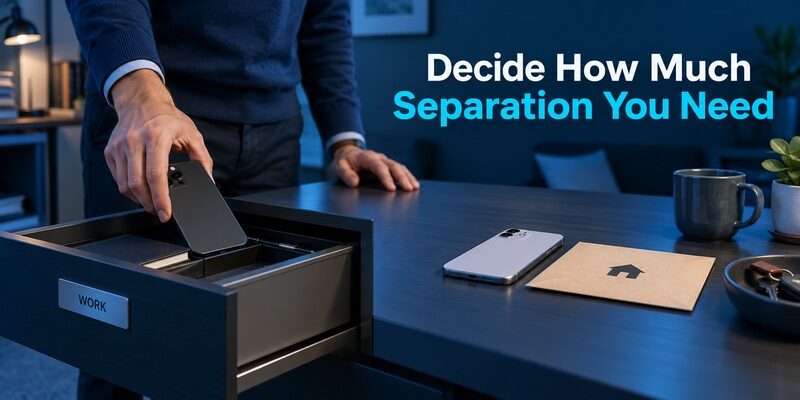
Using two applications can clarify responsibility, but it also means maintaining two workflows. Choose separation because it solves an identifiable problem, not because the number of apps itself measures security.
A personal phone used for work
If your employer permits the arrangement, Microsoft Authenticator can remain responsible for work approvals while another app holds personal codes. Make labels and app placement clear enough that you open the right tool quickly.
The daily test in begamob authenticator vs microsoft authenticator is whether this boundary reduces confusion. If it merely creates more searching, revisit the account organization before migrating further.
An employer-owned or managed phone
Review the organization’s policy before storing personal authentication material on a device it controls. Device return, remote management, or offboarding may affect access to that phone.
Prepare personal recovery independently of employment access. A work help desk generally cannot reconstruct a secret for an unrelated personal website. Begamob authenticator vs microsoft authenticator should therefore include device ownership as well as the software installed on it.
Troubleshoot the Method That Is Failing
A missing Microsoft approval and a rejected personal TOTP code need different investigations. Begin with the symptom and avoid deleting application data until recovery options are clear.
| Failure | Check | Correct owner or route |
|---|---|---|
| Work approval never arrives | Registered device and supported connection | Organization’s Microsoft support route |
| Personal code rejected | Account, current code, automatic time | Protected personal service |
| Restored work entry needs action | Re-registration or verification requirement | Organization’s approved enrollment flow |
| Personal entry missing | Correct backup and account | Prepared backup or service recovery |
Wait for a fresh code if the countdown is nearly finished. If every code fails, verify the entry belongs to the current account enrollment. Repeated guessing can trigger additional restrictions.
In begamob authenticator vs microsoft authenticator, changing the app is not a substitute for resolving a stale secret or unapproved registration. Use the service’s recovery process when the required credential is unavailable.
Avoid Security Claims That Mix Different Methods
A local app lock protects access to the code list on that device. It does not make a code safe to enter on an imitation website. Similarly, a supported passkey has properties that should not be attributed to every entry inside the same application.
Microsoft’s authentication documentation differentiates OATH codes from supported phishing-resistant passkeys. Keep that distinction when reading comparisons. A claim about one configured method is not a universal claim about every use of a product.
For begamob authenticator vs microsoft authenticator, inspect three separate questions: how the secret is stored, how you unlock the app, and what protocol the website accepts. If a product description does not answer one of them, do not fill the gap with an assumption.
Use known sign-in destinations and keep enrollment QR codes out of messages and screenshots shared with other people. Someone who acquires the long-lived secret may be able to generate future codes even after a current code expires.
Compare Alternatives Only for the Remaining Gap
Sometimes neither of the two apps resolves the actual unmet need. A native desktop workflow or a dedicated hardware factor deserves a separate comparison.
For a simple mobile code alternative
is another relevant option for compatible personal TOTP, with Google’s documented local and account-synced arrangements. It still requires a deliberate recovery plan and does not replace a Microsoft-managed approval.
Within begamob authenticator vs microsoft authenticator, the useful shortlist is based on a role. Compare mobile TOTP apps with one another for personal codes, then keep the employer-required application as a separate constraint.
For a different authentication method
If your service supports a suitable FIDO security key or passkey, assess it through that service’s own settings. Hardware compatibility, permitted methods, and backup registration matter more than the name of the existing code app.
Do not migrate every account simply to standardize the icons on your phone. Different services can legitimately require different methods. A clearly documented combination can be easier to recover than an unsupported attempt to make one app do everything.
Test the Arrangement Through a Typical Week
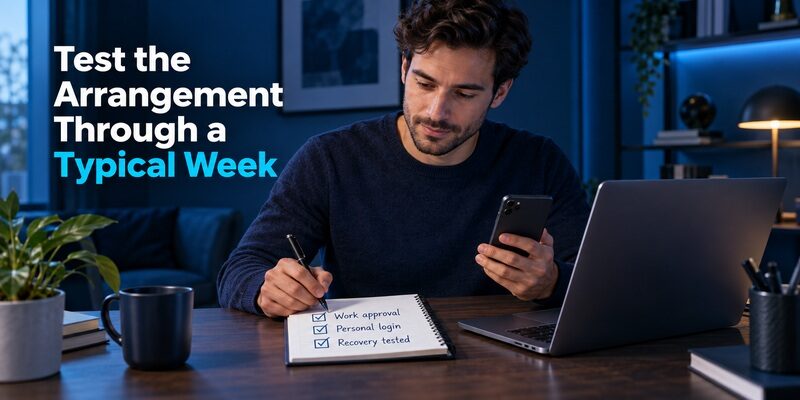
A one-account trial should include ordinary use and a replacement scenario. Keep the original installation intact while checking whether the proposed separation works.
Observe routine sign-ins
Try a work approval, a frequently used personal code, and an account you rarely open. Note whether labels and app placement make each easy to find. Include a moment when the code is nearly expired so you know how to handle the countdown calmly.
This gives begamob authenticator vs microsoft authenticator a concrete outcome. You are evaluating fewer mistakes and clearer ownership, not an invented speed benchmark. Keep the notes free of credentials.
Verify the recovery dependencies
Identify the support contact for work and the backup or recovery route for personal accounts. Confirm that neither requires the unavailable phone as its only entry point. Test the supported alternative without erasing your working method.
A successful begamob authenticator vs microsoft authenticator setup is one you can describe simply: this app handles this type of account, this route restores it, and this independent method keeps me from being locked out. Finish cleanup only after those statements are true.
If you share screenshots while asking for help, crop or redact account identifiers and never include an enrollment QR or current verification code. Describe the prompt in words where possible. This gives the support team useful context without adding another exposed copy of authentication material. Keep work troubleshooting within the approved organizational support channel and personal recovery with the relevant service.
💡 Discover Helpful Guides: Begamob Authenticator vs Google Authenticator: Which 2FA App Is Better for You?
Frequently Asked Questions
Can Begamob replace a Microsoft work approval?
Not as a generic TOTP substitution. A Microsoft approval relies on a supported registration and organizational policy. Keep the required Microsoft method unless the administrator provides an approved alternative. A code generated by another app does not automatically satisfy the same prompt.
Can both apps hold ordinary personal codes?
Yes, for compatible TOTP services and correctly completed enrollment. The service decides what it accepts. Test a current code before relying on the new entry, and understand whether re-enrollment invalidated the old secret or left a deliberate duplicate copy.
Will Microsoft’s backup restore every work credential?
No blanket assumption is safe. Microsoft documents account-type-specific restoration and additional verification for some accounts. A restored label may still need action, and device-bound credentials require separate planning. Test the actual work login and follow the organization’s replacement-device instructions.
Is keeping personal codes in a separate app useful?
It can be, especially when it clarifies the distinction between personal recovery and employer-managed access. It also adds another workflow to maintain. Try the arrangement with one account and decide whether the improved clarity outweighs the extra navigation for you.
Which app should I choose for only personal TOTP?
Evaluate the current device support, account-list usability, and verified recovery route. Begamob authenticator vs microsoft authenticator is then a practical code-management comparison rather than a workplace compatibility decision. Choose the setup that you can use and restore consistently.
Final Thoughts
Begamob authenticator vs microsoft authenticator has a clear boundary: keep Microsoft Authenticator for the Microsoft-specific methods you need, and evaluate Begamob for compatible personal TOTP when a separate mobile list is useful.
Inventory account types, test one enrollment, and verify recovery before moving more accounts. A deliberate two-app arrangement can be the right result when it makes ownership and support clearer without weakening the methods required by your services.